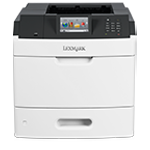
Printer features: Laser, print only, black & white
Lexmark M5155 Support
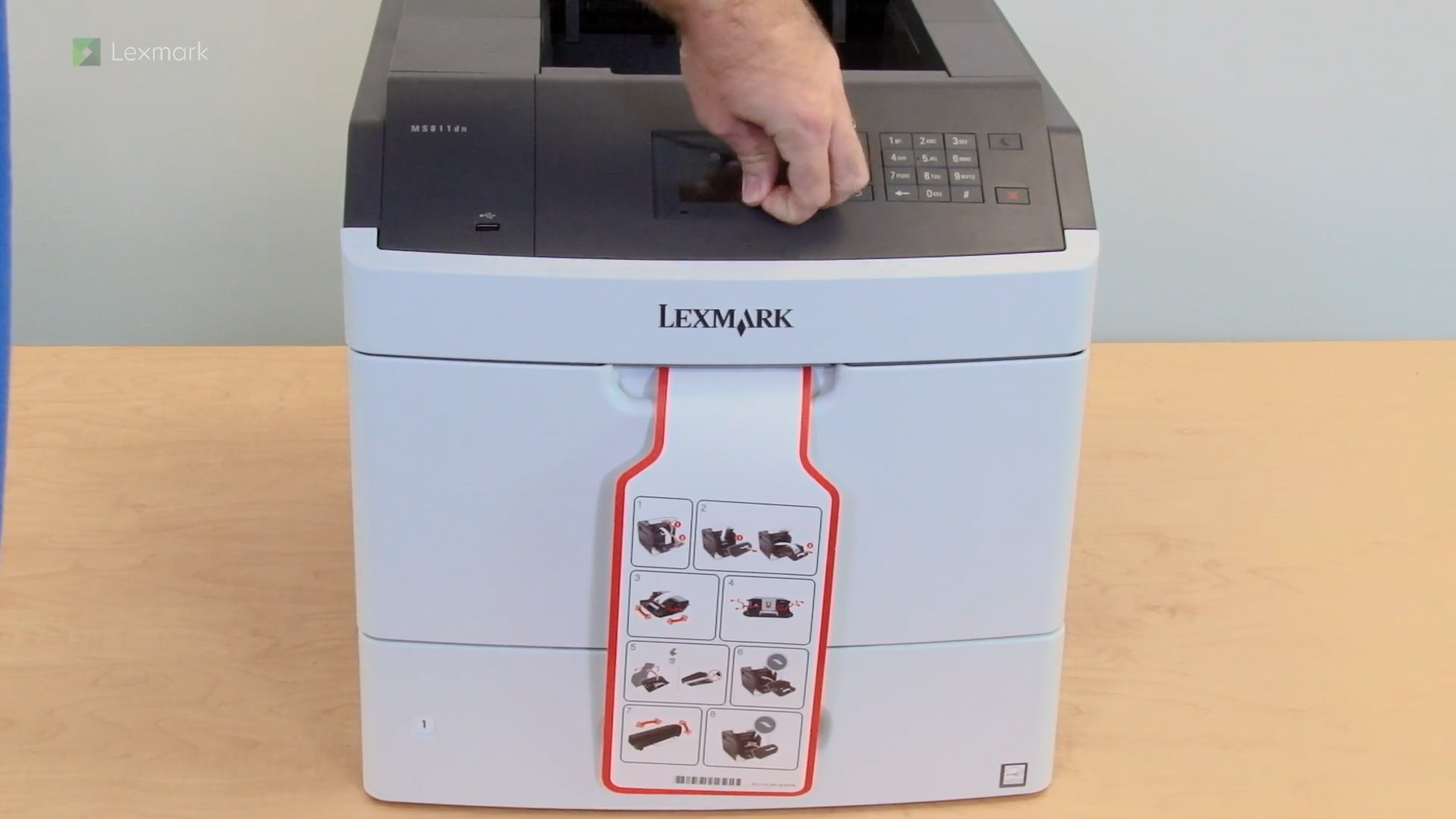
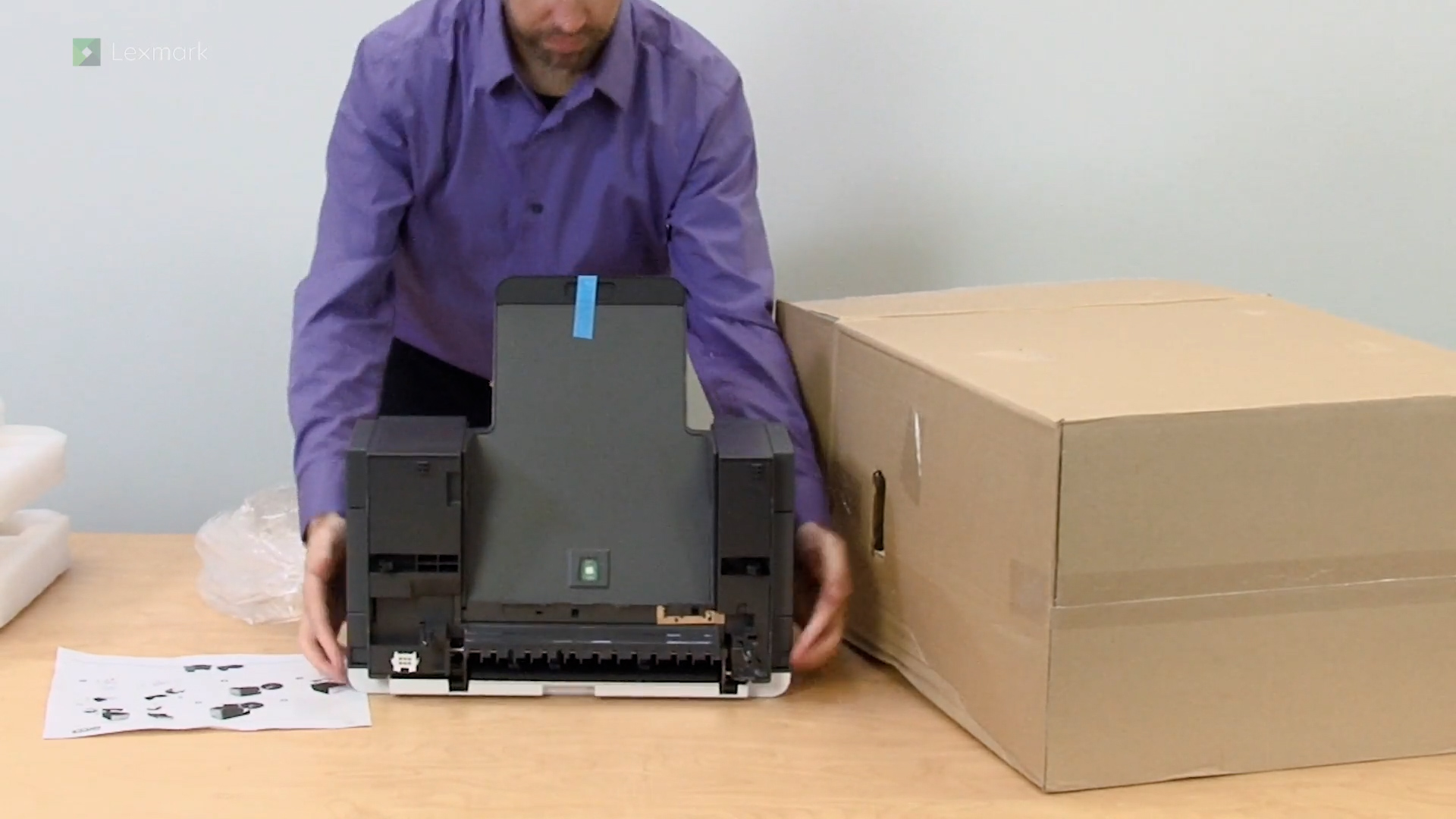
Learn how to set up your new printer.
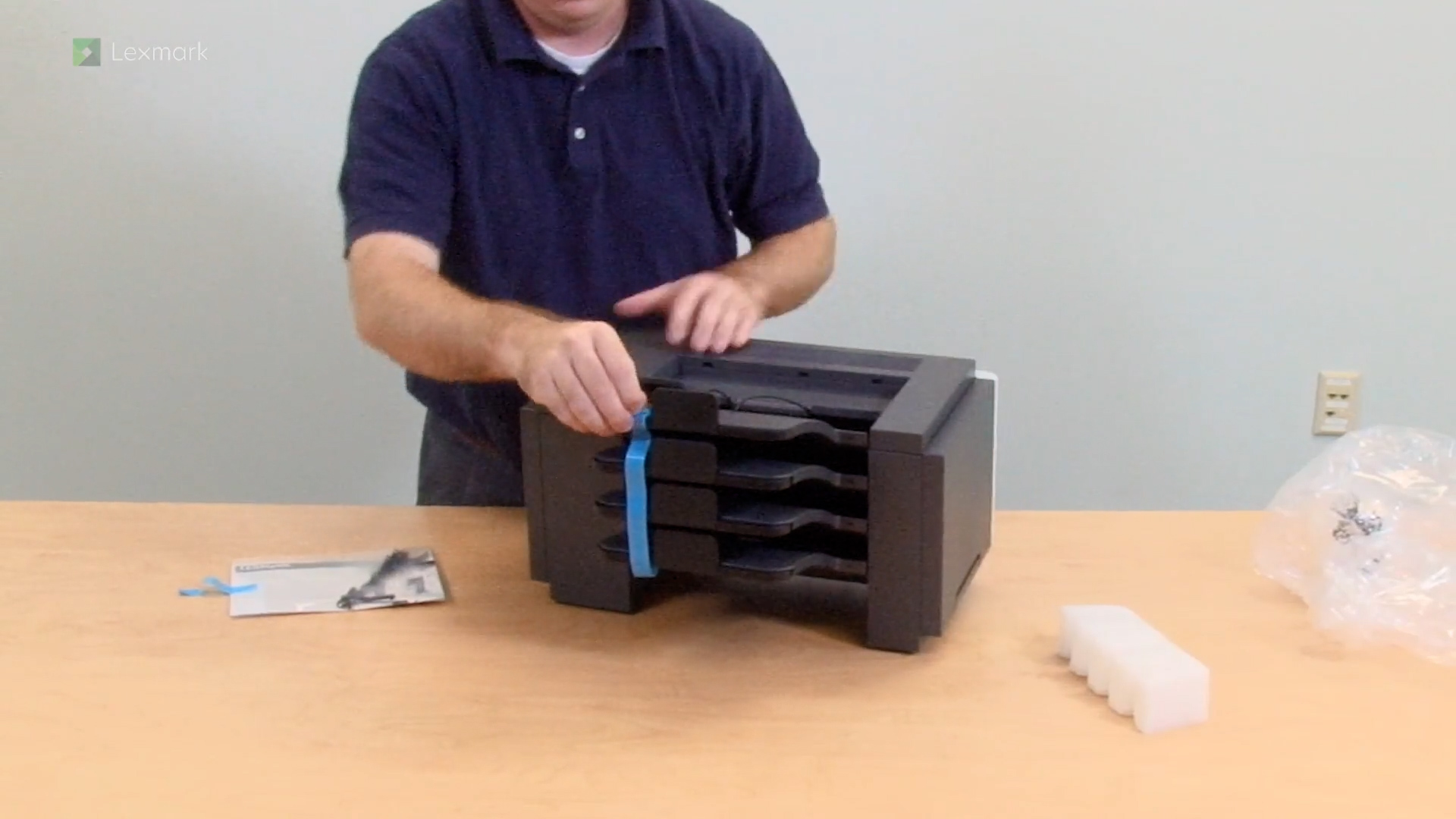
Learn how to install the optional 4-bin mailbox into your printer.
Learn how to install the stapler option into your printer.
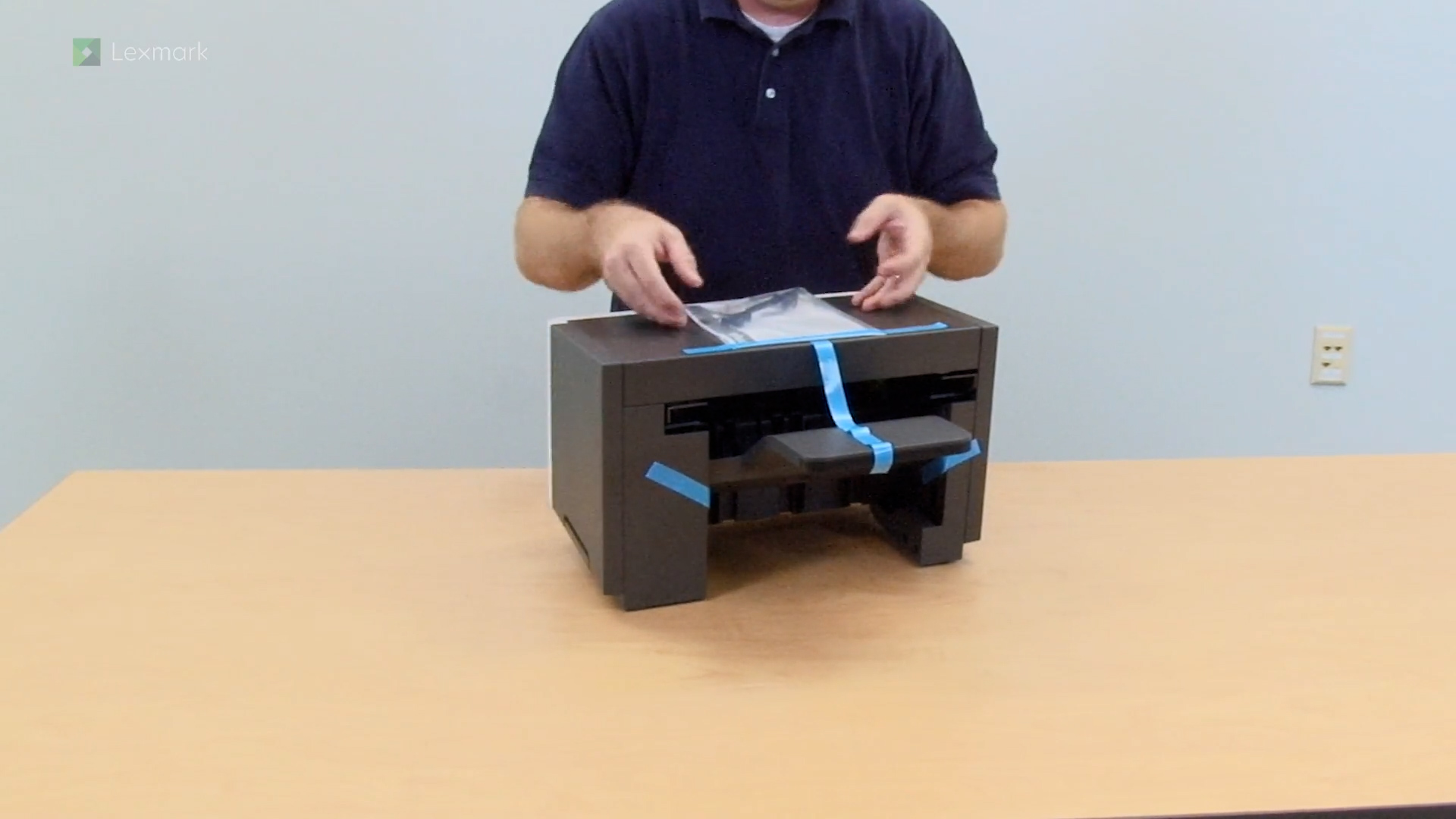
Learn how to install the stacker option into your printer.
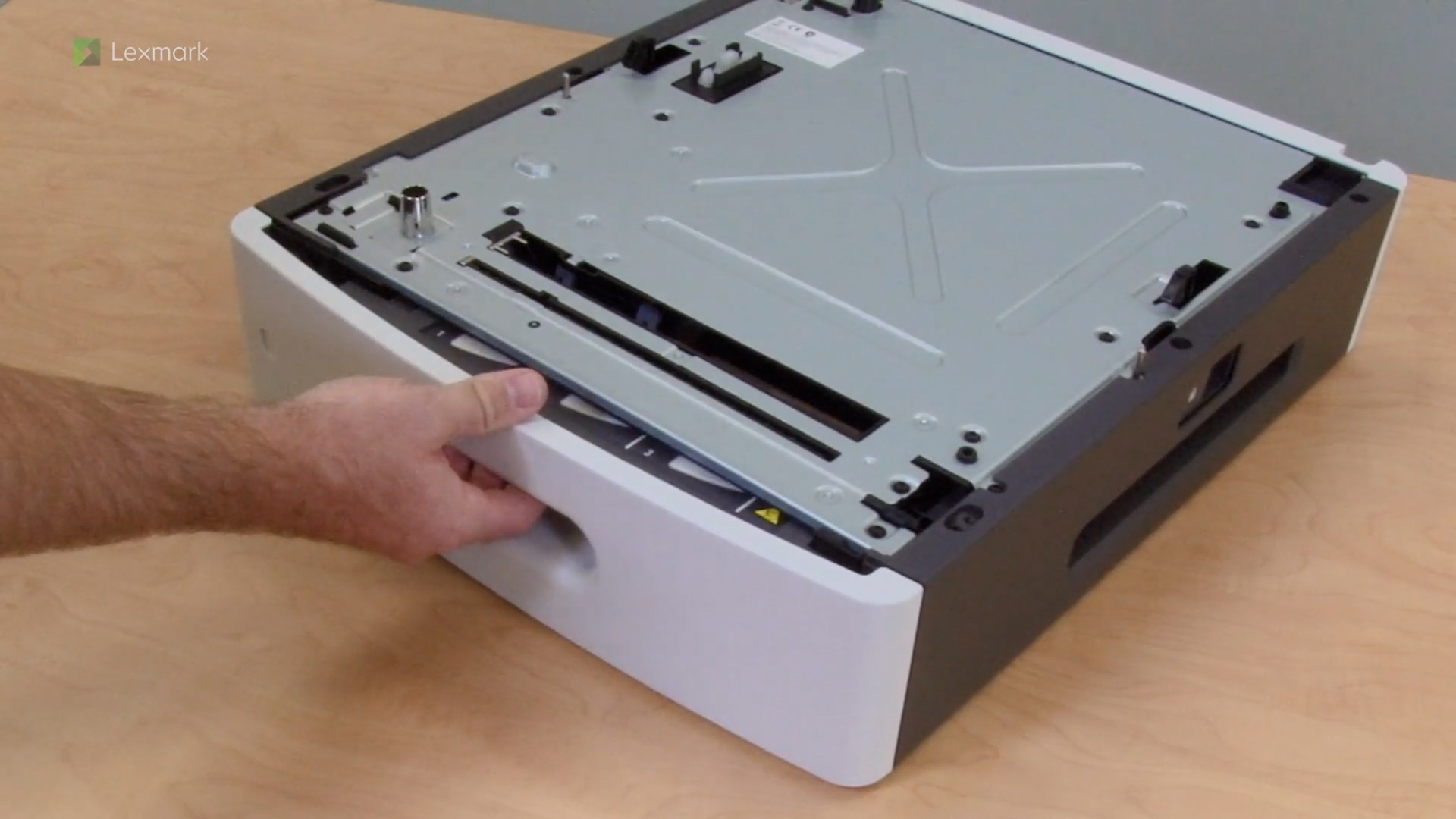
Learn how to install the assorted paper trays into your printer.
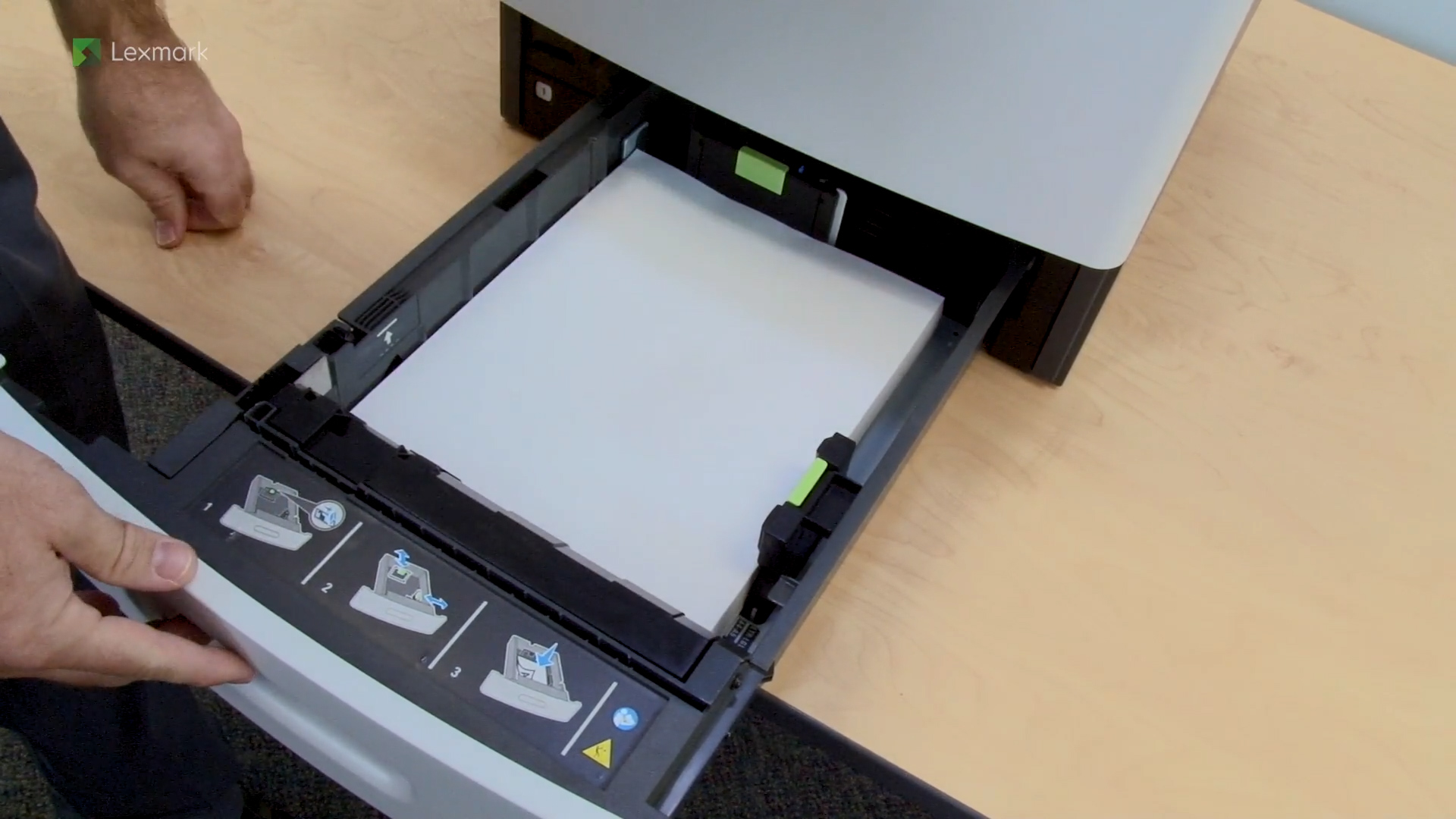
For reliable printing results, use these instructions on how to load paper properly into the tray of your printer.
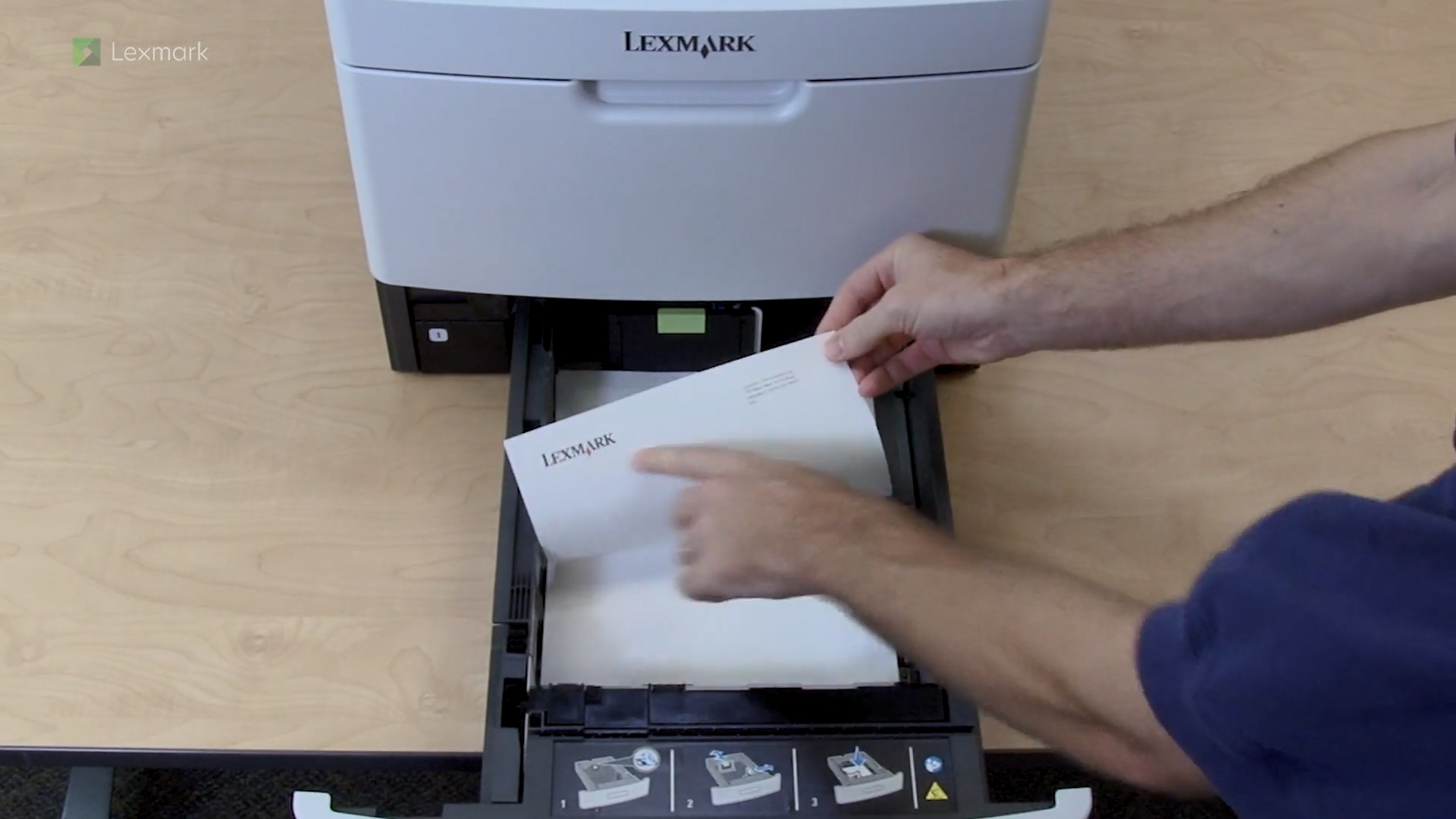
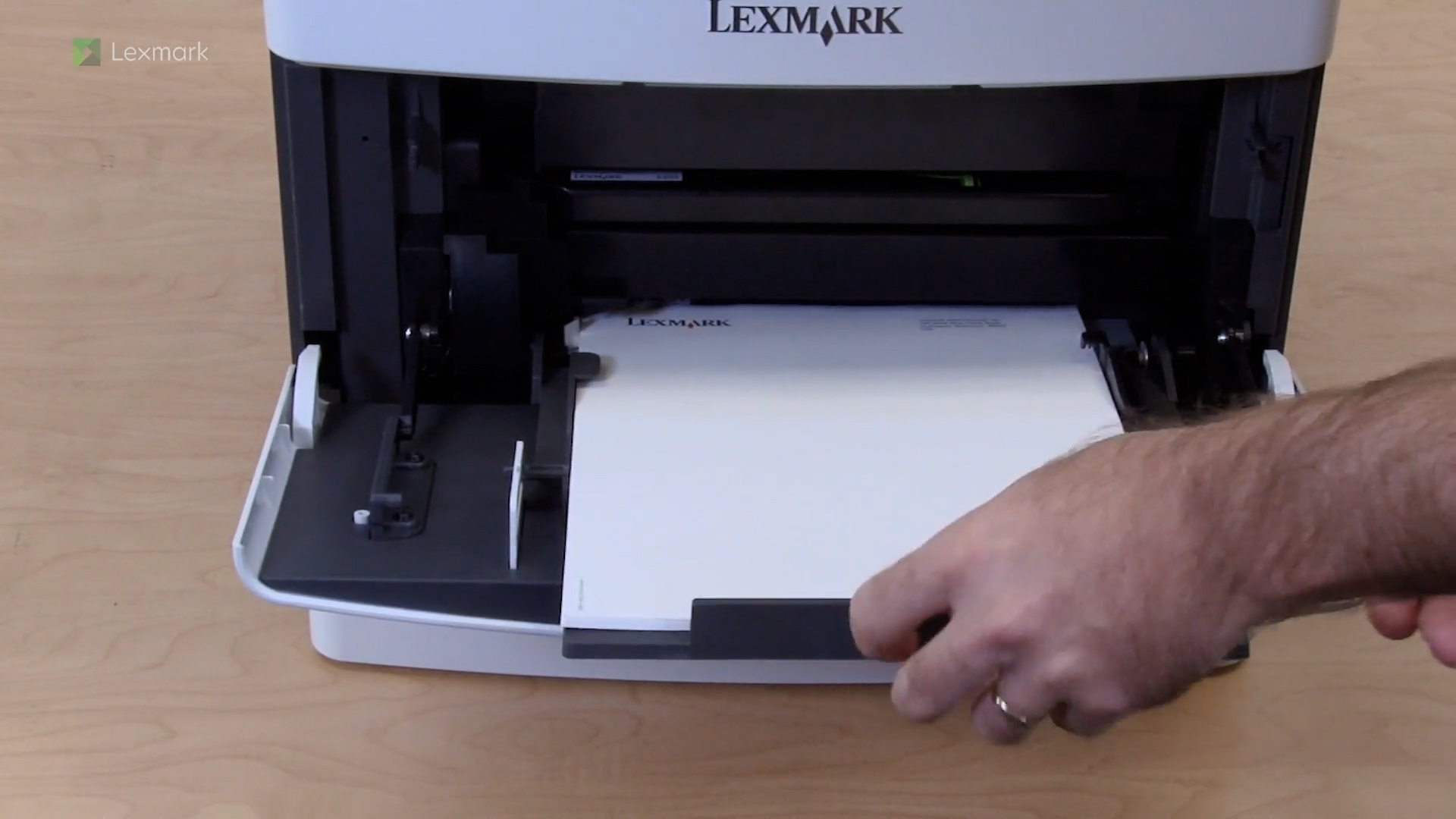
For reliable printing results, use these instructions on how to load the correct letterhead orientation into your printer.
For reliable printing results, use these instructions on how to use the multipurpose feeder of your printer.
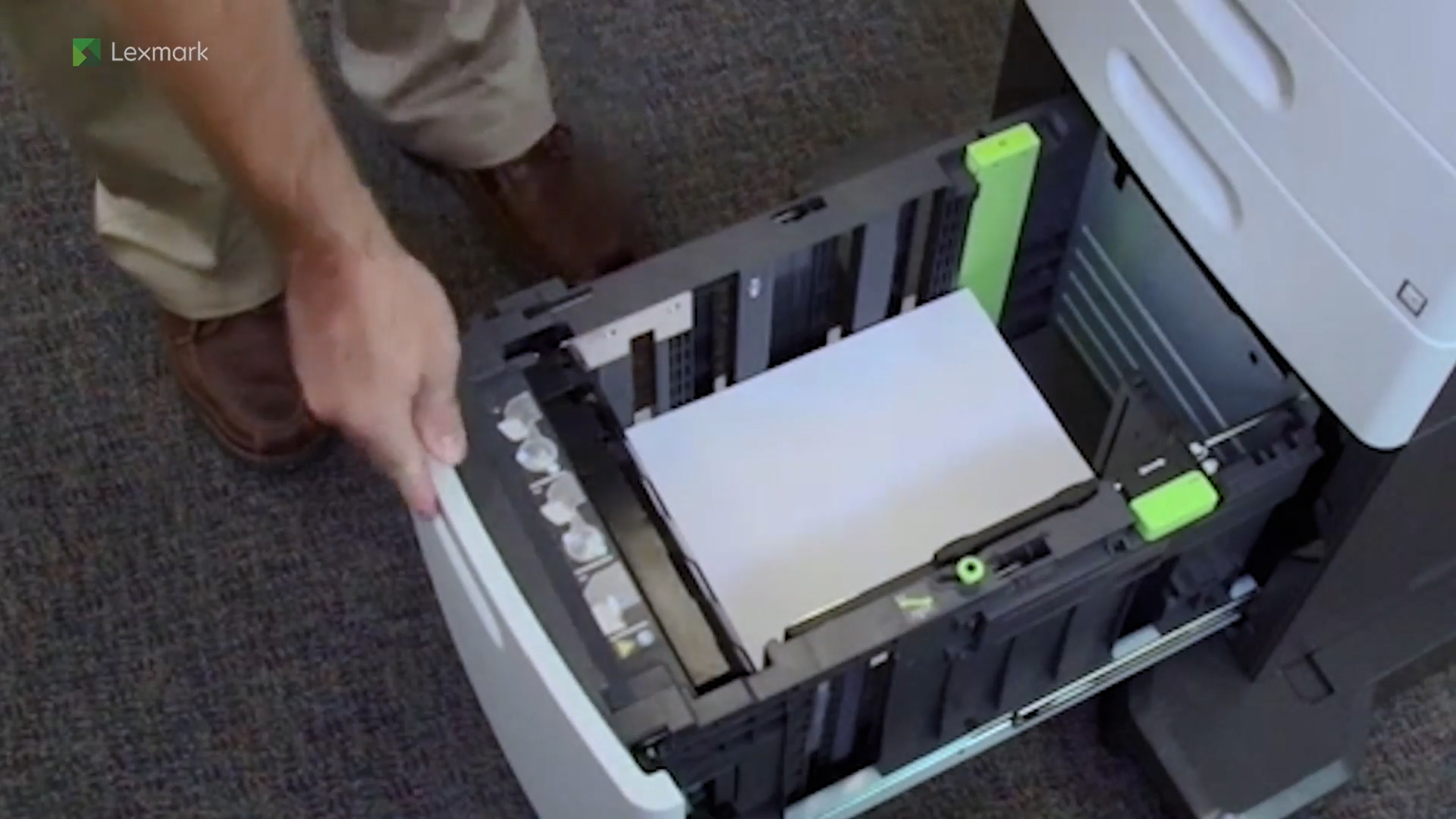
For reliable printing results, use these instructions on how to use the high capacity feeder of your printer.
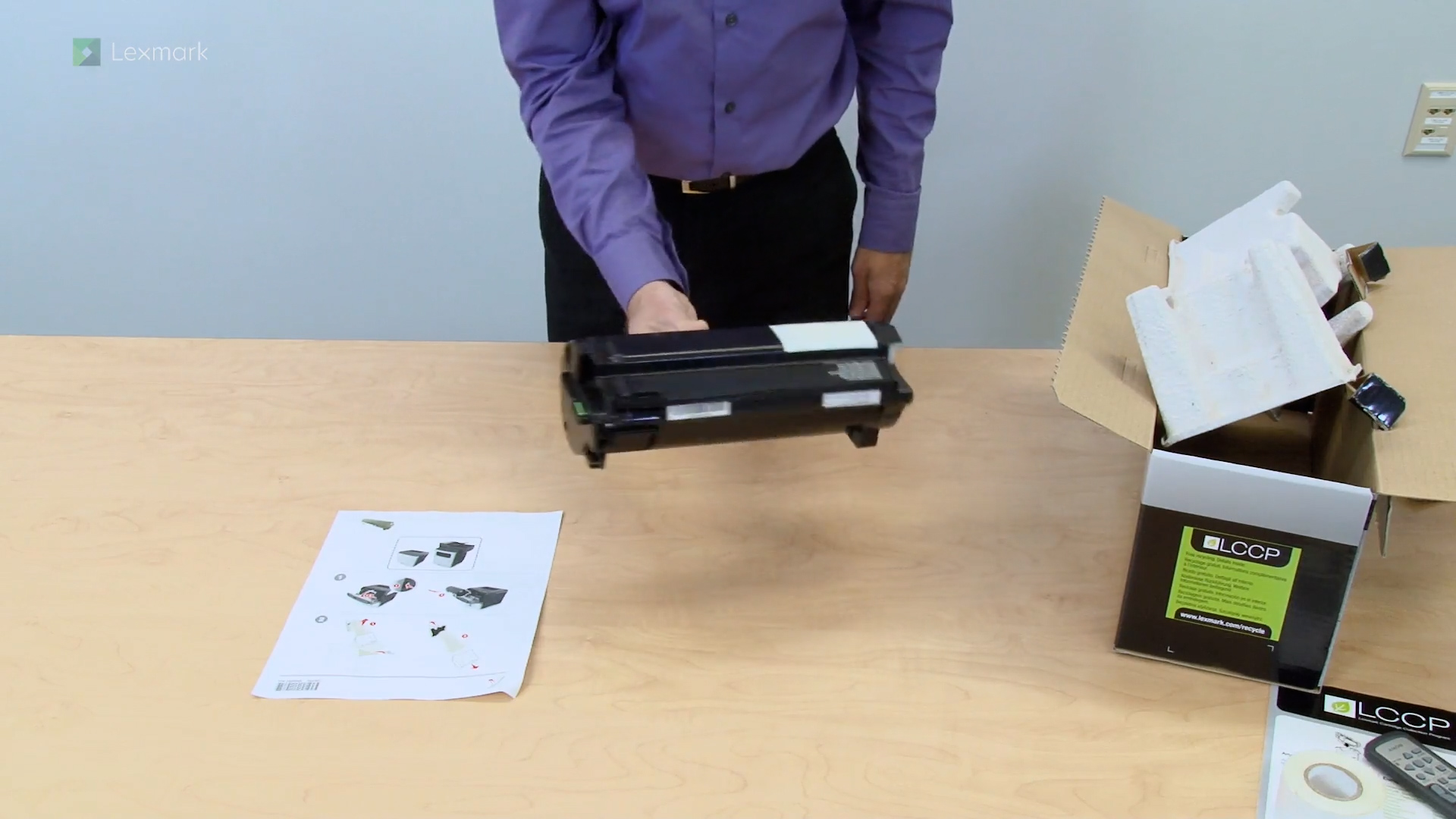
Install a new toner cartridge when you continue to see faded prints.
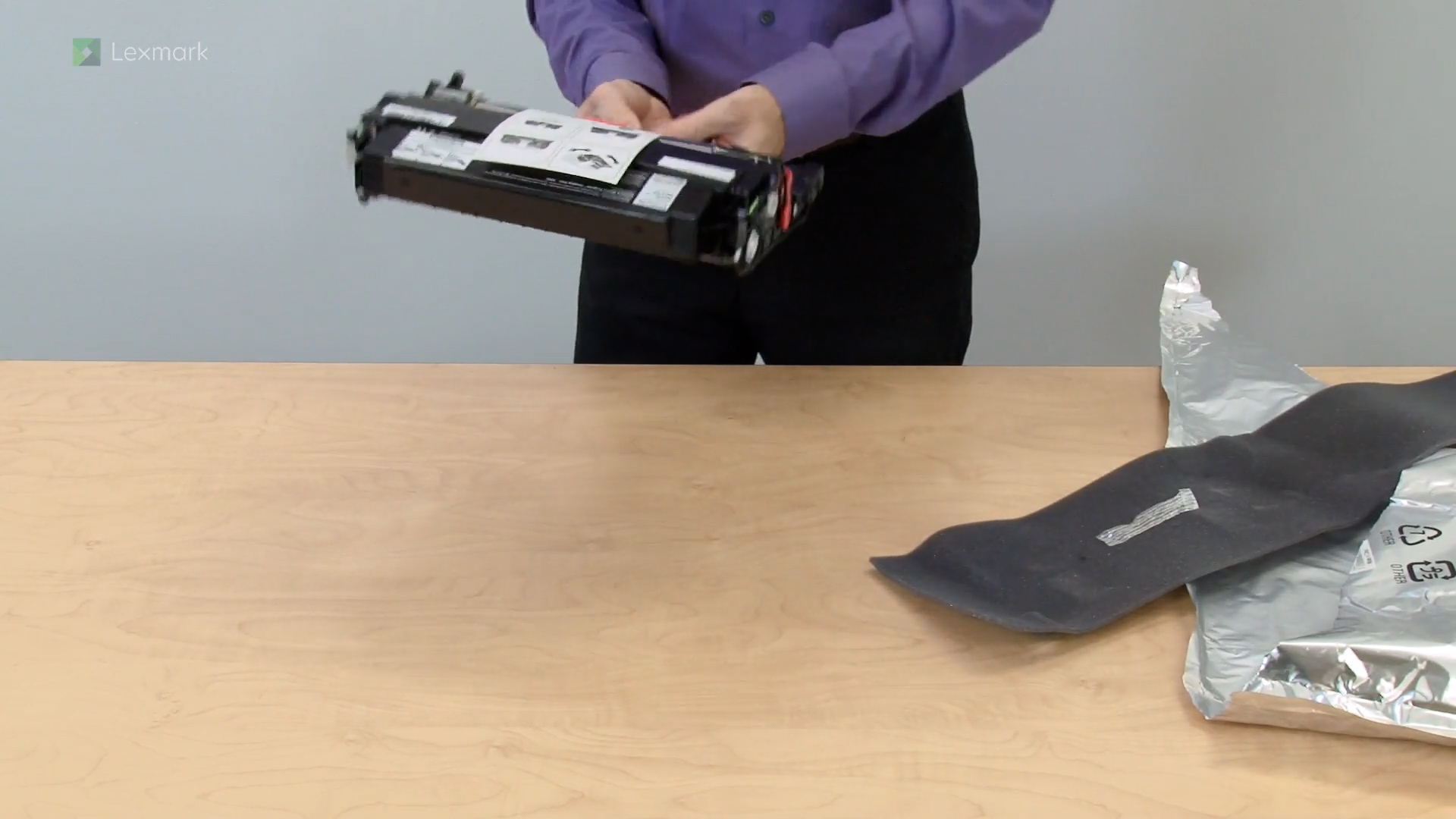
Learn how to replace the imaging unit to continue getting good quality prints.
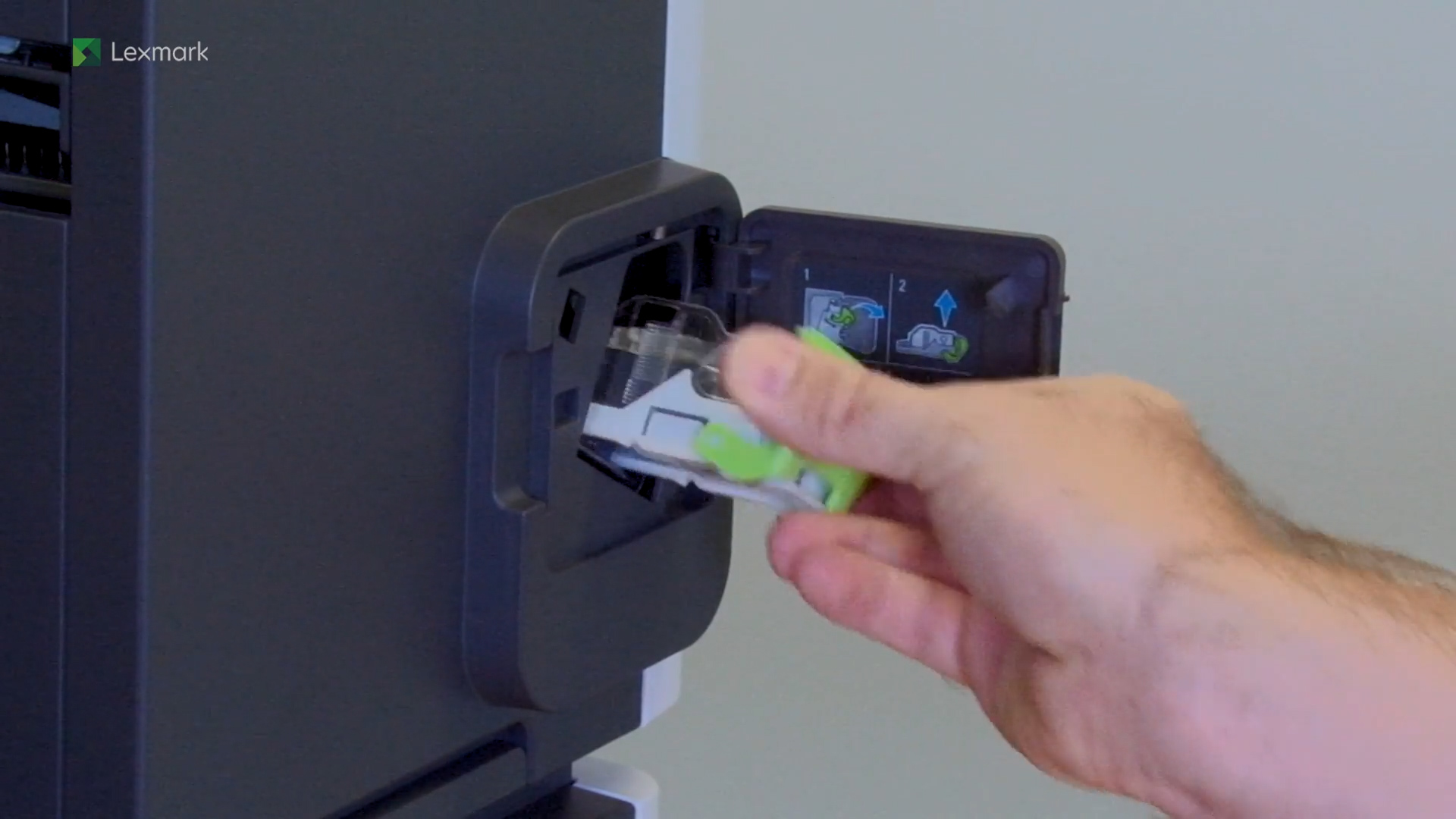
Learn how to replace the staple cartridge of your printer.
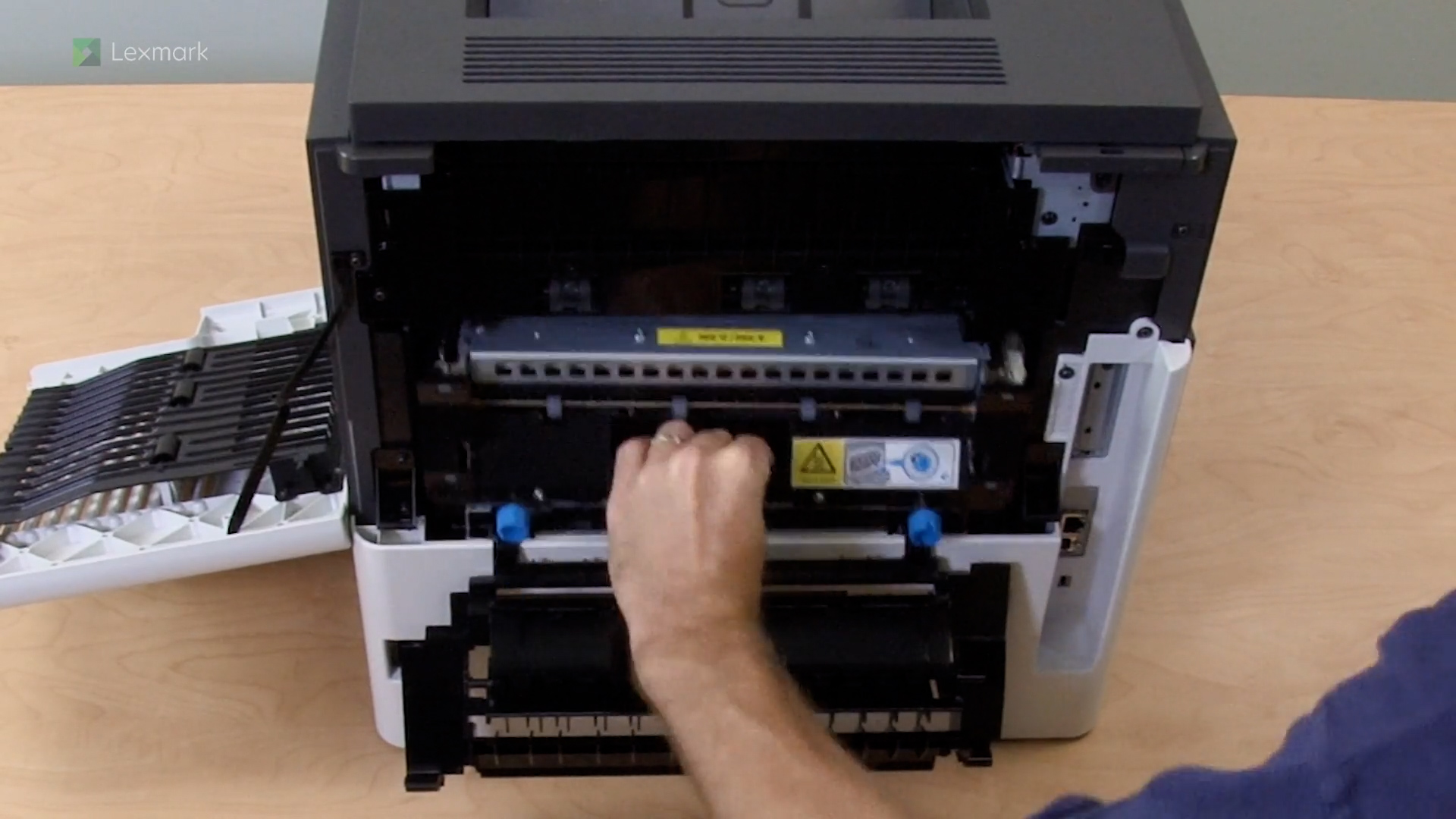
Learn how to service the fuser kit of your printer.
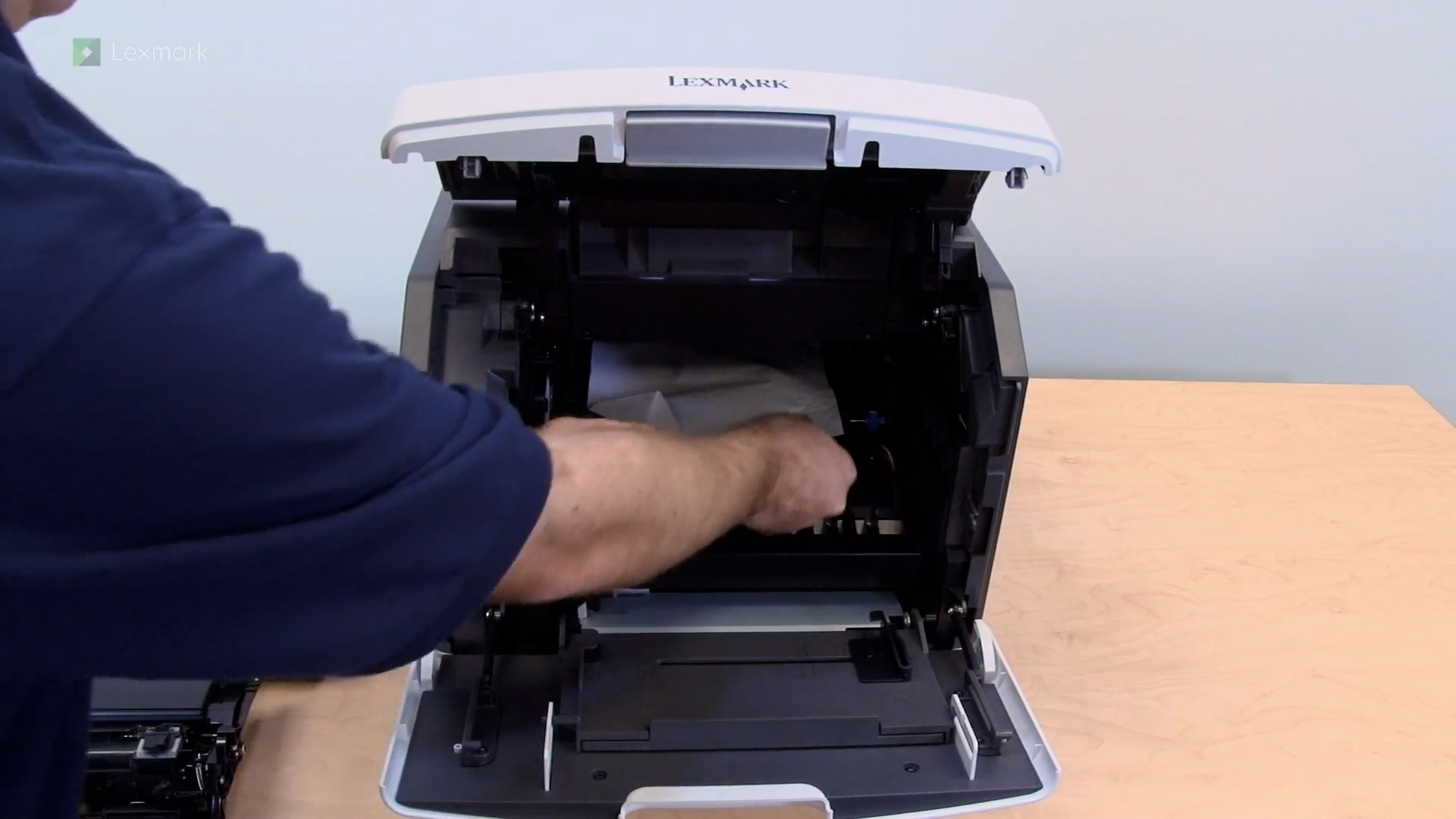
Remove the jammed paper behind the toner cartridge and imaging unit, and the fuser kit to continue printing.
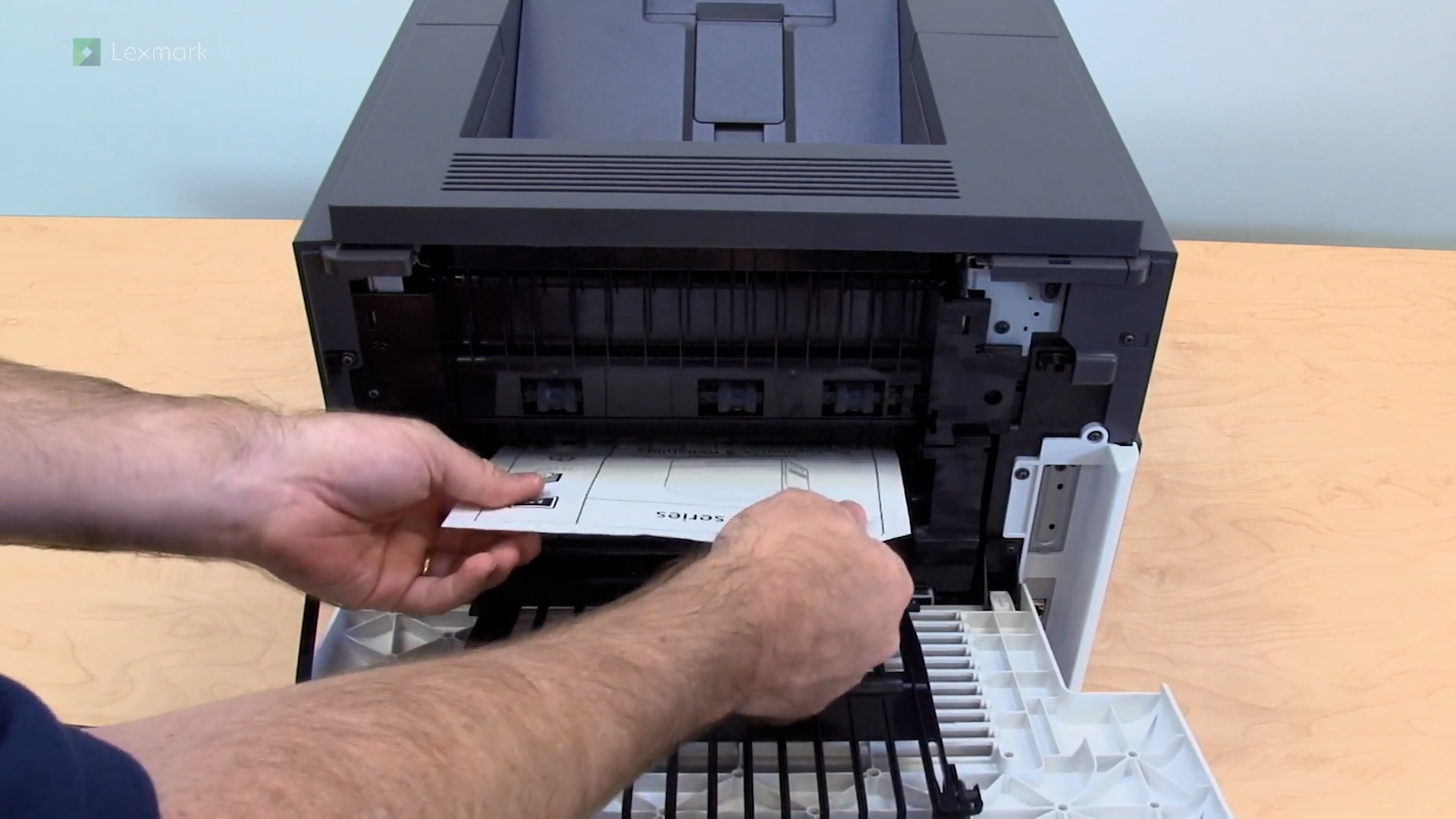
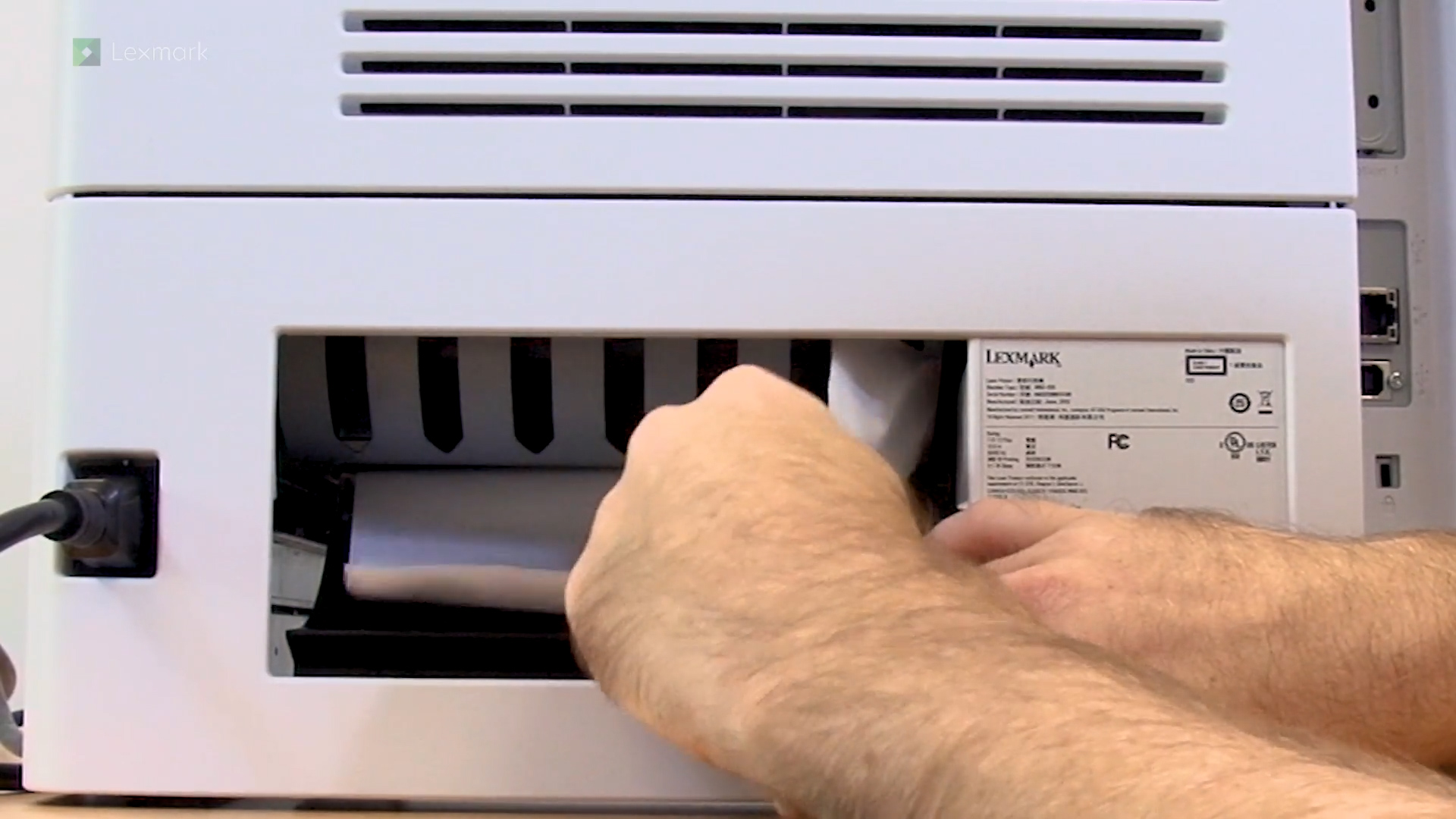
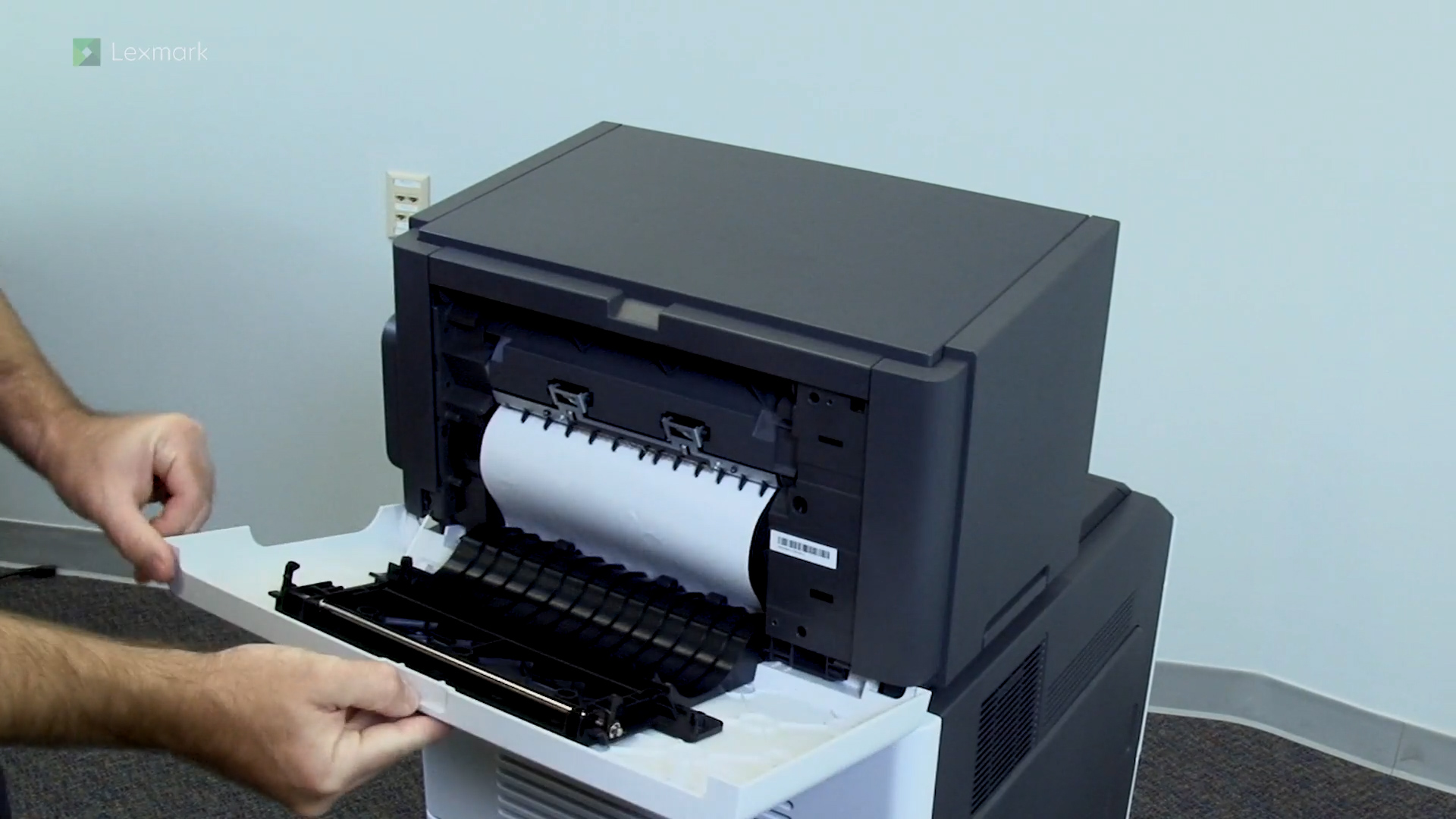
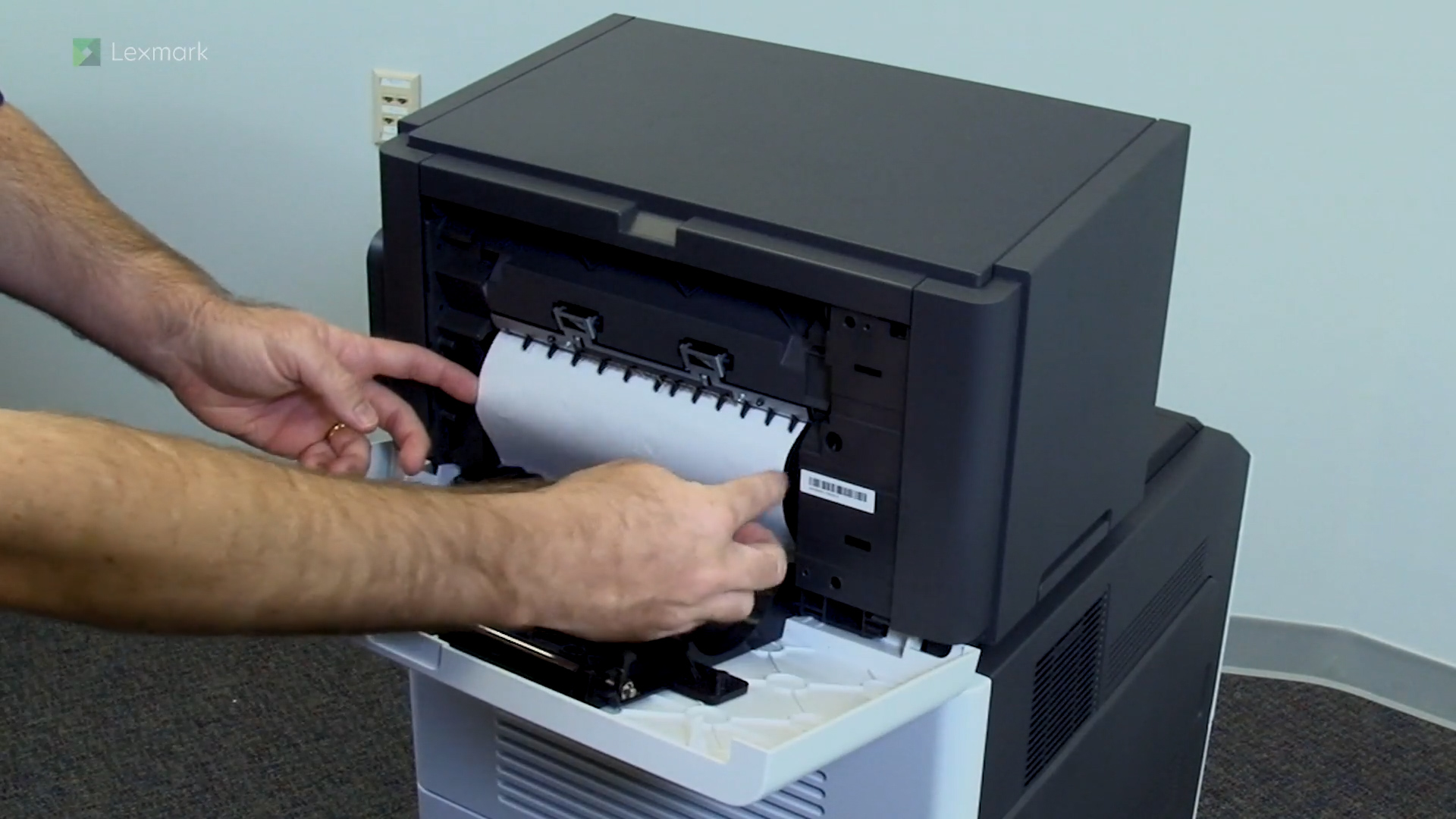
Remove the jammed paper from inside the upper rear door to continue printing.
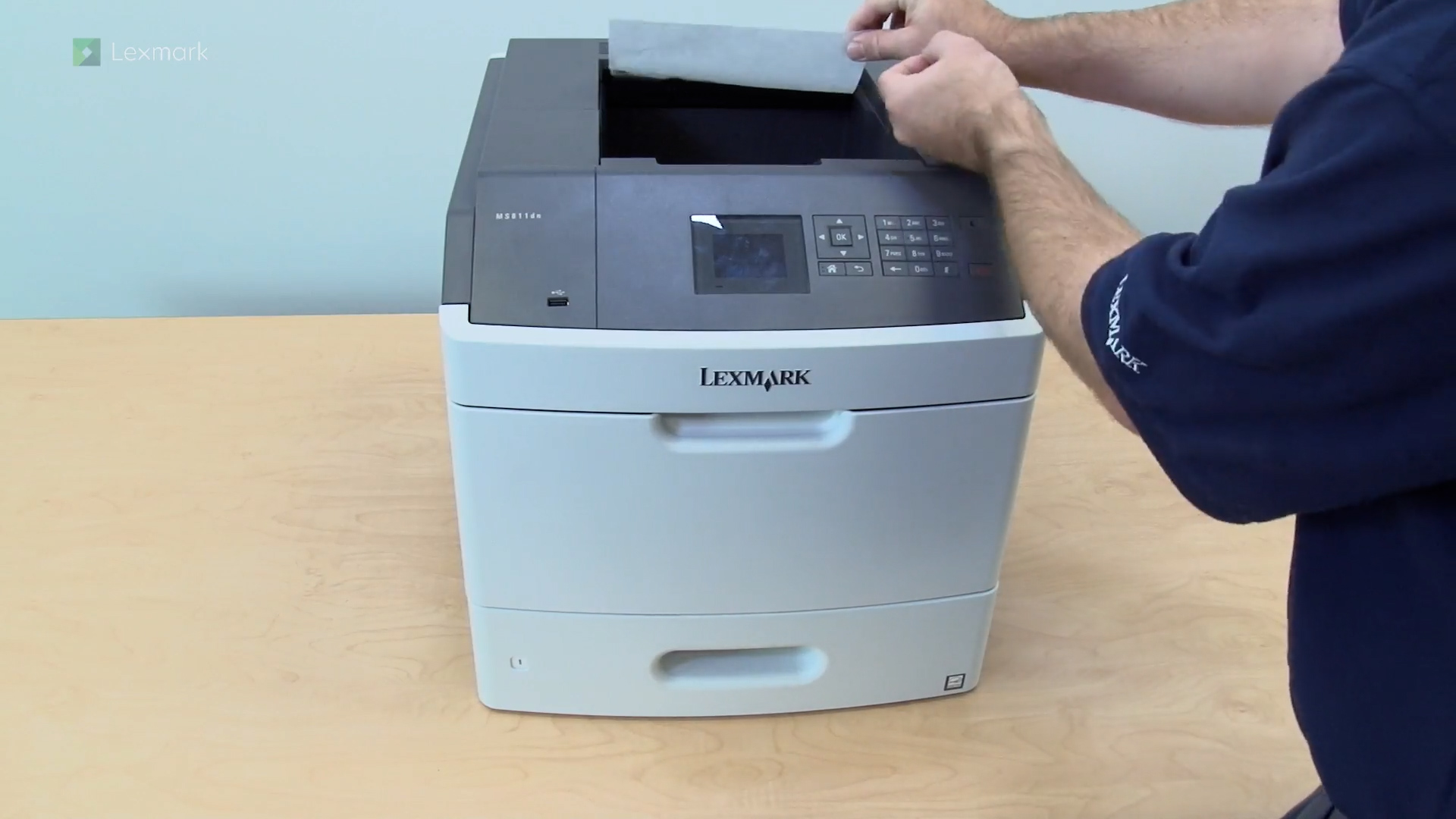
Remove the jammed paper in the standard output bin to continue printing.
Remove the jammed paper from the upper and lower rear doors to continue printing.
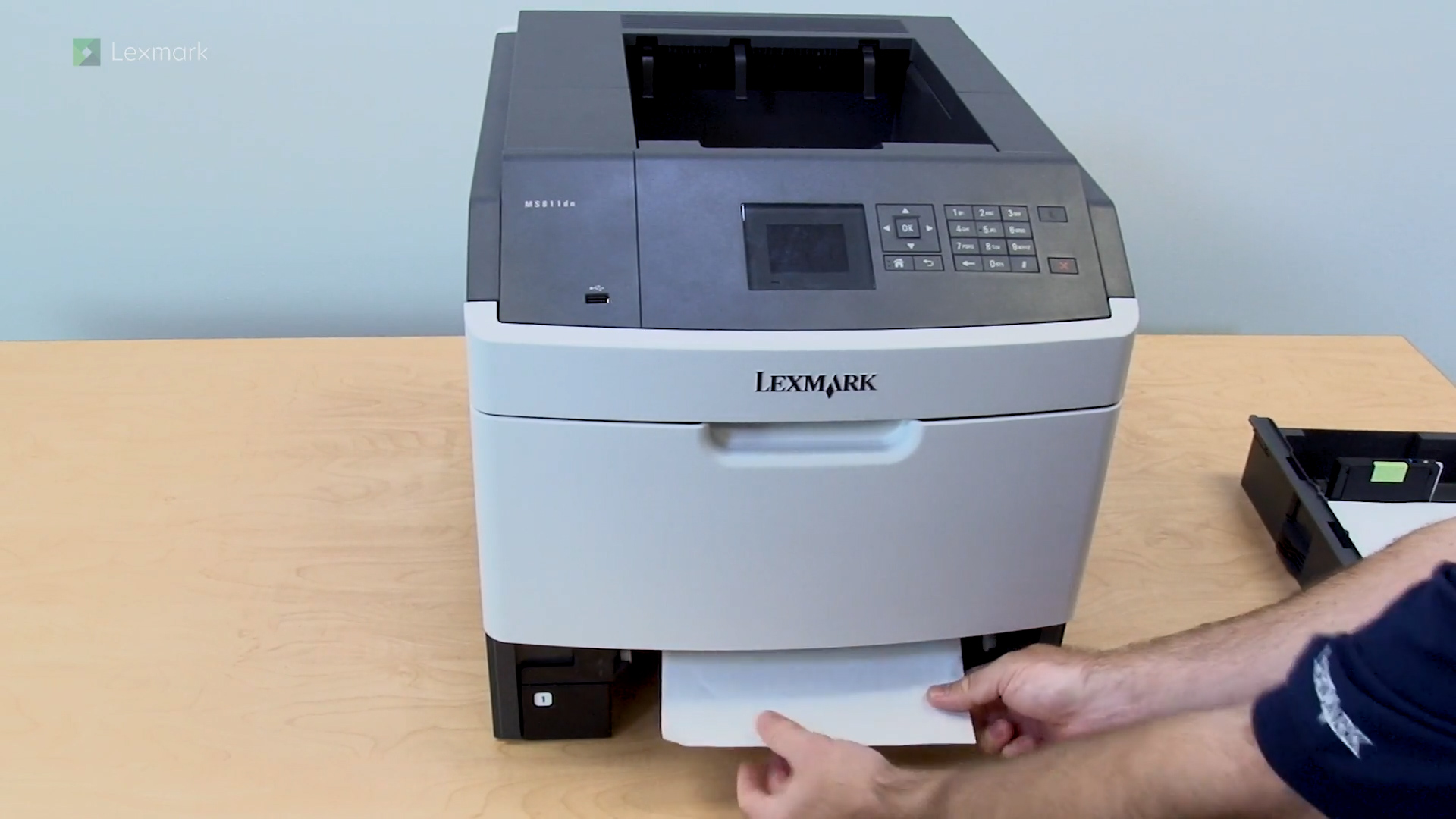
Remove the jammed paper from the trays to continue printing.
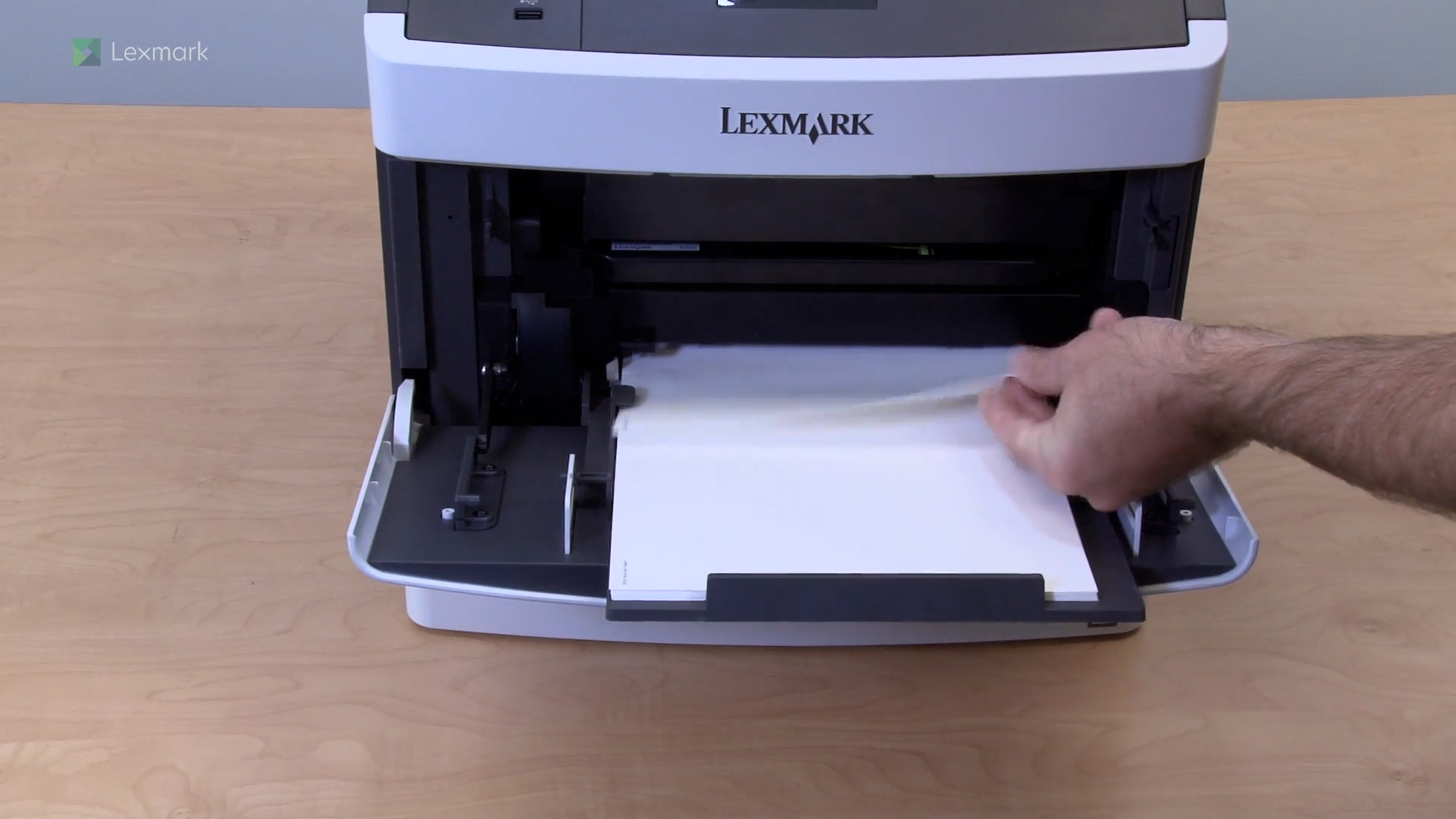
Remove the jammed paper from the manual feeder to continue printing.
Remove the jammed paper from the staple finisher to continue printing.
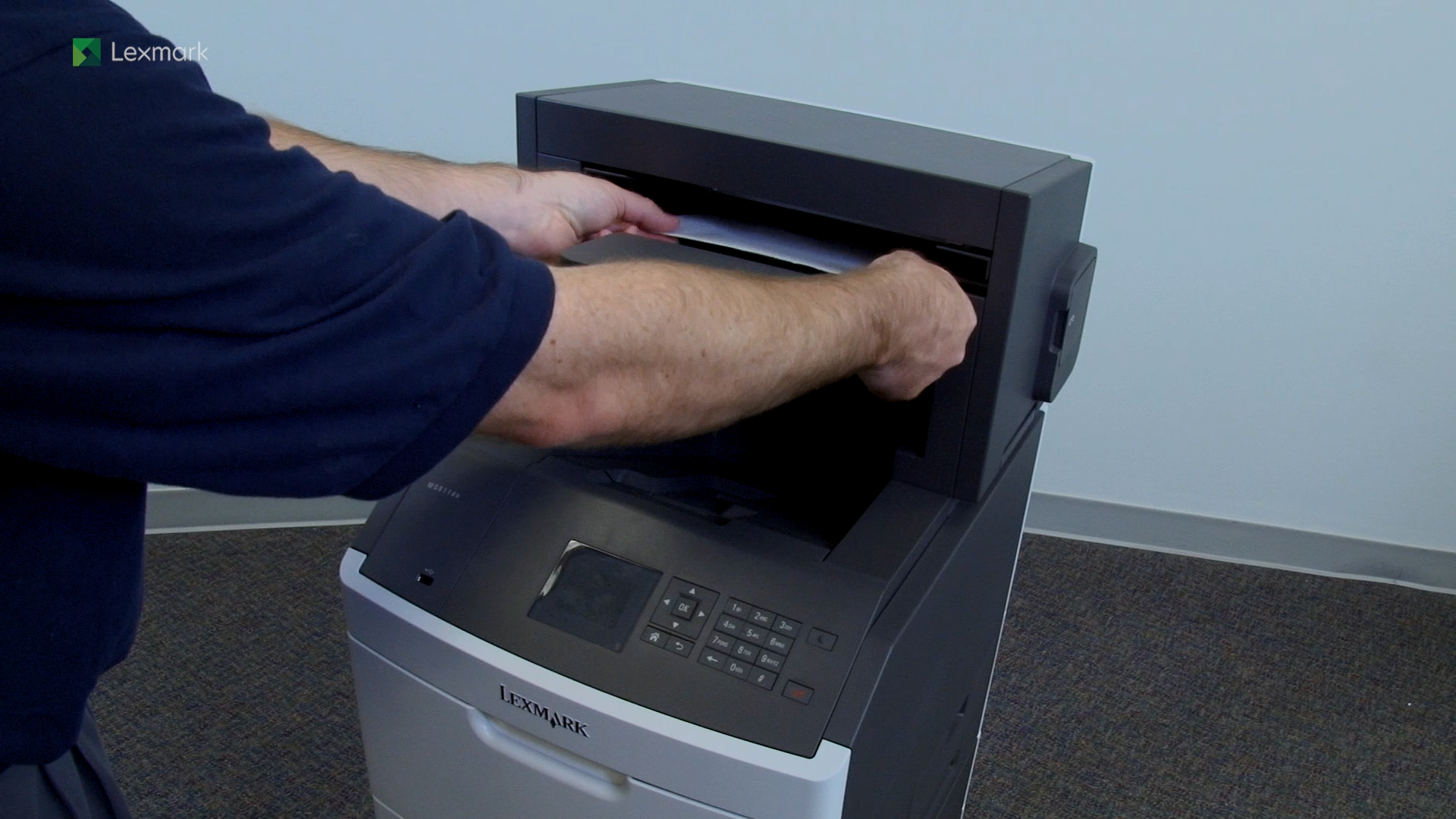
Remove the jammed paper from the 4-bin mailbox to continue printing.
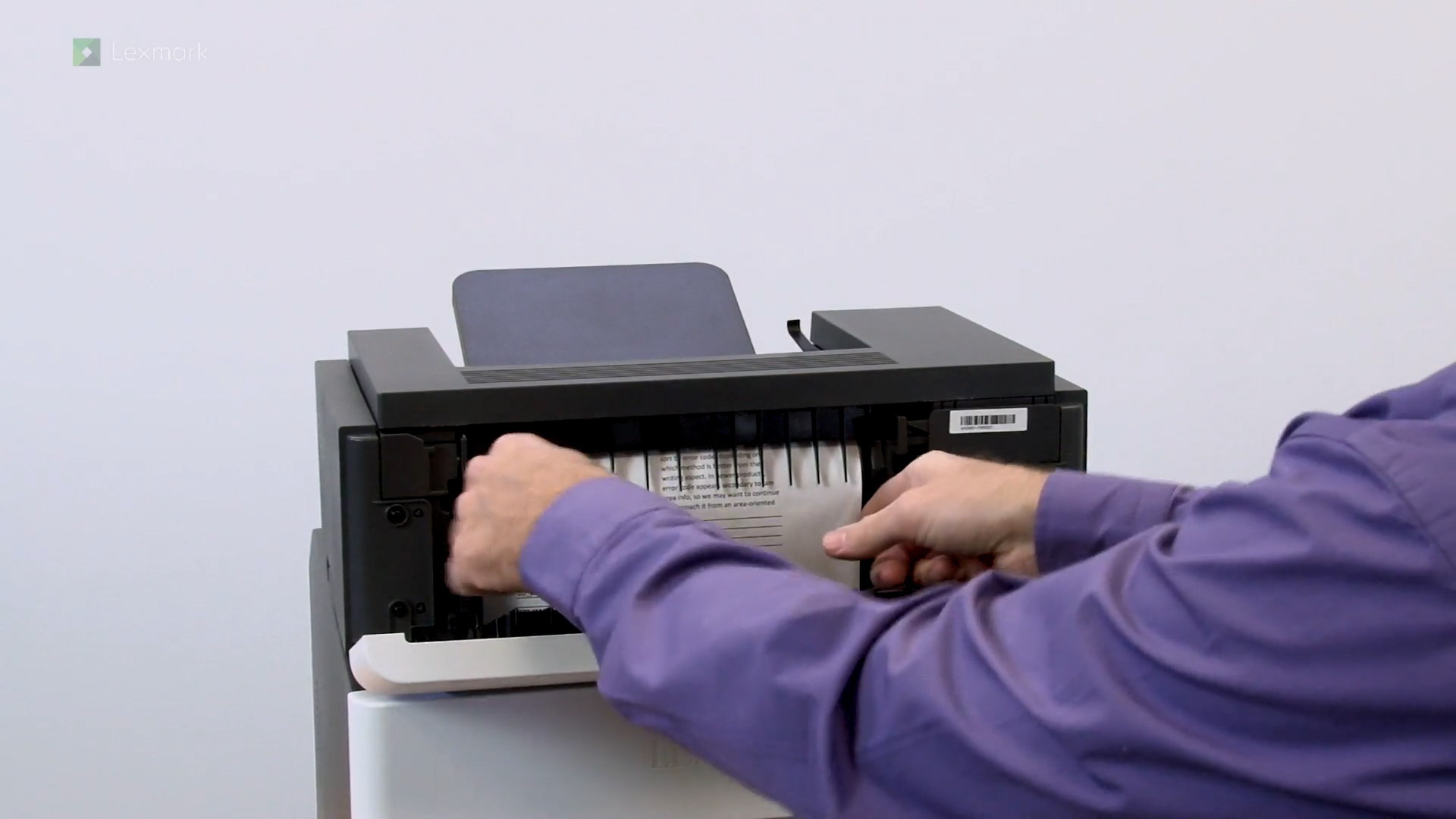
Remove the jammed paper from the rear output expander door to continue printing.
Remove the jammed paper from the exit bin to continue printing.