Solution type: Cloud
Cloud Connector Support
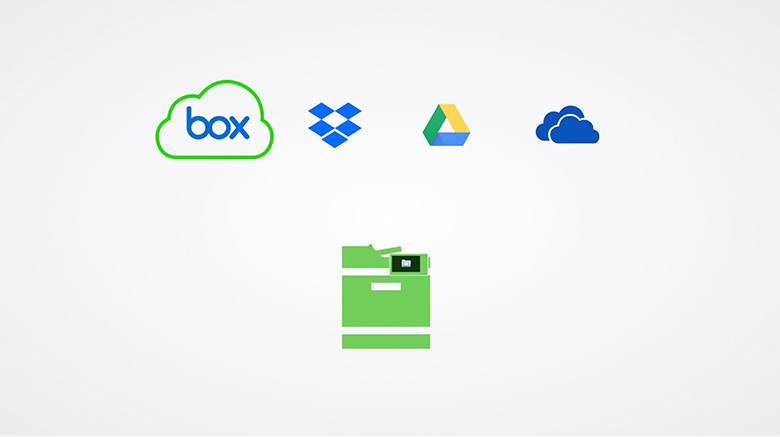
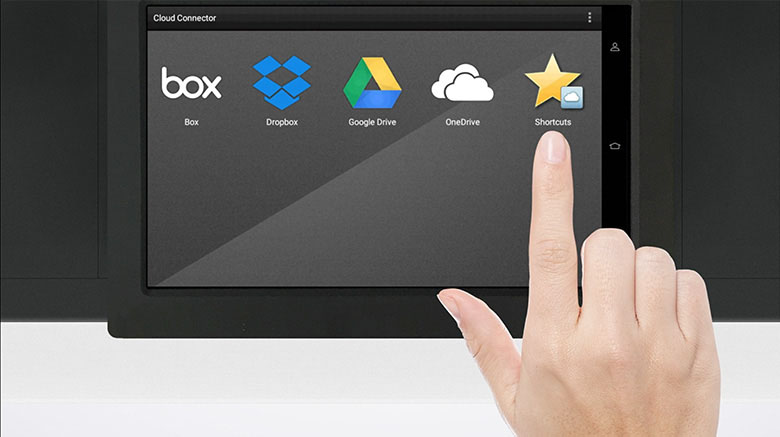
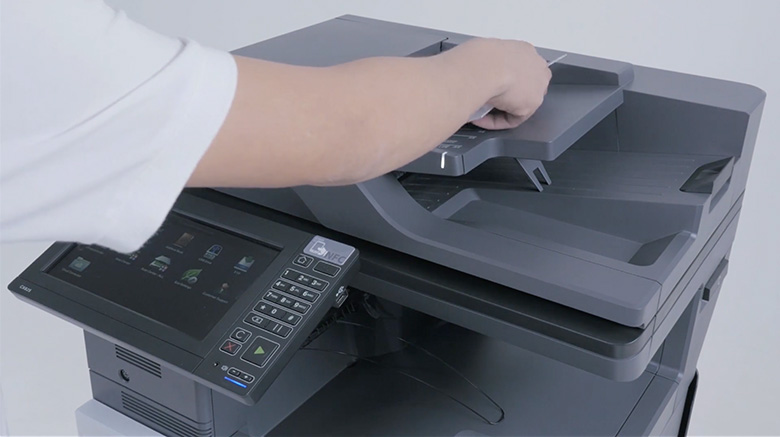
Learn how the Lexmark Cloud Connector application can simplify the printing and scanning of files to Box, Dropbox, Google Drive, and Microsoft One Drive.
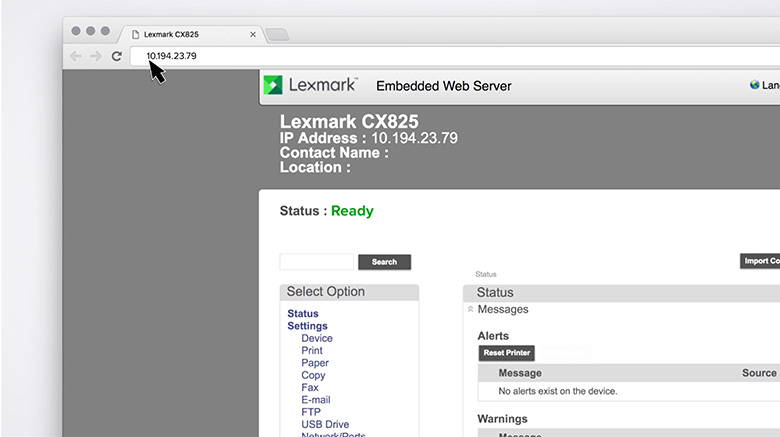
Learn how to enable or disable cloud service providers using the Lexmark Cloud Connector application.
Learn how to create profiles using the Lexmark Cloud Connector application.
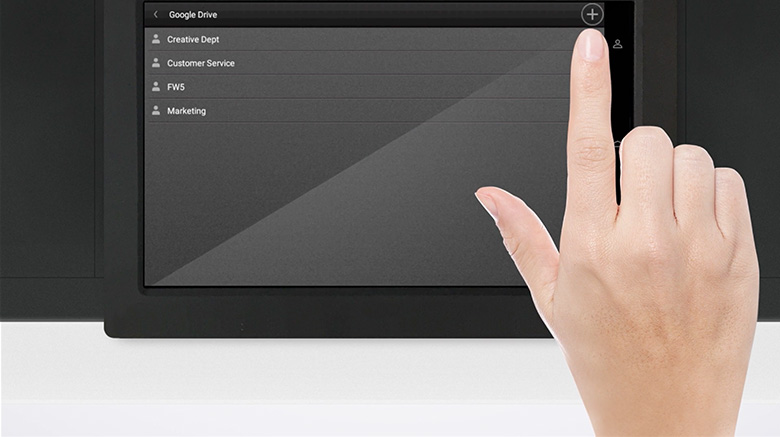
Learn how to add Lexmark Cloud Connector application profiles using a printer account.
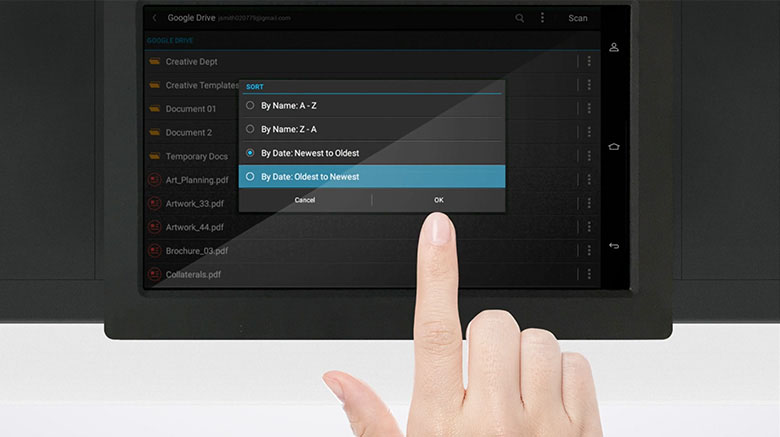
Learn how to sort and search files using the Lexmark Cloud Connector application.
Learn how to create, edit, and delete shortcuts using the Lexmark Cloud Connector application.
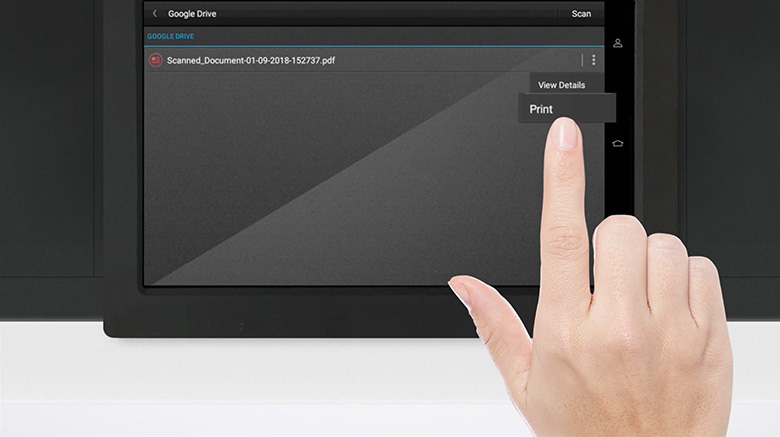
Learn how to print files using the Lexmark Cloud Connector application.
Learn how to scan documents to a cloud service provider using the Lexmark Cloud Connector application.
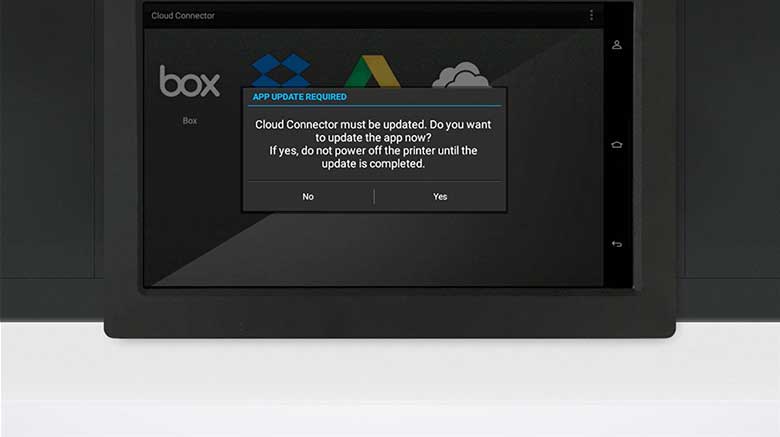
Learn how to update the Lexmark Cloud Connector application.