支持
  • 中国 (中文)
  • 访问 Lexmark.com
  • 支持中心
  • 打印机
  • 解决方案
  • 驱动程序和下载
  • 保修和服务
  • 联系支持部门
  • 访问 Lexmark.com
  1. 支持
  2. 打印机
  3. Xerox C240
  4. 操作视频
  5. Video details
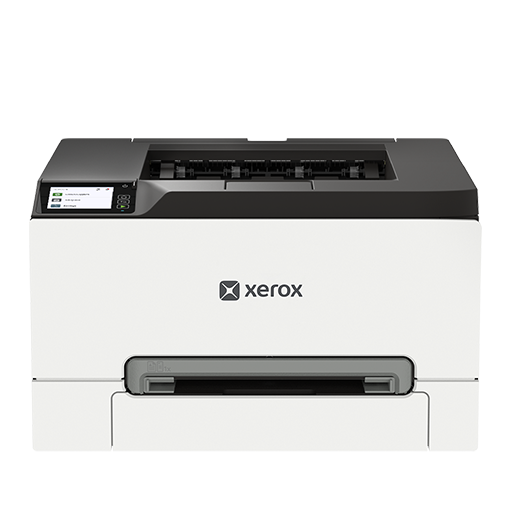
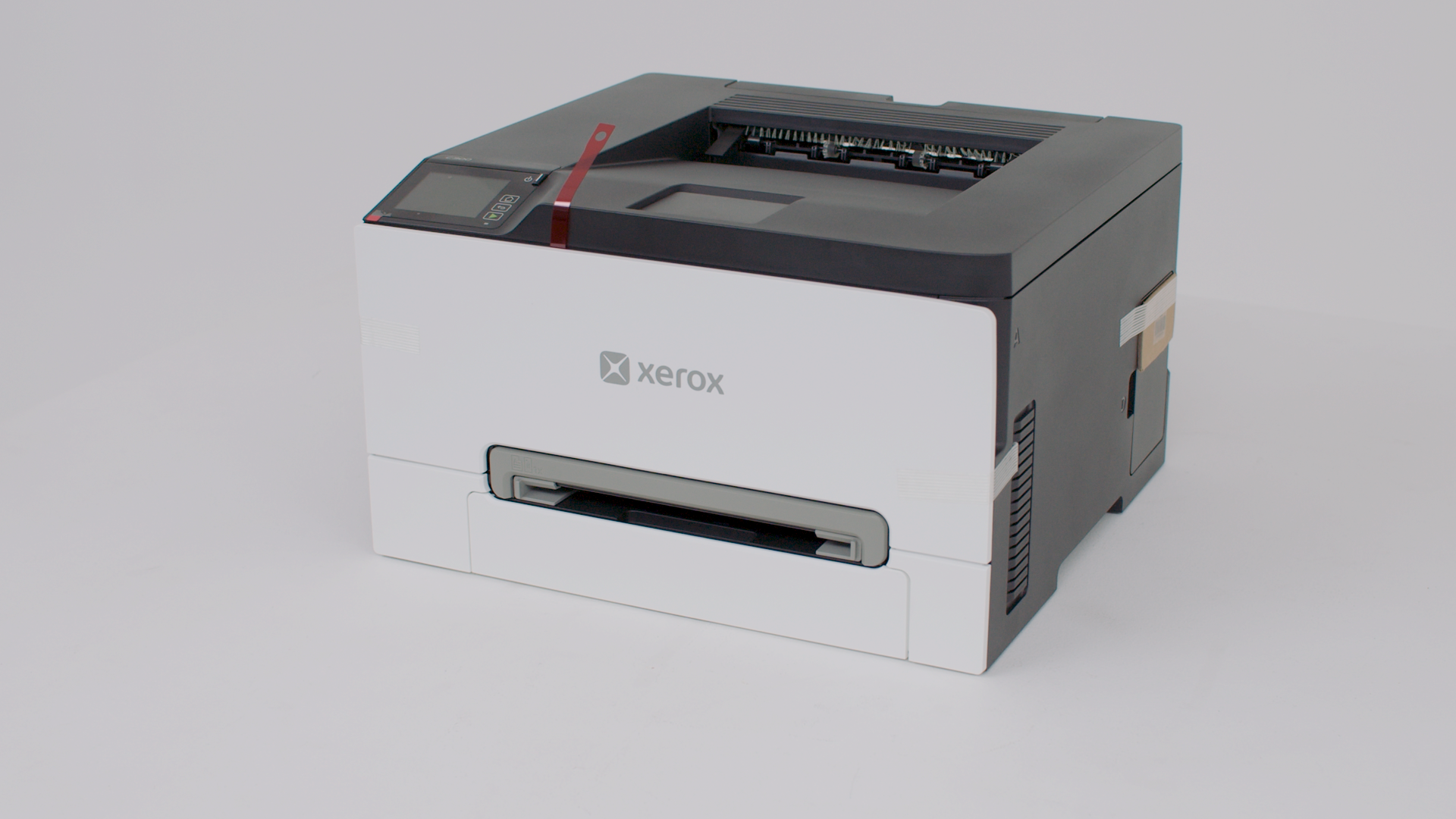
Xerox C240

Xerox C240

打印机特性:激光,仅打印,彩色

Xerox C240 支持

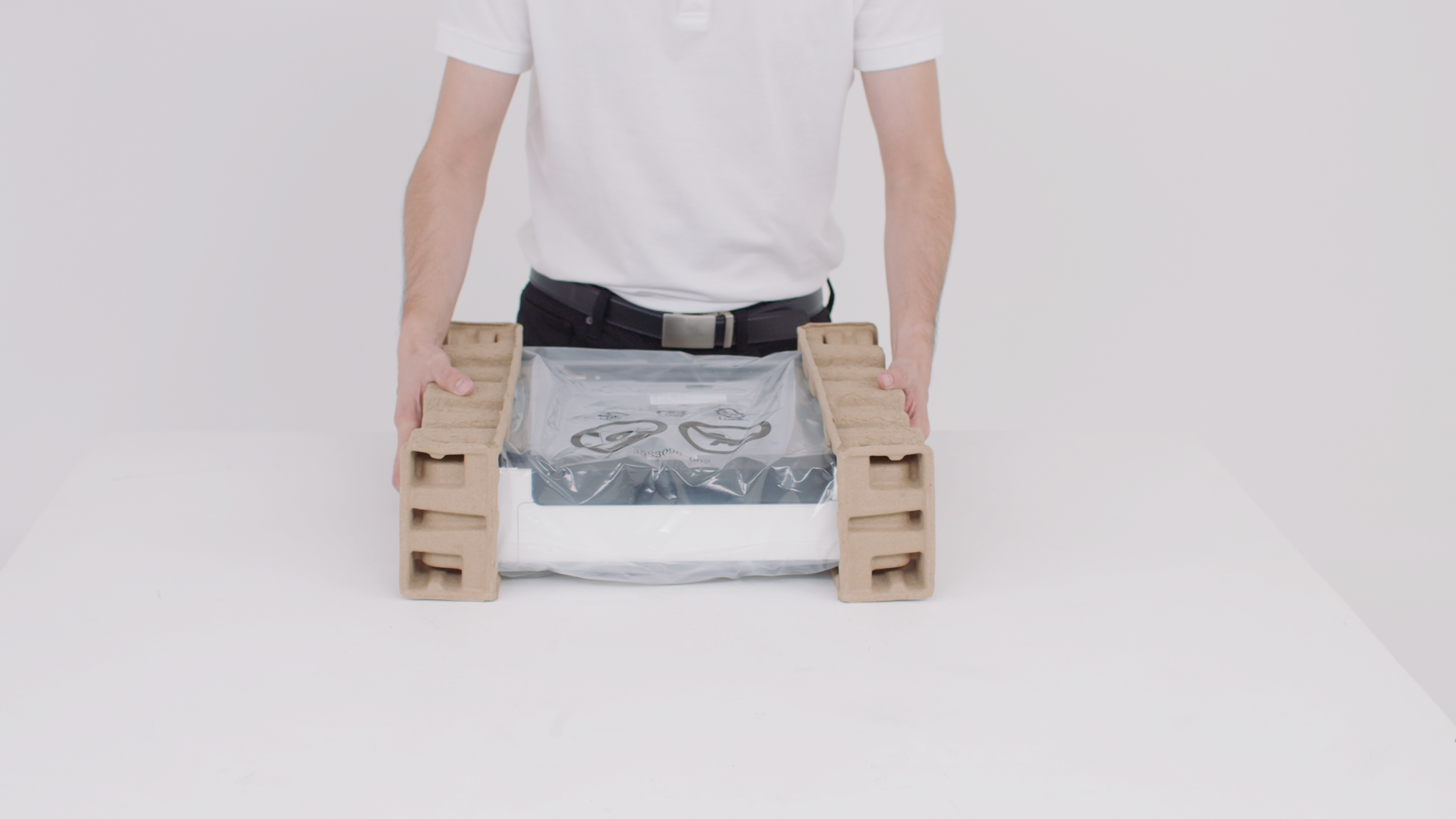
Preparing your printer
Setting up your printer
Installing optional tray
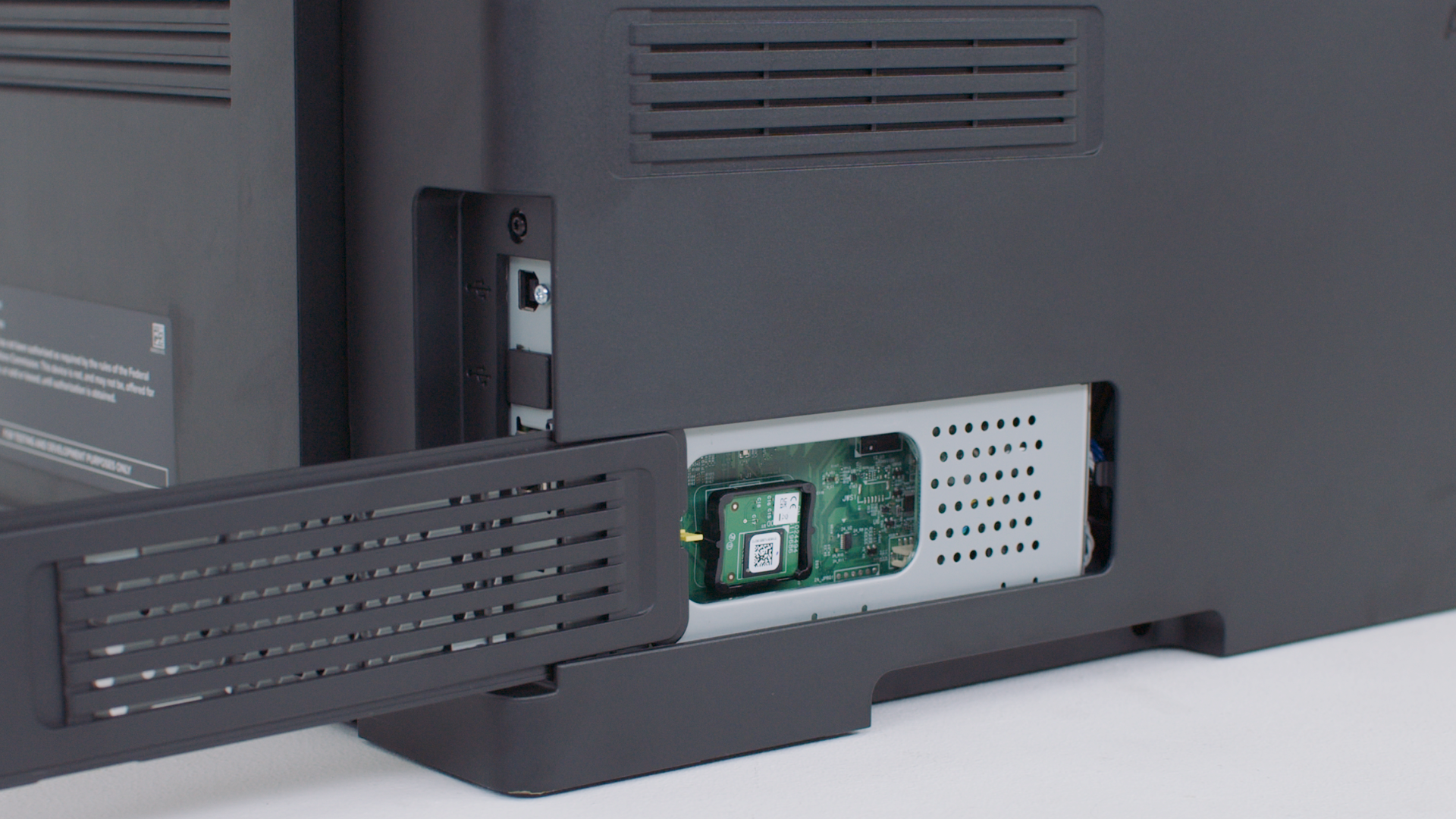
Installing the intelligent storage drive
Windows Print Driver Setup
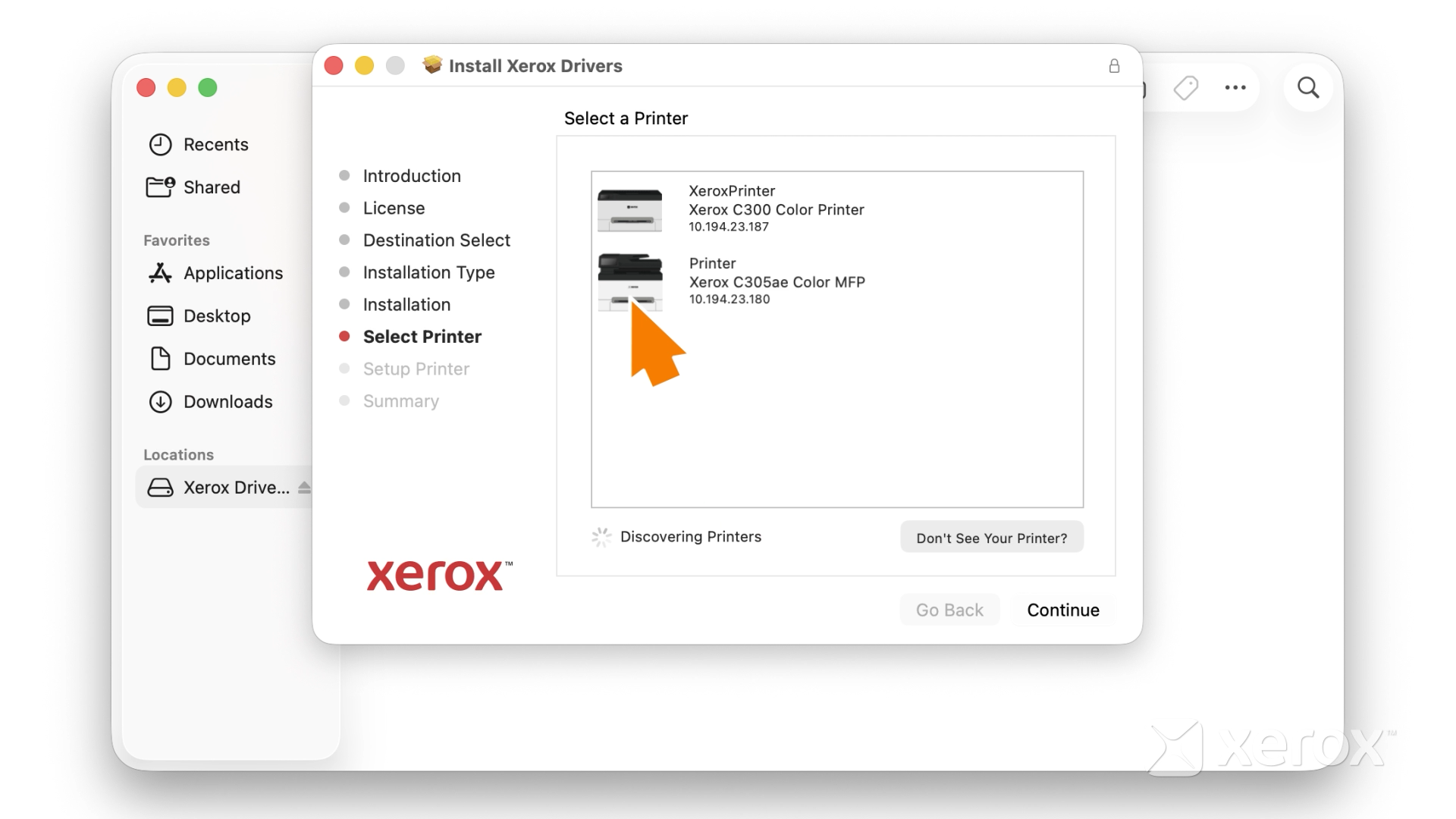
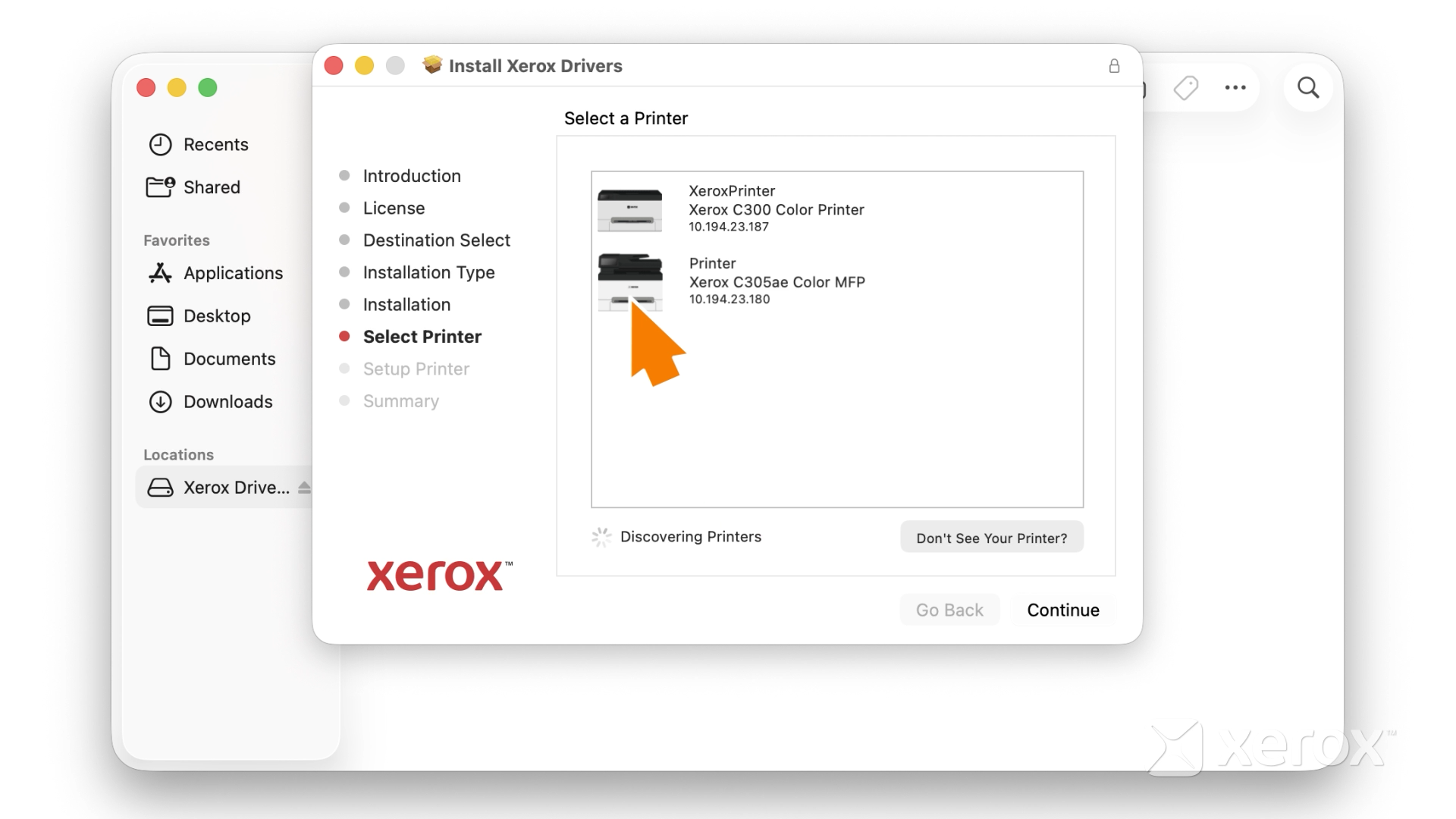
Macintosh Print Driver Setup
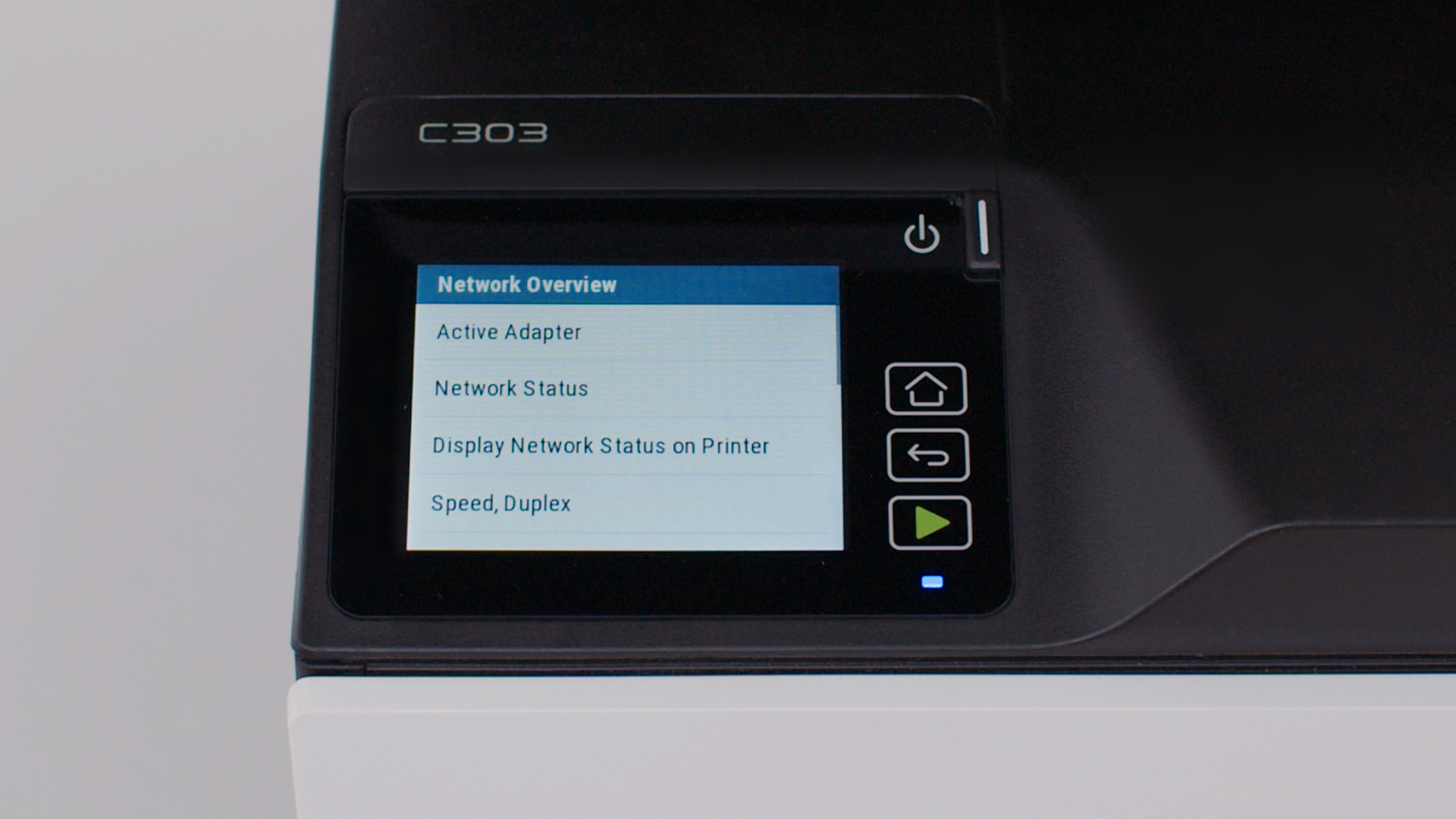
Connecting the printer to the wireless network
Using your printer
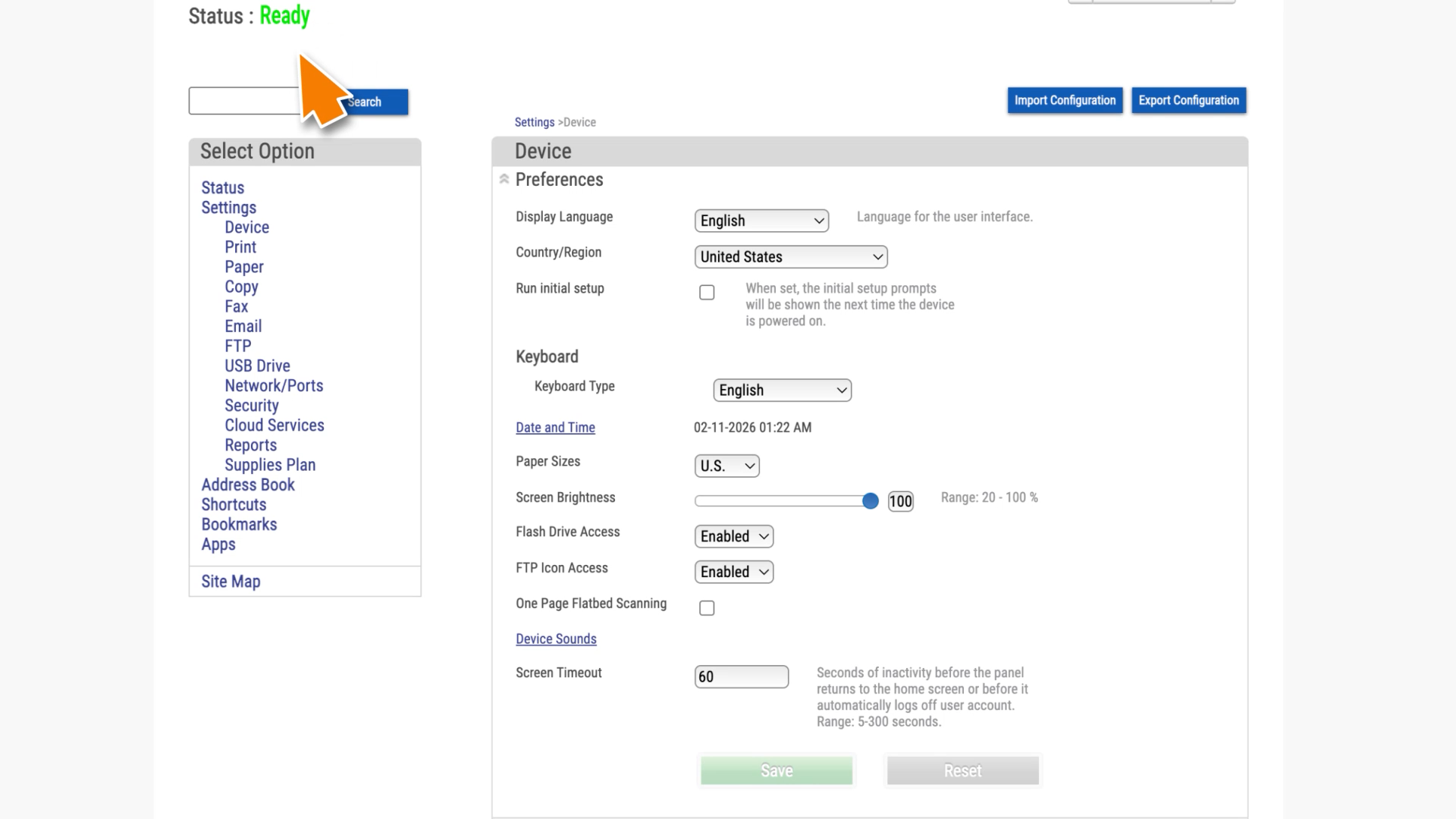
Accessing the EWS
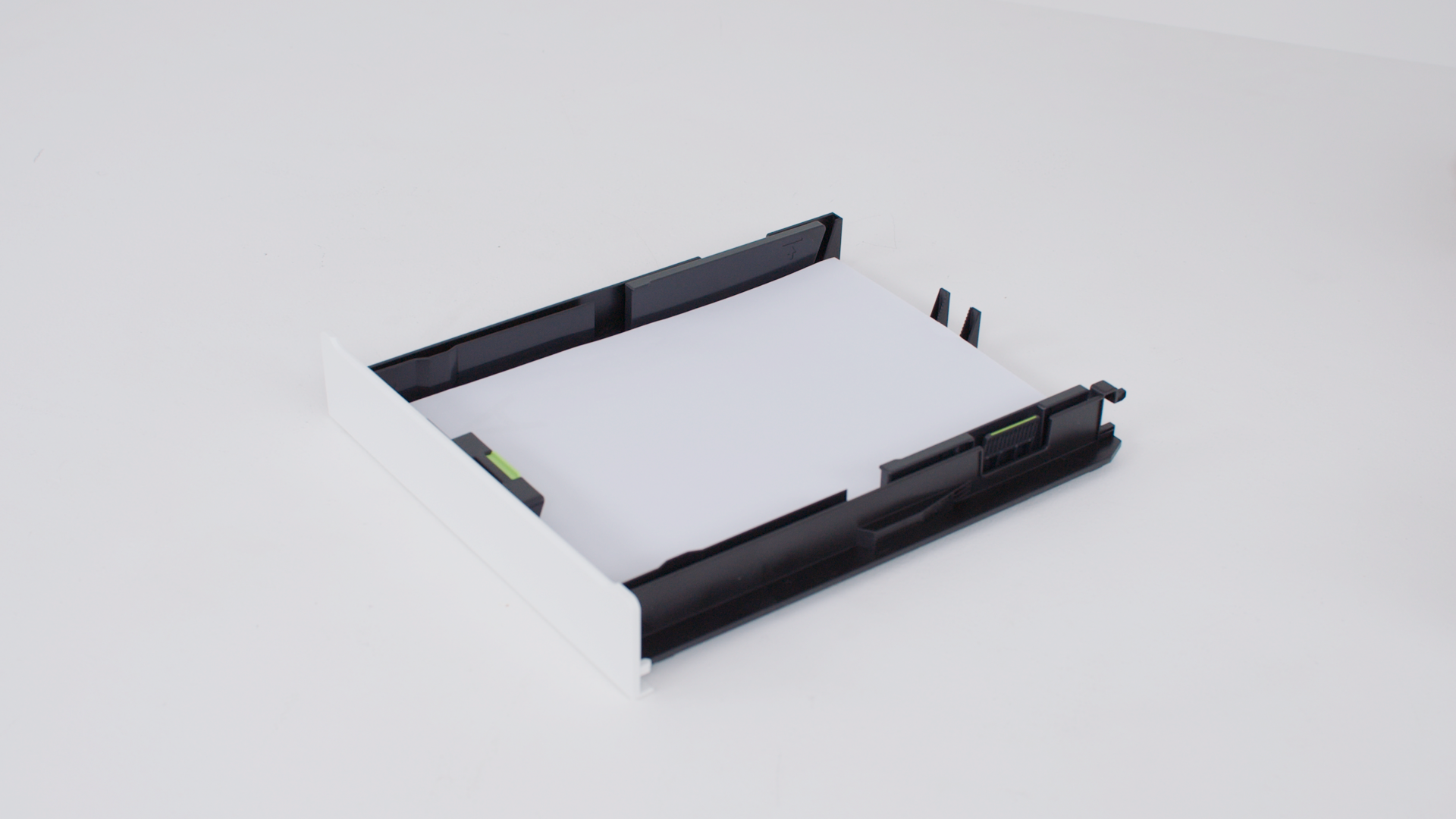
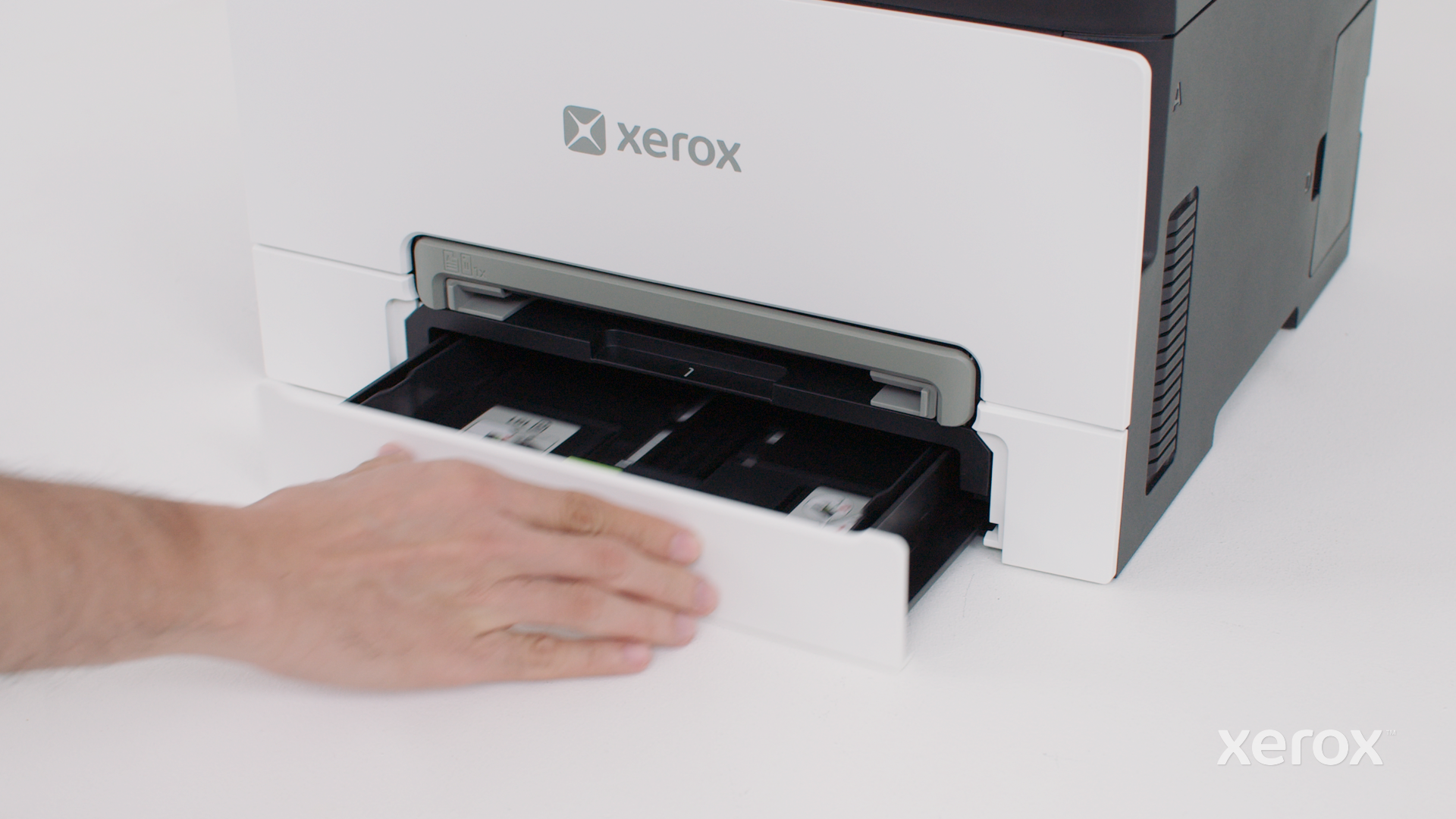
Loading the tray
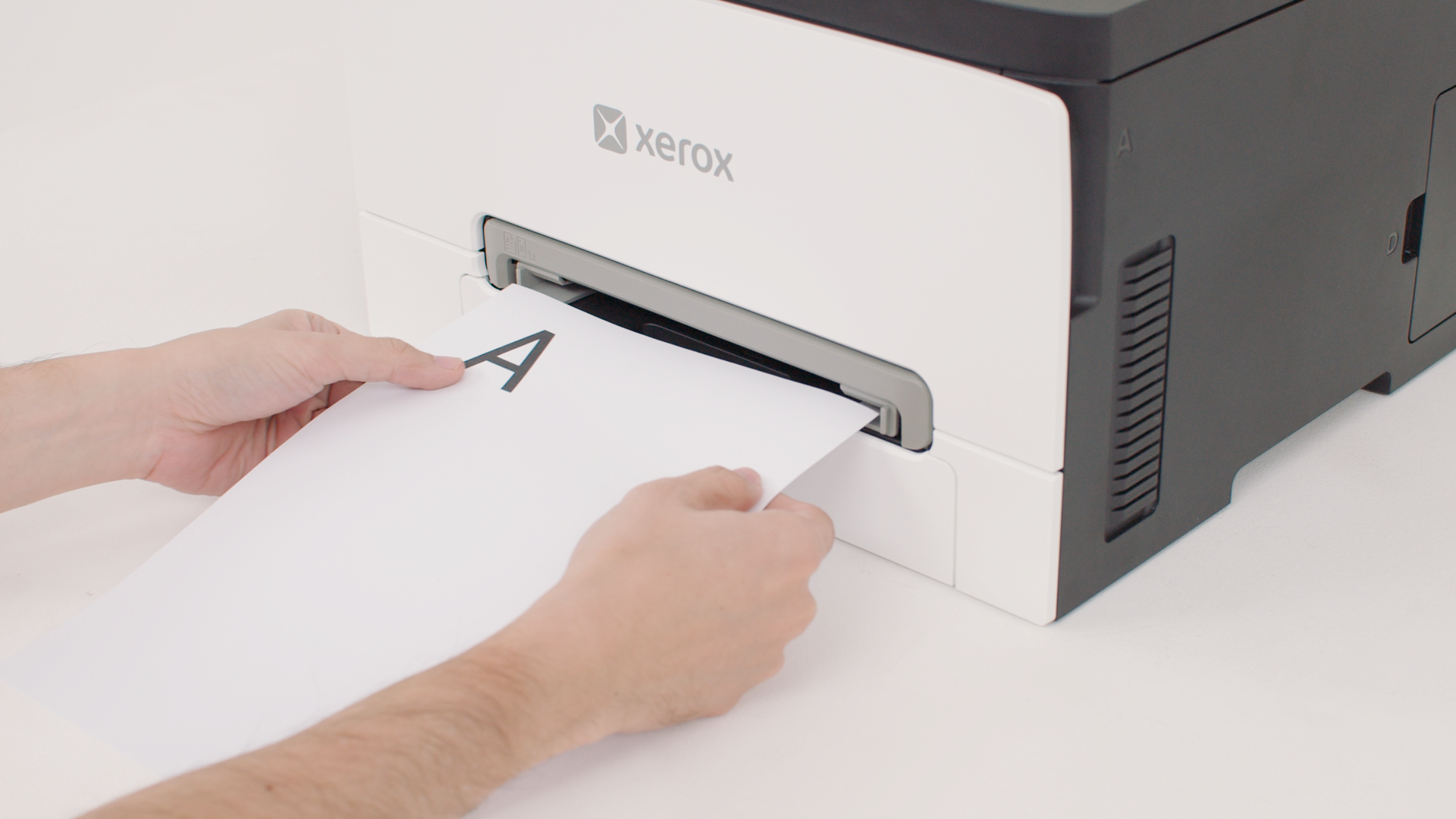
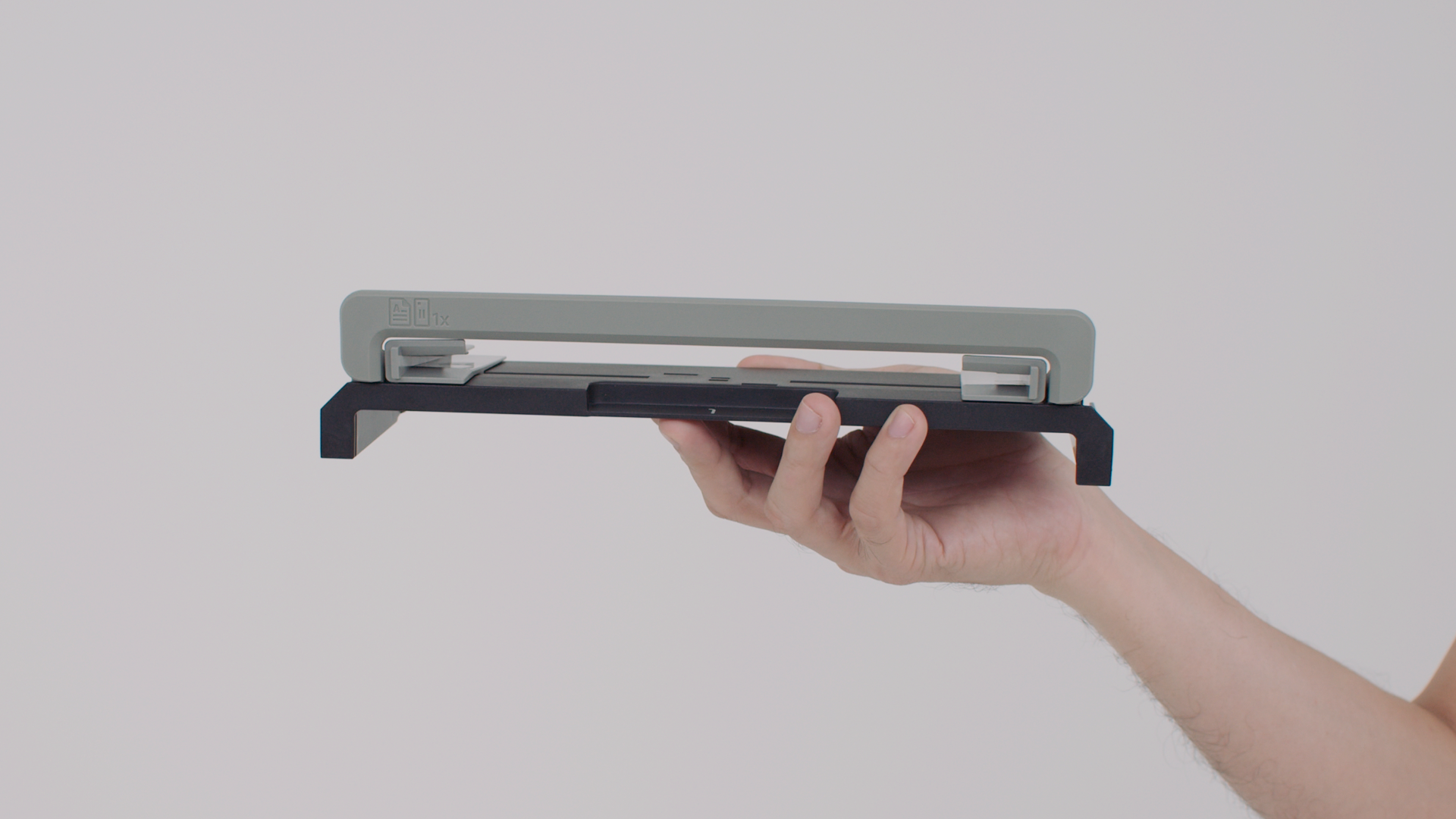
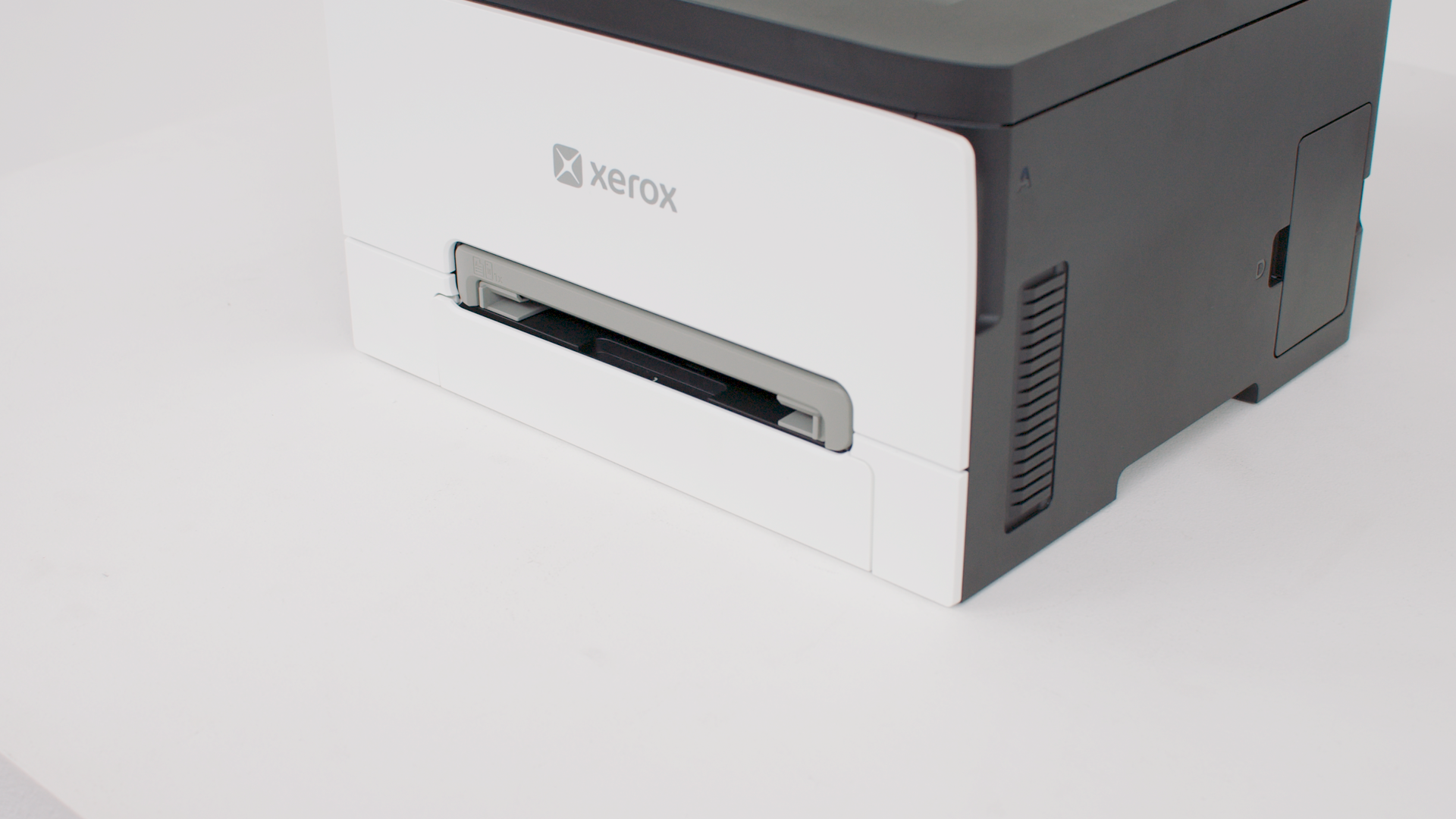
Loading the manual feeder
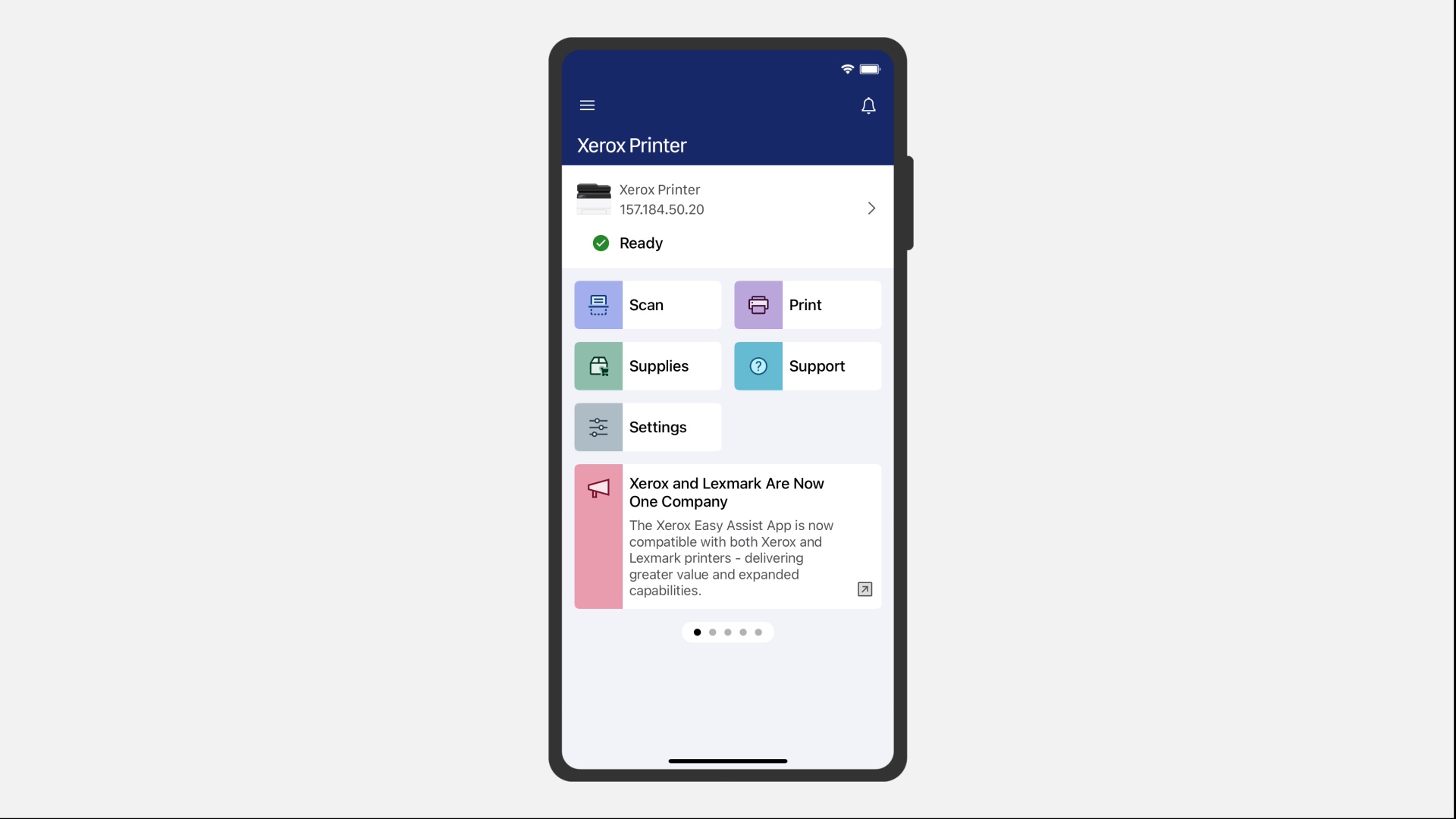
Printing using Xerox® Easy Assist
Printing using AirPrint
Printing using Xerox® Print and Scan Experience
Replacing supplies
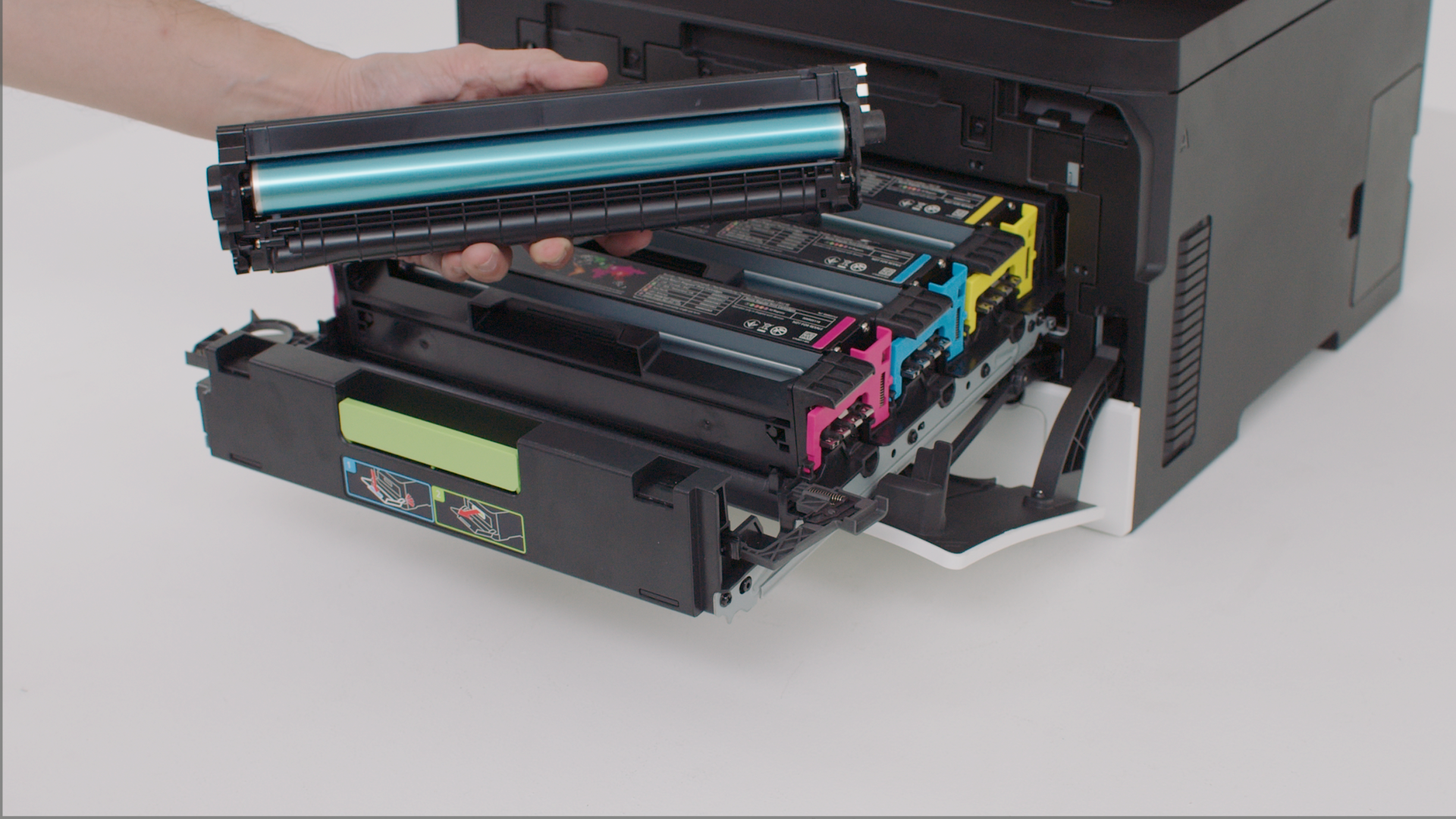
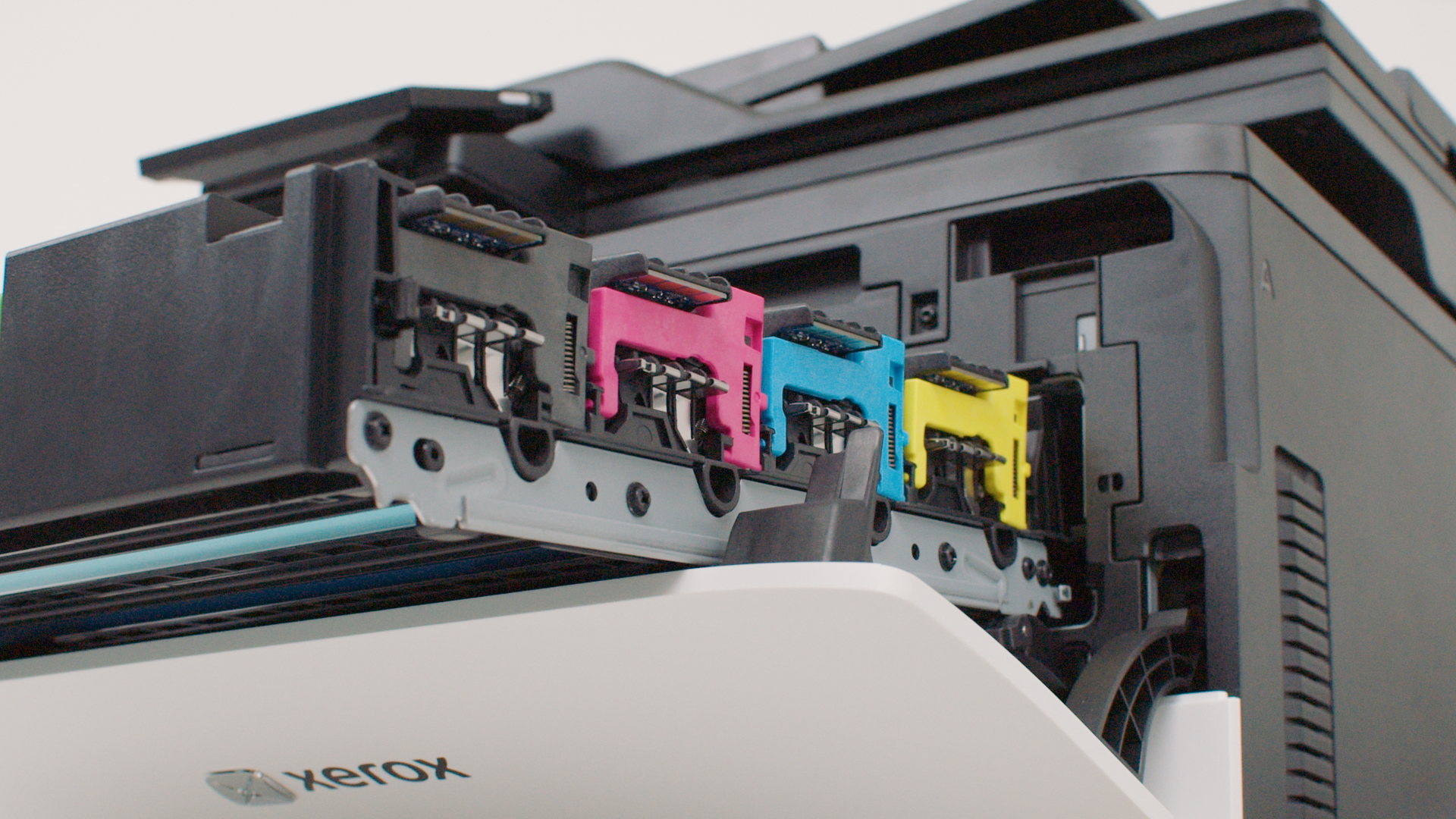
Replacing a print cartridge
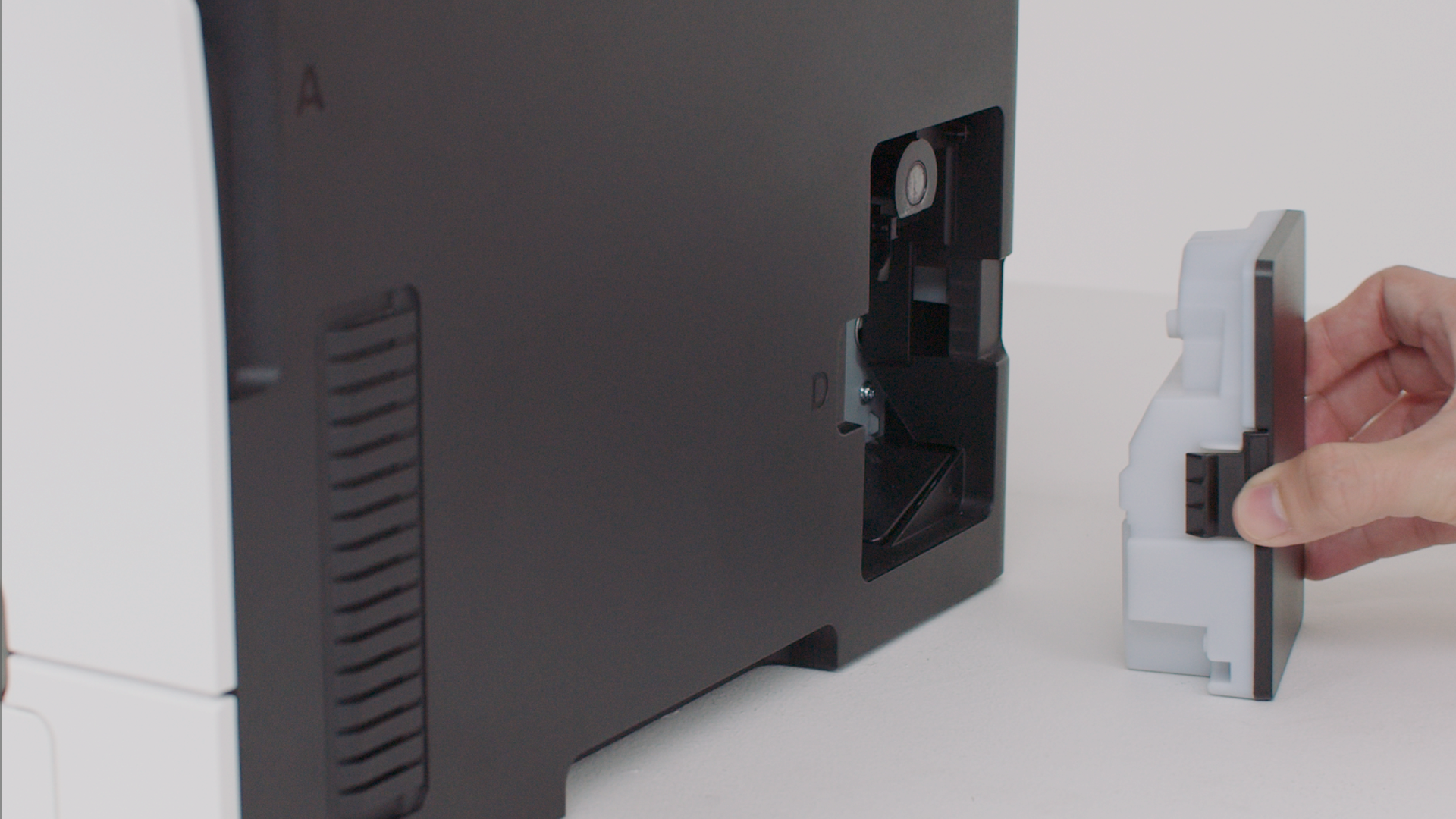
Replacing the waste toner bottle
Replacing parts
Replacing the tray insert
Replacing the manual feeder
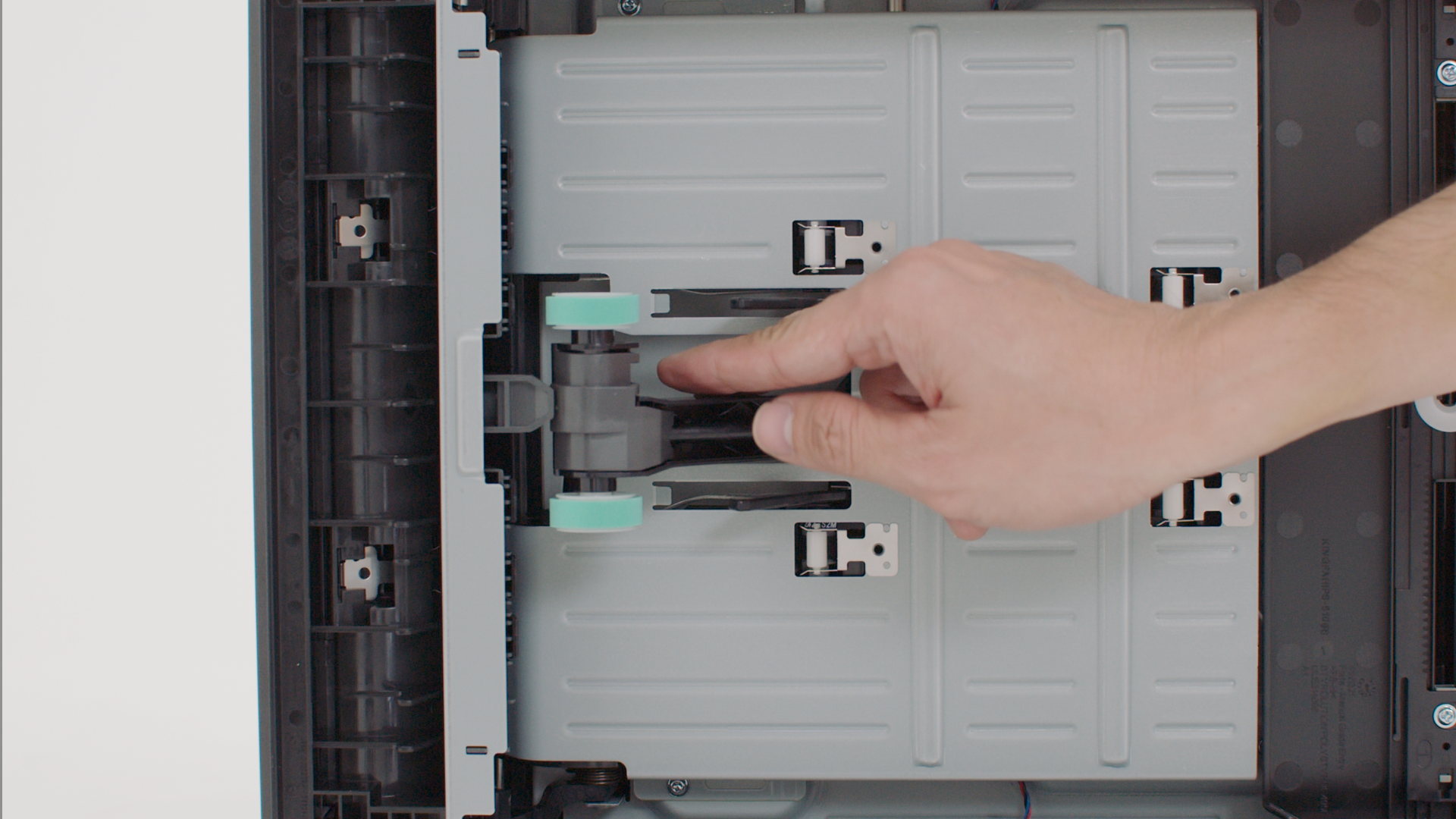
Replacing the pick tires
Maintaining your printer
Cleaning the print cartridge contacts
Troubleshooting
Clearing paper jam in the manual feeder
Clearing paper jam in the standard tray
Clearing paper jam in the optional tray
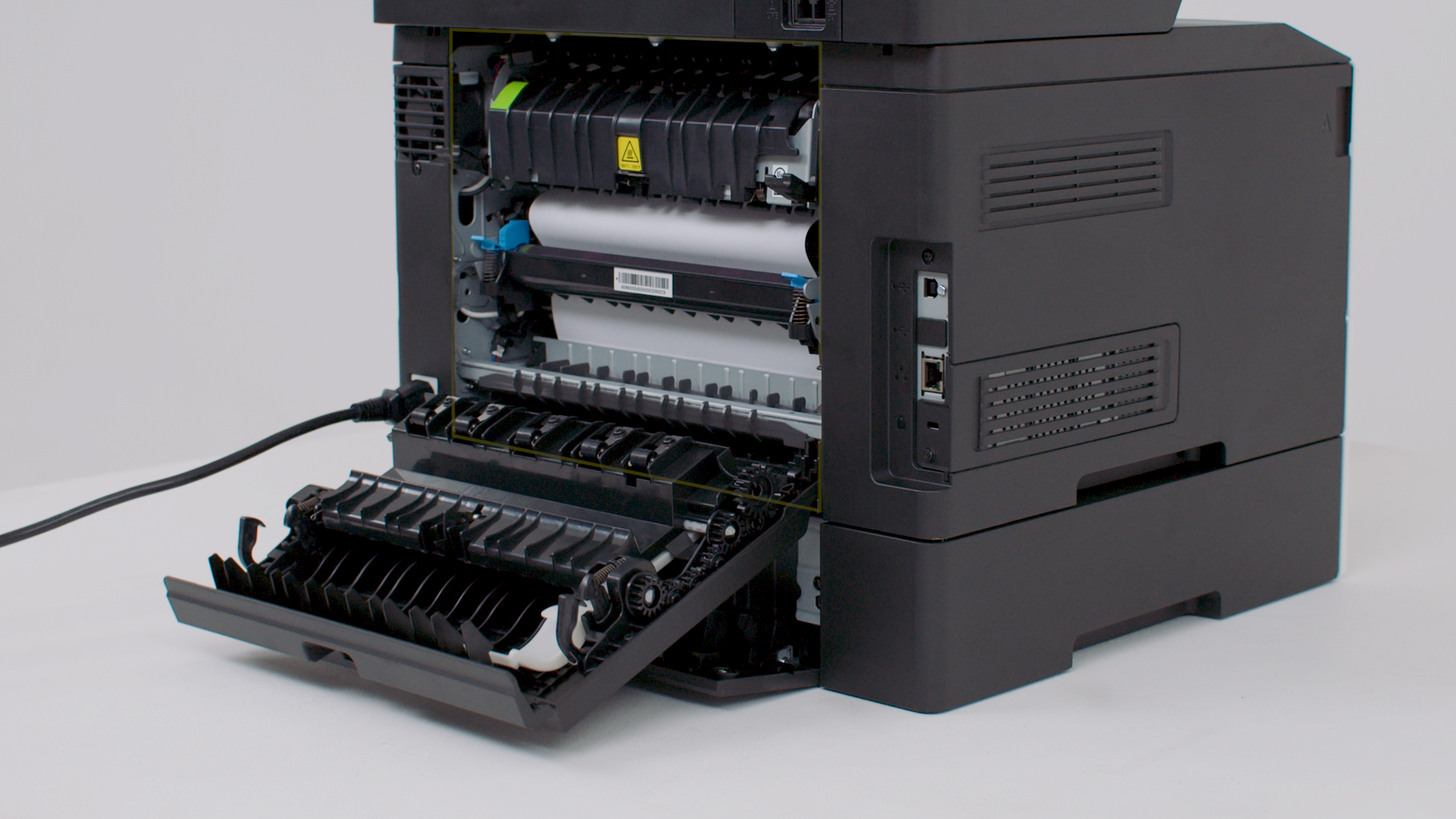
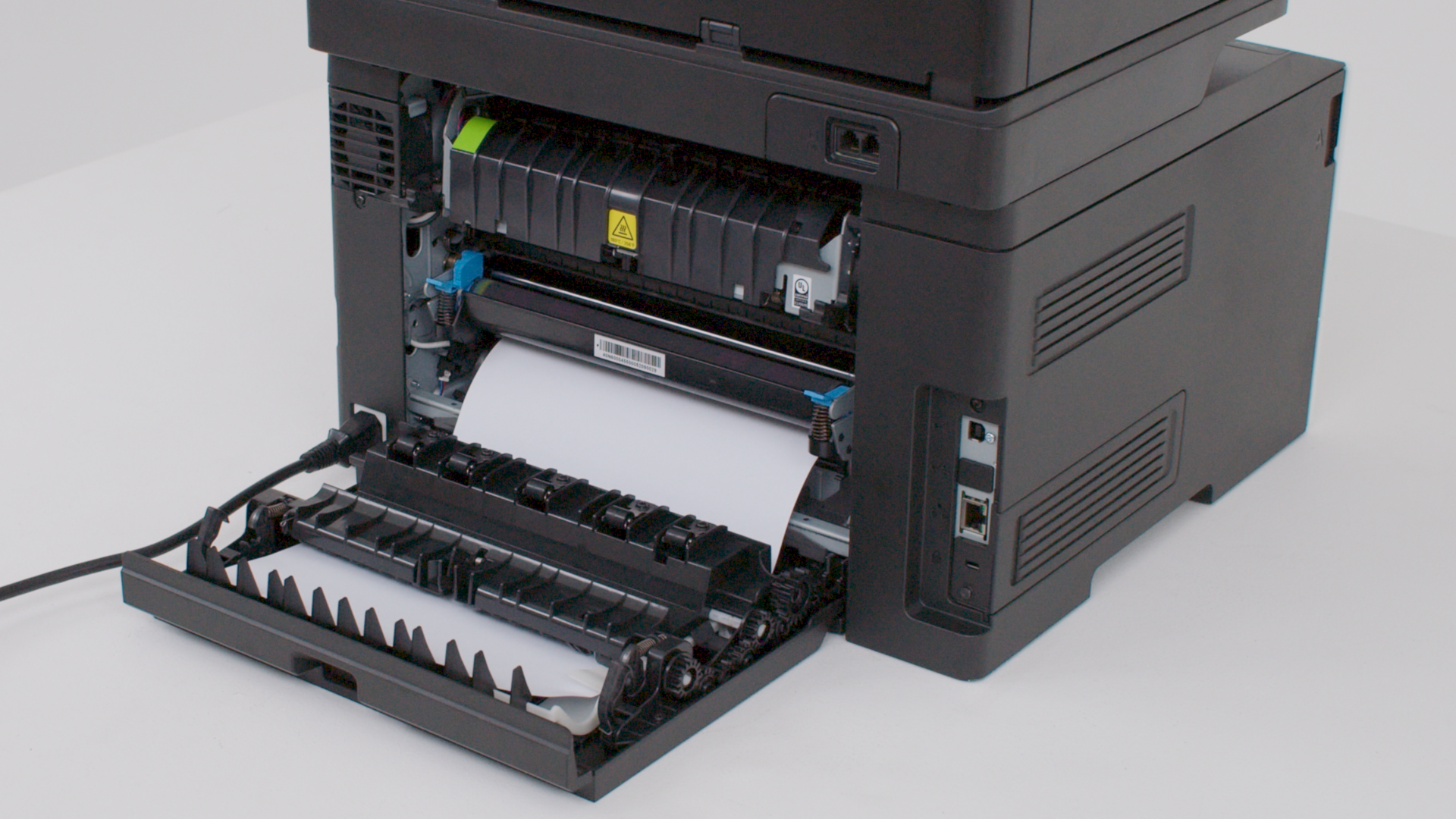
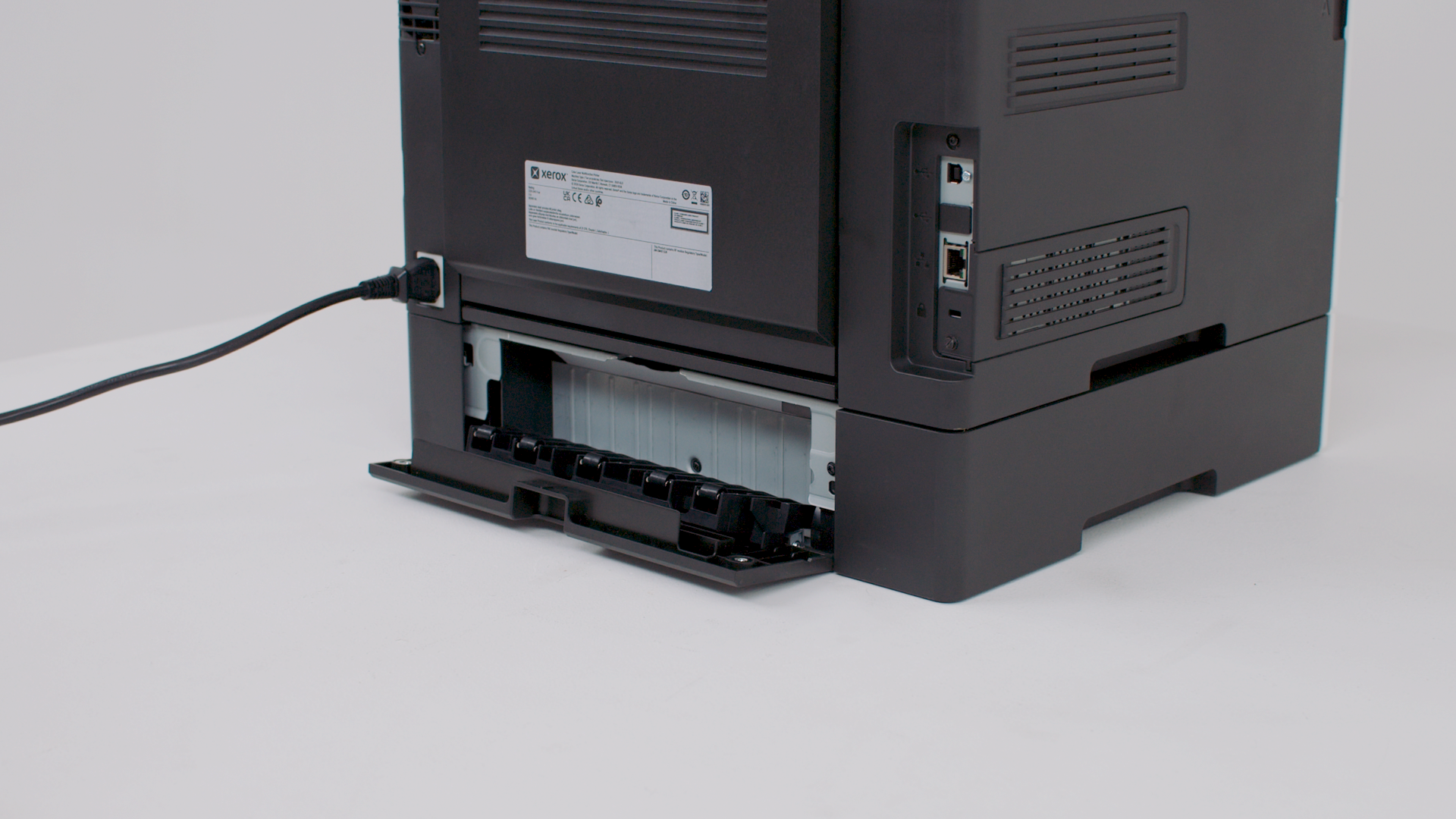
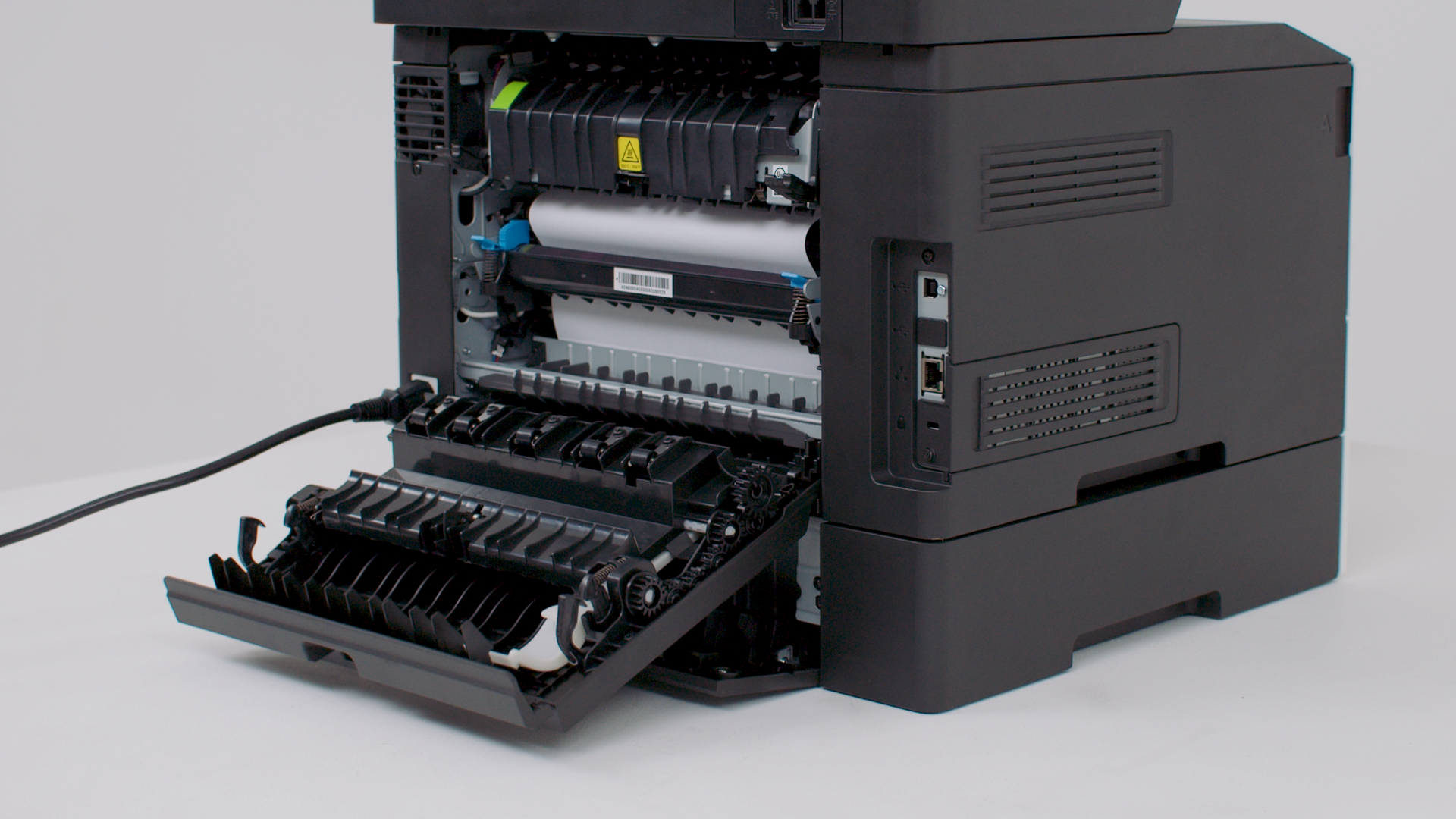
Clearing paper jam in door B
Clearing paper jam in door E
Clearing paper jam in door B and door E

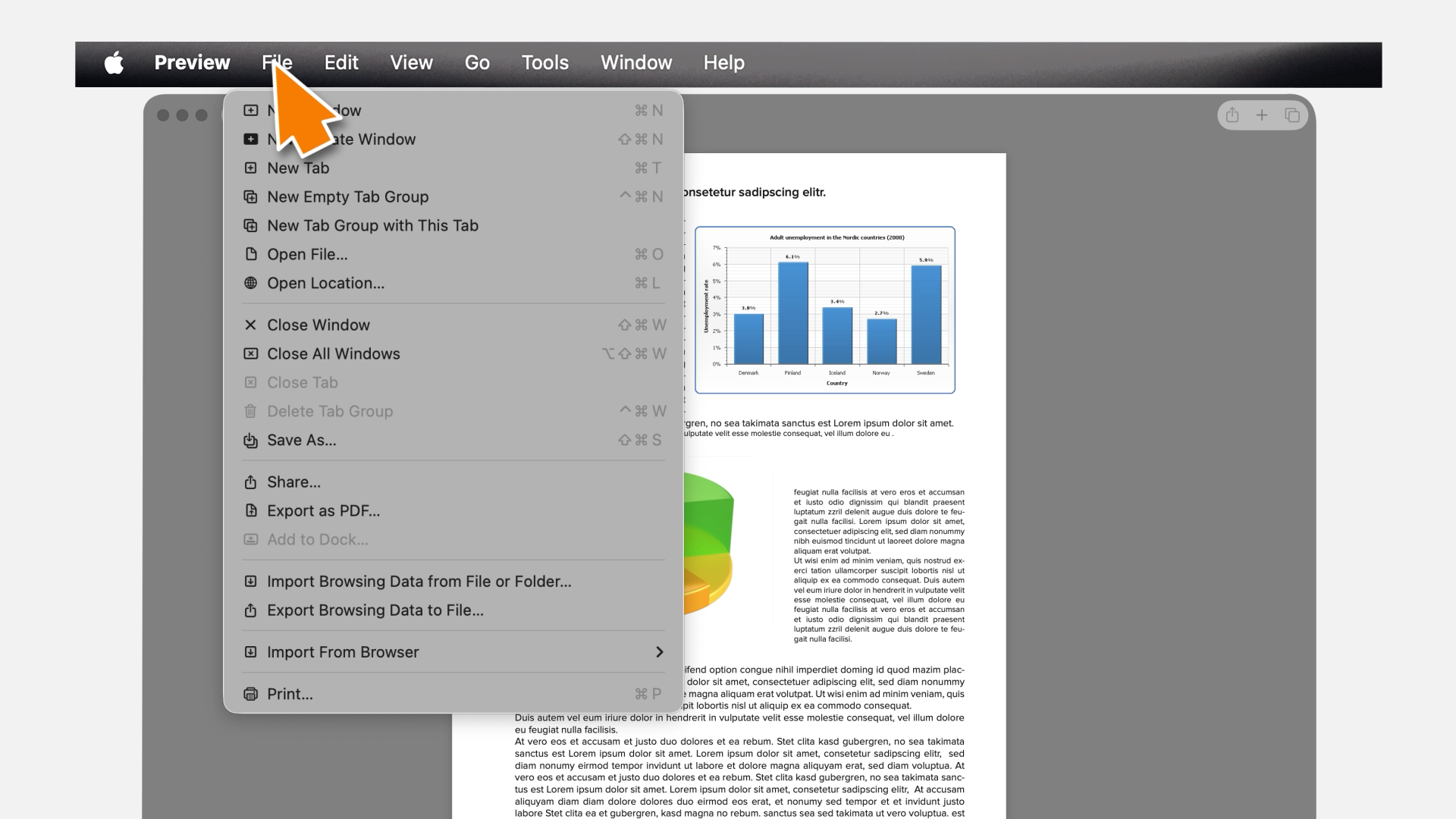
Printing using AirPrint

Learn how to use the AirPrint on your Macintosh computer to send a print job to your printer.

反馈已提交! 感谢您提供的宝贵意见!

很抱歉。我们如何改进它?

查找有关 {0} 的更多信息

Lexmark 支持

  • 支持主页
  • 驱动程序和下载
  • 产品注册
  • 保修和服务
  • 联系支持部门
  • 查找 Lexmark 碳粉
  • 检查以提供保护
  • 产品声明
  • 操作系统兼容性
  • Lexmark MobileTech

访问 Lexmark.com

  • 打印机
  • 耗材和配件
  • 其他联系方式
Lexmark symbol
Lexmark国际有限公司,施乐公司旗下企业
©2026 保留所有权利。
  • 隐私声明
返回到页面顶部

此站点将 cookies 用于各种用途,包括增强您的体验、分析和广告。继续浏览此站点或单击“接受并关闭”,表示您同意使用 cookies。 有关更多信息,请阅读我们的 Cookies 页面。