Support
  • United States (English)
  • Visit Lexmark.com
  • Support home
  • Printers
  • Solutions
  • Drivers & downloads
  • Warranty & service
  • Contact support
  • Visit Lexmark.com
  1. Support
  2. Printers
  3. Lexmark MS621
  4. How-to videos
Lexmark MS621

Lexmark MS621

Printer features: Laser, print only, black & white

Lexmark MS621 Support

  • Preparing your printer
  • Using your printer
  • Replacing supplies
  • Replacing parts
  • Troubleshooting
Thumbnail image
►

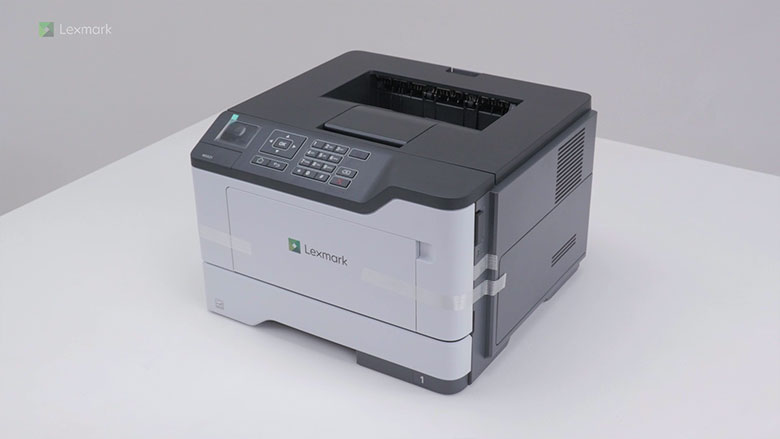
Setting up the printer

Learn how to set up your printer for the first time.

Thumbnail image
►

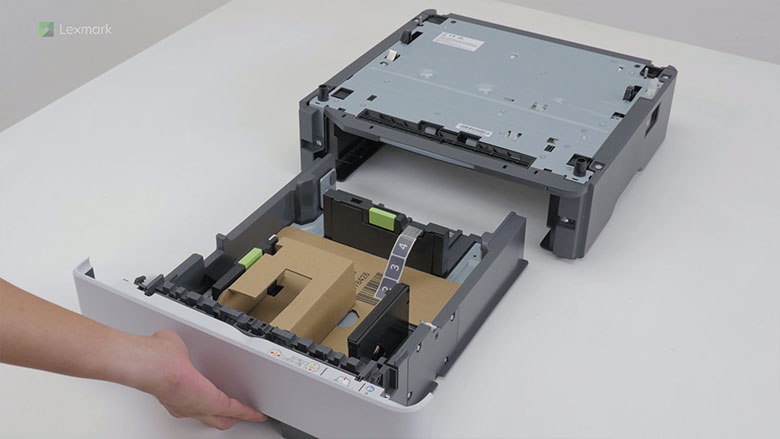
Installing optional trays

Learn how to install an optional tray on your printer.

Thumbnail image
►

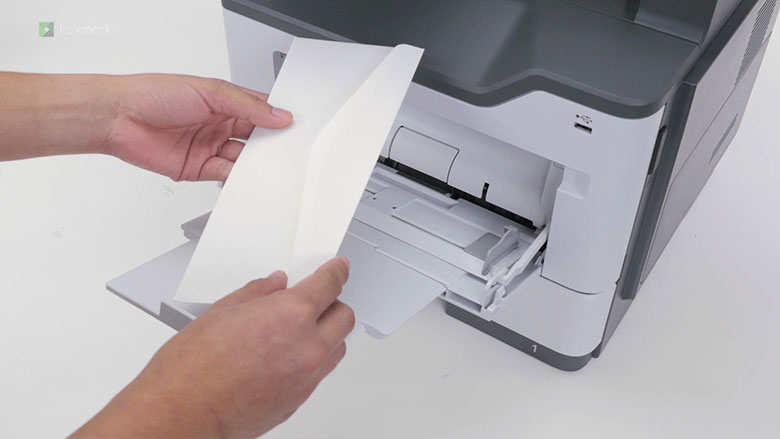
Loading the multipurpose feeder

Learn the correct way of loading paper in the multipurpose feeder.

Thumbnail image
►

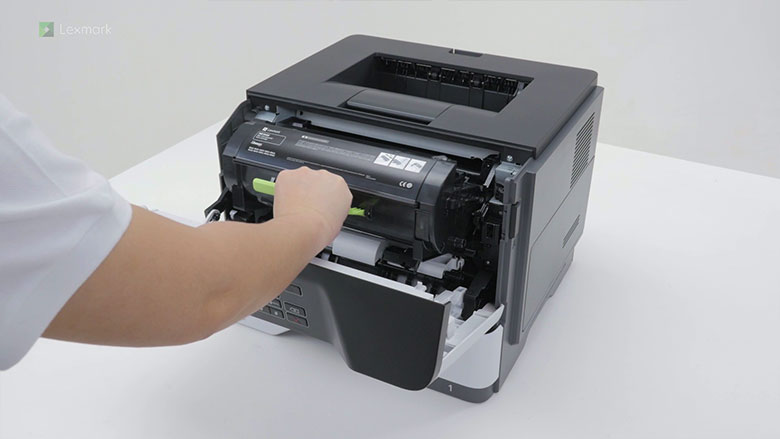
Replacing the toner cartridge

Watch this video for quick and easy steps in replacing a new toner cartridge.

Thumbnail image
►

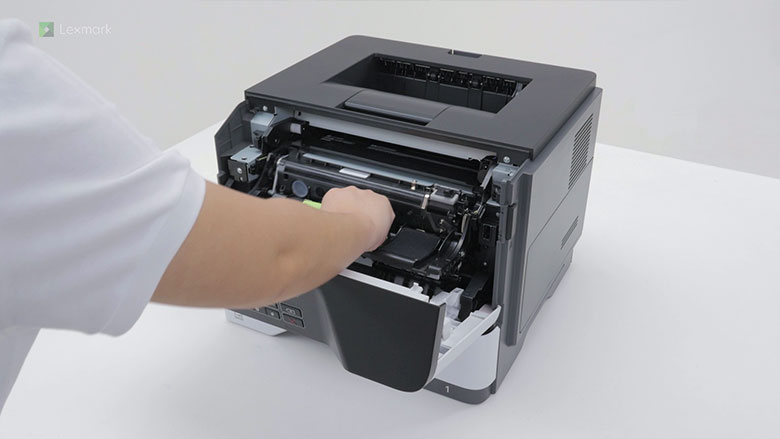
Replacing the imaging unit

Learn how to replace the imaging unit to continue getting good quality prints.

Thumbnail image
►

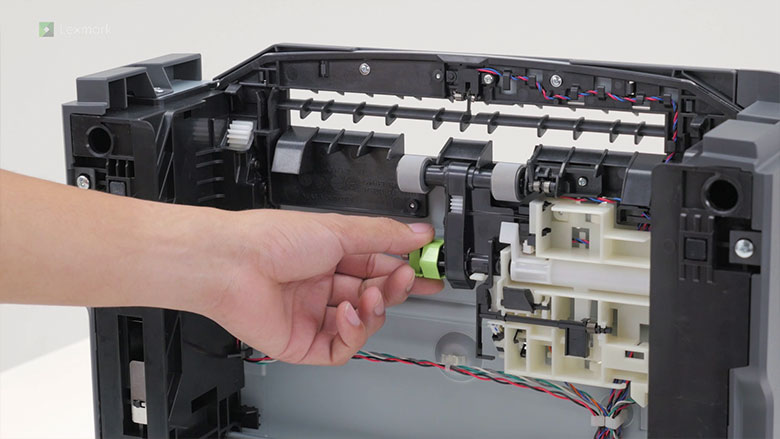
Replacing the pick roller assembly in the optional tray

Learn the steps of replacing the tray pick roller to avoid paper misfeed and jam.

Thumbnail image
►

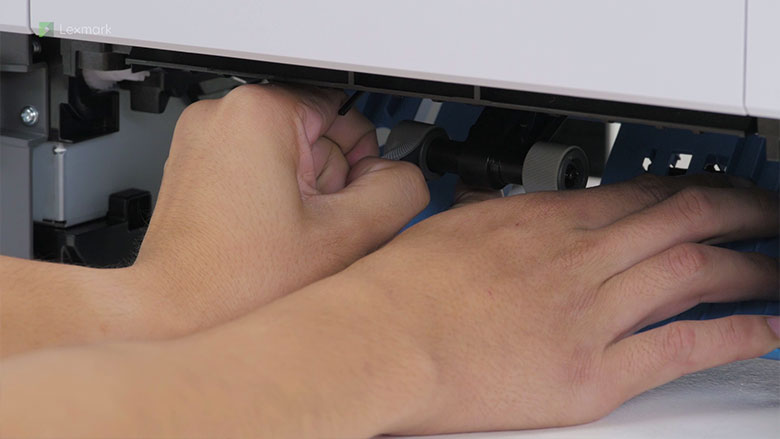
Replacing the pick tire

Know how to replace the pick tires in the tray. Change them regularly to prevent paper feed problems.

Thumbnail image
►

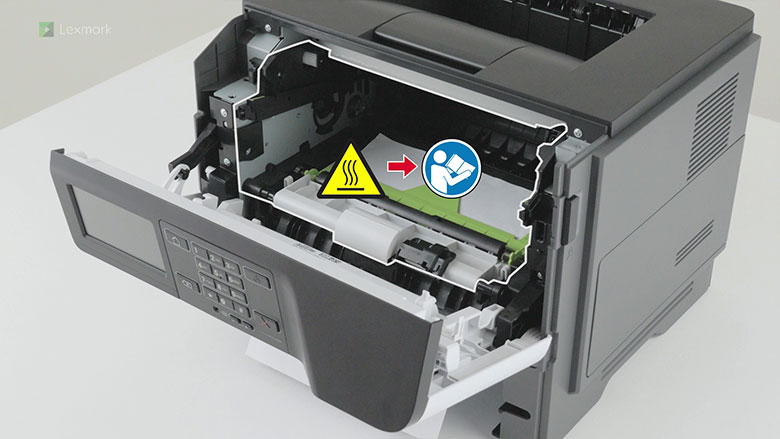
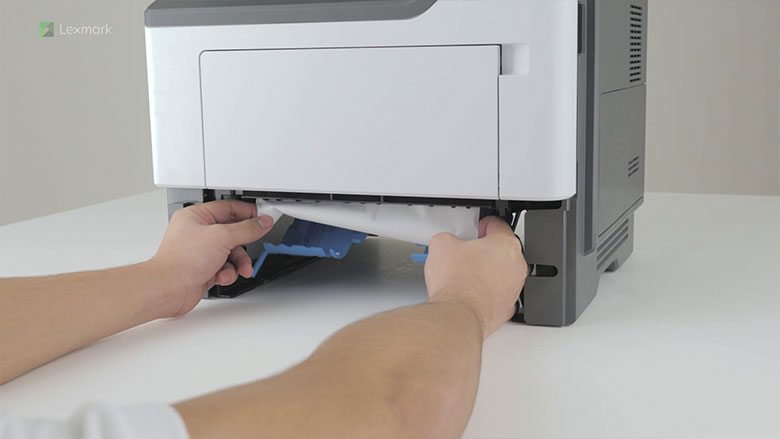
Clearing paper jam in the front door

Watch this video for instructions for removing paper that has jammed in the front door.

Thumbnail image
►

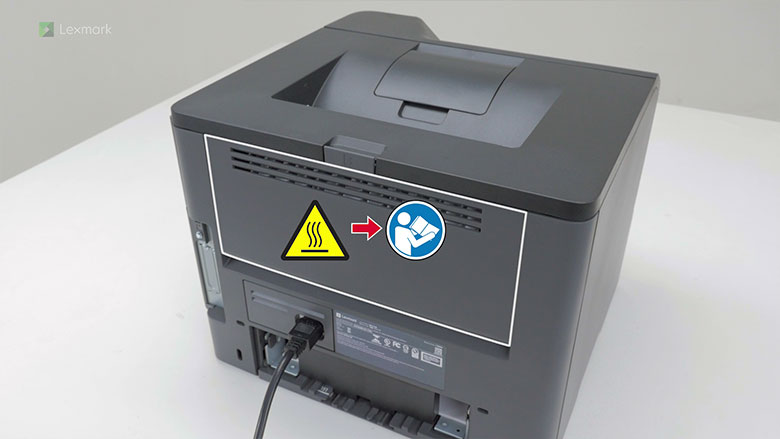
Clearing paper jam in the rear door

Watch this video for instructions for removing paper that has jammed in the rear door.

Thumbnail image
►

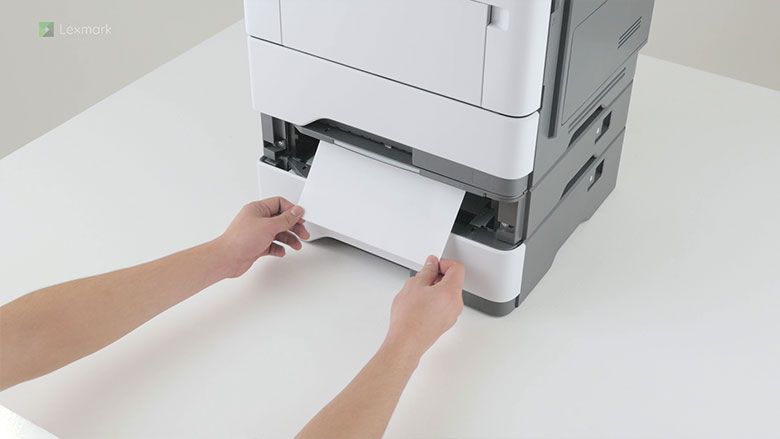
Clearing paper jam in trays

Watch this video for step-by-step instructions for removing paper that has jammed in the tray.

Thumbnail image
►

Clearing paper jam in the duplex unit

Watch this video for instructions for removing paper that has jammed in the duplex unit.
Lexmark support

  • Support home
  • Drivers & downloads
  • Product registration
  • Warranty & service
  • Contact support
  • Find Lexmark toner
  • Cartridge return labels
  • Check to protect
  • Check order status
  • Return a product
  • Account help
  • Product notices
  • OS compatibility
  • Lexmark MobileTech
  • Right to repair

Visit Lexmark.com

  • Shop
  • Printers
  • Supplies & accessories
  • Industries & solutions
  • Services
  • Other contact options
Lexmark symbol
Lexmark International, Inc., a subsidiary of Xerox Corporation
©2025 All rights reserved.
  • Privacy
  • Terms and Conditions
  • Terms of Use
Return to Top of Page

This site uses cookies for various purposes including enhancing your experience, analytics, and ads. By continuing to browse this site or by clicking "Accept and close", you agree to our use of cookies. For more information, read our Cookies page.