Printer features: Laser, print only, black & white
Lexmark E360 Support
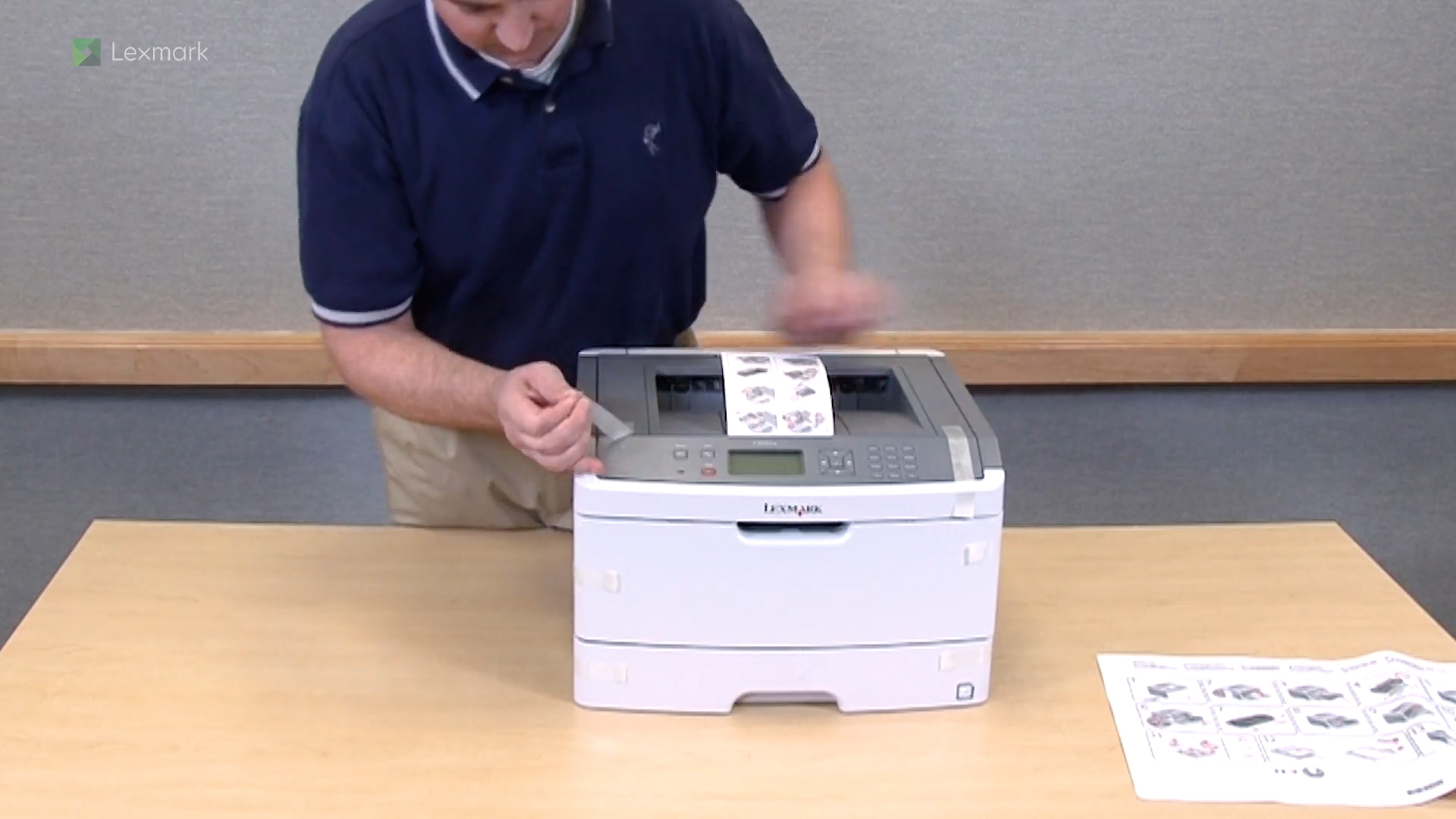
Learn how to set up your new printer.
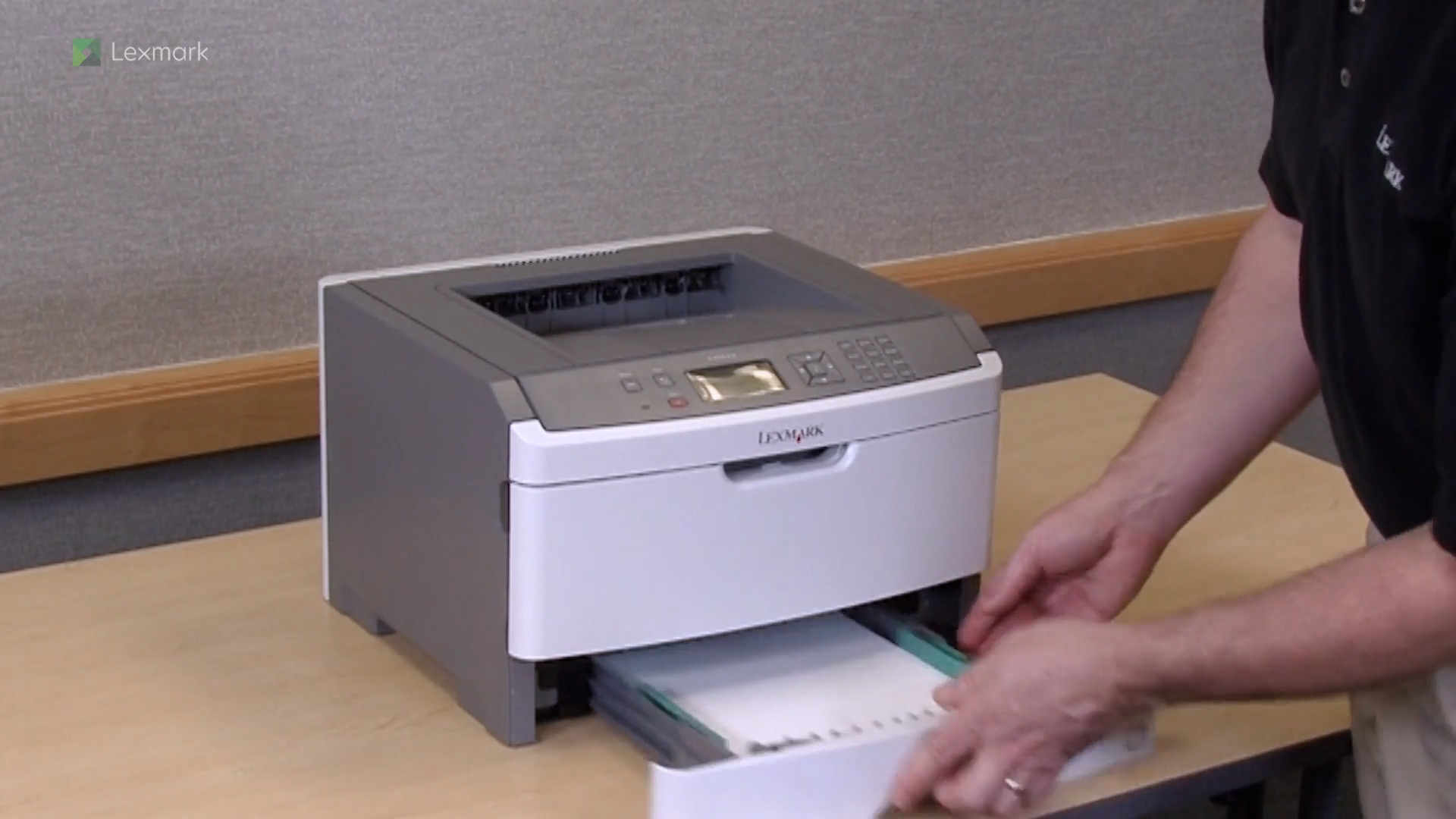
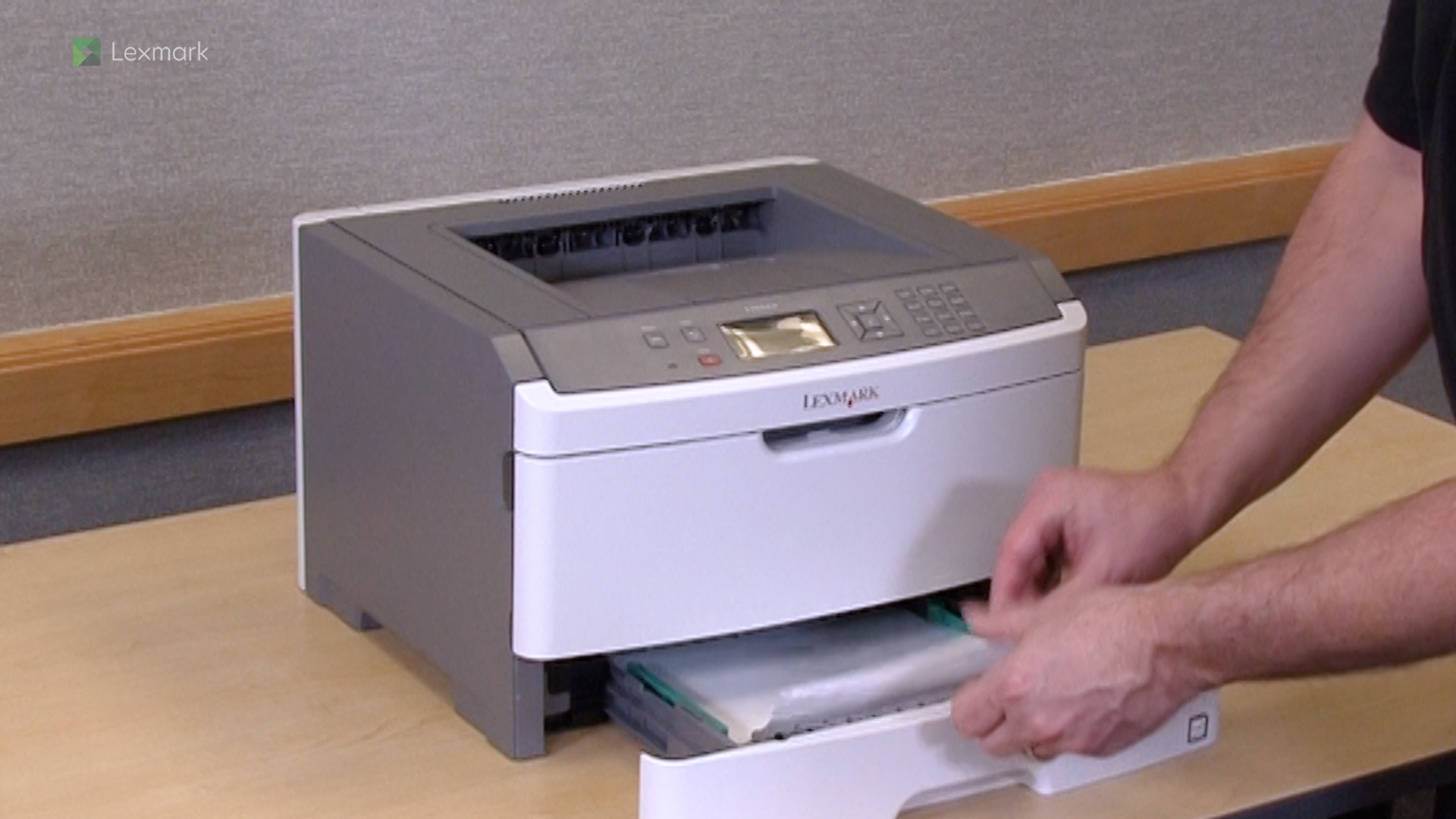
For reliable printing results, use these instructions on how to load paper properly into the tray of your printer.
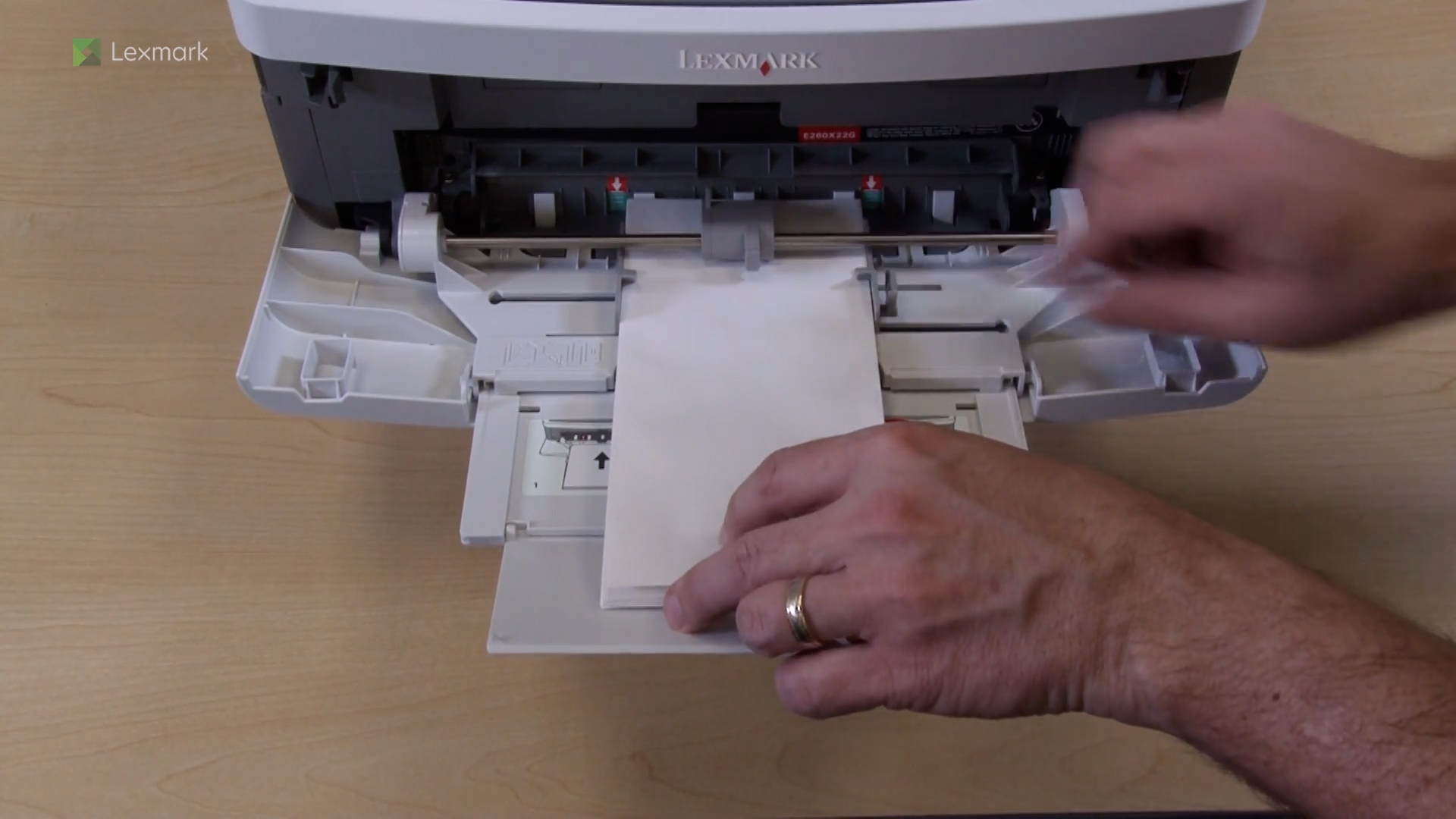
For reliable printing results, use these instructions on how to load paper properly into the multipurpose feeder of your printer.
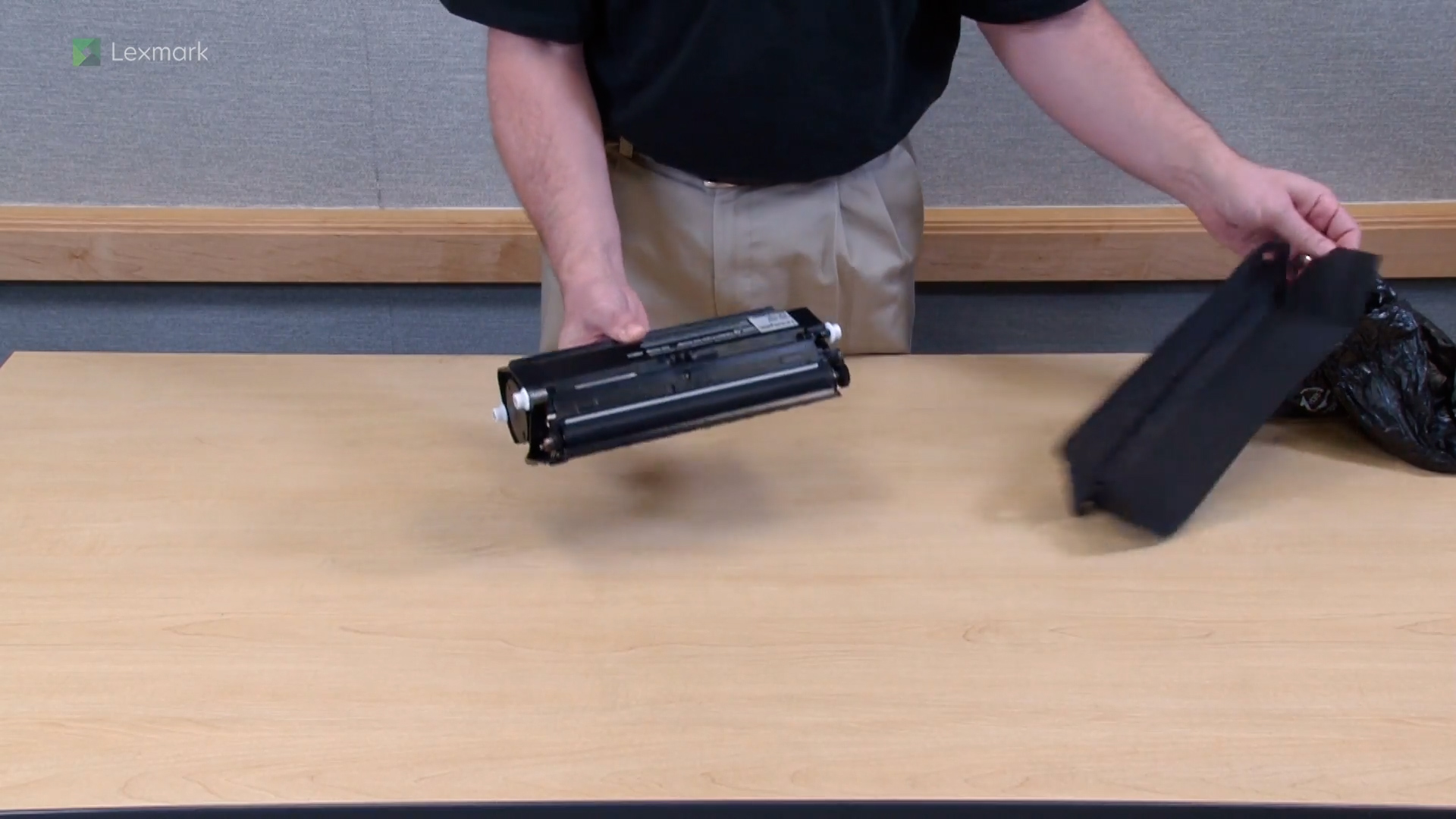
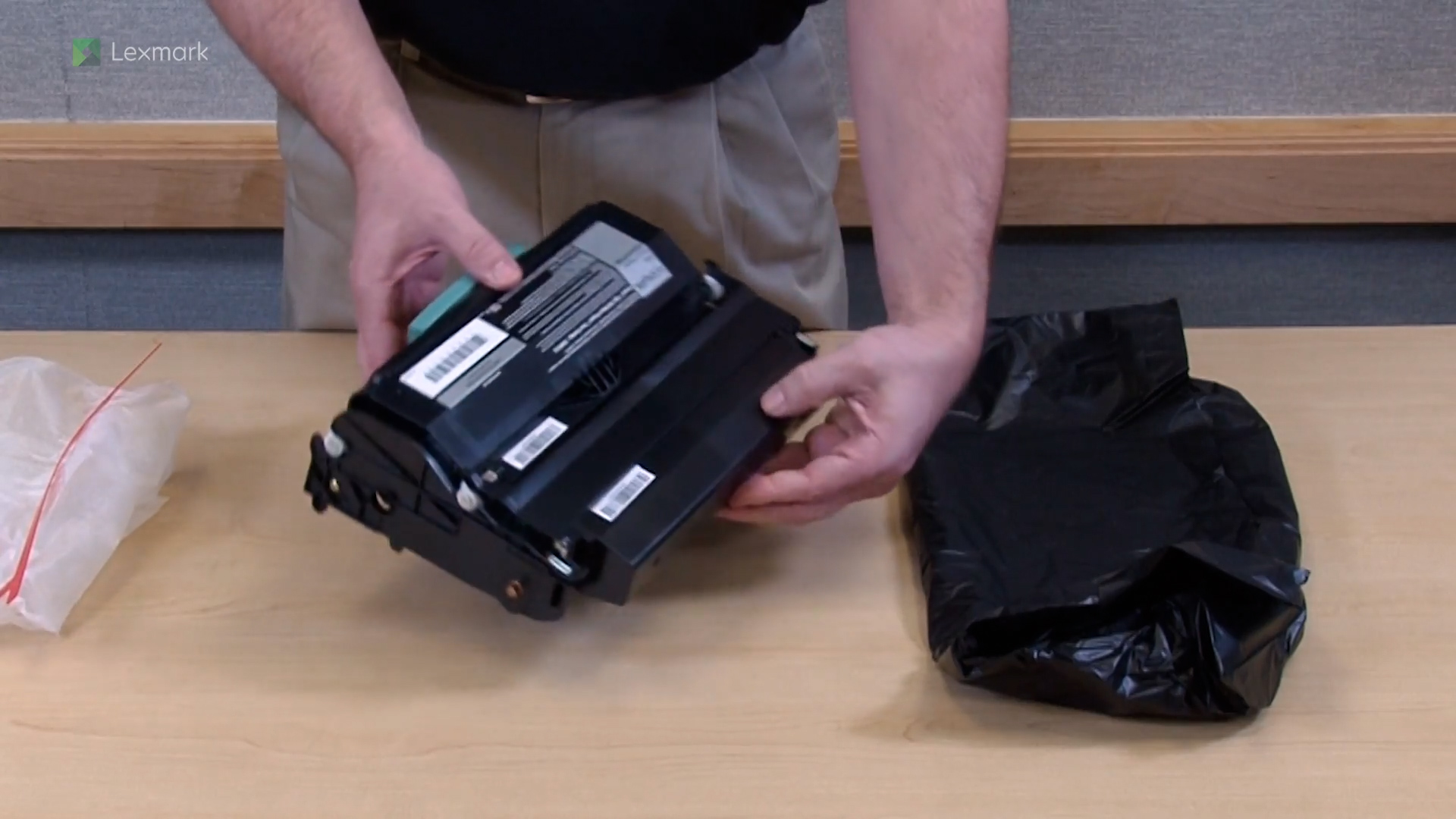
Install a new toner cartridge when you continue to see faded prints.
Install a new photoconductor kit into your printer.
Remove the jammed paper in the duplex to continue printing.
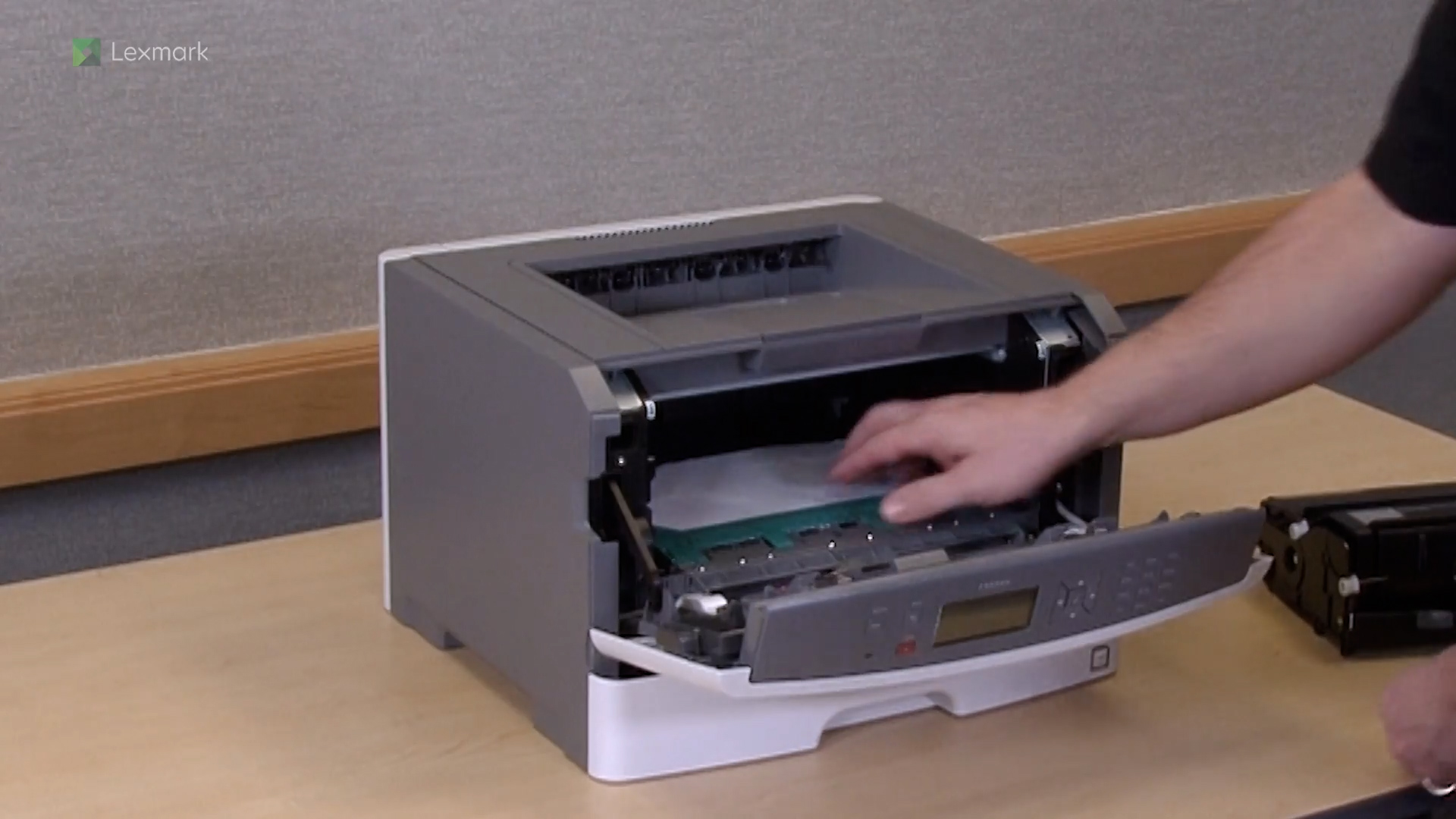
Remove internal jams to continue printing.
Remove the jammed paper in the multipurpose feeder to continue printing.
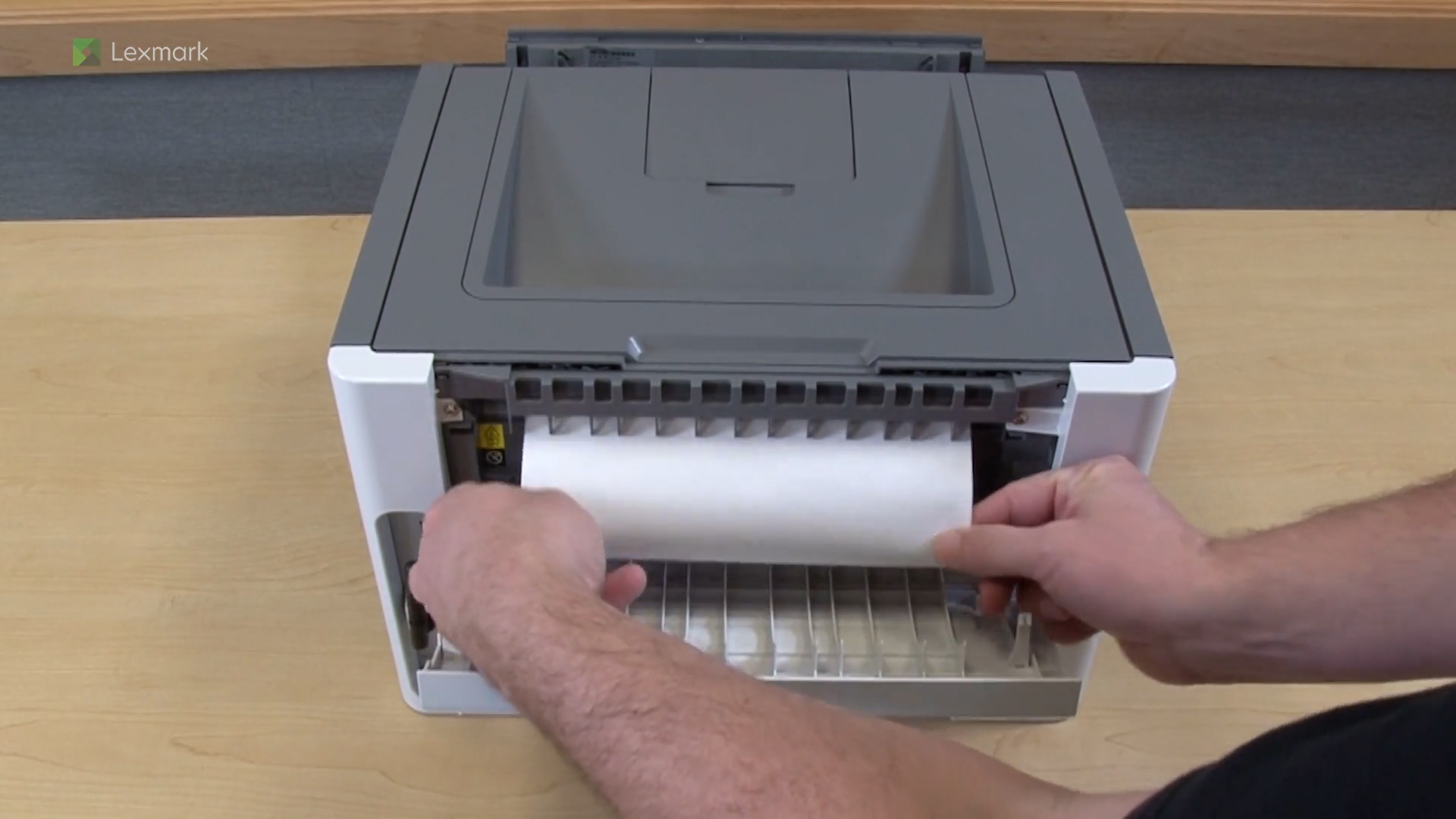
Remove the jammed paper in the rear door to continue printing.
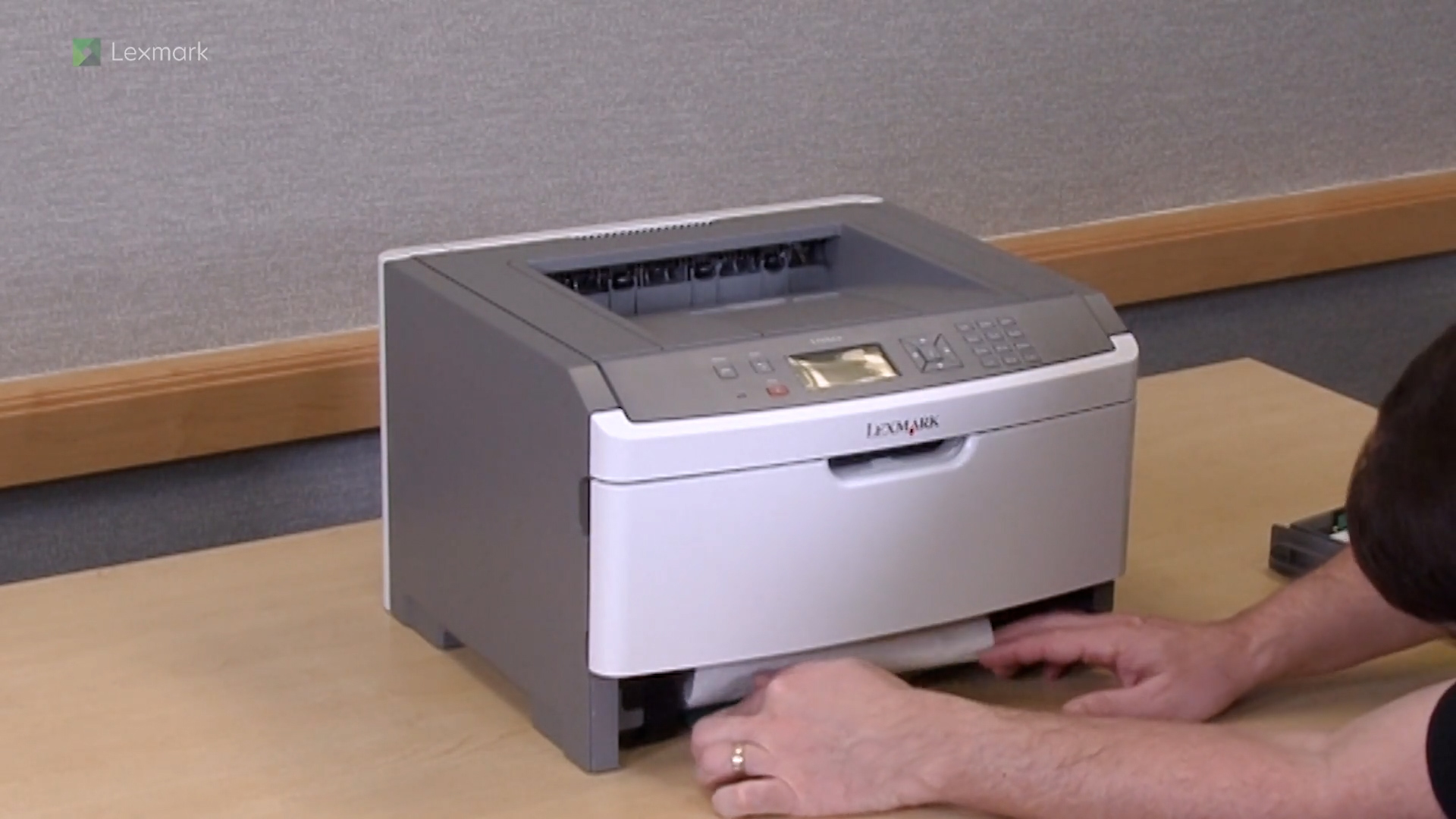
Remove the jammed paper in tray 1 to continue printing.