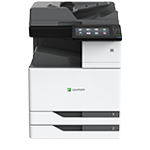
Printer features: Laser, multifunction, color
Lexmark CX924 Support
Learn how to set up your printer for the first time.
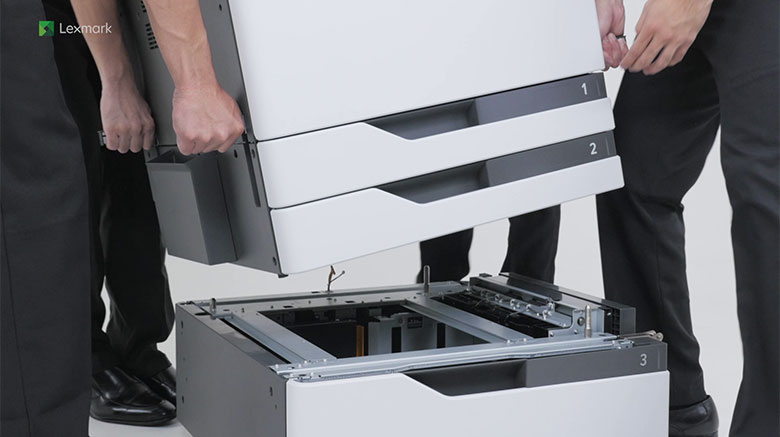
Learn how to install an optional 2500-sheet tray to your printer.
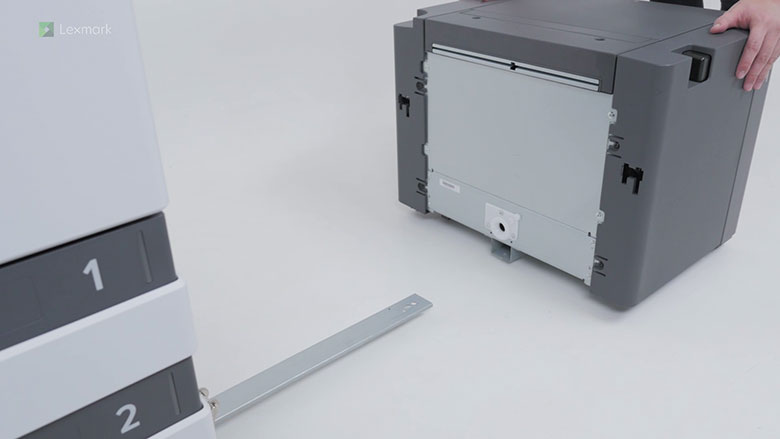
Learn how to install an optional 3000-sheet tray to your printer.
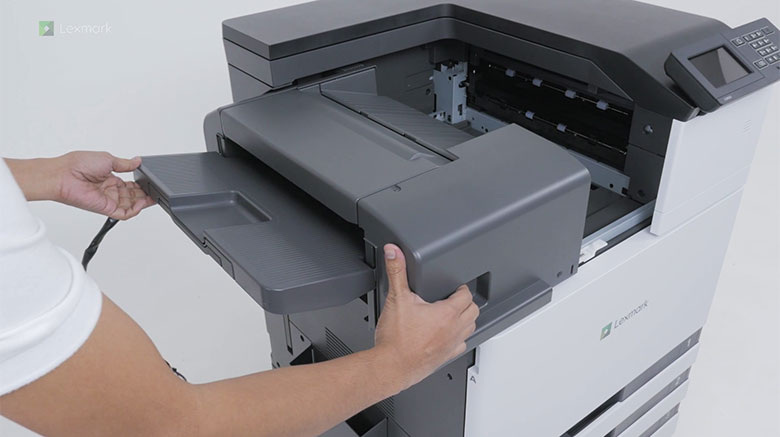
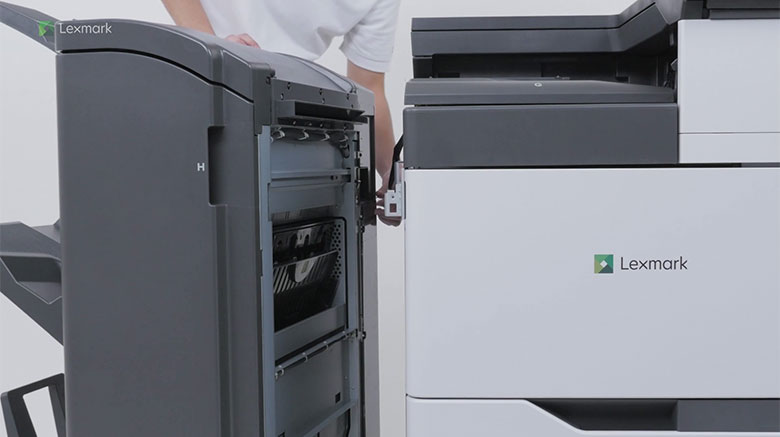
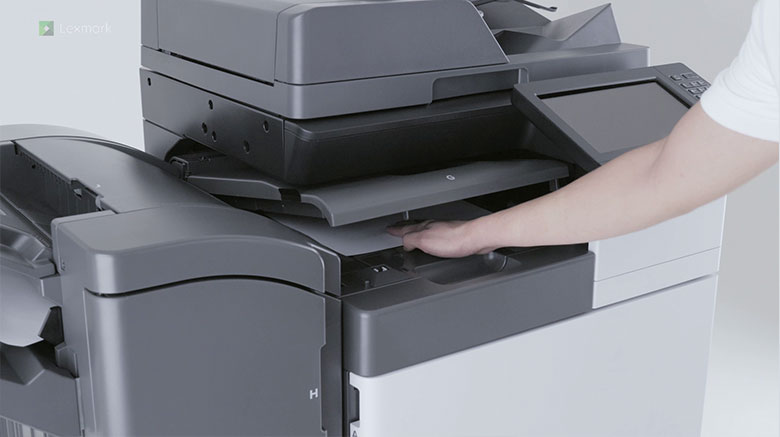
Learn how to install the staple finisher to your multifunction printer.
Learn how to install the booklet finisher to your multifunction printer.
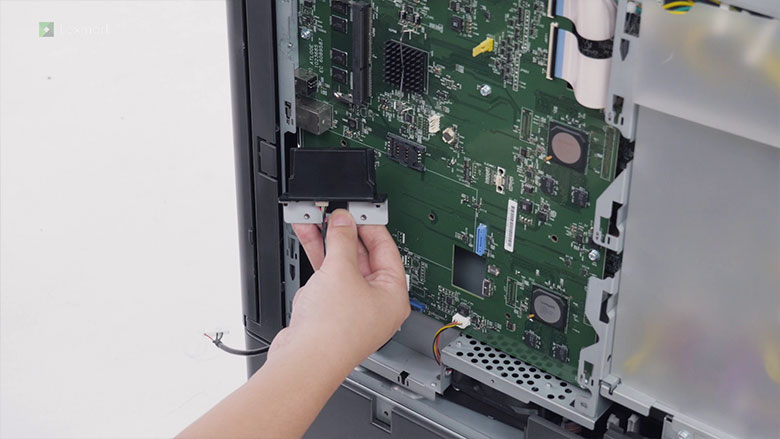
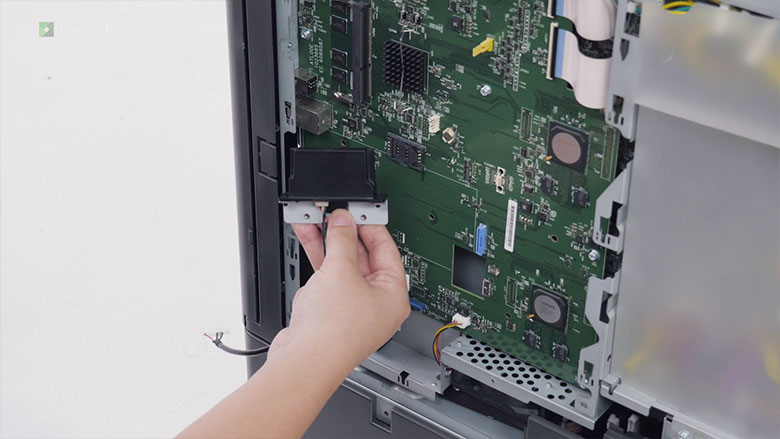
Learn how to install the wireless print server on your printer.
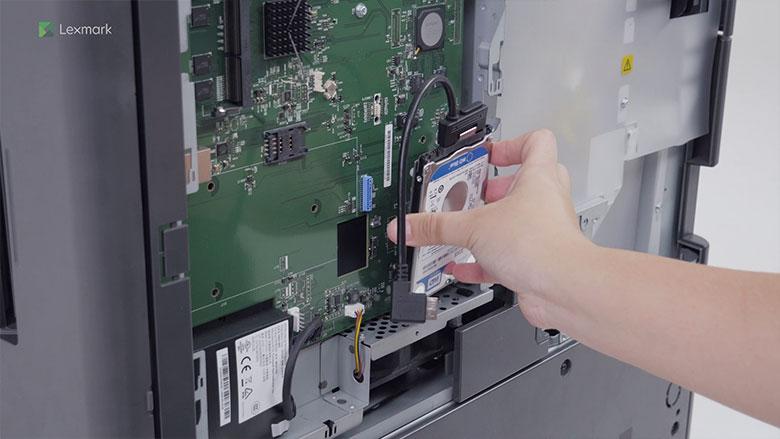
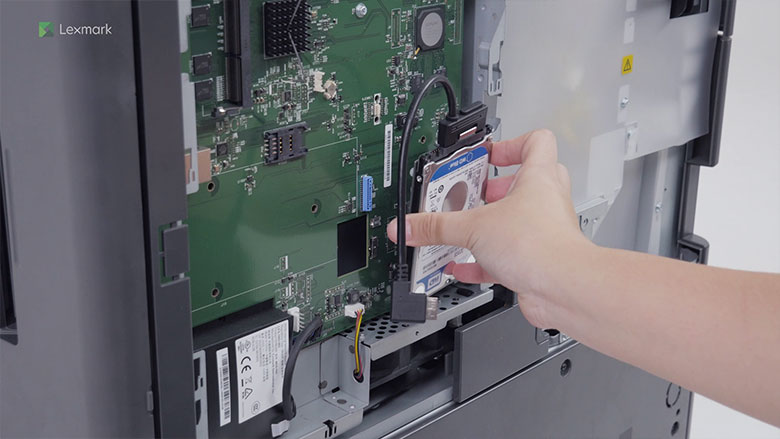
Learn how to install the printer hard disk on your printer.
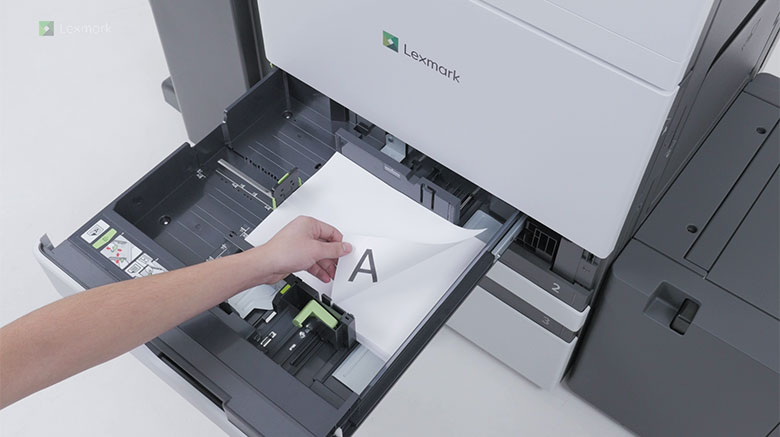
Learn how to load paper in the trays with the correct orientation for one-sided or two-sided printing without any optional finisher attached to your printer.
Learn how to load paper in the trays with the correct orientation for one-sided or two-sided printing with an optional finisher attached to your printer.
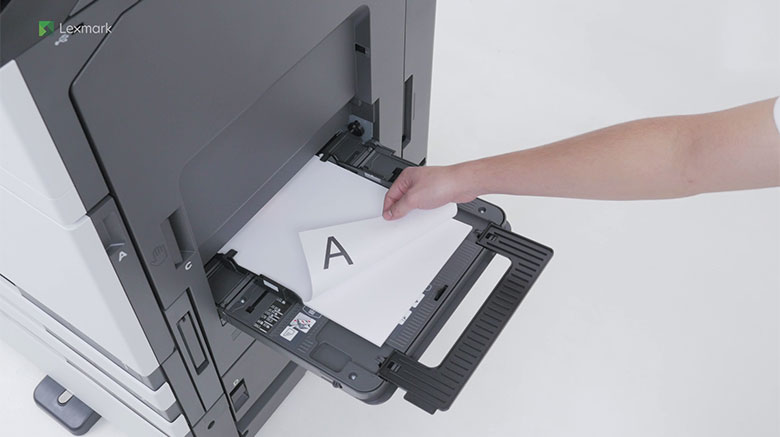
Learn how to load paper in the multipurpose feeder with the correct orientation for one-sided or two-sided printing.
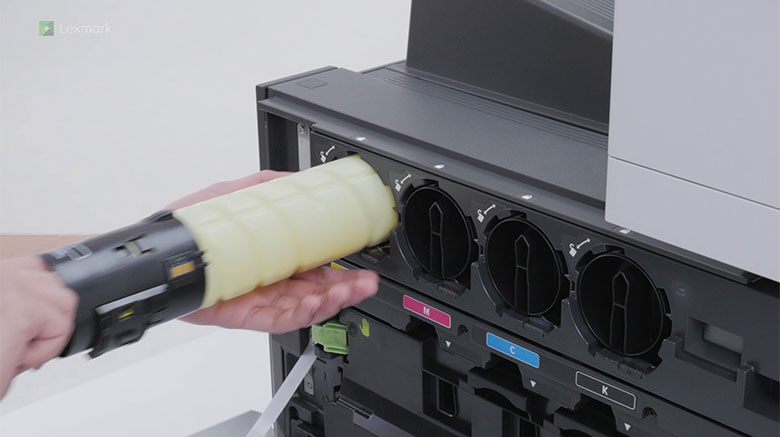
Learn how to replace a used toner cartridge.
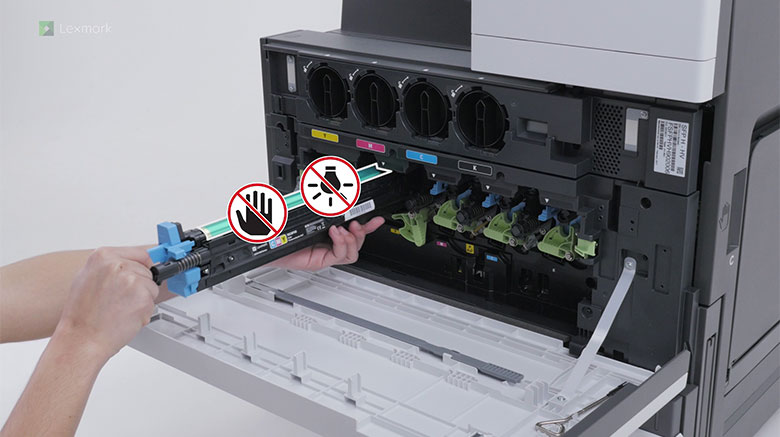
Learn how to replace a used photoconductor unit.
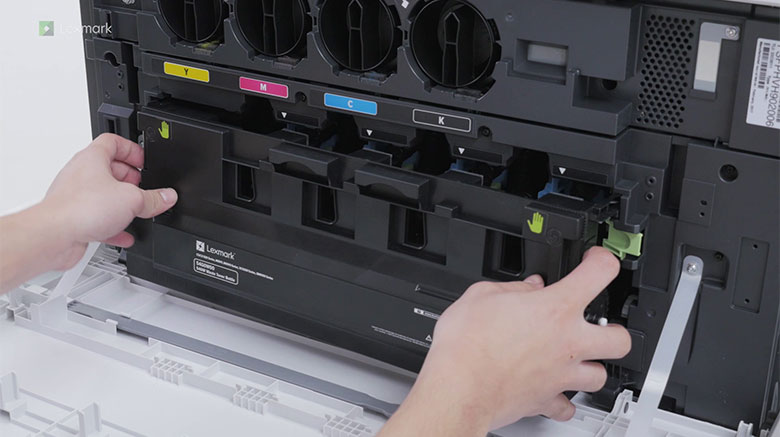
Learn how to replace a full waste toner bottle.
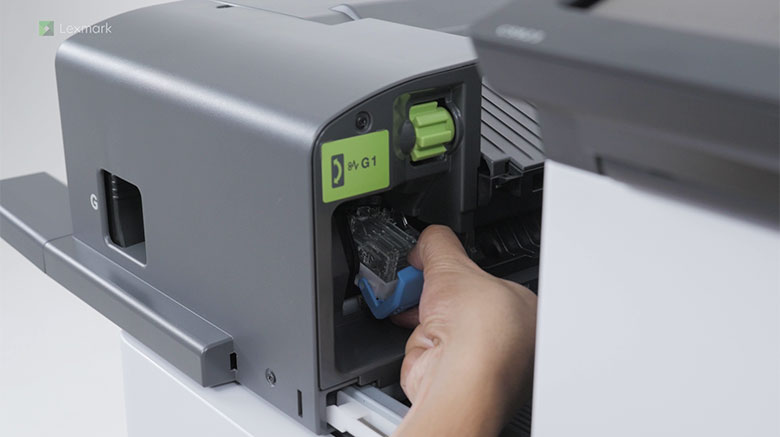
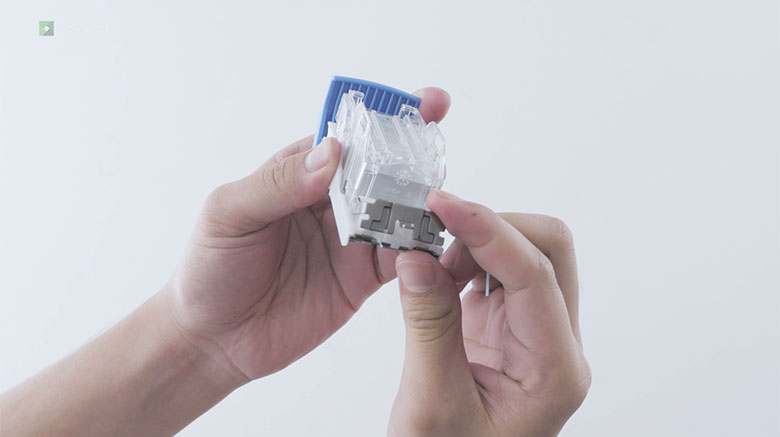
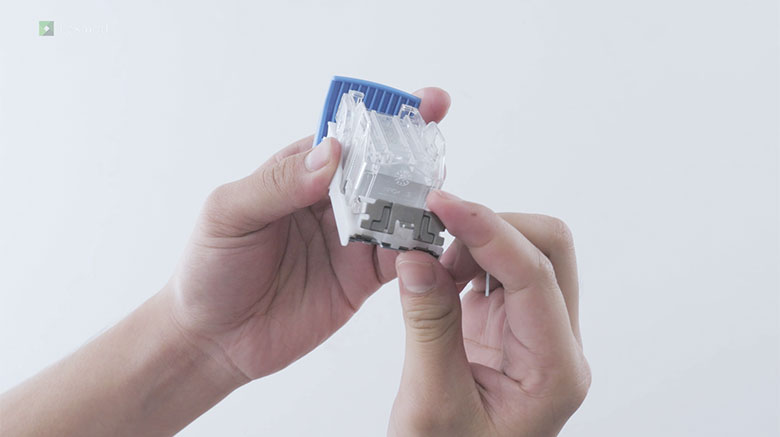
Learn how to install a new staple cartridge to continue automatic stapling of your documents.
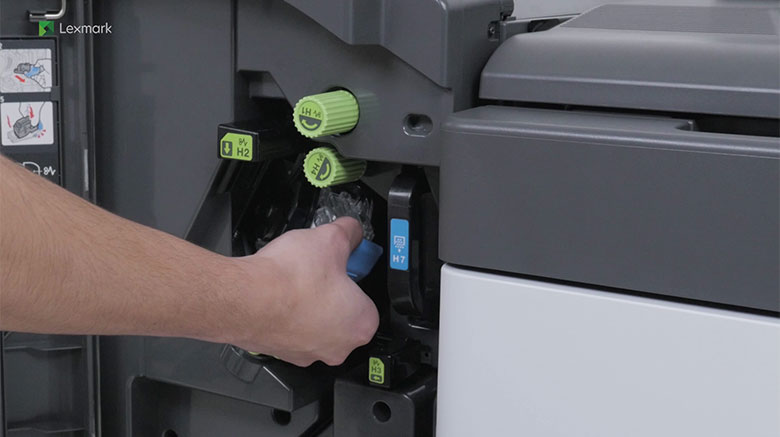
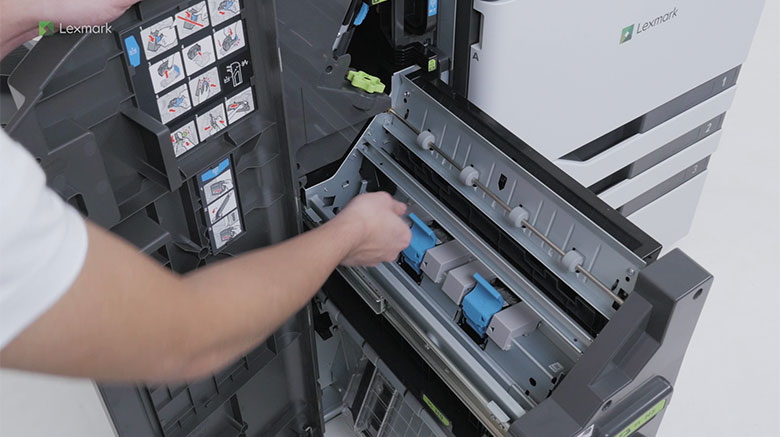
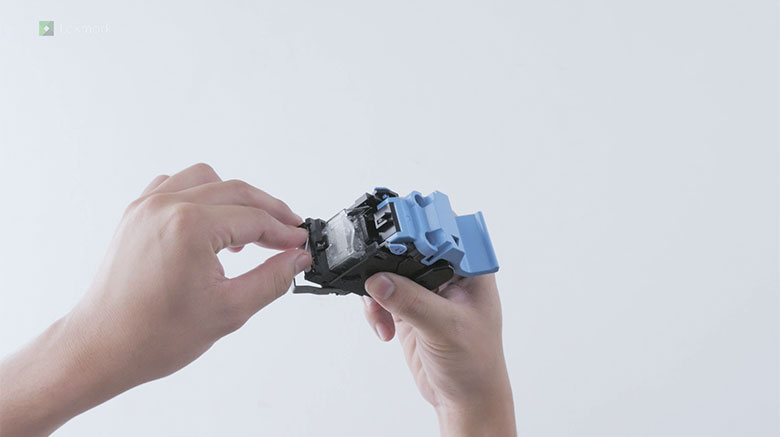
Learn how to install new staple cartridges in the booklet finisher to continue automatic stapling of your documents.
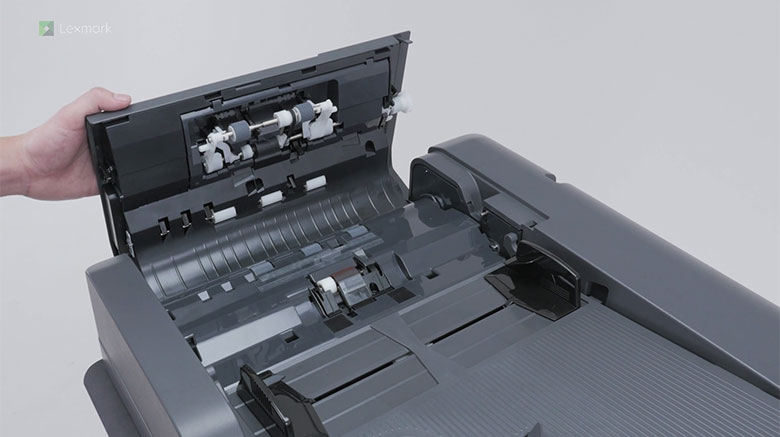
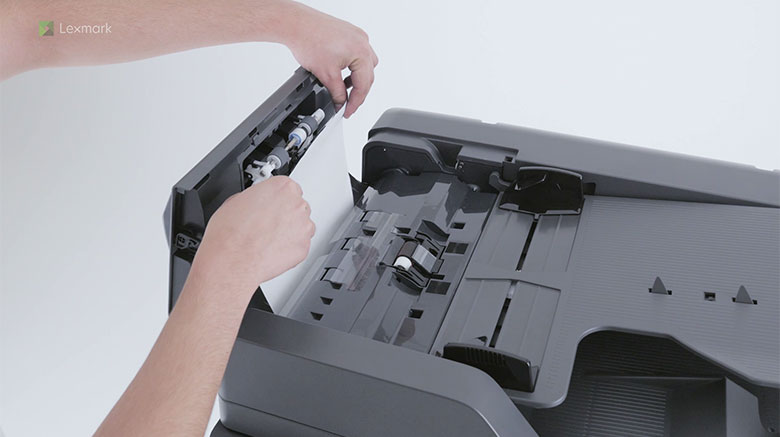
Learn how to replace the pick, feed, and separator rollers in the automatic document feeder.
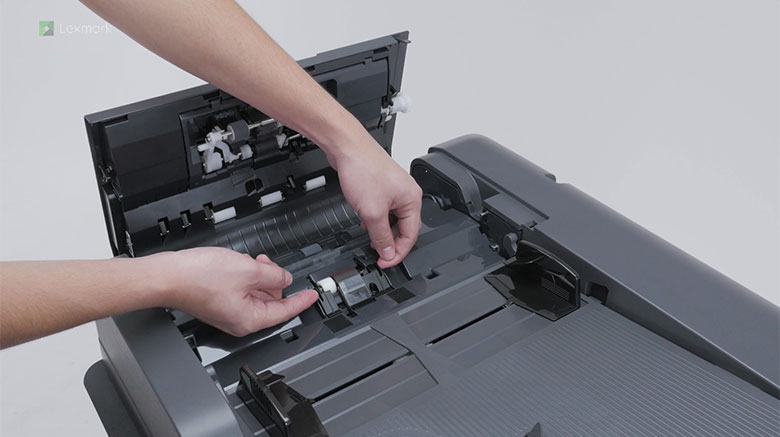
Learn how to change the separator pad in the automatic document feeder.
Watch the video and learn how to replace the rollers in the trays. Changing them regularly helps prevent paper feed problems.
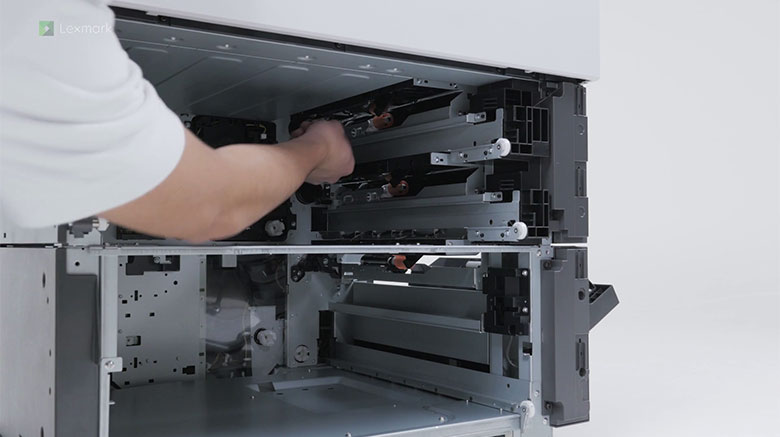
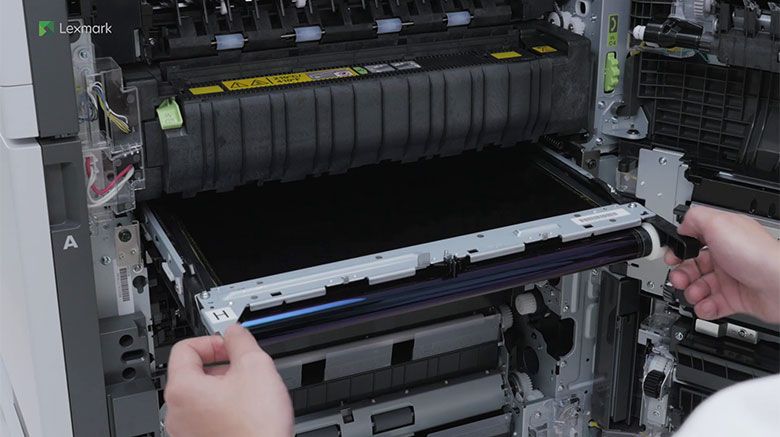
Watch this video for step-by-step instructions for replacing the transfer belt. Change the transfer belt when you start seeing low-quality images on your prints.
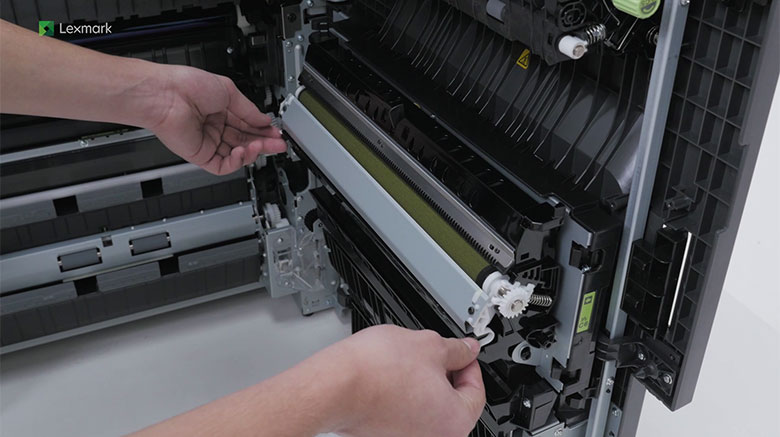
Learn how to change the transfer roller to prevent toner leaks.
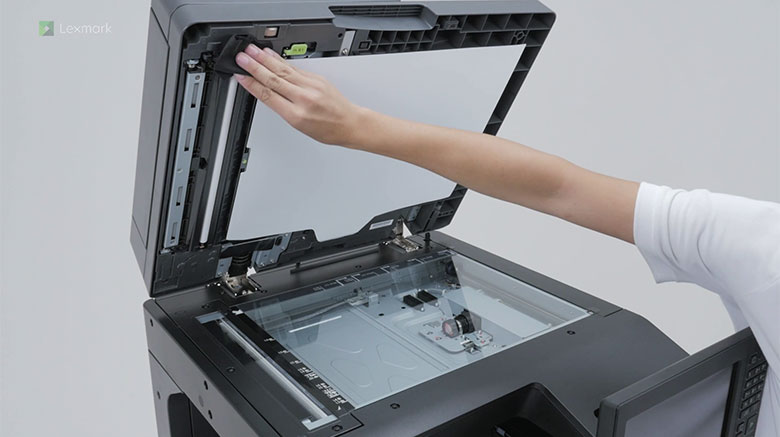
Learn how to avoid streaks in copy and scan outputs by cleaning the scanner.
Watch this video for step-by-step instructions for removing paper that has jammed in the automatic document feeder.
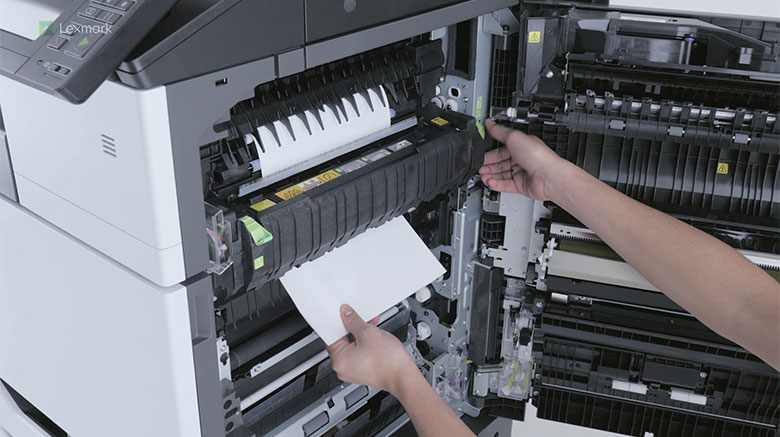
Watch this video for step-by-step instructions for removing paper that has jammed in door C.
Watch this video for step-by-step instructions for removing paper that has jammed in door D.
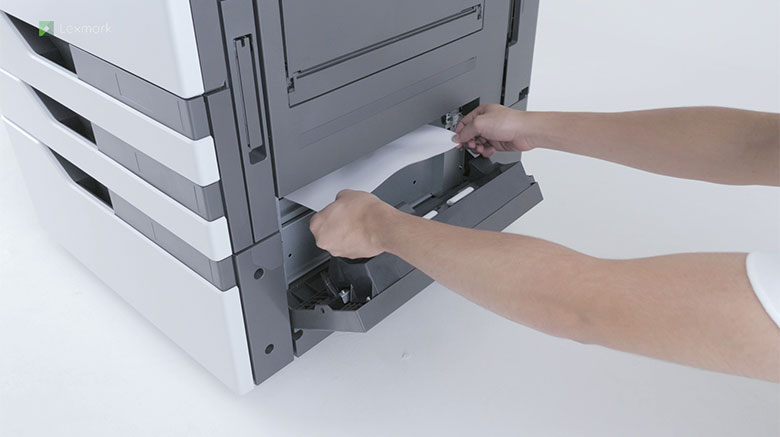
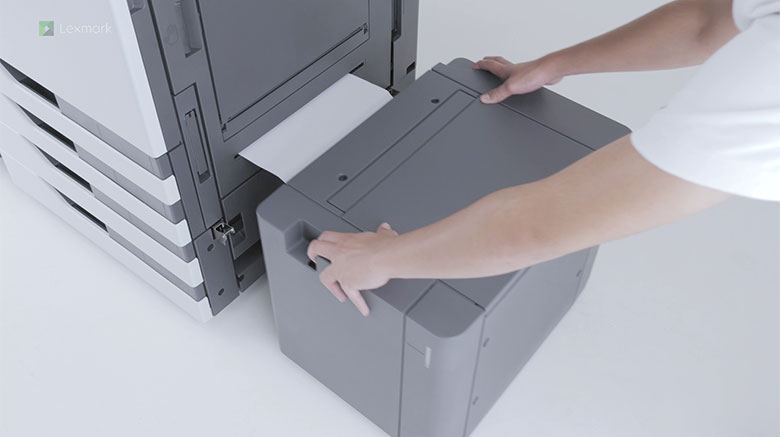
Watch this video for step-by-step instructions for removing paper that has jammed in the 3000-sheet tray.
Watch this video for step-by-step instructions for removing paper that has jammed in the staple finisher.
Watch this video for step-by-step instructions for removing paper that has jammed in the booklet finisher.
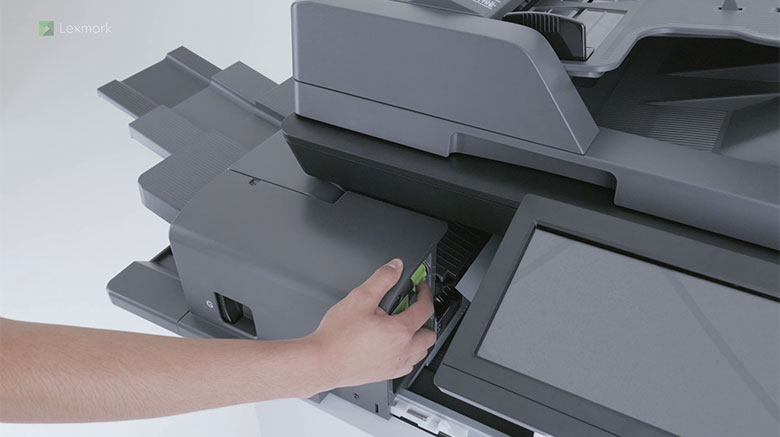
Know how to remove the loose staples in the staple finisher.
Know how to remove the loose staples in the staple, hole punch finisher.
Know how to remove the loose staples in the booklet finisher.