Support
  • New Zealand (English)
  • Visit Lexmark.com
  • Support home
  • Printers
  • Solutions
  • Drivers & downloads
  • Warranty & service
  • Contact support
  • Visit Lexmark.com
  1. Support
  2. Printers
  3. Xerox C240
  4. How-to videos
  5. Video details
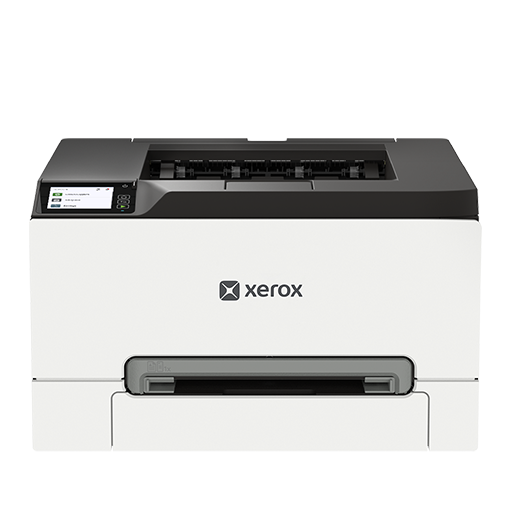
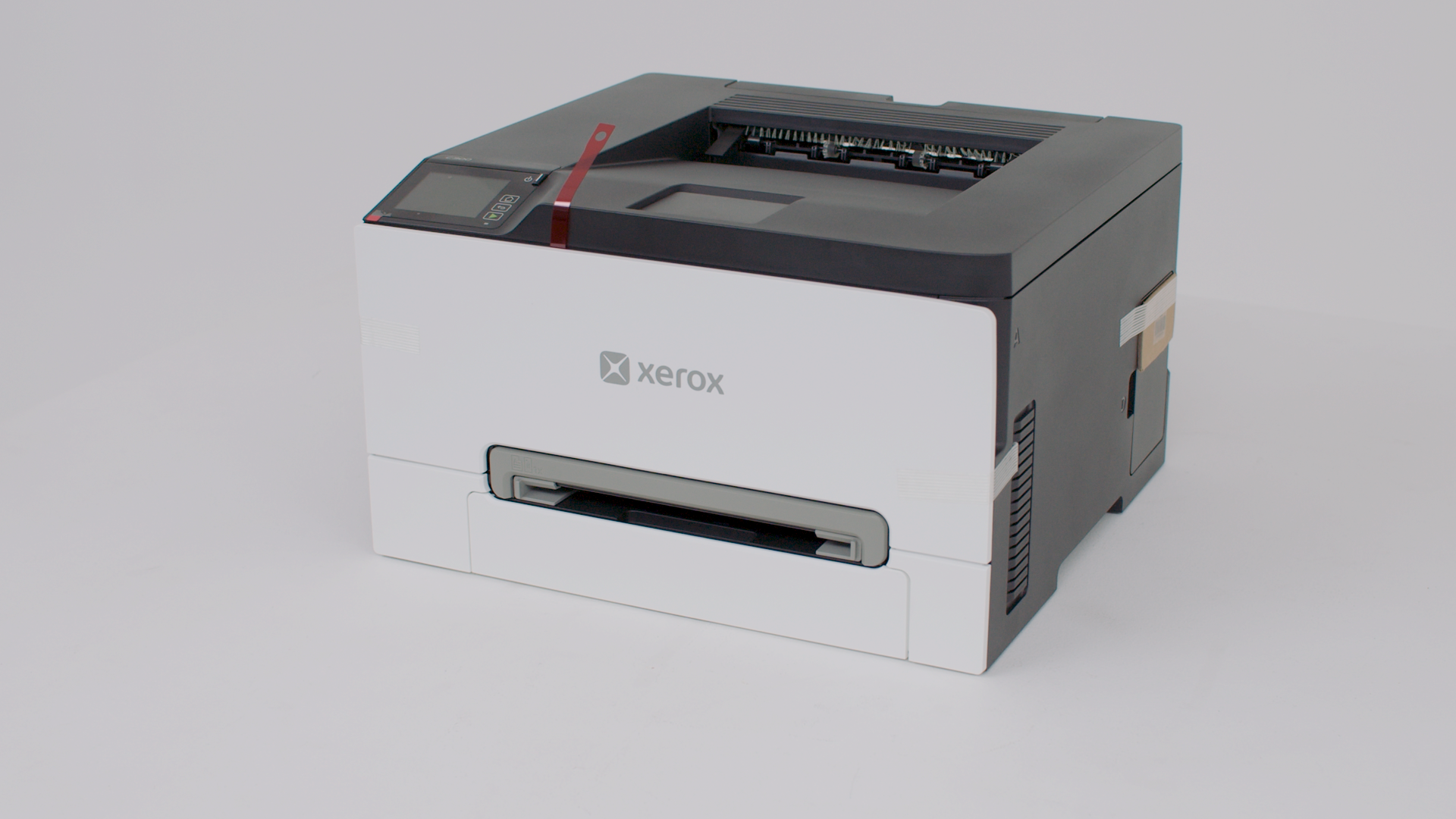
Xerox C240

Xerox C240

Printer features: Laser, print only, color

Xerox C240 Support

Preparing your printer
Setting up your printer
Windows Print Driver Setup
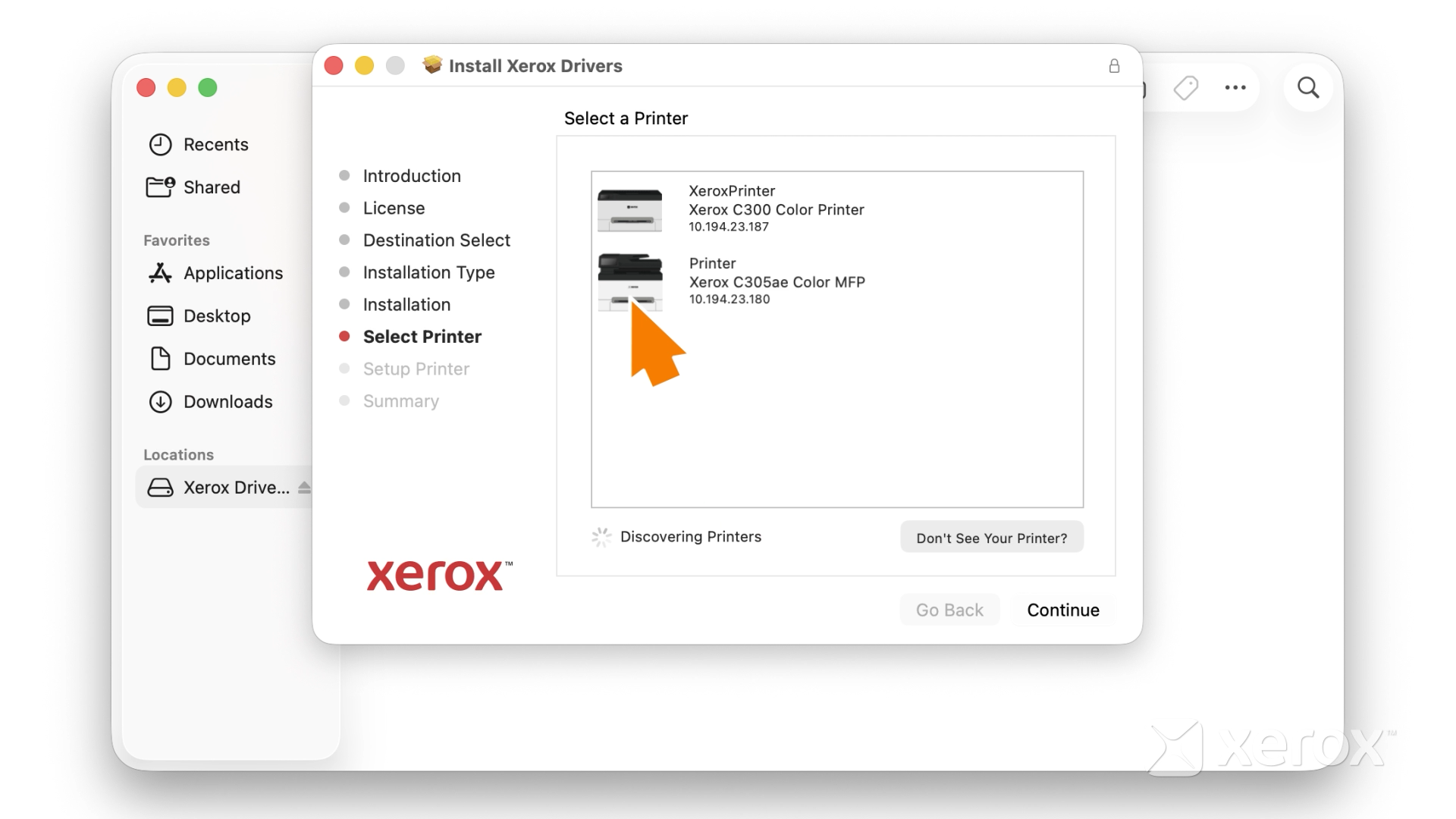
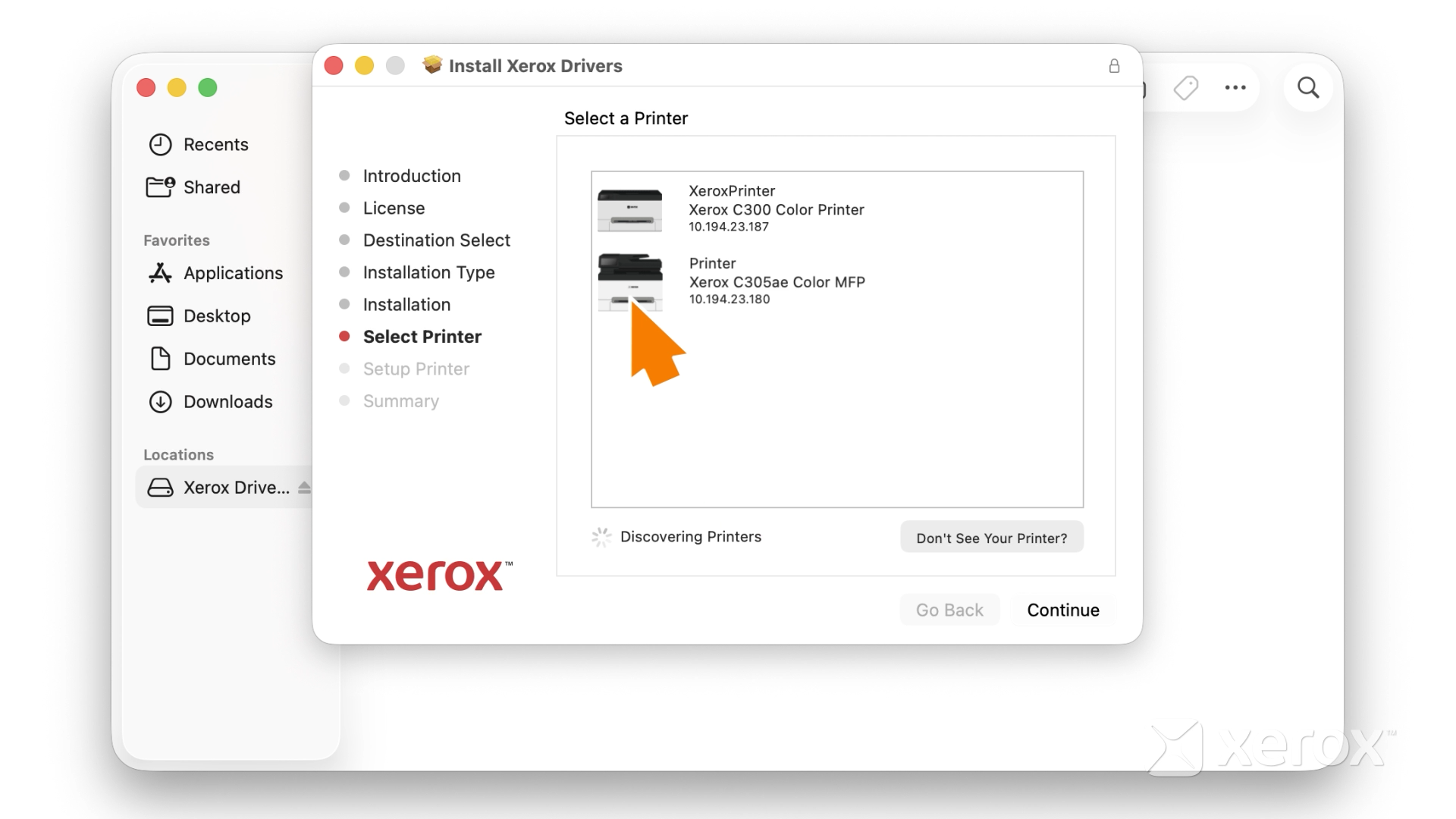
Macintosh Print Driver Setup
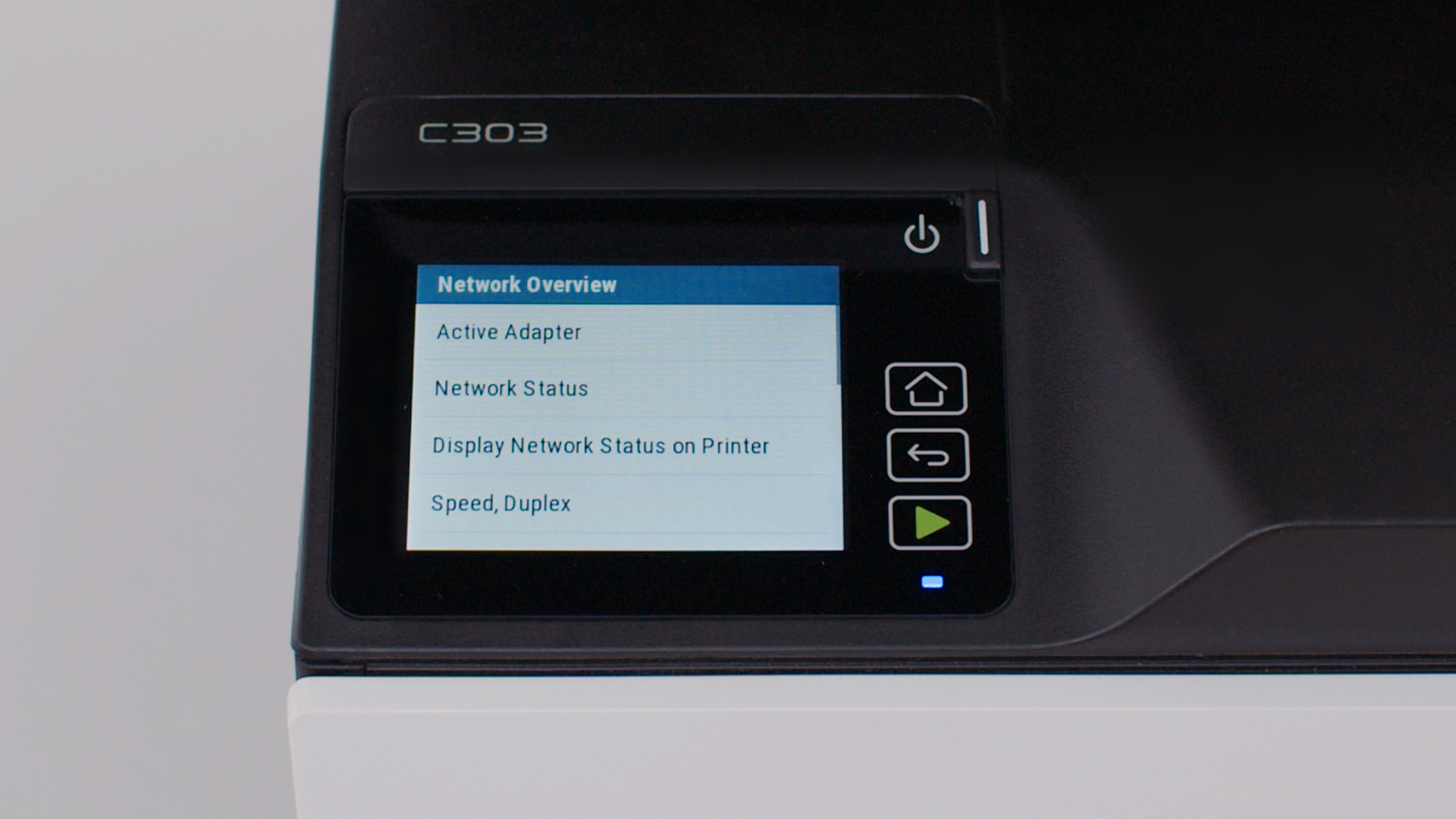
Connecting the printer to the wireless network
Using your printer
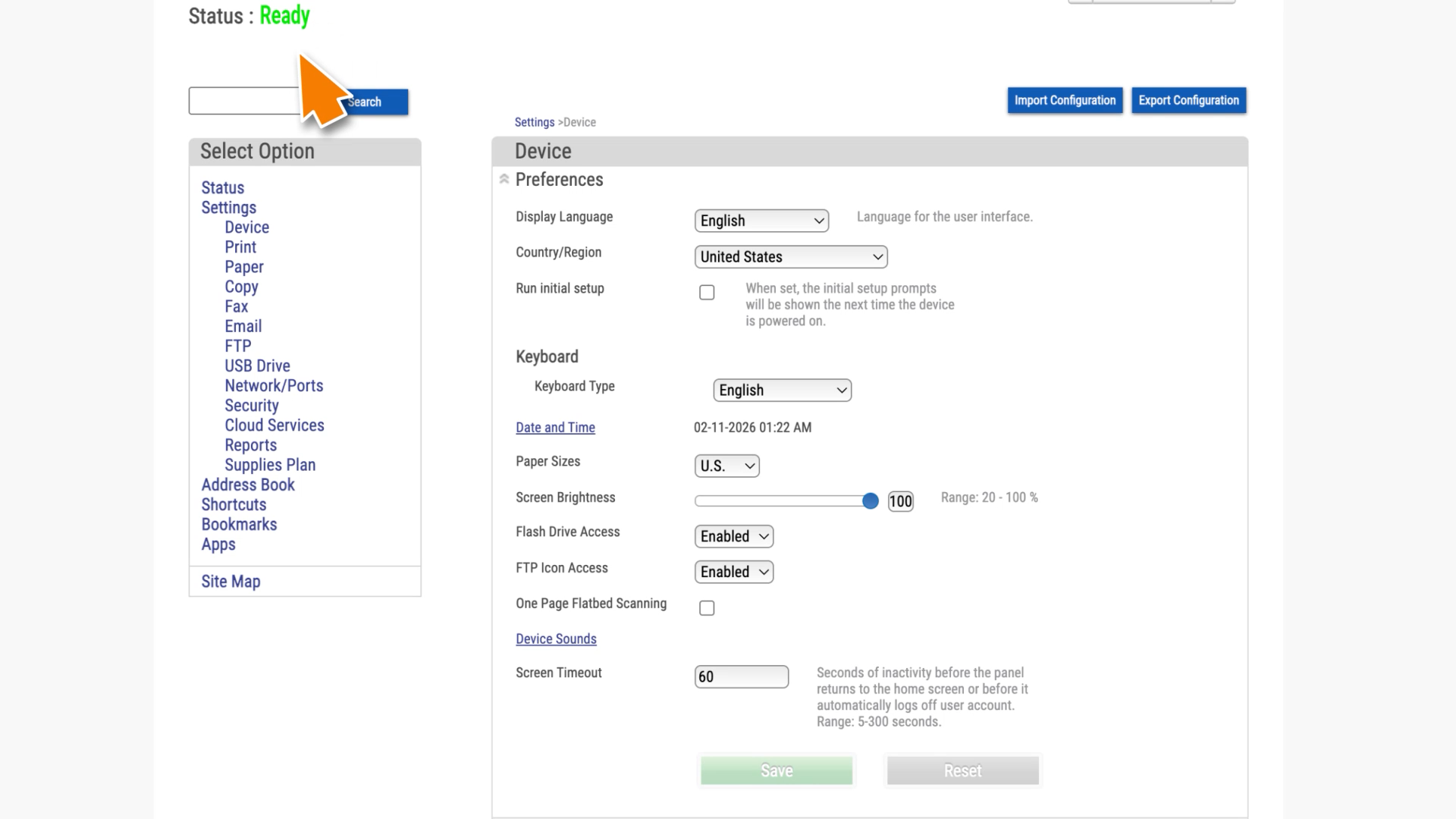
Accessing the EWS
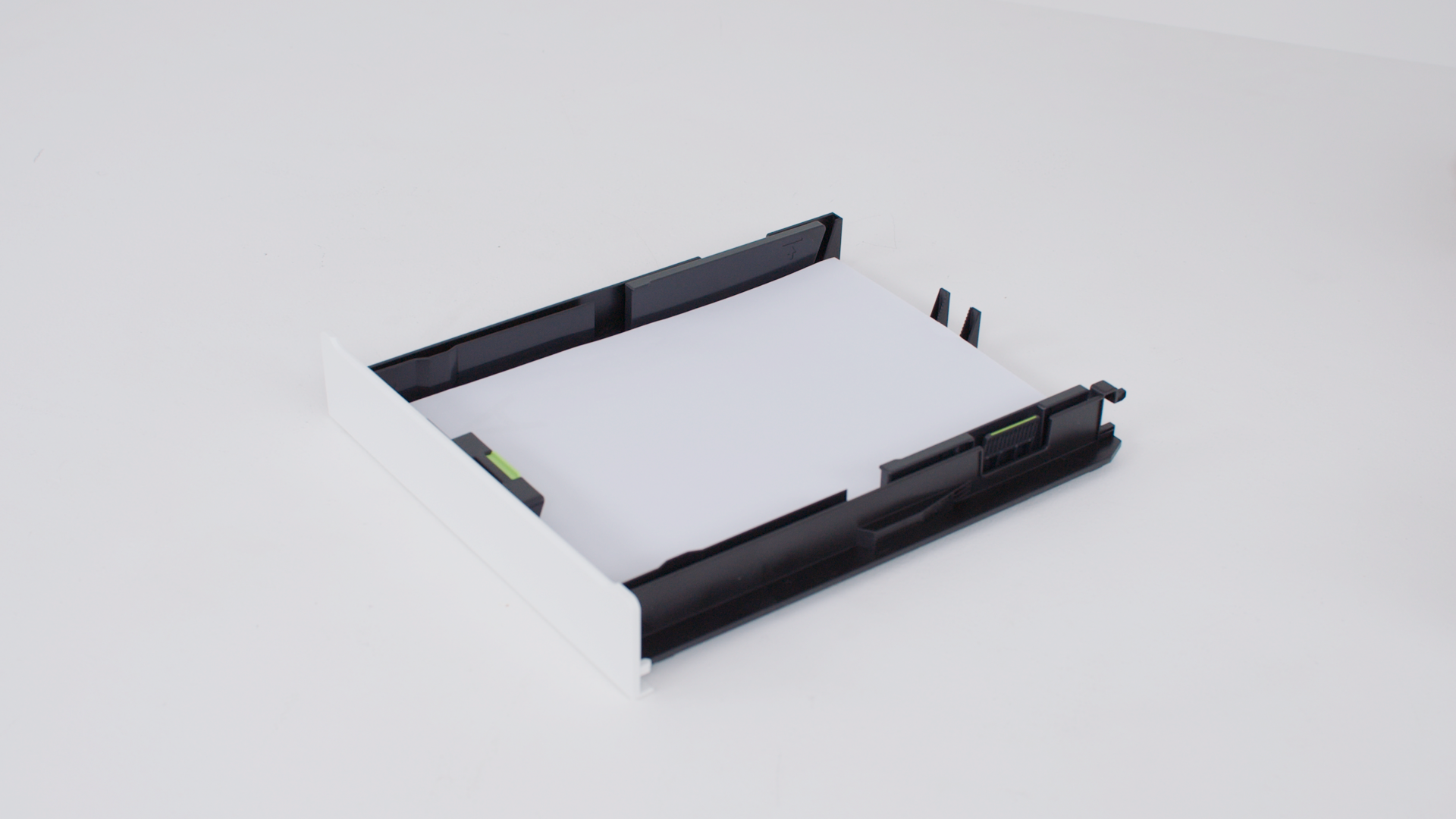
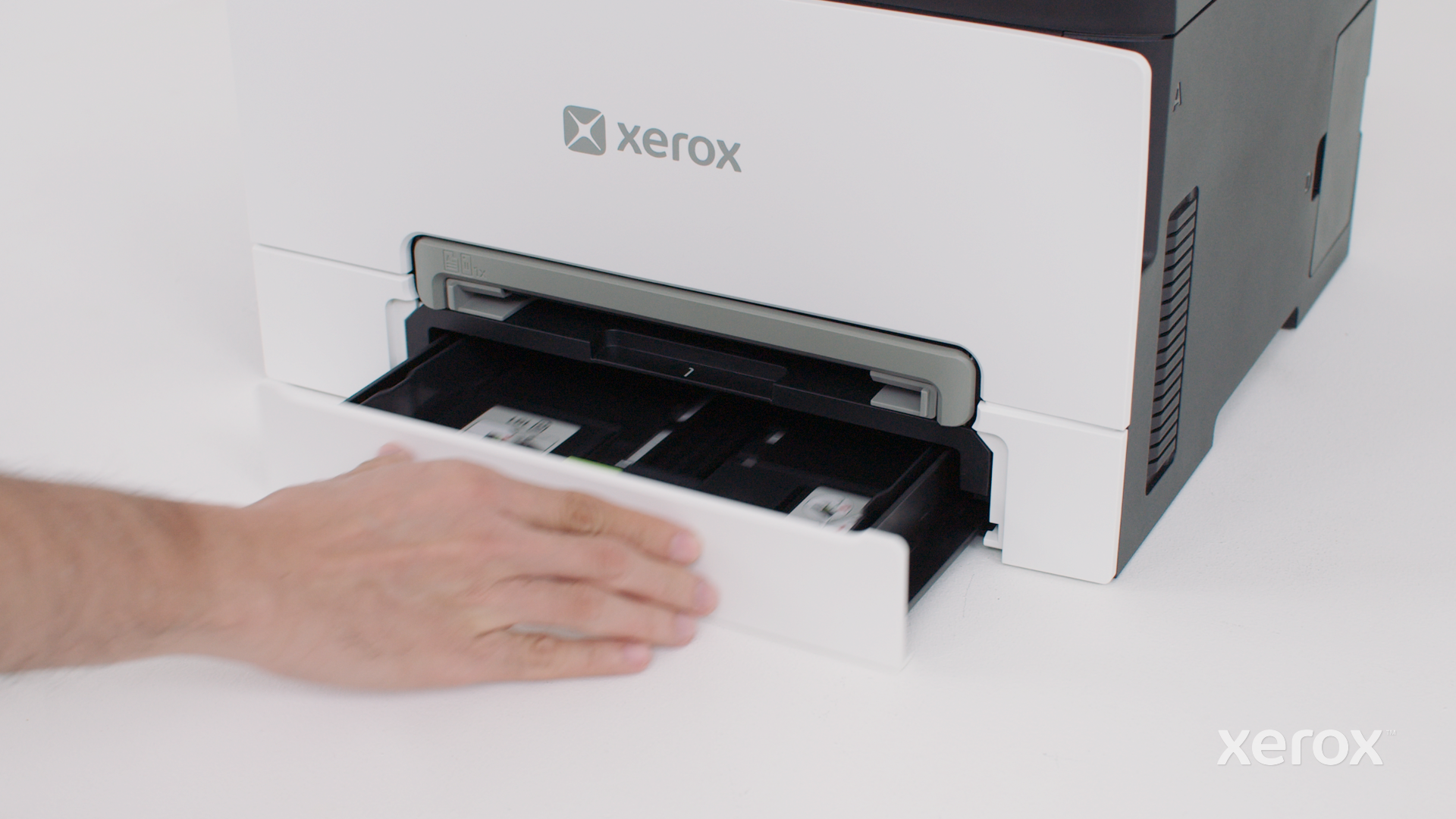
Loading the tray
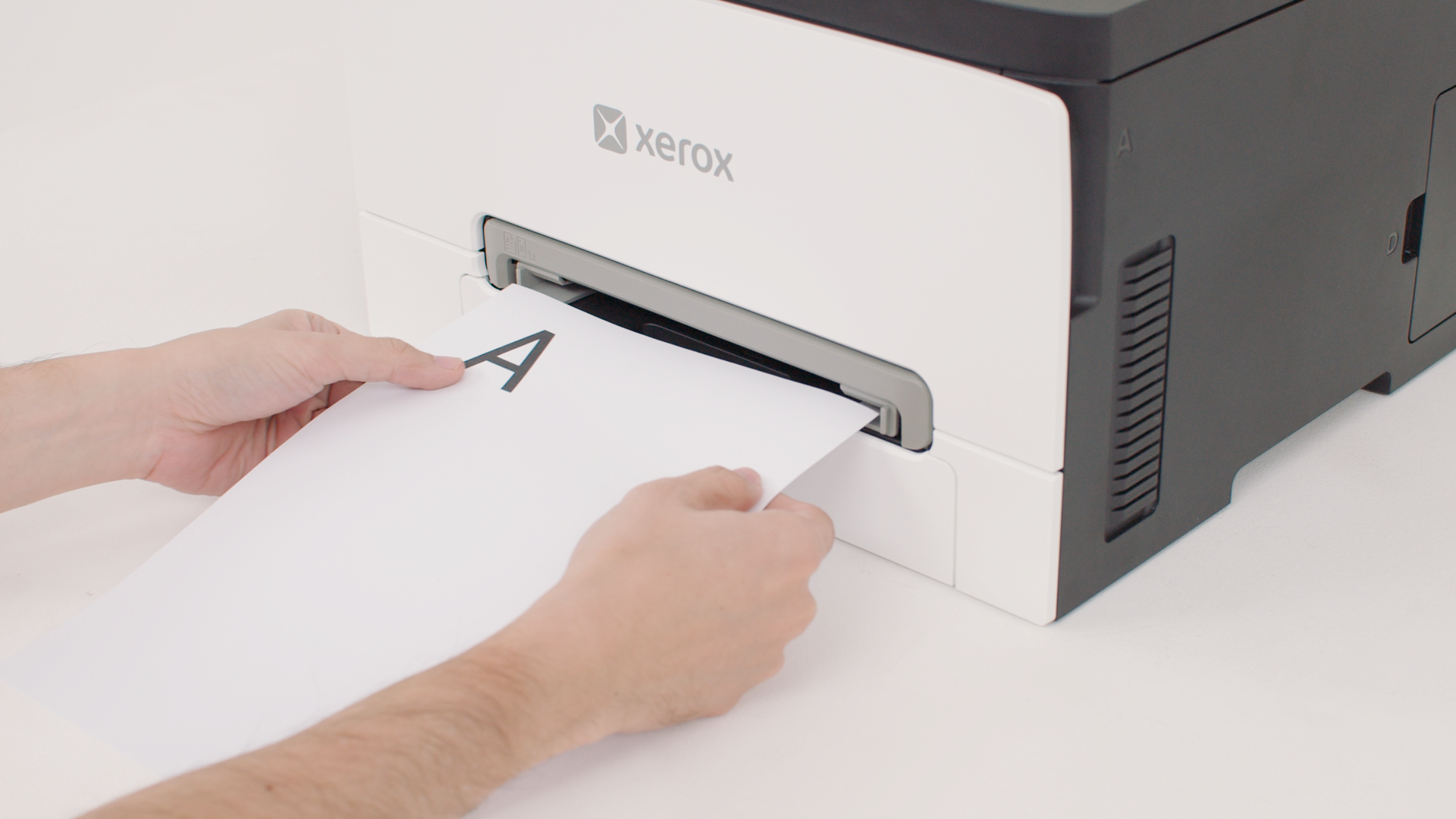
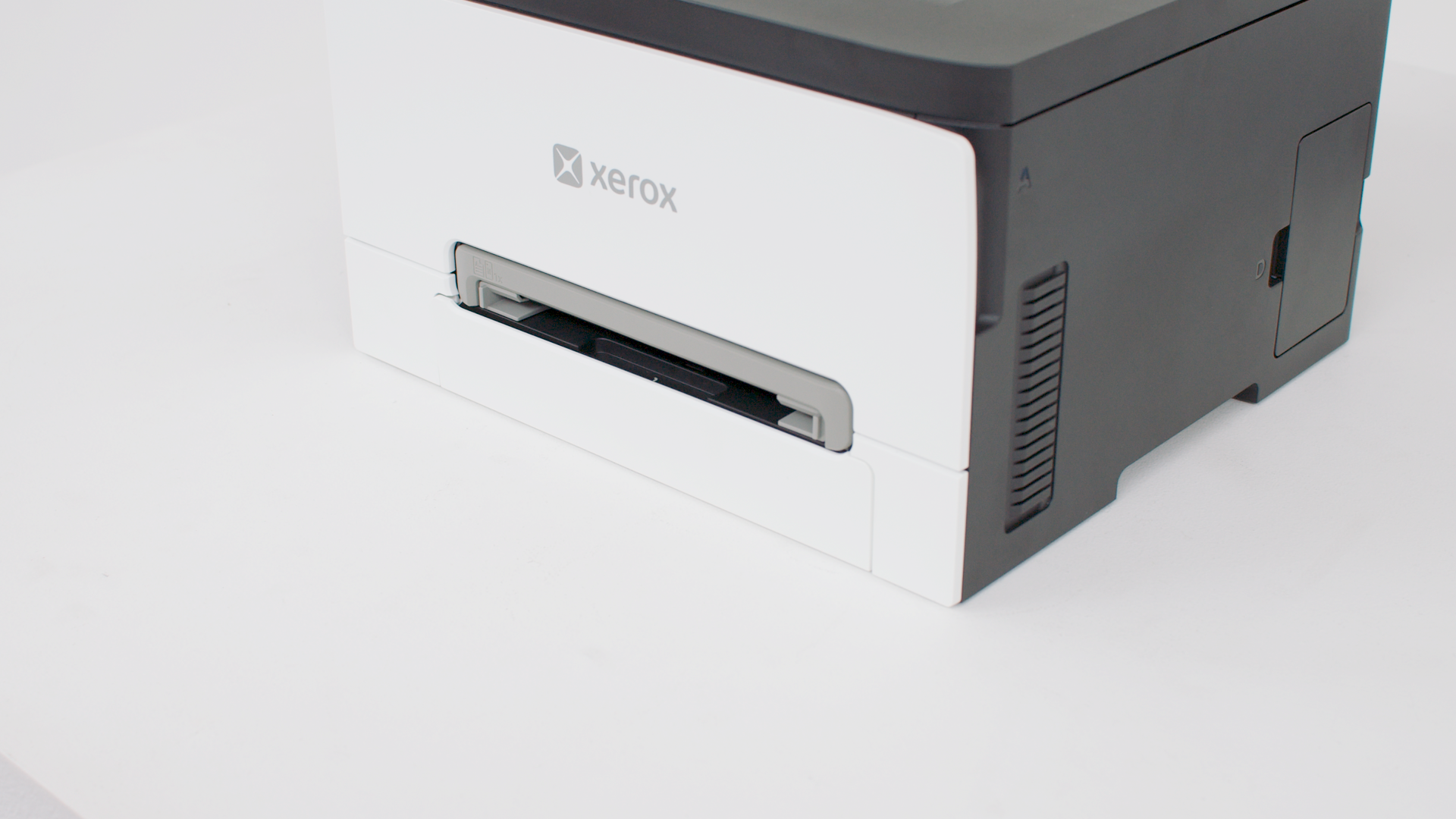
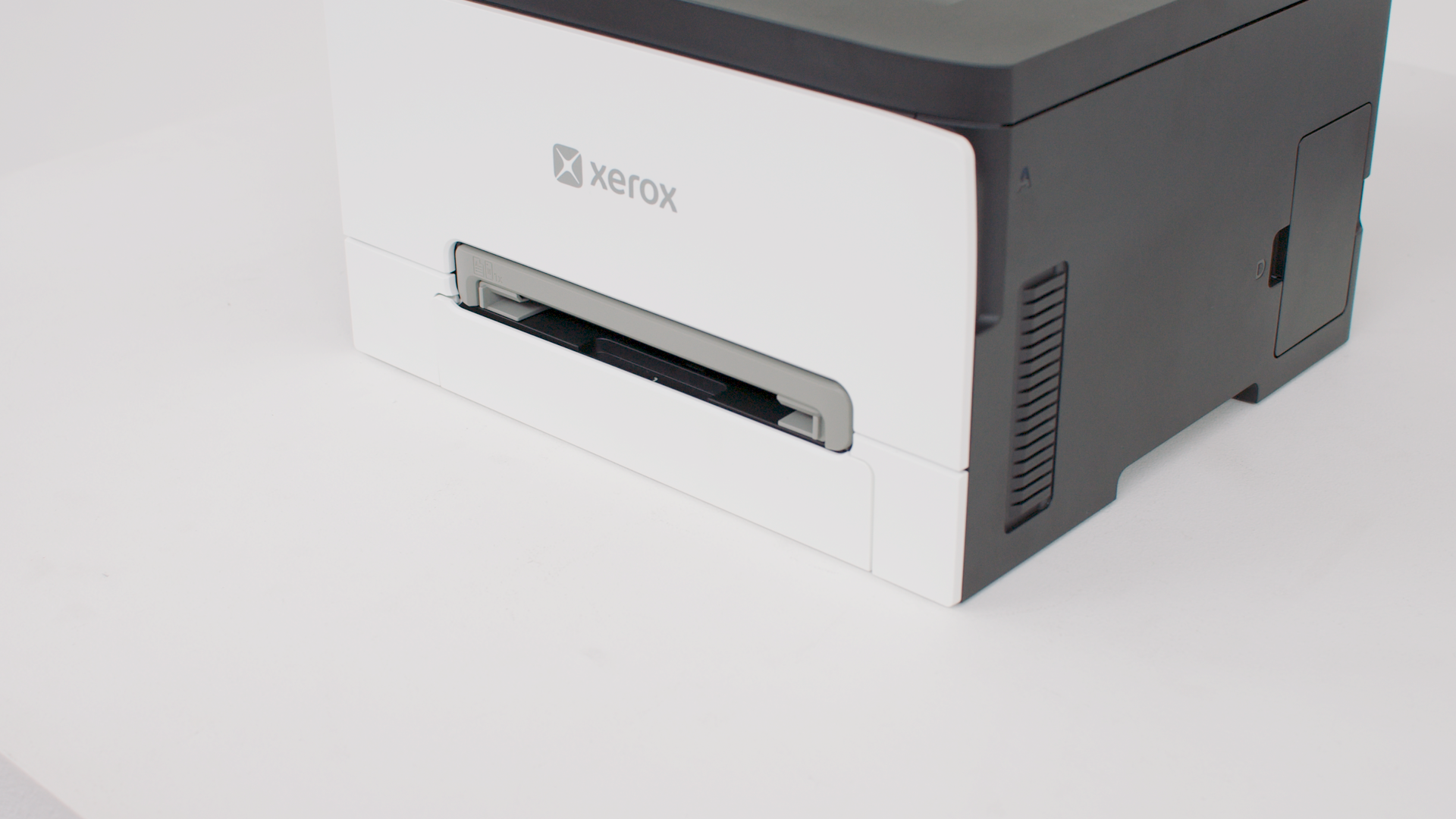
Loading the manual feeder
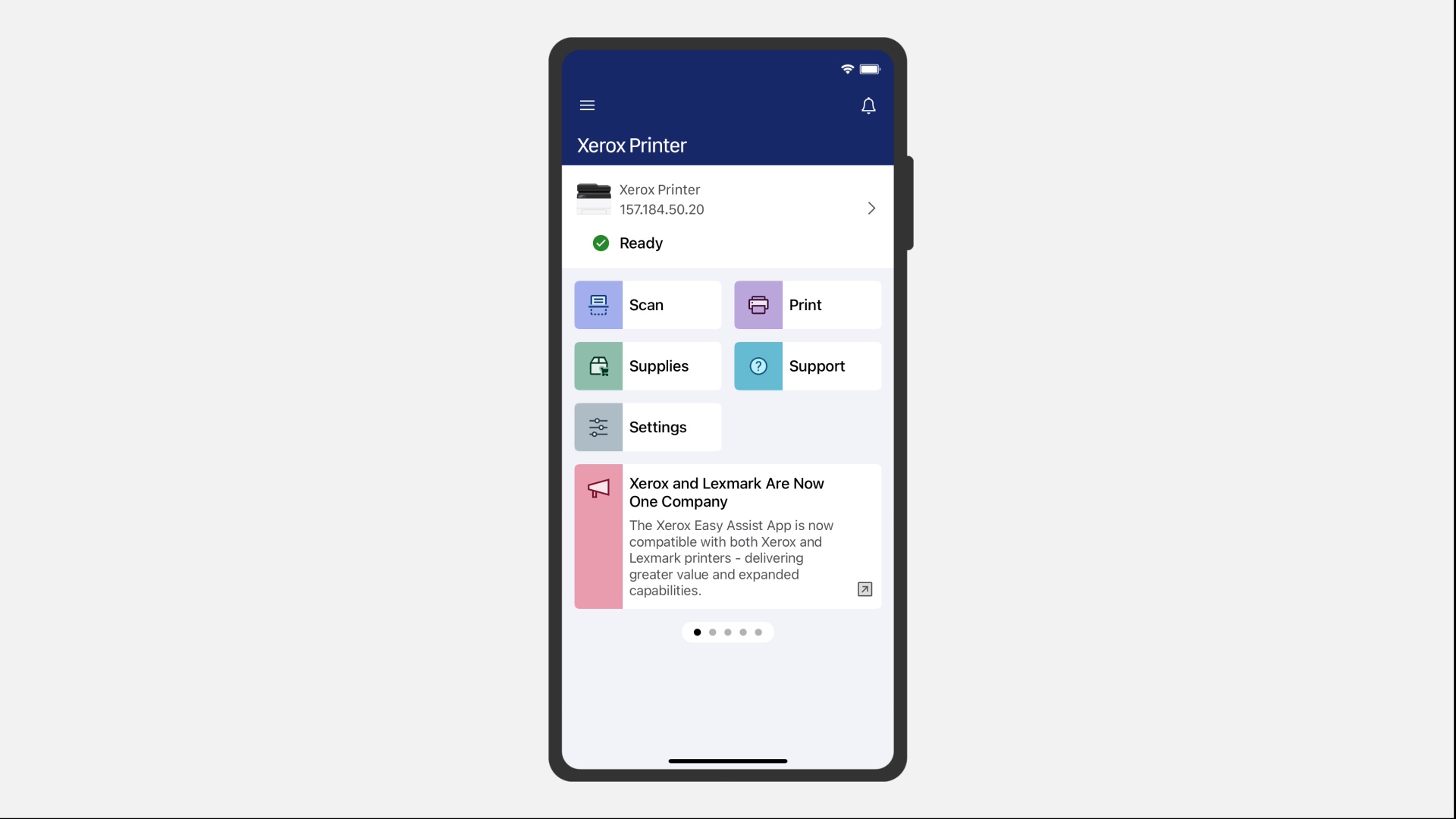
Printing using Xerox® Easy Assist
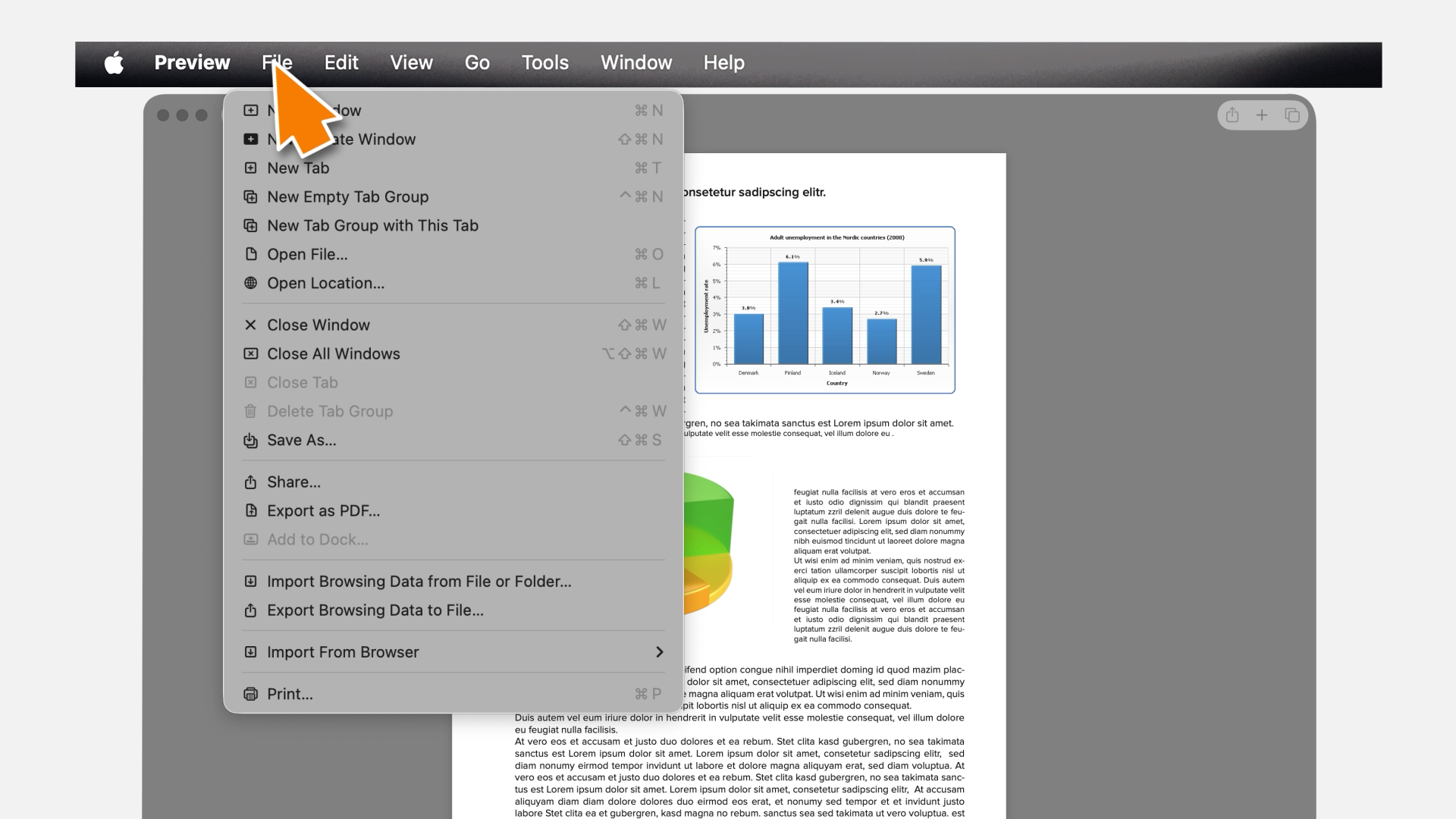
Printing using AirPrint
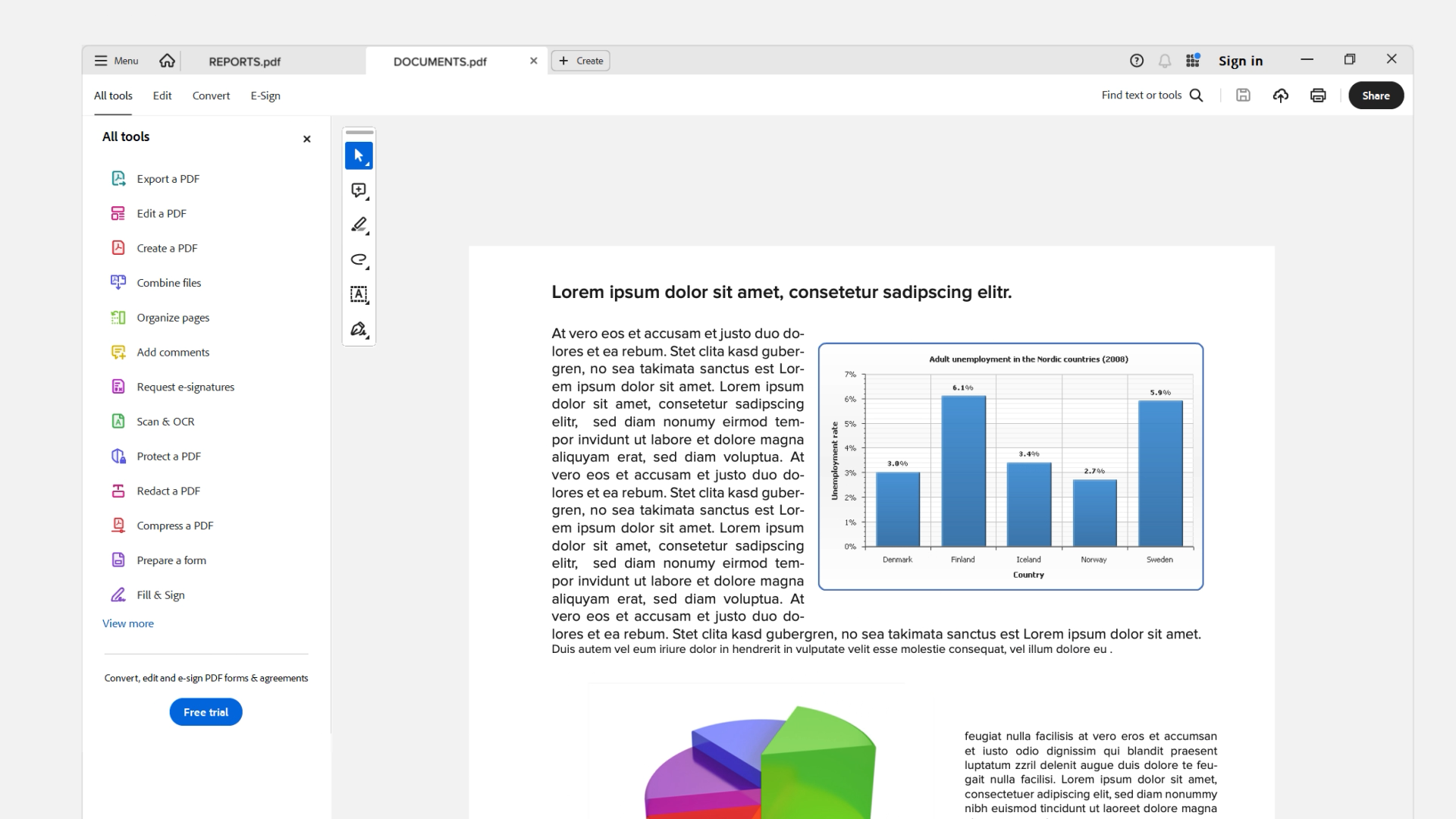
Printing using Xerox® Print and Scan Experience
Replacing supplies
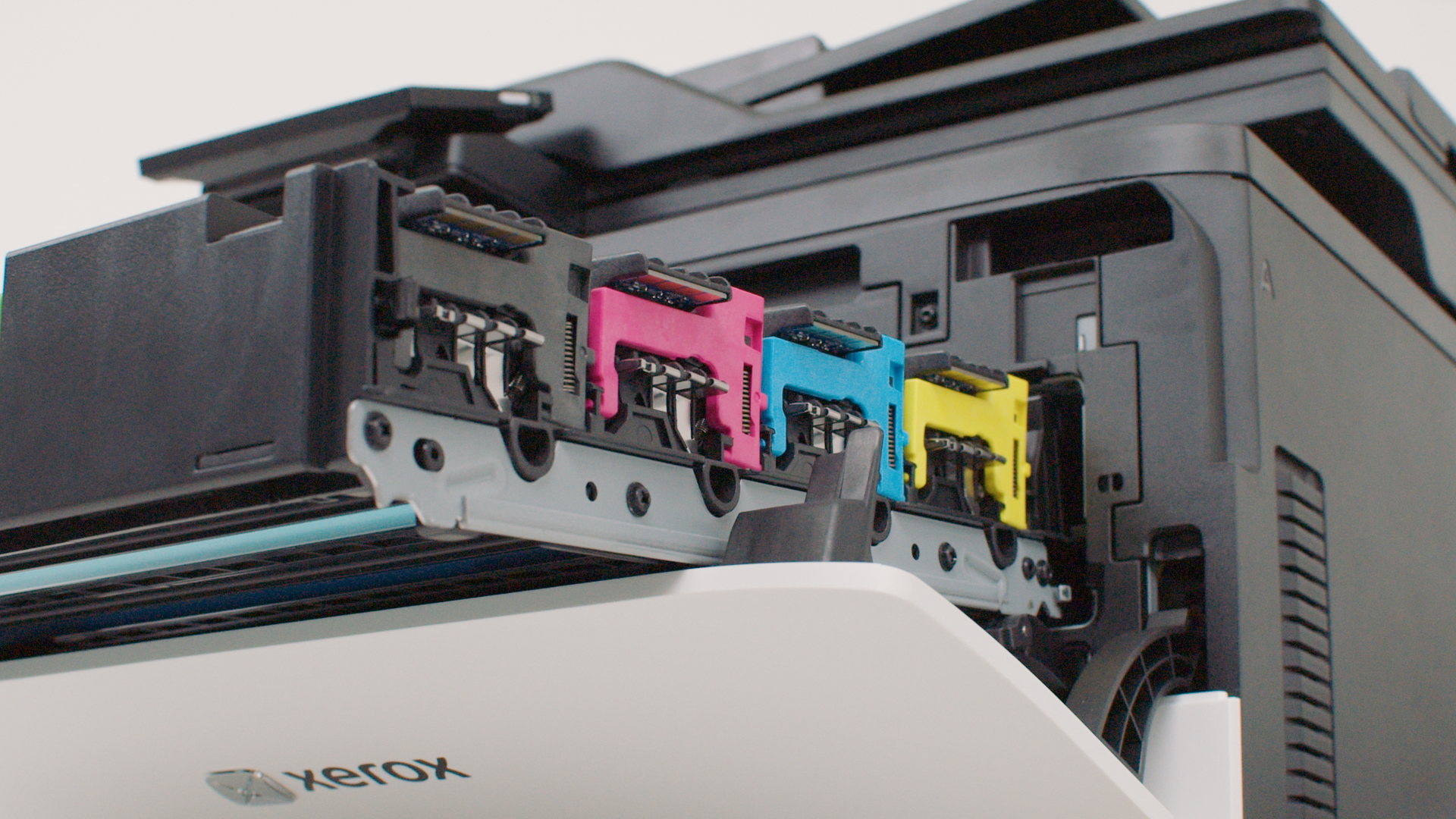
Replacing a print cartridge
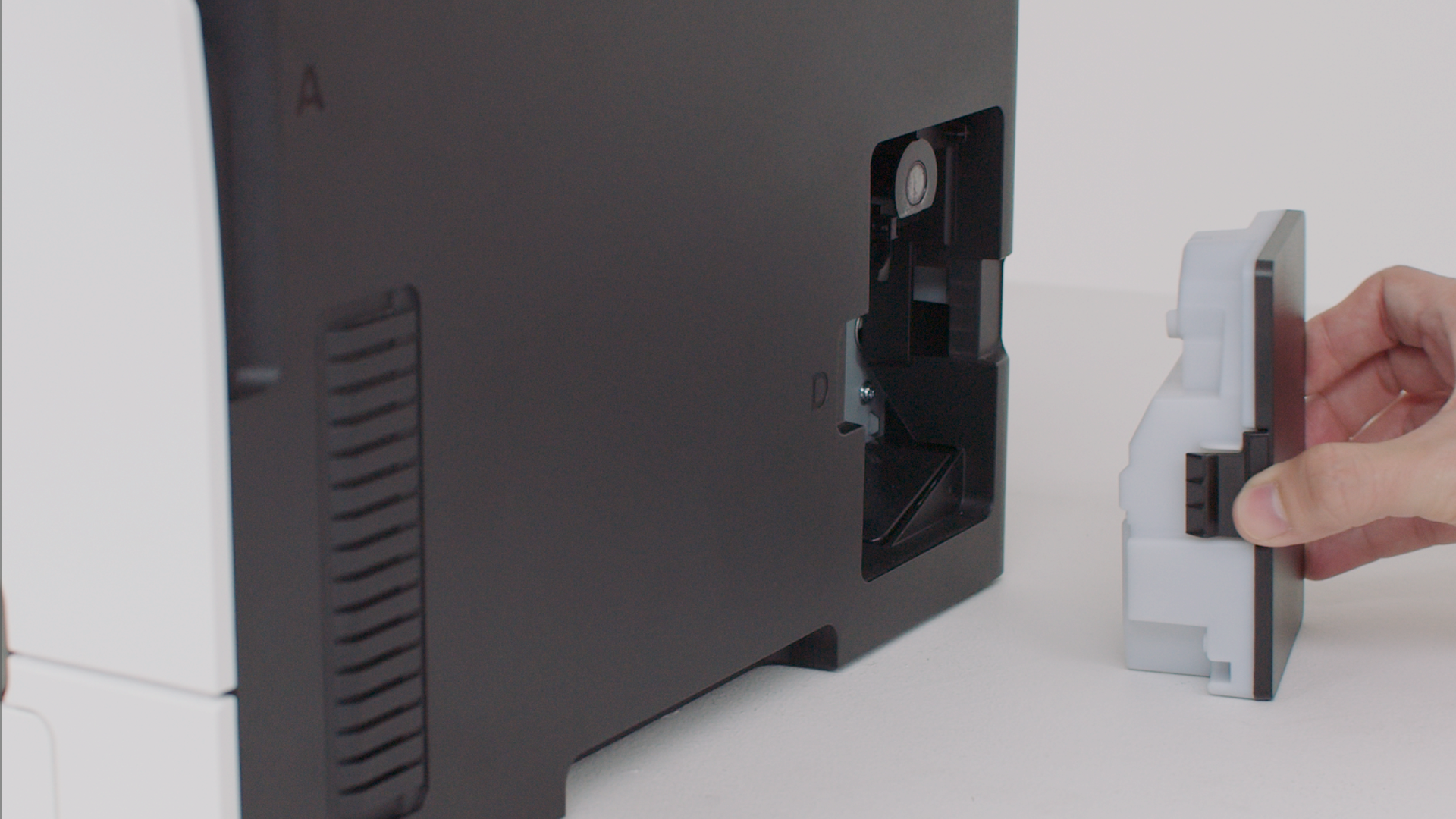
Replacing the waste toner bottle
Replacing parts
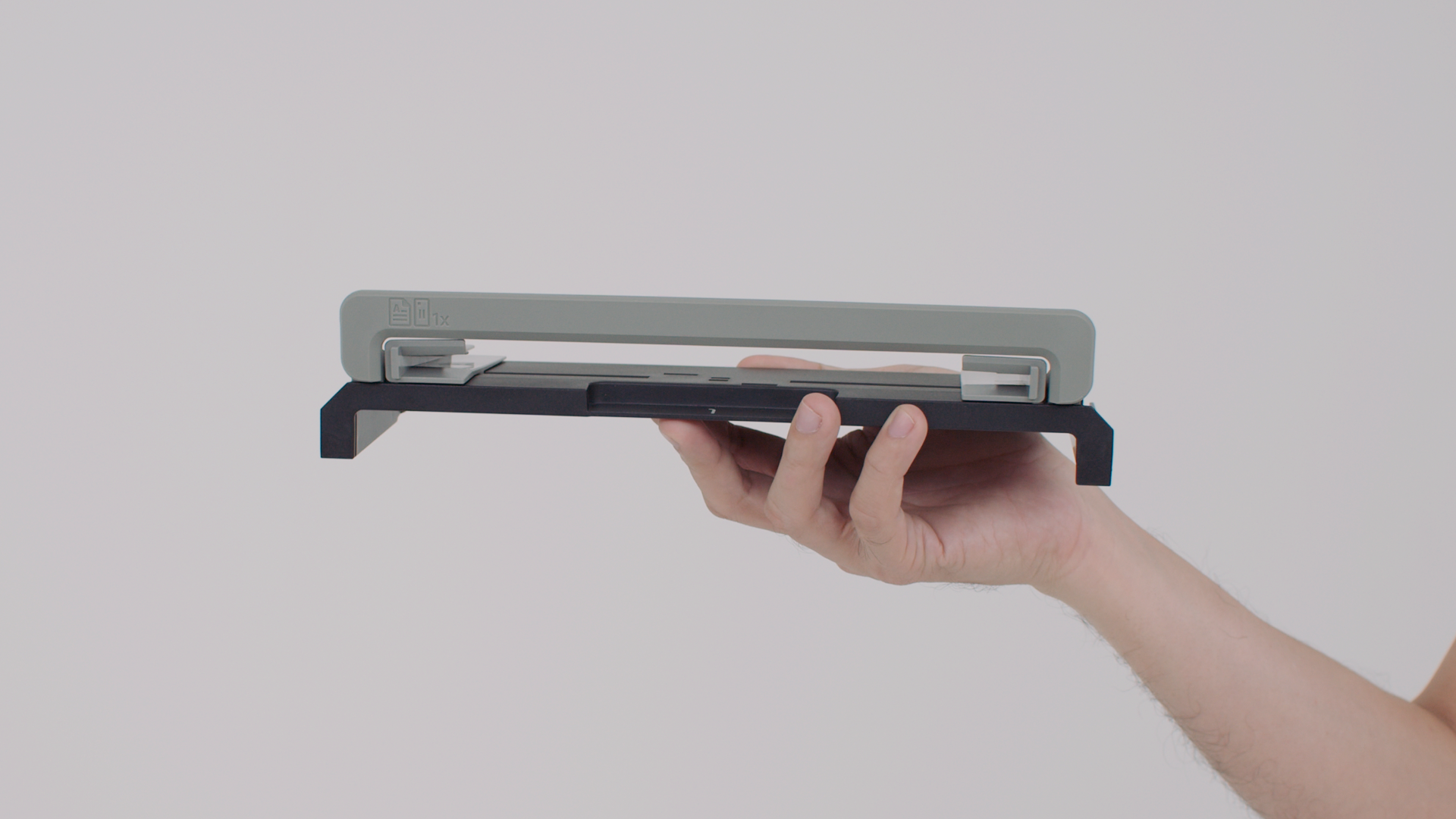
Replacing the tray insert
Replacing the manual feeder
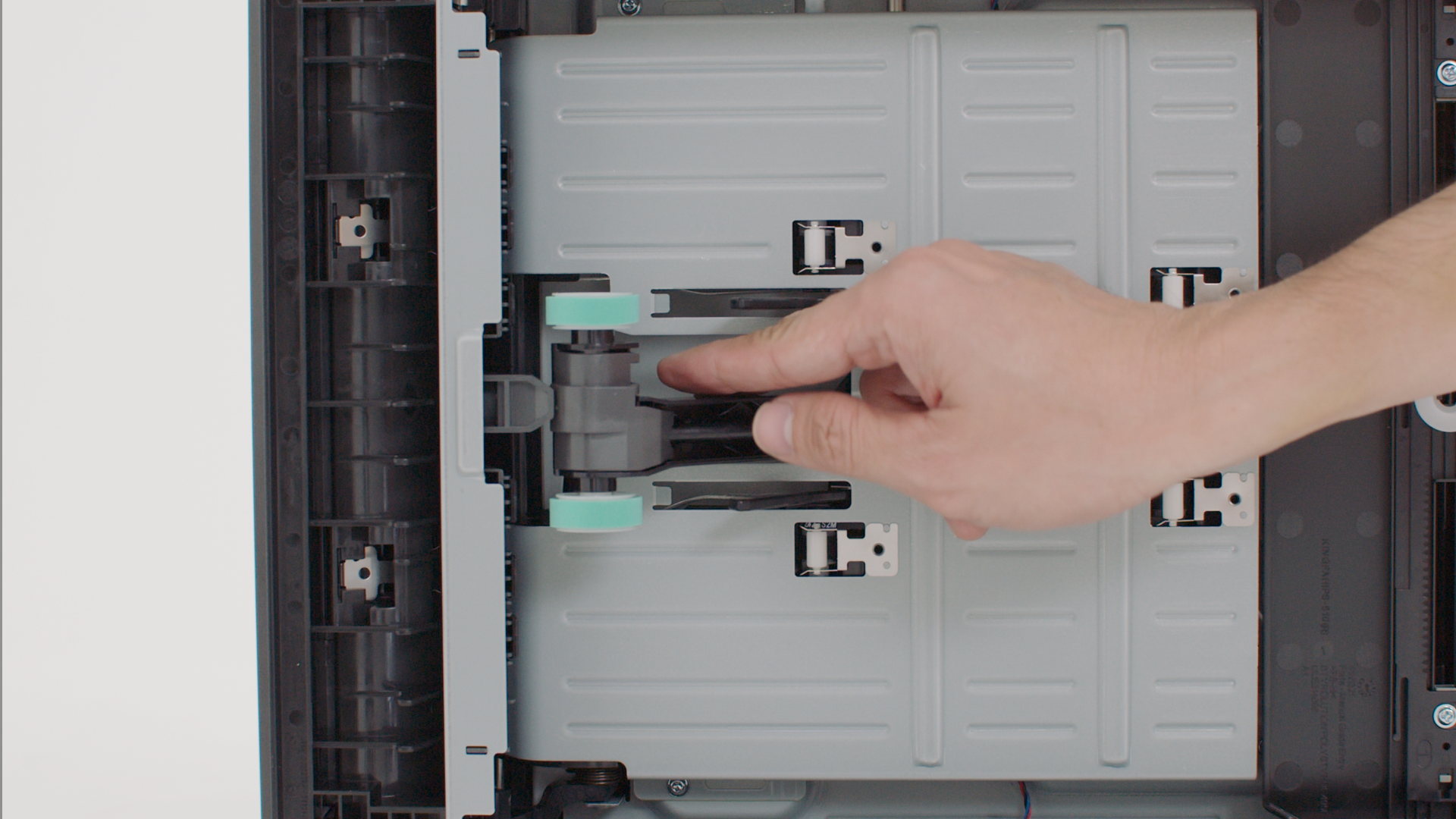
Replacing the pick tires
Maintaining your printer
Cleaning the print cartridge contacts
Troubleshooting
Clearing paper jam in the manual feeder
Clearing paper jam in the standard tray
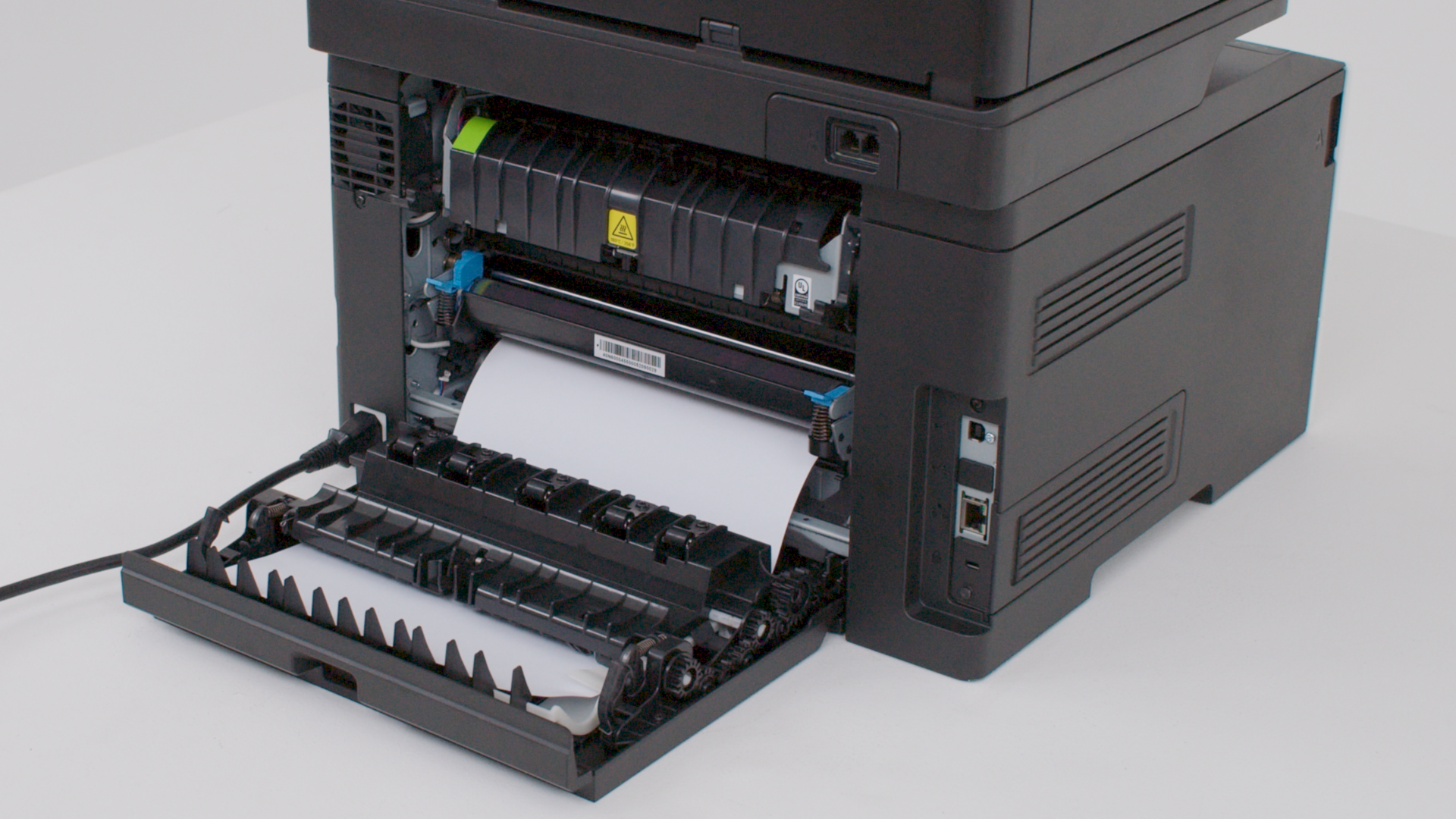
Clearing paper jam in door B

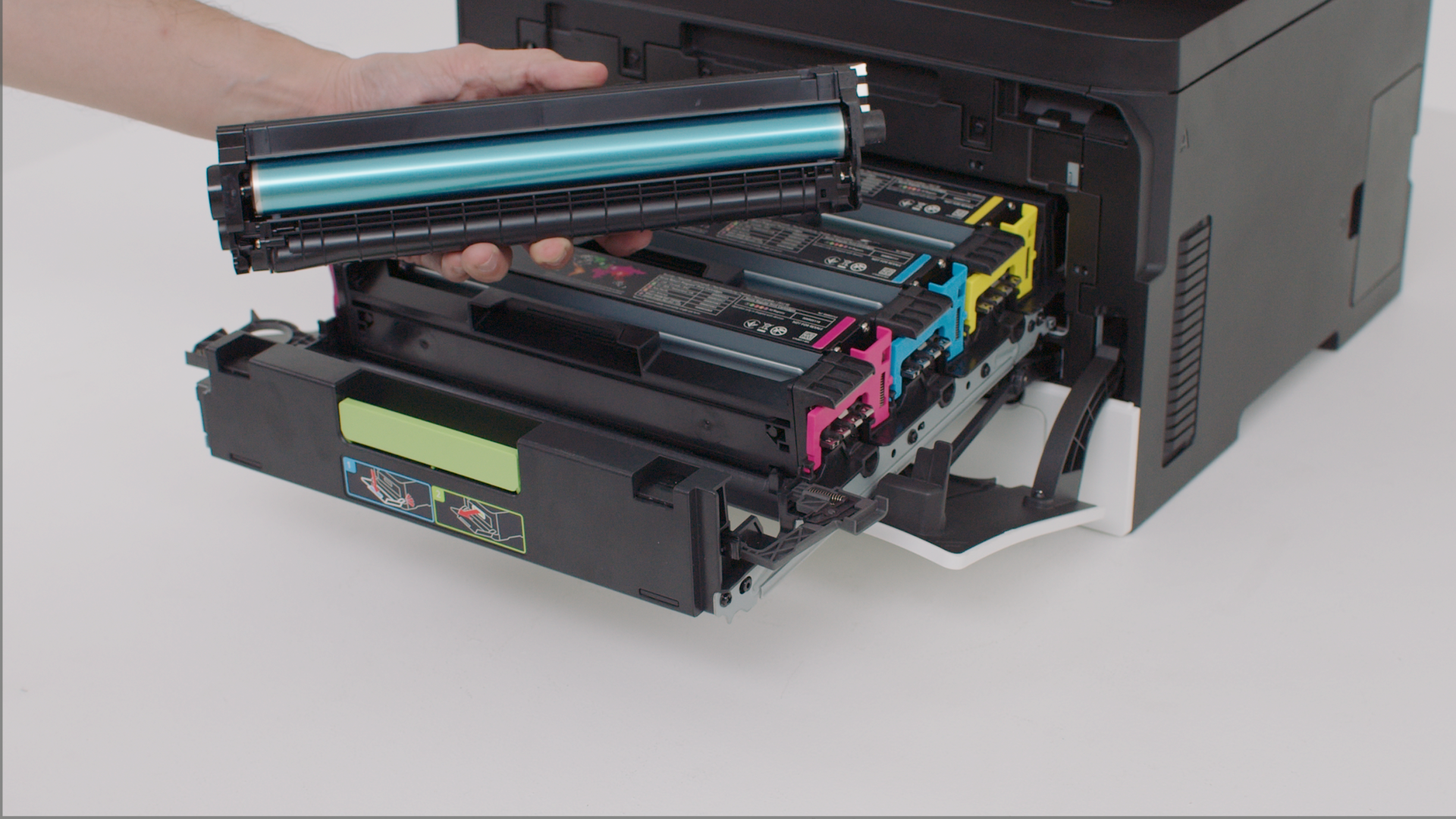
Replacing a print cartridge

Install a new print cartridge when the replace cartridge message appears for the affected color.

Feedback Submitted! Thank you for providing valuable feedback!

Sorry about that. How can we improve it?

Find more information on {0}

Lexmark support

  • Support home
  • Drivers & downloads
  • Product registration
  • Warranty & service
  • Contact support
  • Find Lexmark toner
  • Check to protect
  • Product notices
  • OS compatibility
  • Lexmark MobileTech

Visit Lexmark.com

  • Printers
  • Supplies & accessories
  • Industries & Solutions
  • Other contact options
Lexmark symbol
Lexmark International, Inc., a Xerox Company
©2026 All rights reserved.
  • Privacy
Return to Top of Page

This site uses cookies for various purposes including enhancing your experience, analytics, and ads. By continuing to browse this site or by clicking "Accept and close", you agree to our use of cookies. For more information, read our Cookies page.