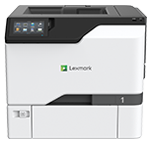
Printer features: Laser, print only, color
Lexmark CS730 Support
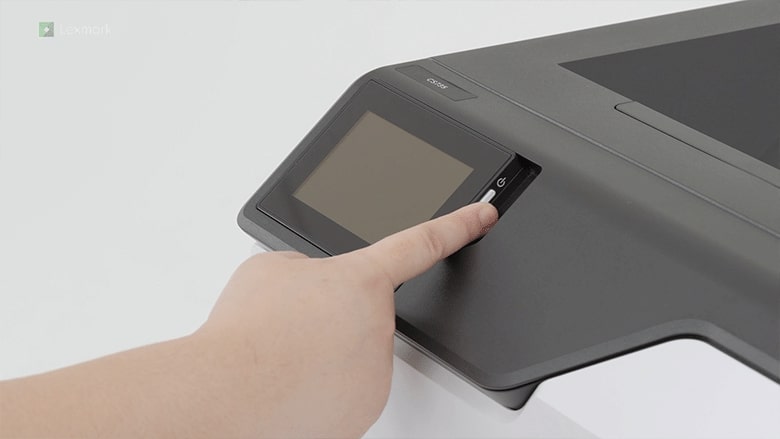
Learn how to set up your new printer.
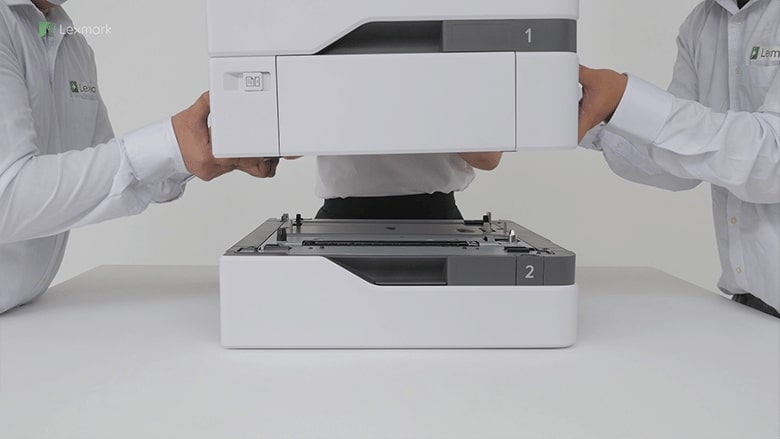
Know which precautions to take and how to position the printer when you are adding an optional tray.
Learn how to install the intelligent storage drive on your printer to enable it to print complex jobs and collate large print jobs.
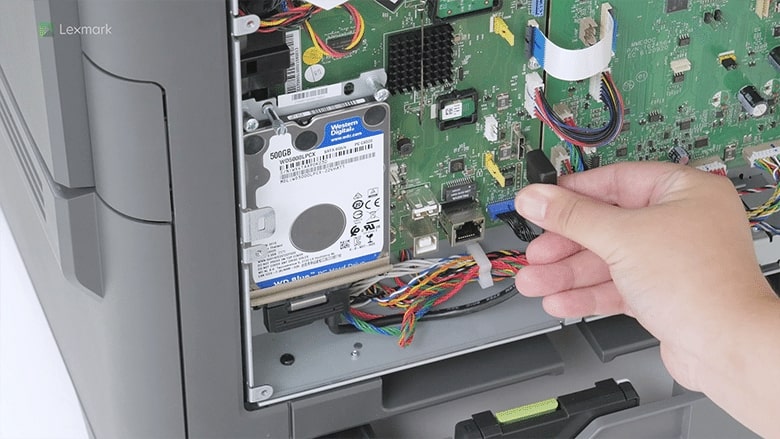
Learn how to install a hard disk on your printer to let it store large amounts of information.
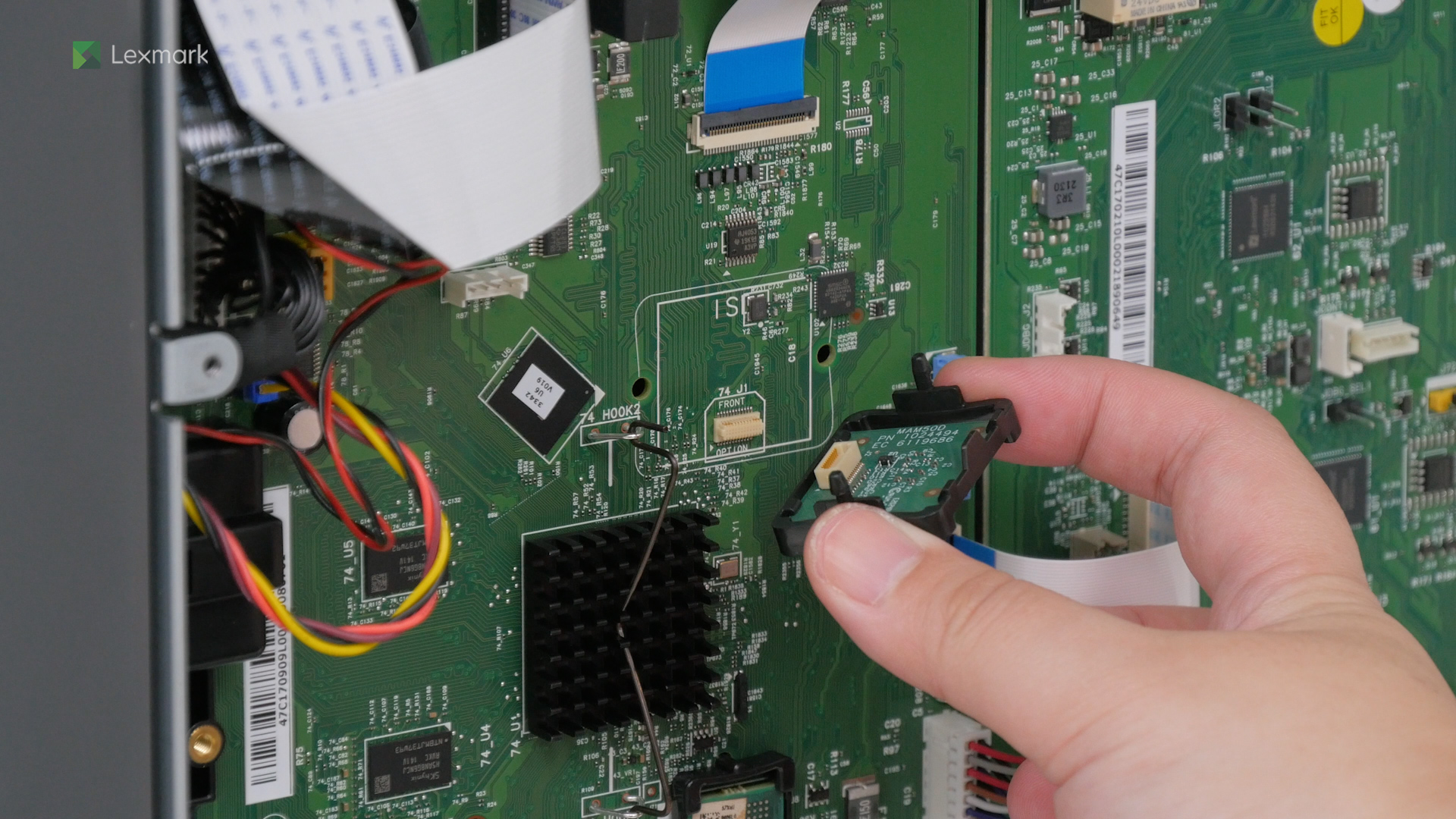
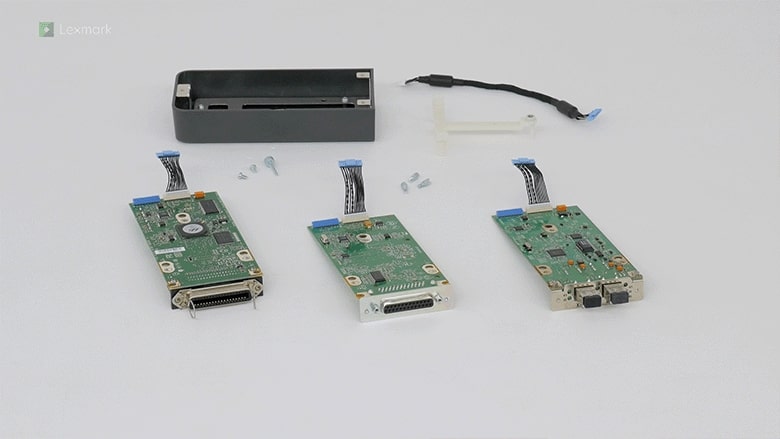
Add an internal solutions port to for your printer to connect to wireless networks. Follow this quick installation guide.
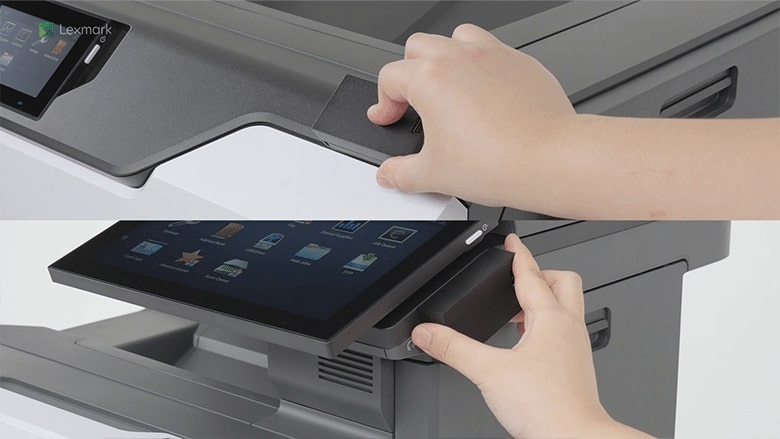
Learn how to connect your printer to a Wi‑Fi network.
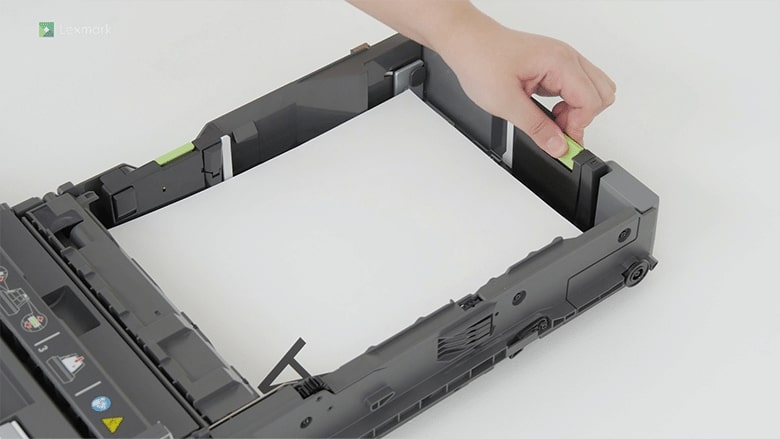
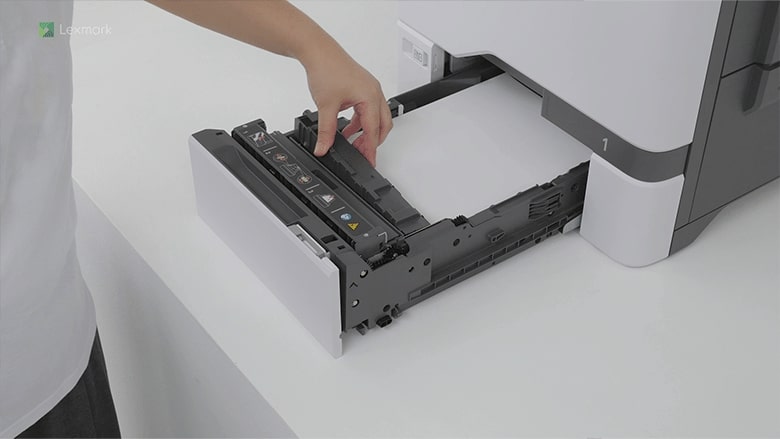
For reliable printing results, use these instructions on how to load paper properly into the tray of your printer.
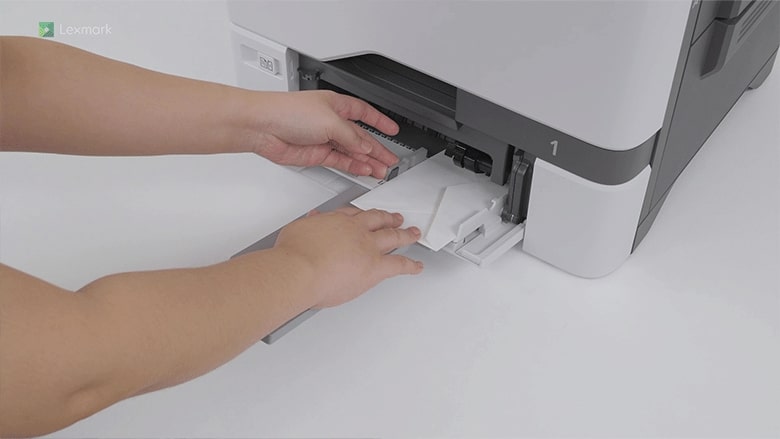
Learn how to load paper and specialty media into the multipurpose feeder to avoid paper feed errors.
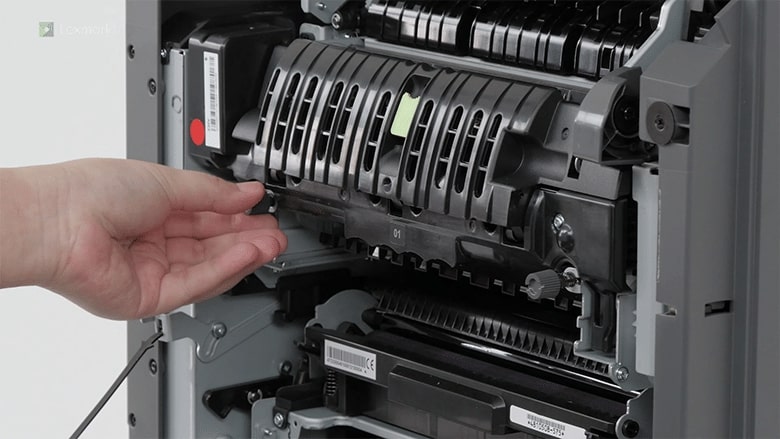
Know which door to open and how to remove the fuser when you are installing a new one.
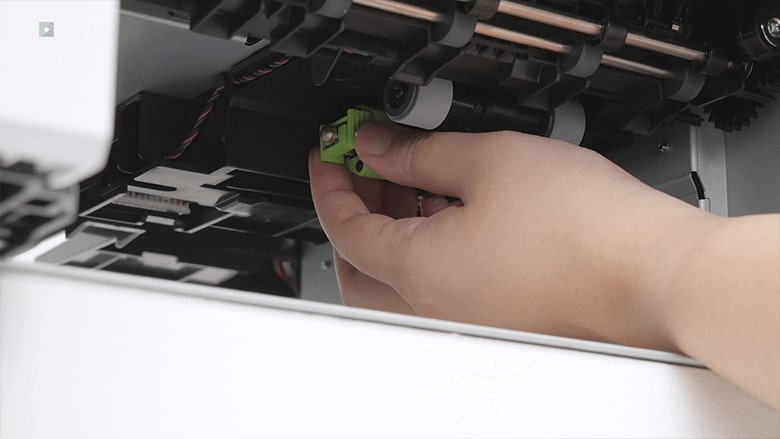
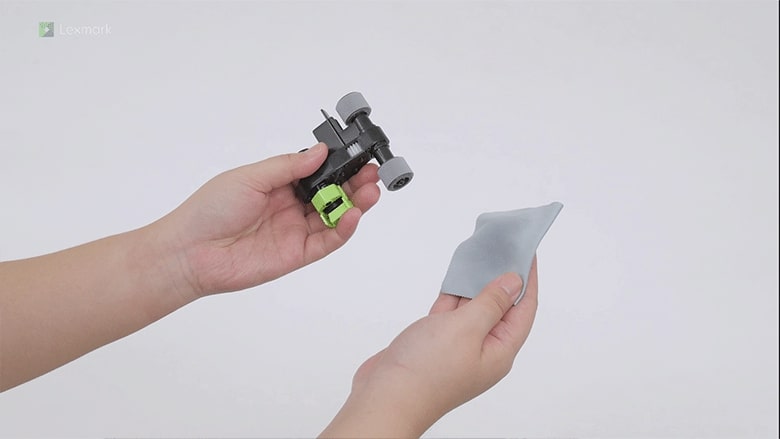
Learn how to replace the pick roller in the tray or in the multipurpose feeder of your printer.
Change the defective separator bracket to maintain printer efficiency.
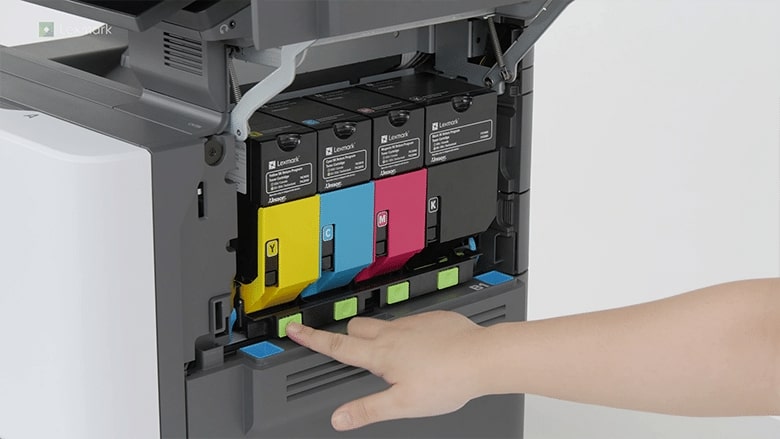
Install a new toner cartridge when the replace cartridge message appears for the affected color.
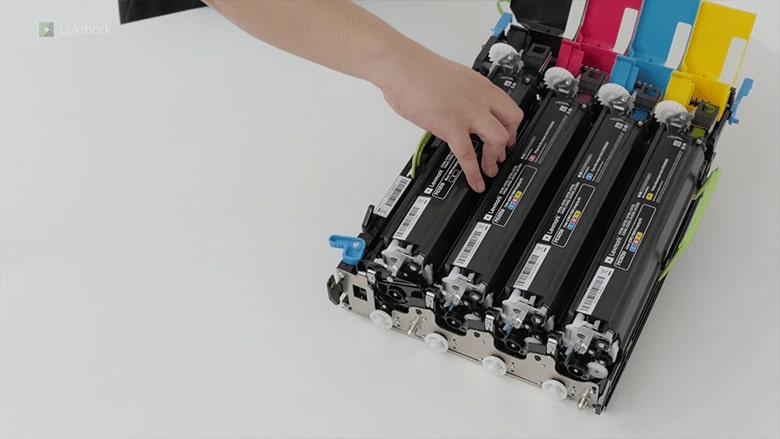
Avoid printing delays. Install a new black imaging unit when the printer prompts you to replace it.
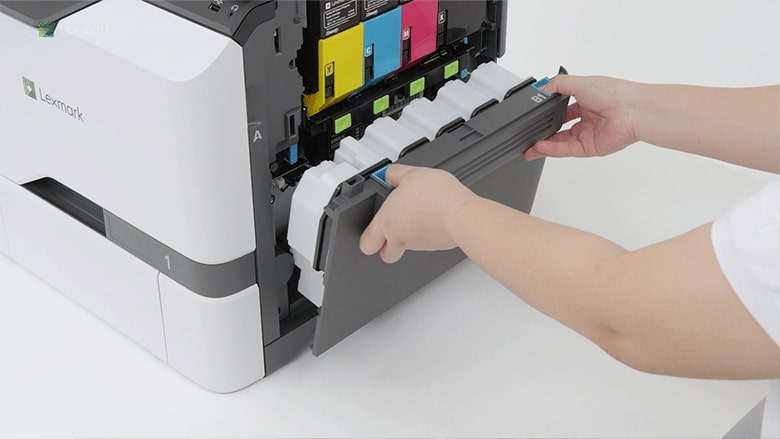
Prevent excess toner powder from falling freely into the printer. Change the waste toner bottle when it is full.
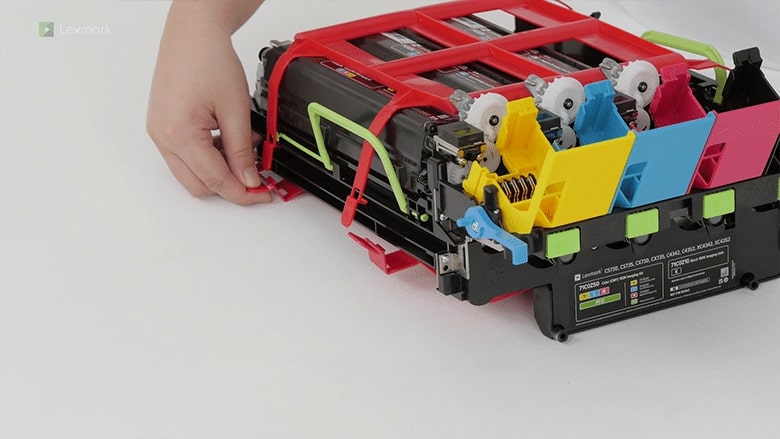
Make color imaging kit replacement fast and easy. Follow these steps on how to change the kit properly.
Use an alcohol-based solution with at least 70% alcohol and water and use it according to the manufacturer safety guidelines when cleaning the pick rollers.
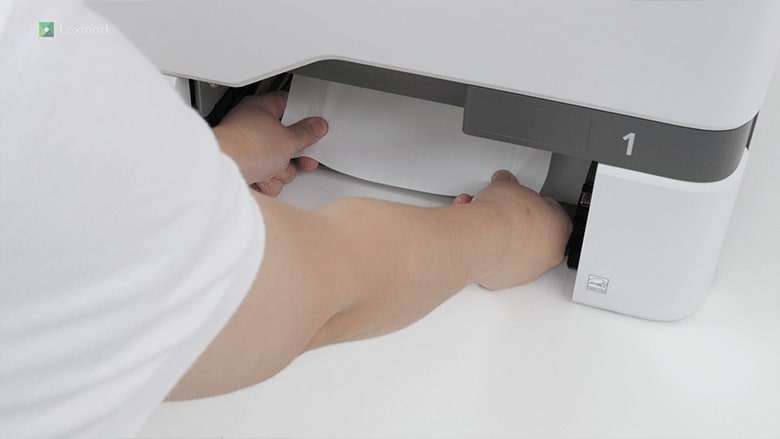
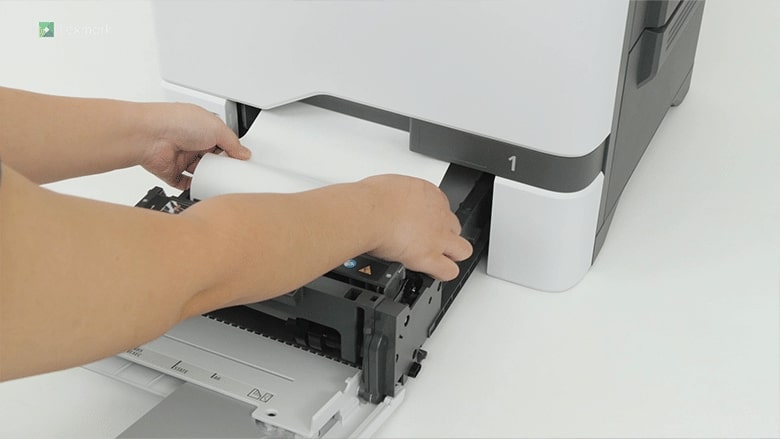
Learn how to remove the jammed paper in the tray.
Remove paper that is stuck in the multipurpose feeder to continue printing.
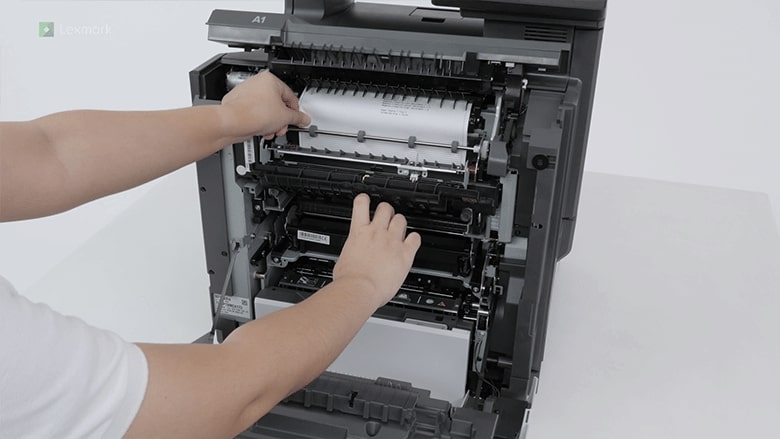
Remove the jammed paper in the fuser area or in the duplex unit to continue printing.