Lexmark MC3224
Support article for Lexmark MC3224
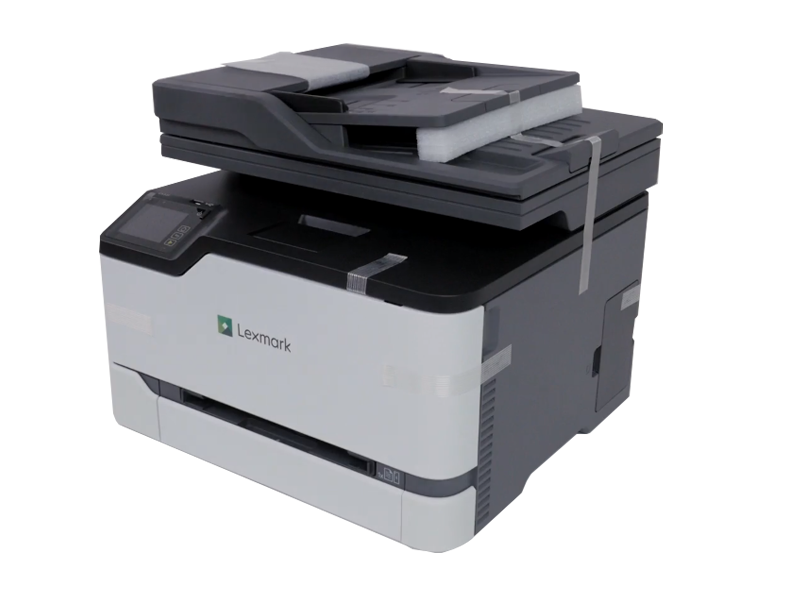
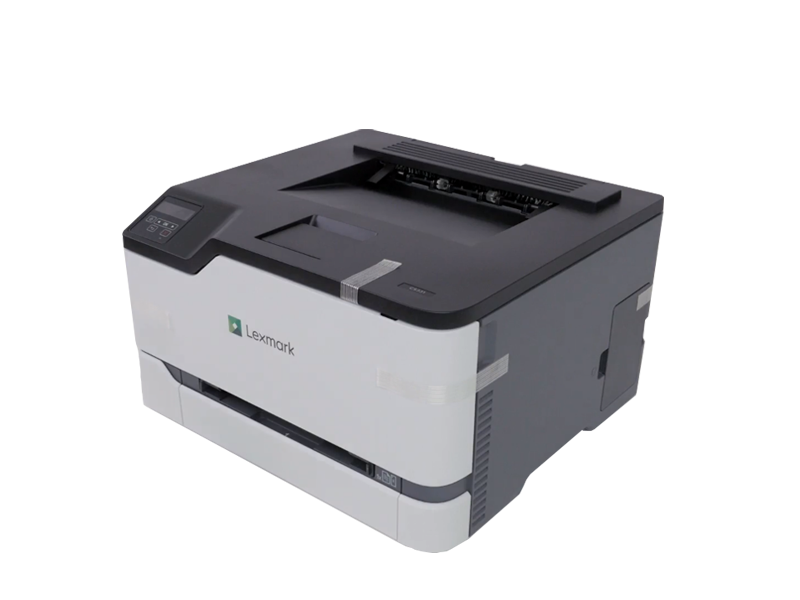
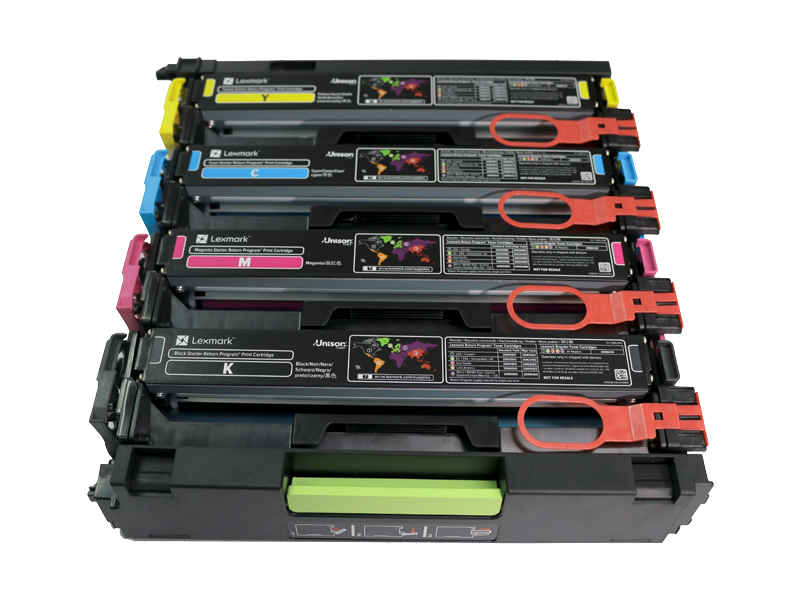
An error occurs when the packaging materials are still installed on the printer
Issue description
If the printer is powered On with any of the packaging materials still installed, it will post an error message such as
 |  |
 |
Solution
To resolve this issue make sure to follow the Setup Sheet that came with the printer and remove all of the printers packaging materials before powering On.
LEGACY ID: FA1293
Rate this article
We appreciate your feedback. We use it to identify content which needs to be updated for accuracy or usefulness.
Thank you for your feedback!