200.06 Paper jam error message
Issue Description:
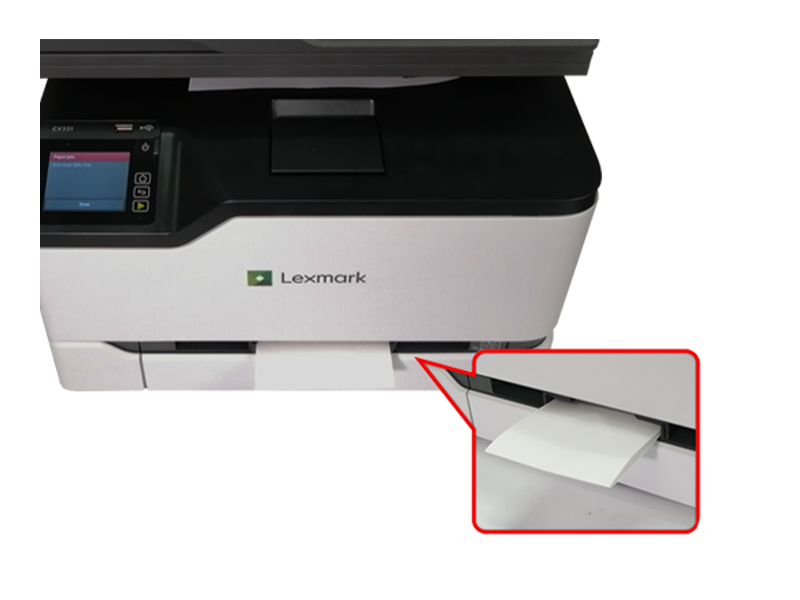
The printer posts a 200.06 paper jam error message on the home screen upon printer boot up and paper keeps getting jammed in the manual feeder.
Solution:
- Remove the tray and the manual feeder.
- Remove the jammed paper.Note:Make sure that all paper fragments are removed.
- Insert the manual feeder and the tray.
Note:
For additional information or troubleshooting steps, please refer to the link below: LEGACY ID:
FA1064