Support article for Lexmark X792
Print quality issues
Print Quality Overview
Below is a detailed list of print quality defects that can occur on the Lexmark C792 or X792 printer. Choose the print sample that most closely matches the defect you have encountered, and then refer to the link provided with the image for troubleshooting suggestions.
Print Samples
Background Print Defect 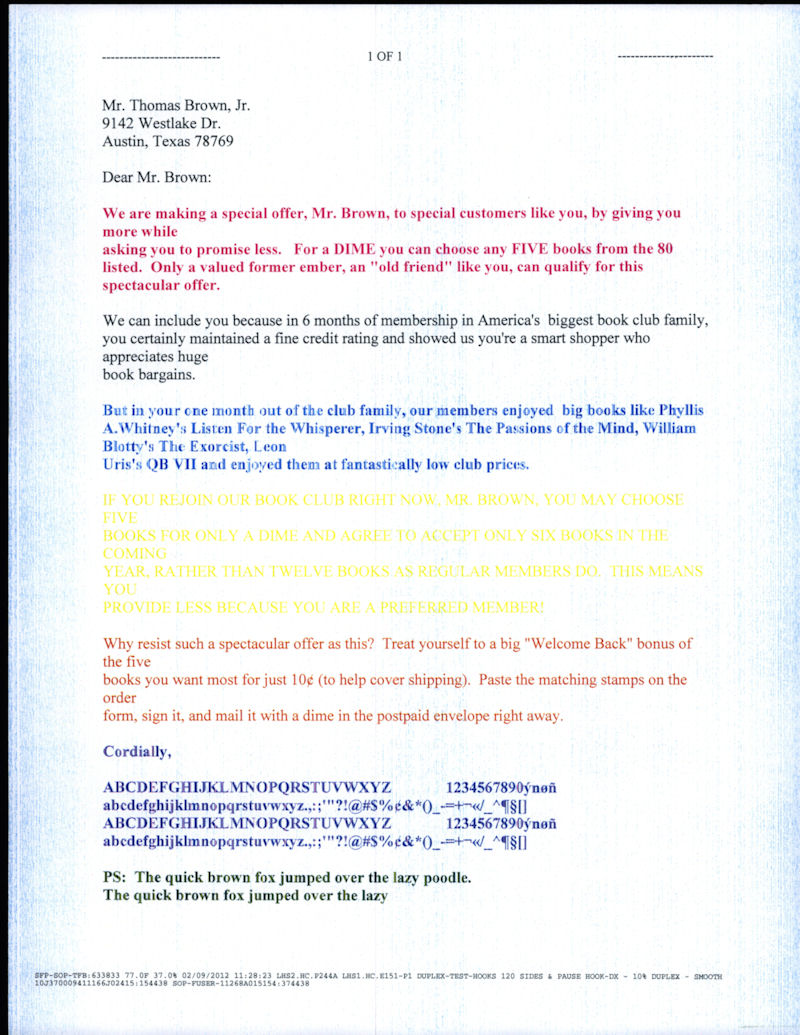 | White Void at the Edge of a Solid Black Page 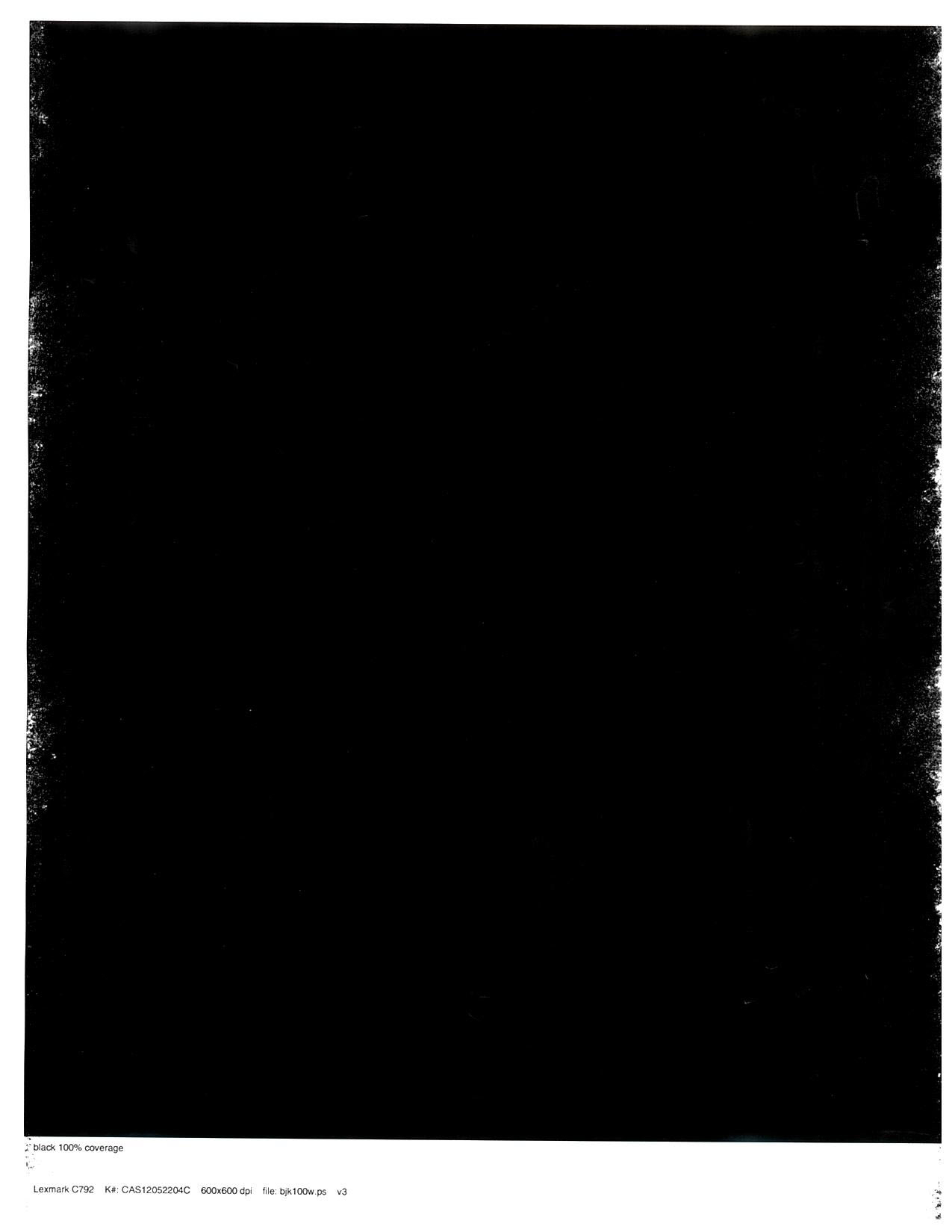 | Color to Black Misalignment 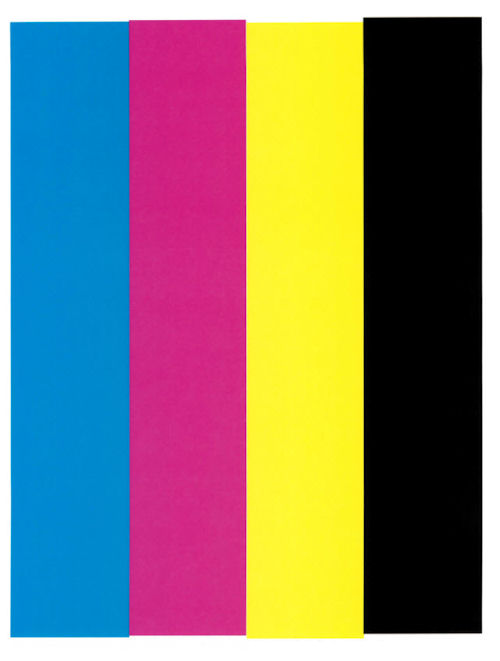 |
Color Alignment Issue 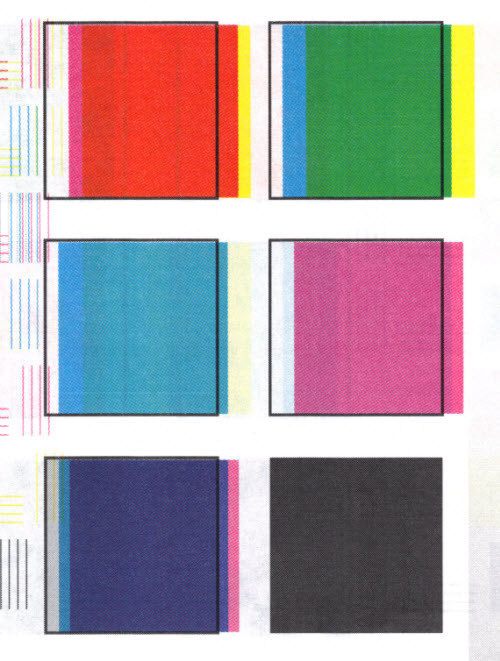 | Creased or Wrinkled (Treeing)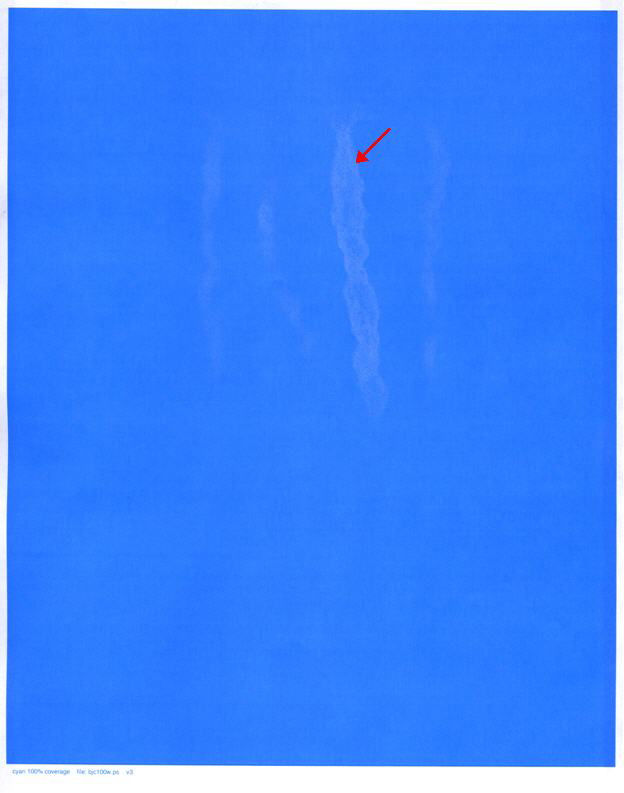 | Poor Print Quality on 1200 DPI Images  |
Color and Black Halftones Poor Print Quality | Toner Darkness Variation on Long Print Jobs | Voids (wavy lines) or Lines of Color in White Areas |
1-2-3 ITU Color Misalignment 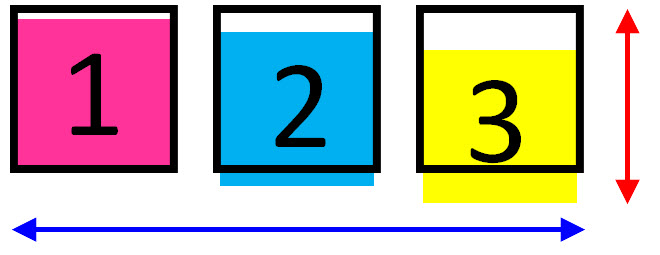 |
Contacting Lexmark
Please contact Lexmark Technical Support if you need additional assistance. NOTE: When calling for support, you will be asked for your machine/model type and serial number (SN). If you need help locating your printer's model type and serial number, How to Locate the Serial Number, Machine Type, and Configuration ID on a Lexmark C792 or X792 Printer/MFP.
Please call from near the printer in case the technician on the phone asks you to perform a task involving the printer.
LEGACY ID: SO7132
Rate this article
We appreciate your feedback. We use it to identify content which needs to be updated for accuracy or usefulness.
Thank you for your feedback!