Support article for Lexmark C792
Intermittent '202.04 Paper Jam' Message on a Lexmark C792 Or X792 Series Printer
Overview
Paper is intermittently jamming in the printer/MFP. When the jam occurs, a 202.04 Paper Jam message is displayed in the status bar on the touch screen. See the images below for the possible location of the jammed page.
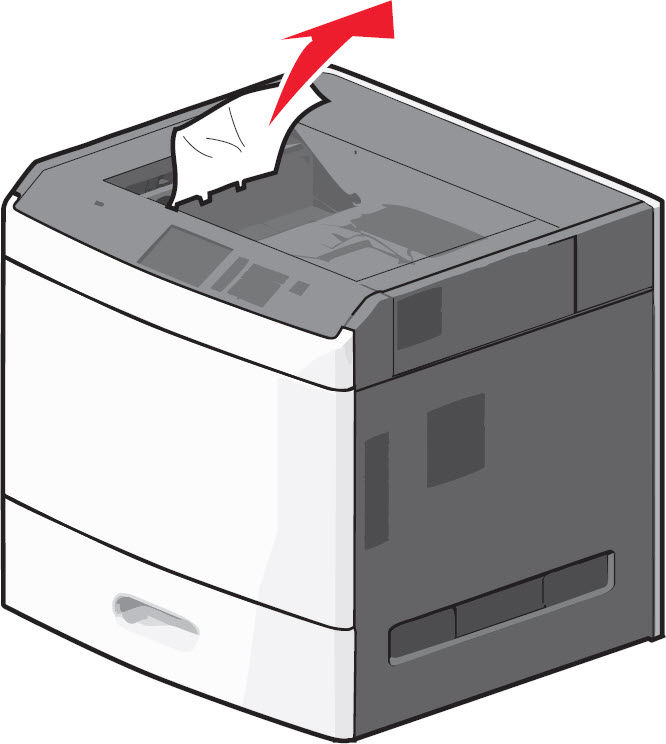 | 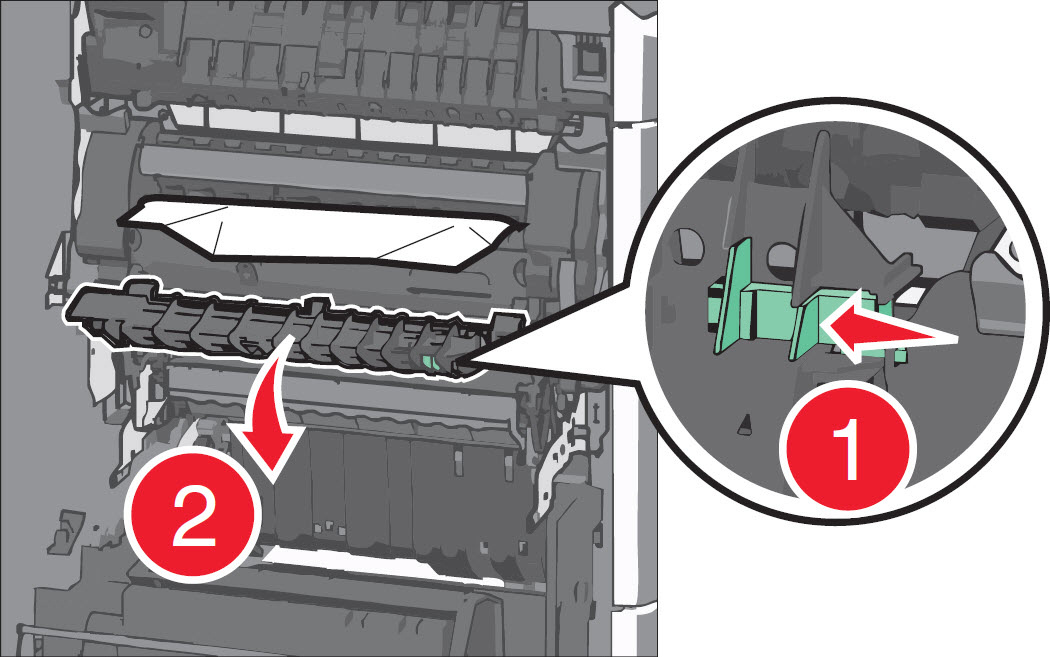 |
| Paper Jam in the Standard Exit Bin | Paper Jam in the Fuser Or Under the fuser |
Explanation
The printer registers a sheet of paper as having jammed in its left-hand access door. To locate and remove the jammed page, follow the steps in the ‘Recommended actions’ table below or refer to the printer/MFP's
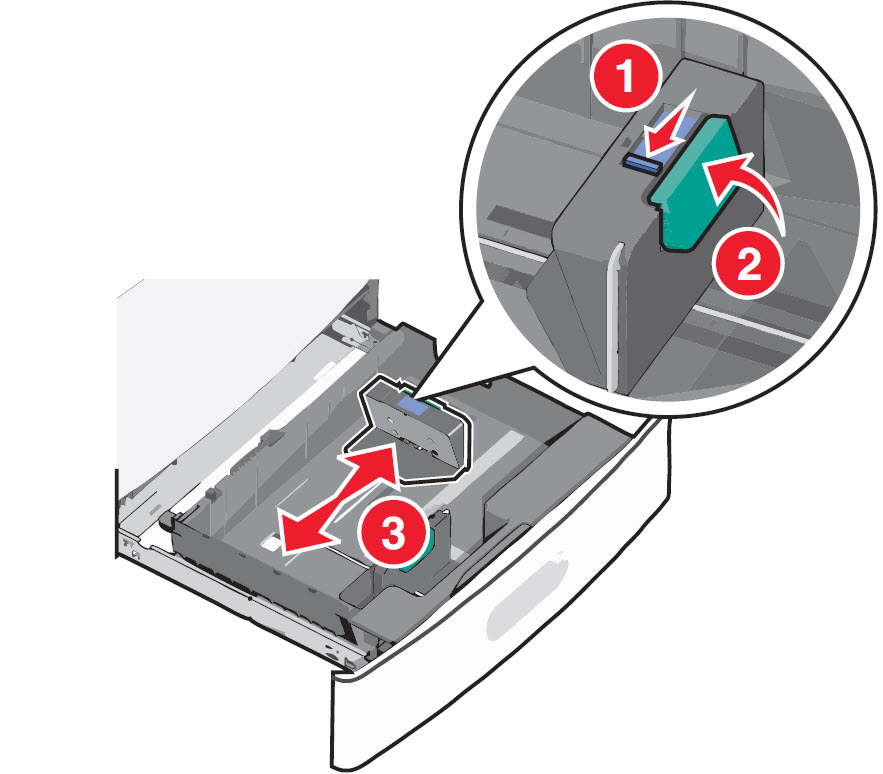
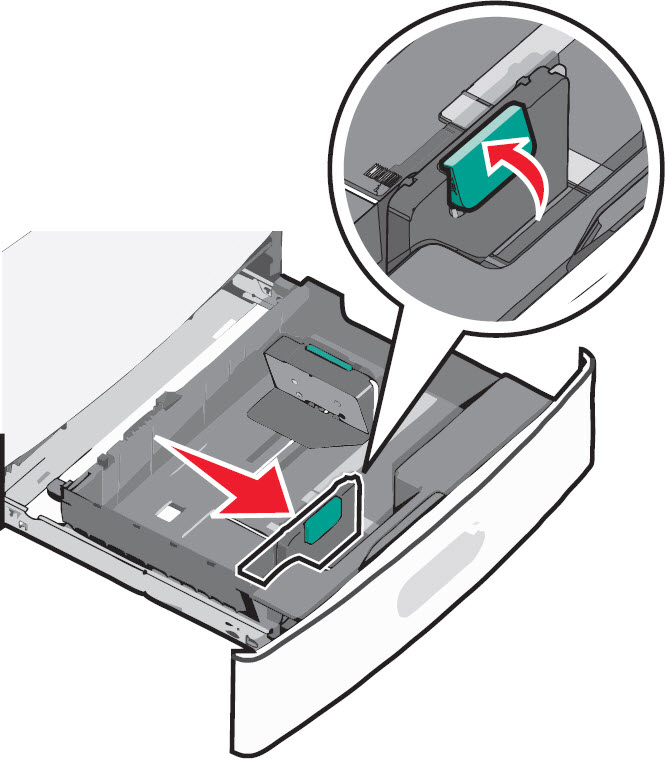
NOTE: Before performing the steps detailed below, note also that the print media (or improper loading thereof) can possibly cause the problem. Check the tray
Recommended actions
NOTE: The images in the following table show the Lexmark C792 models. However, these directions also apply to the Lexmark X792 models.
Steps | Action | Image |
1 | Power off the printer/MFP completely and disconnect the power cable from its power supply. Then open the left-hand access door assembly. | 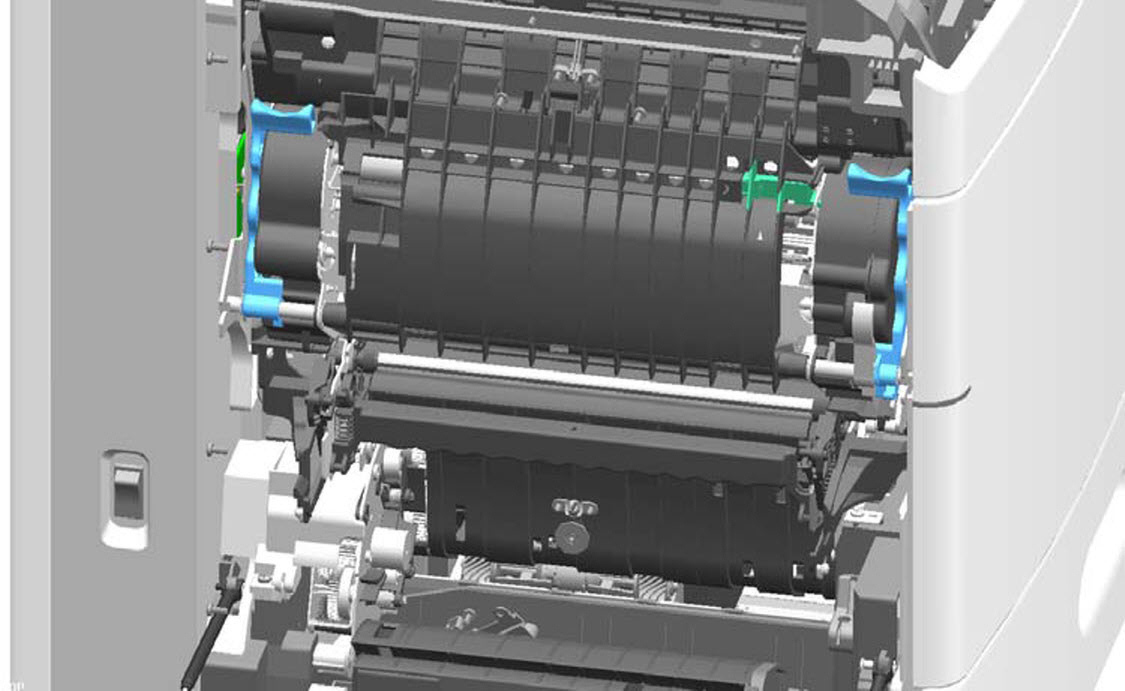 |
2 | If paper is inside the fuser unit, press the green lever and pull the fuser access door down. CAUTION! The inside of the printer/MFP may be hot. Allow it to cool before continuing. | |
3 | If the paper is not visible, pull down the two fuser latches and pull the fuser unit toward you, (see red in right-hand image). CAUTION! The inside of the printer/MFP may be hot. Allow it to cool before continuing. | 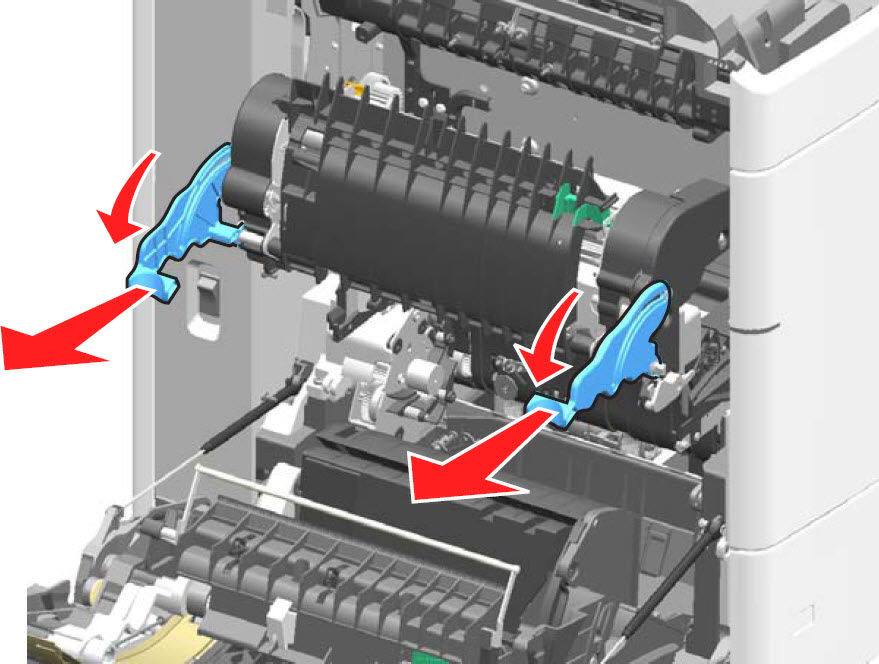 |
4 | Firmly grasp the jammed paper on each side, and then gently pull it out to prevent tearing. Ensure all paper fragments are removed.
| No Image |
5 | Check for any broken or loose parts on the fuser assembly. If damage exists, a service call will likely be required to resolve the issue. | No Image |
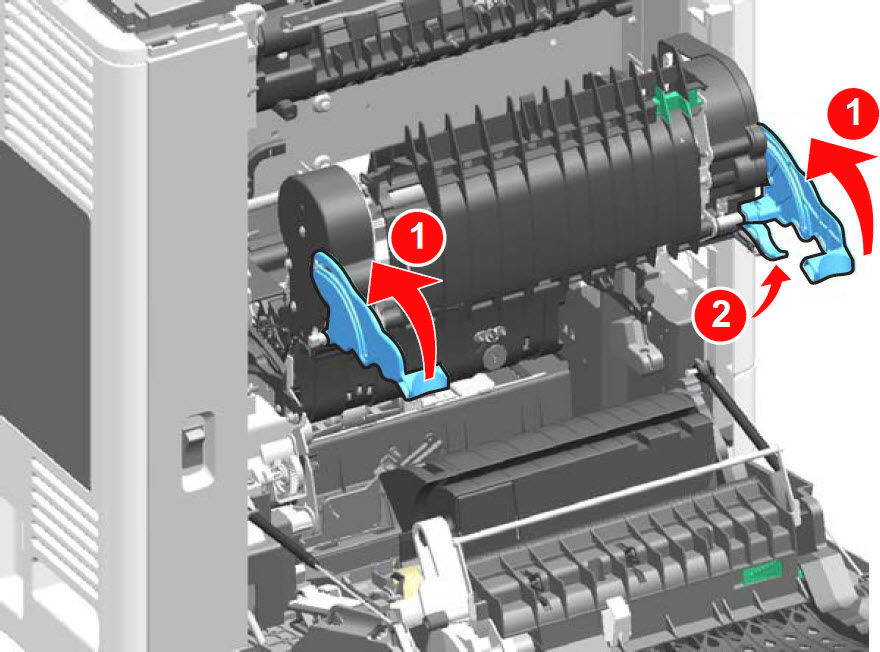
6 | Install the fuser back to the printer. Close all doors and covers completely.
|  |
7 | Power on the printer/MFP and try printing again. If the page prints, the printer is functioning correctly. If the issue returns, please contact Lexmark Technical Support or a local authorized service provider for additional assistance. | No Image |
Still Need Help?
Please contact Lexmark Technical Support if you need additional assistance.
NOTE: When calling for support, you will be asked for your machine/model type and serial number (SN). If you need help locating these,
Please call from near the printer in case the technician on the phone asks you to perform a task involving the printer.
LEGACY ID: SO6418
Rate this article
We appreciate your feedback. We use it to identify content which needs to be updated for accuracy or usefulness.
Thank you for your feedback!