Support article for Lexmark CX921
Lexmark C9235, CS/X92x, and XC92xx: Print Quality Issue - Missing Plane Caused by Packaging Material
Single-Function: CS927, CS923, CS921,
and C9235
Multifunction:
CX920, CX921, CX922, CX923, CX927, XC9225, XC9235, XC9245, XC9255, and XC9265
This is an Out of the Box (OOB) issue since it is induced during the installation of the Lexmark device.
This issue was induced by the incorrect installation of the device, most commonly due to the non-removal of packaging material from Black (K) Photoconductor.
Print Defect Sample
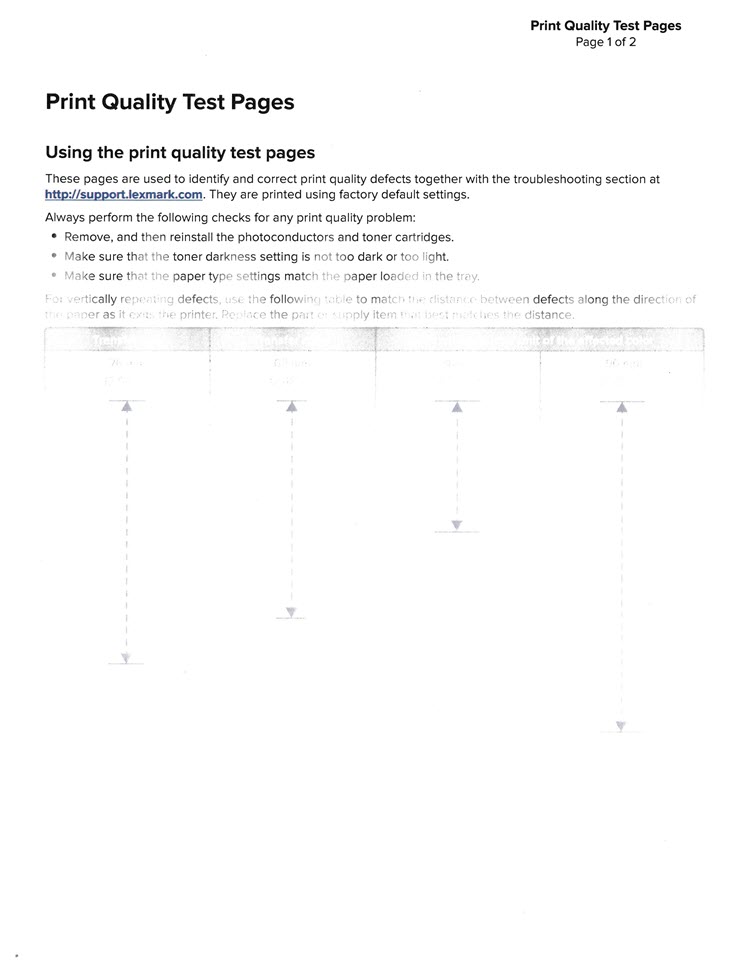
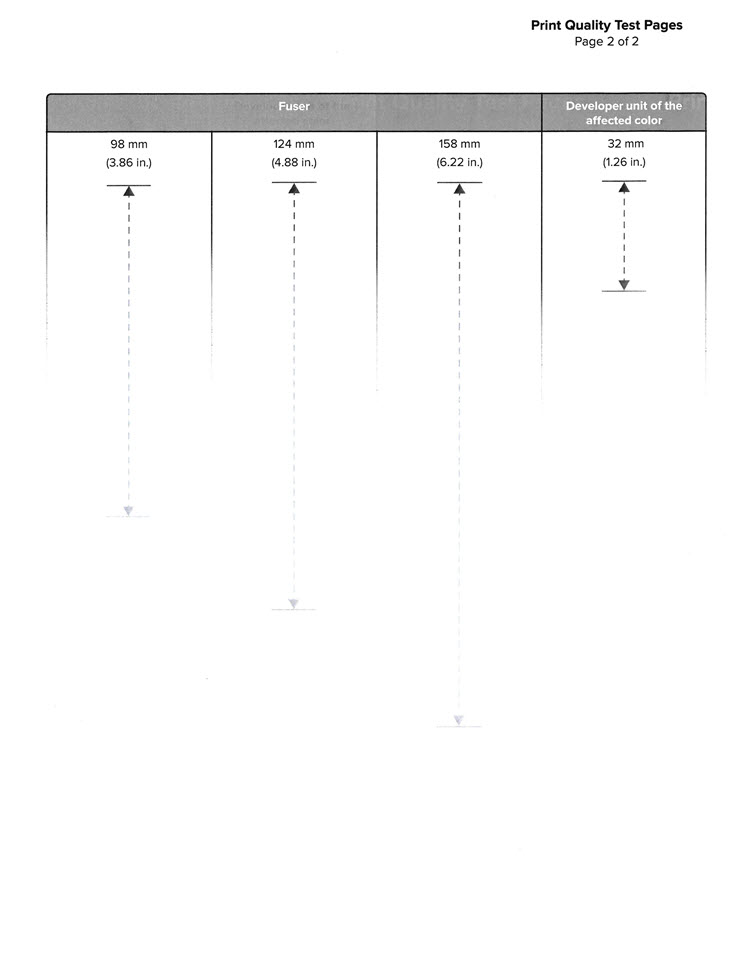
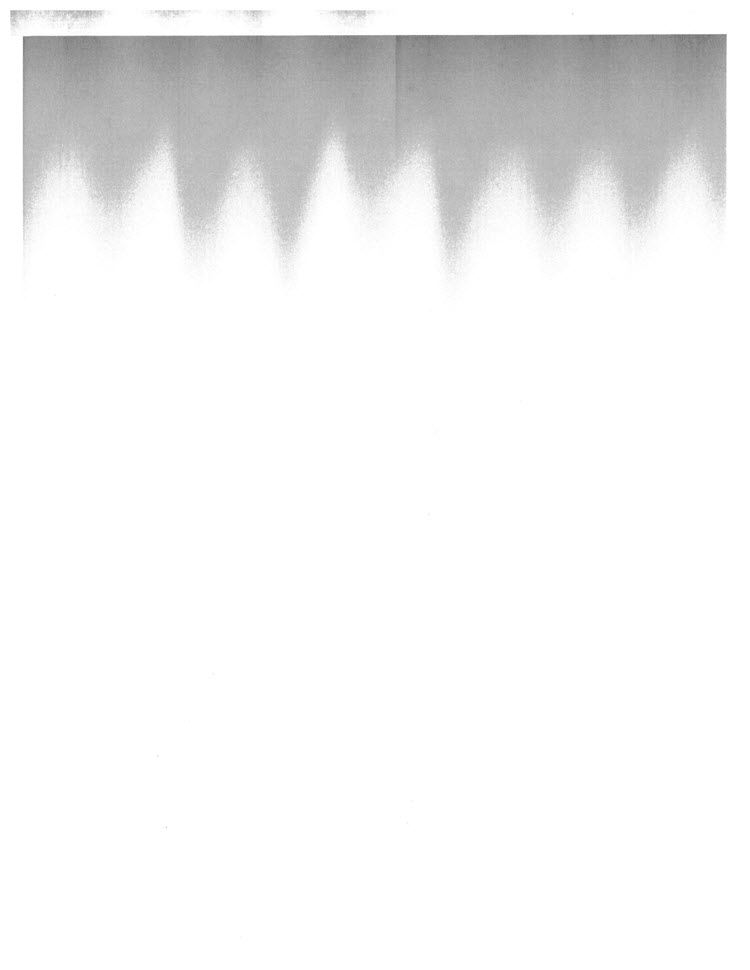
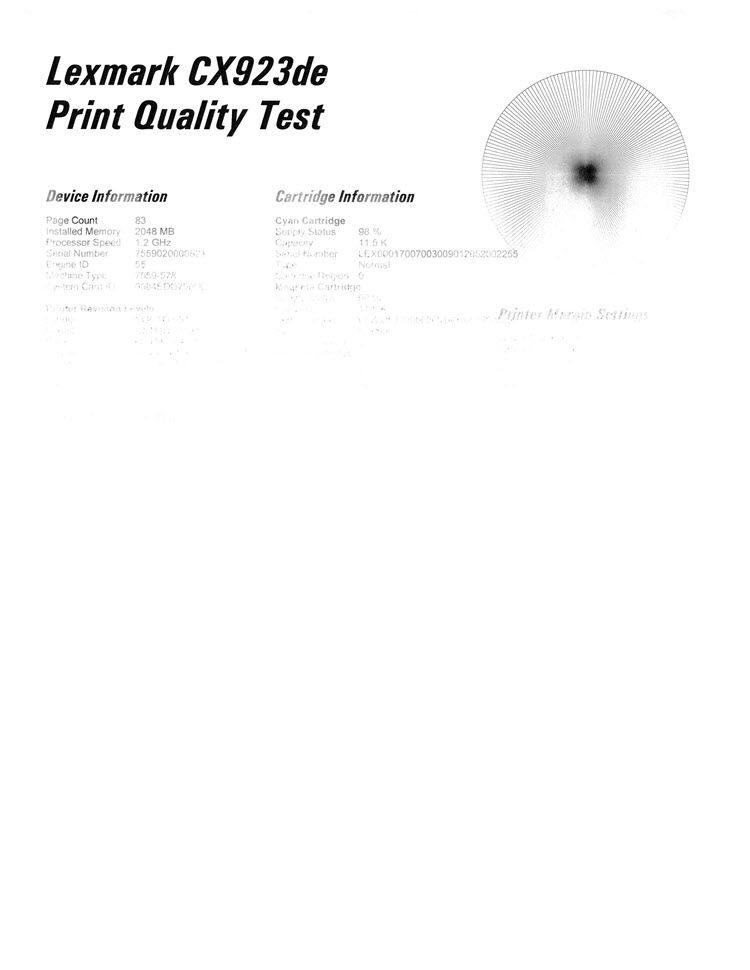
Check the Lexmark device for any packaging material that was missed.
Remove the packaging materials from the Black (K) Photoconductor.
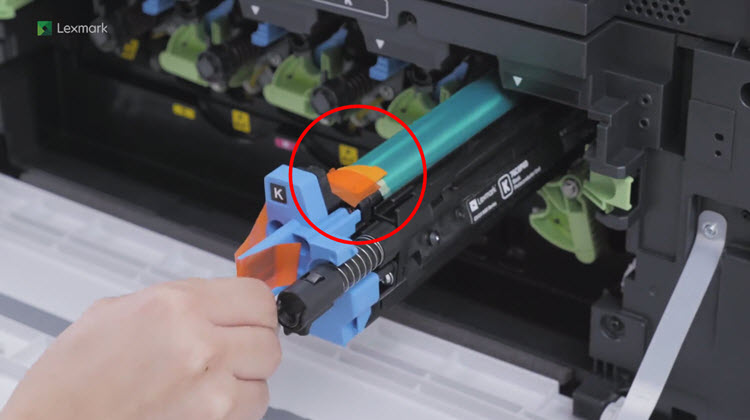

Please check the following resources for additional instructions and other commonly missed packaging material, when setting up the printer and removing the packaging materials:
How-to Videos
Setup Sheet
Have the following available when calling Lexmark Technical Support;
Printer model(s)
Printer serial number
LEGACY ID: SO8675
Rate this article
We appreciate your feedback. We use it to identify content which needs to be updated for accuracy or usefulness.
Thank you for your feedback!