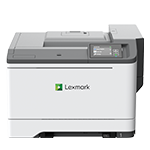
Printer features: Laser, print only, color
Lexmark CS531 Support
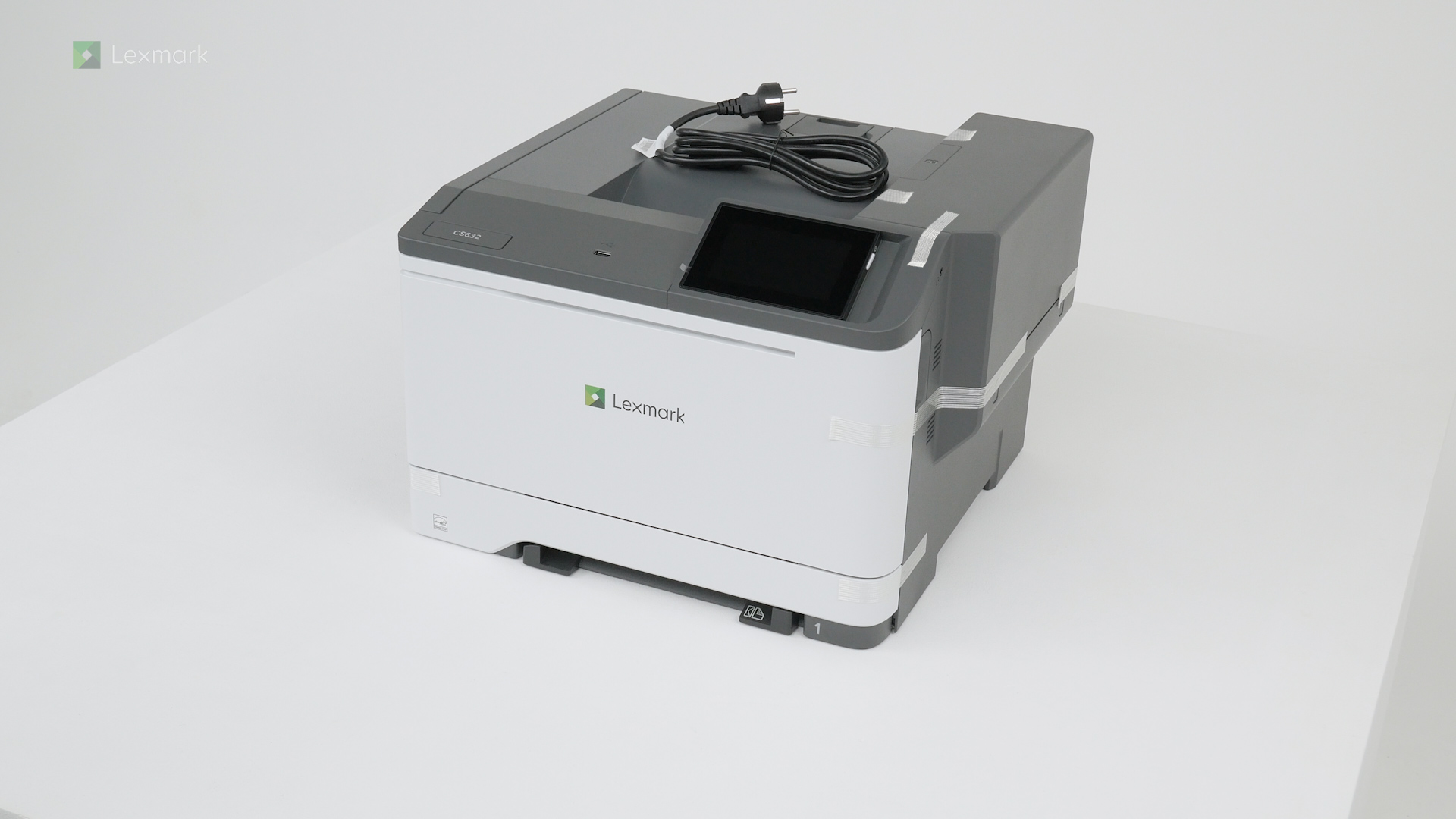
Learn how to set up your new printer.
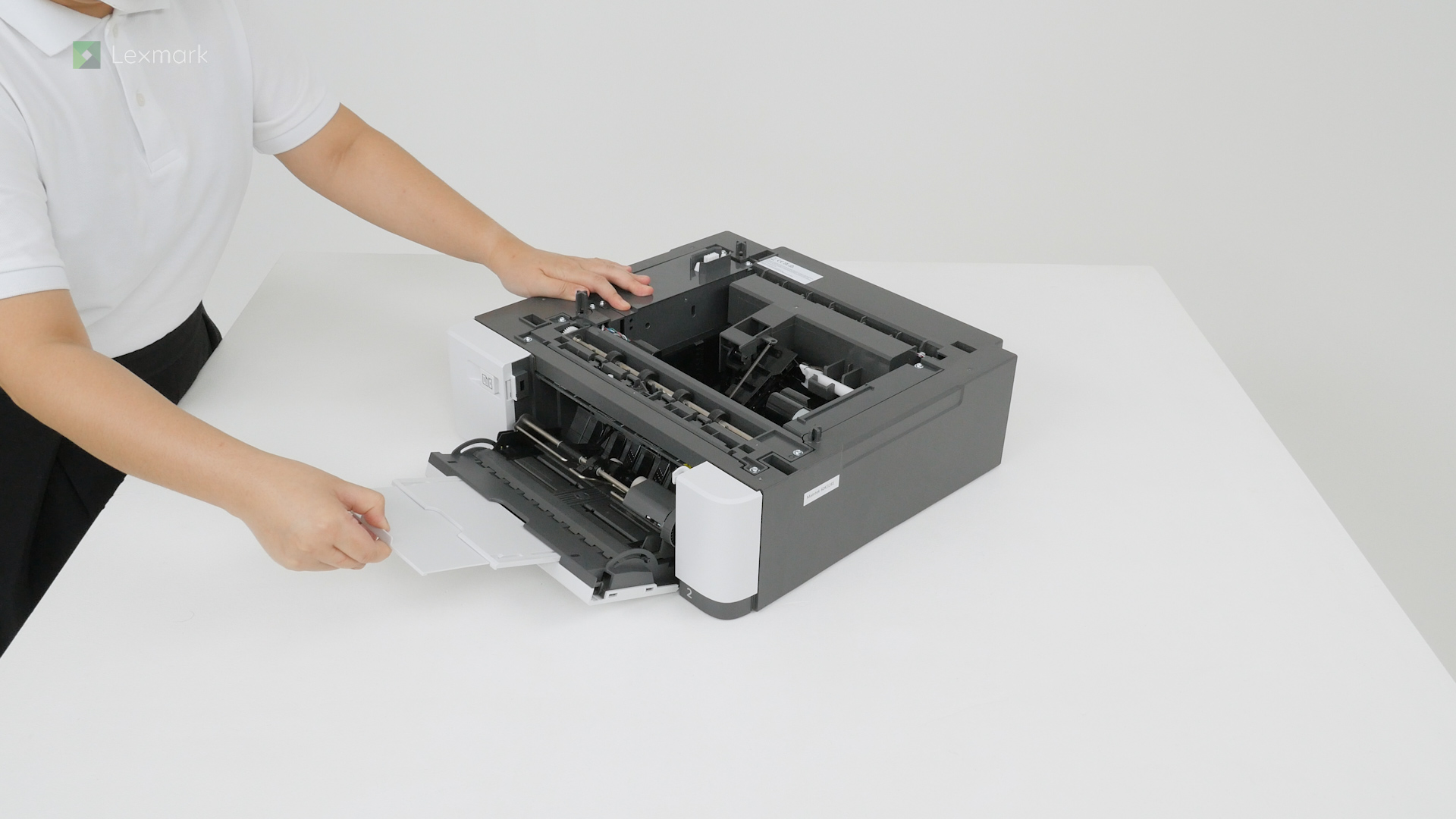
Learn how to install the optional 650-sheet duo tray into your printer.
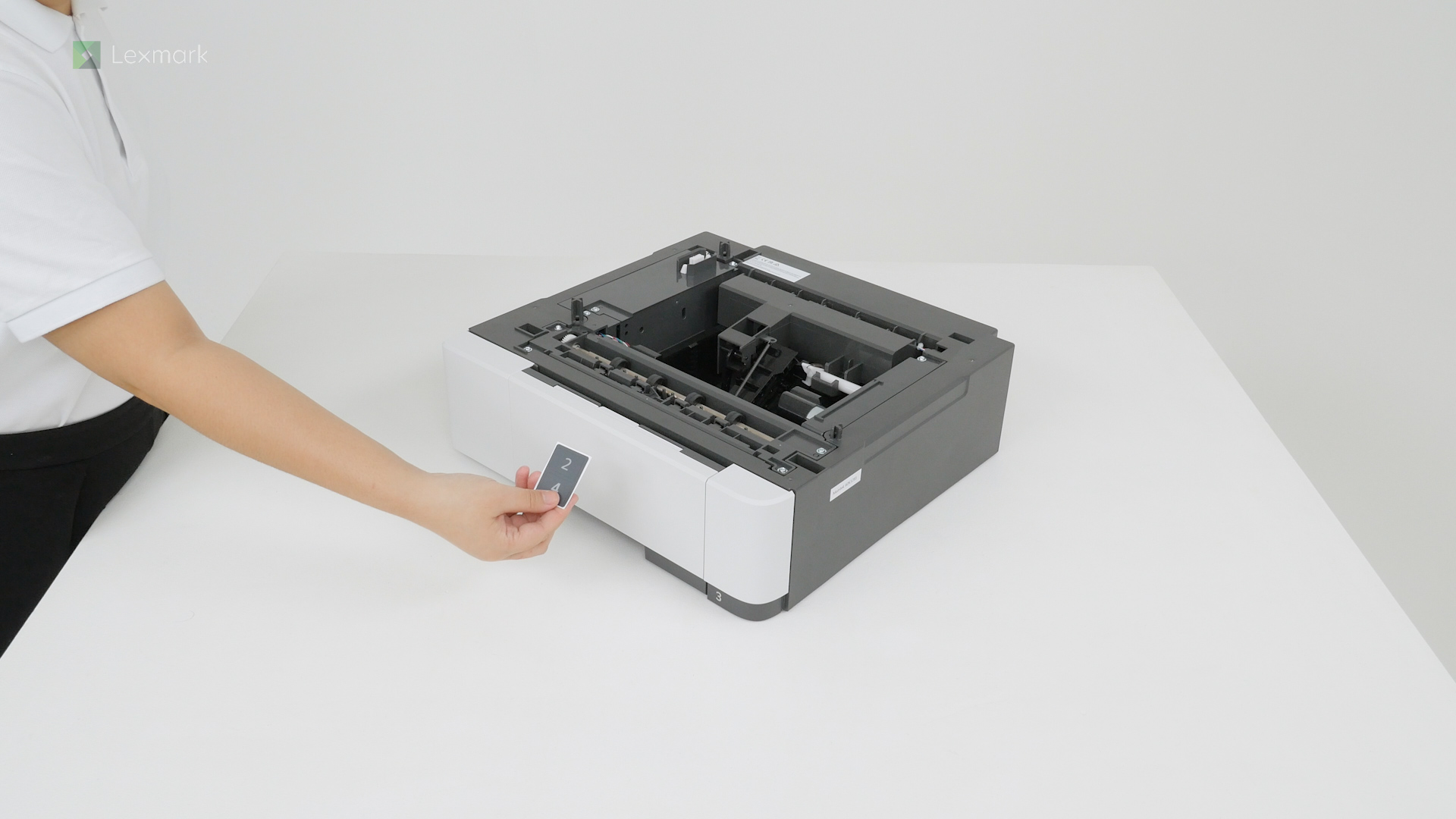
Learn how to install the optional 550‑sheet tray into your printer.
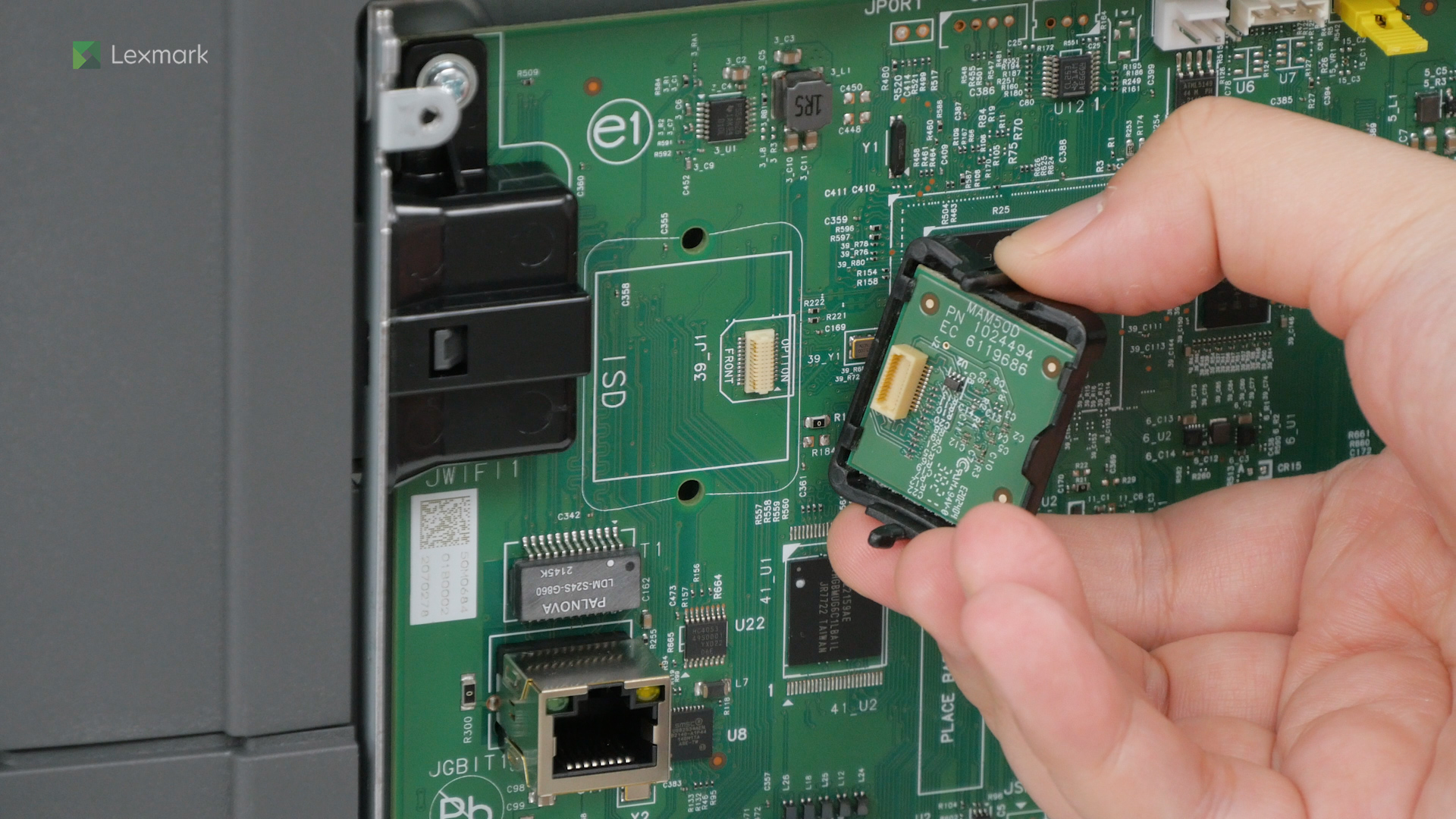
Learn how to install the intelligent storage drive on your printer to enable it to print complex jobs and collate large print jobs.
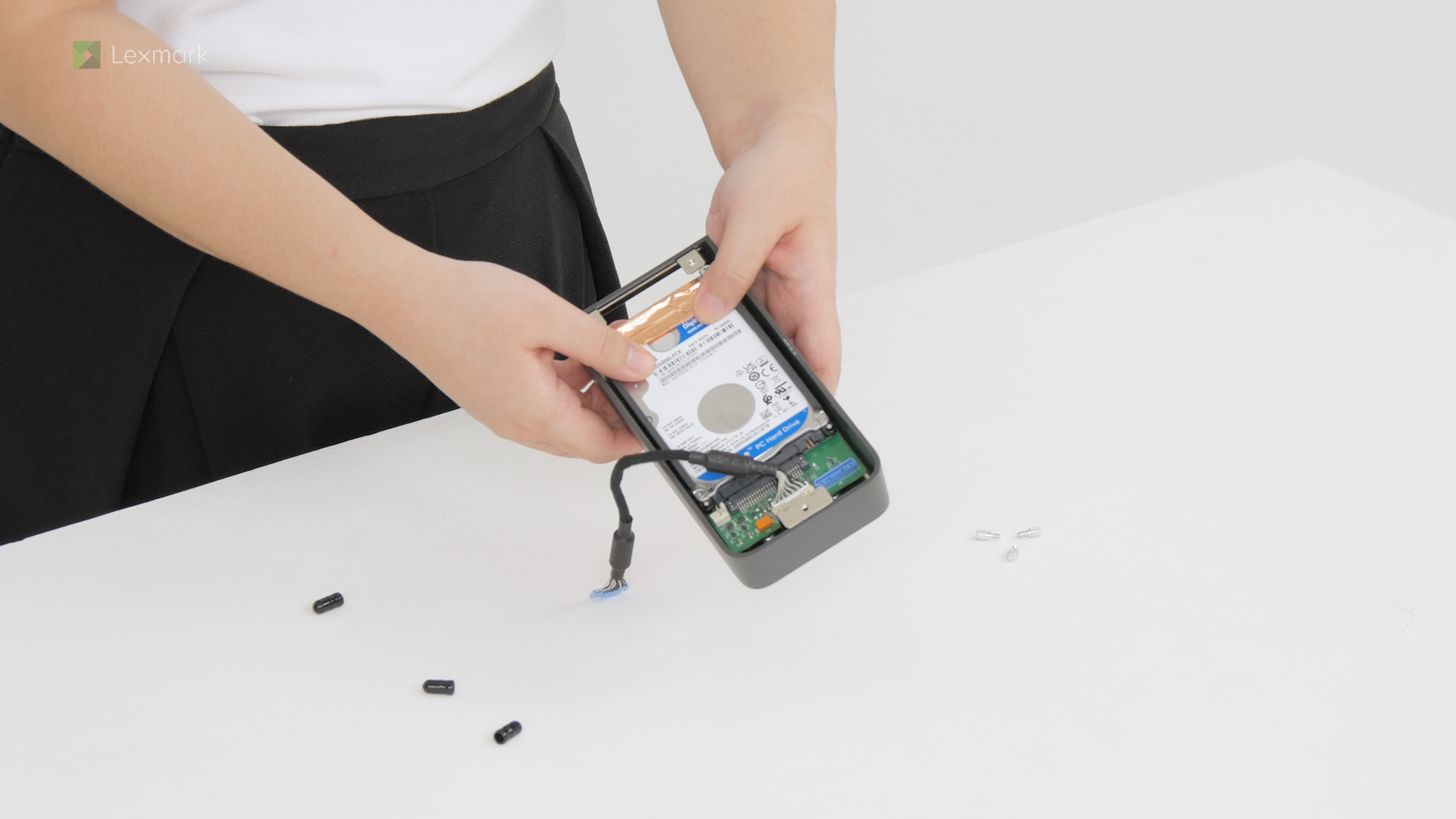
Learn how to install a hard disk on your printer to let it store large amounts of information.
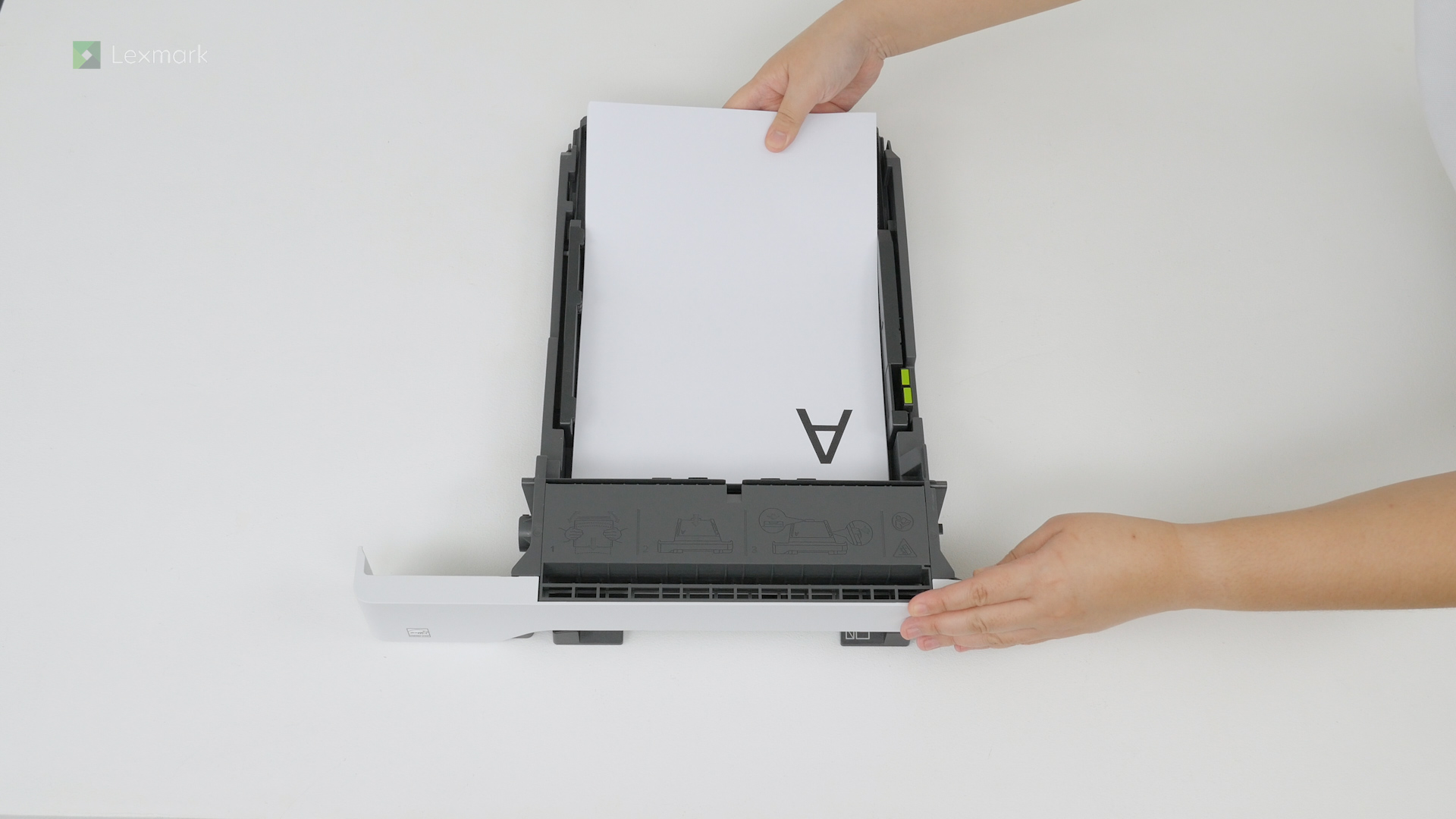
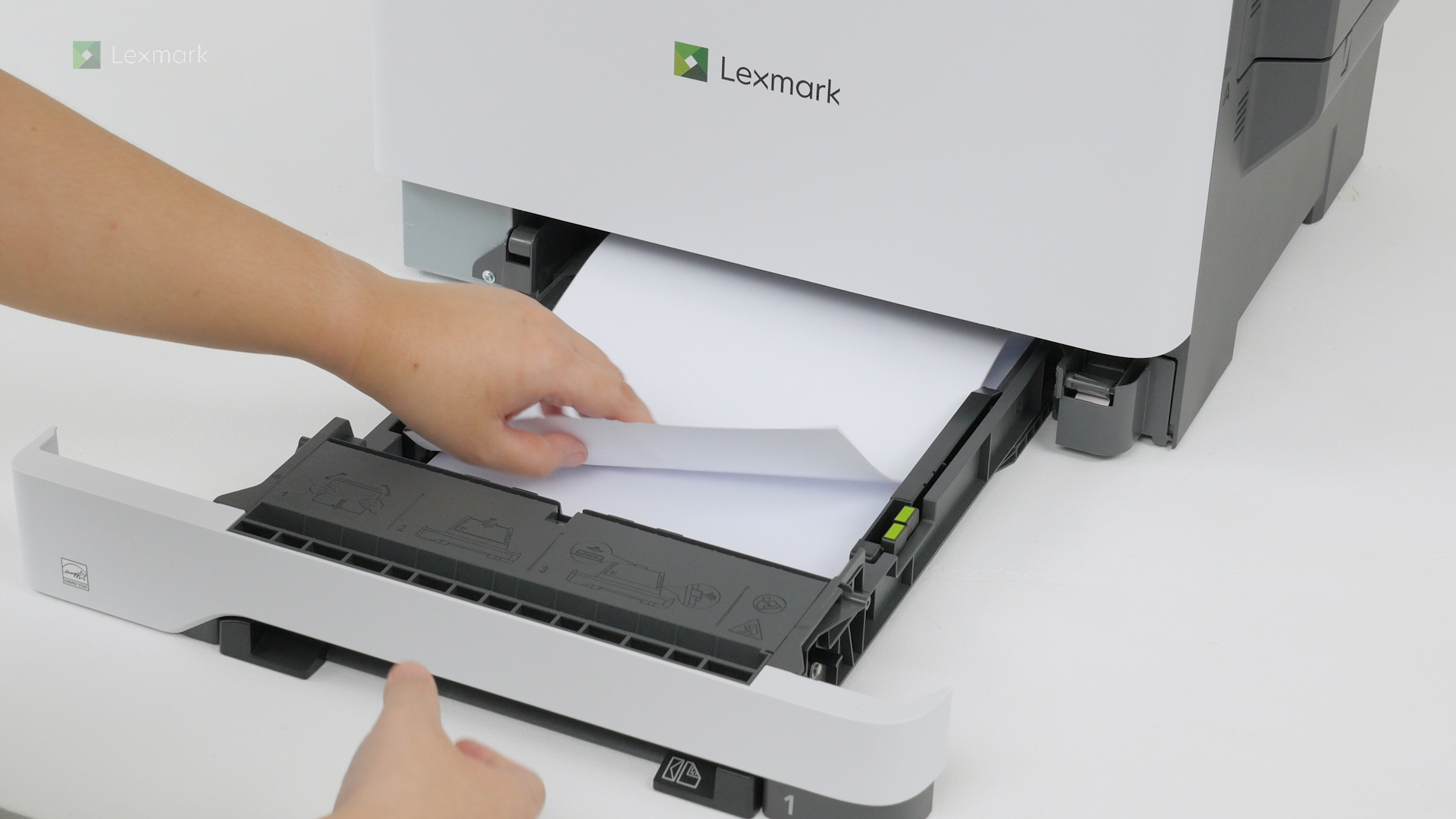
For reliable printing results, use these instructions on how to load paper properly into the tray of your printer.
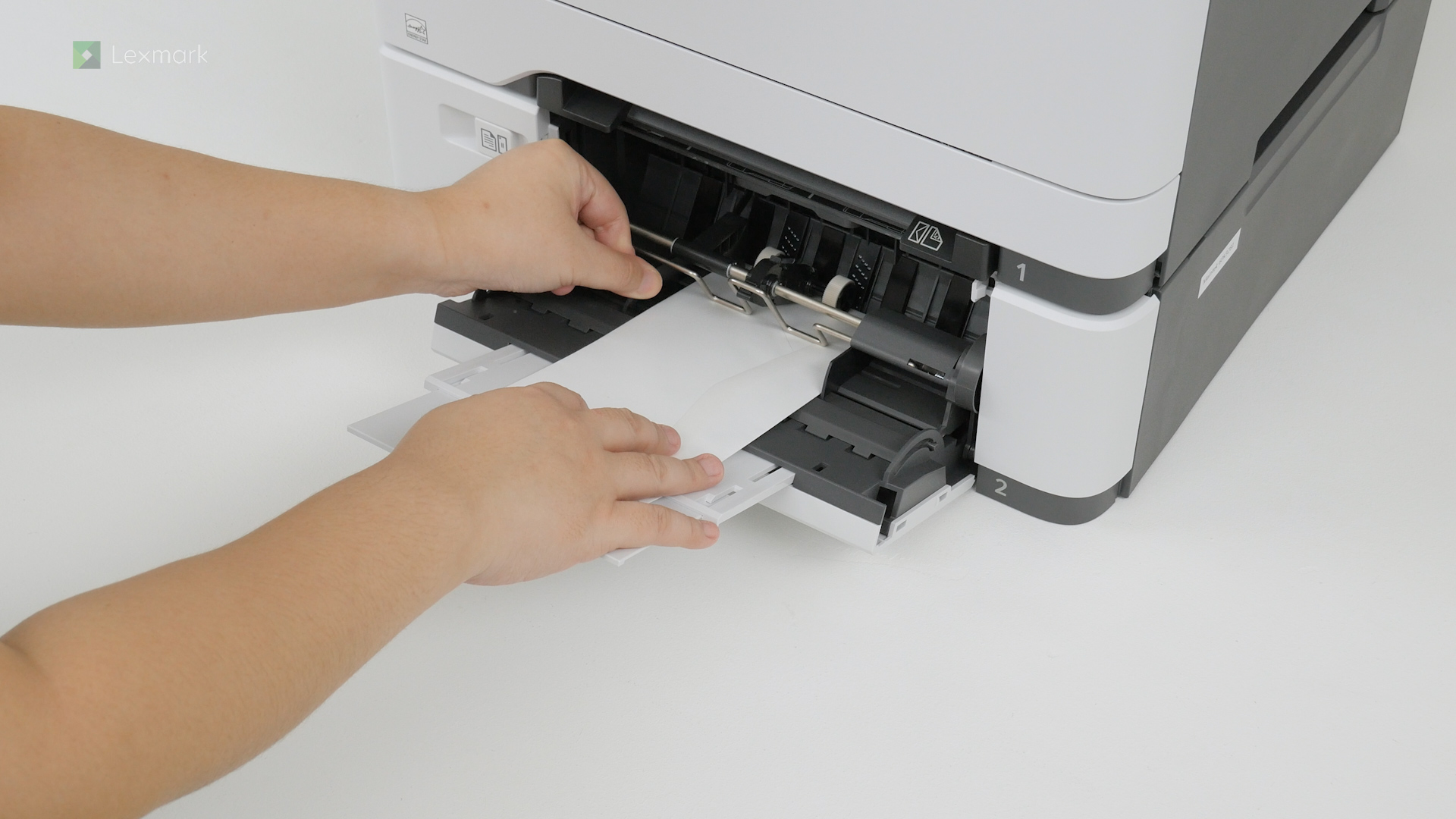
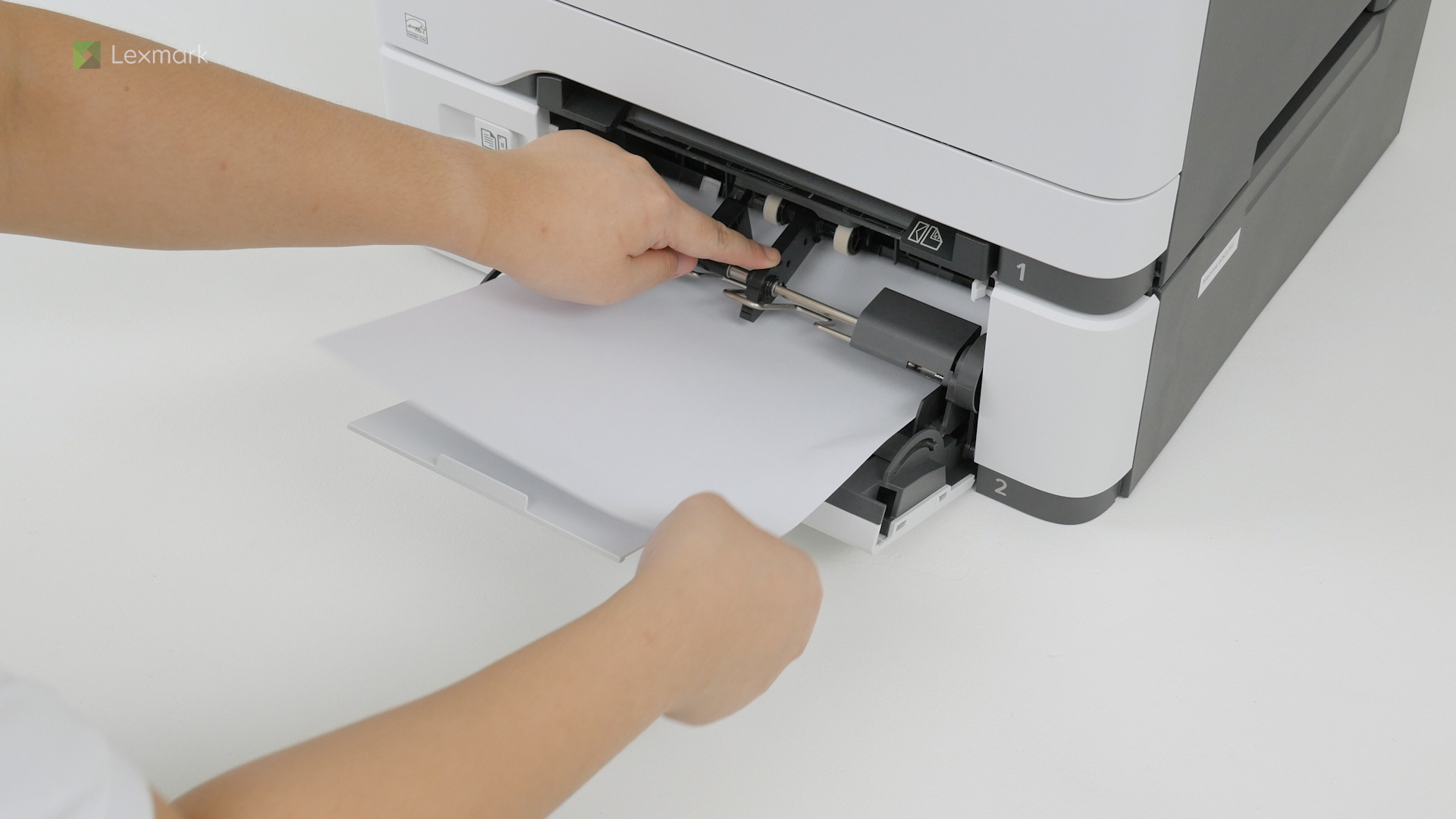
For reliable printing results, use these instructions on how to load paper properly into the manual feeder of your printer.
For reliable printing results, use these instructions on how to load paper properly into the multipurpose feeder of your printer.
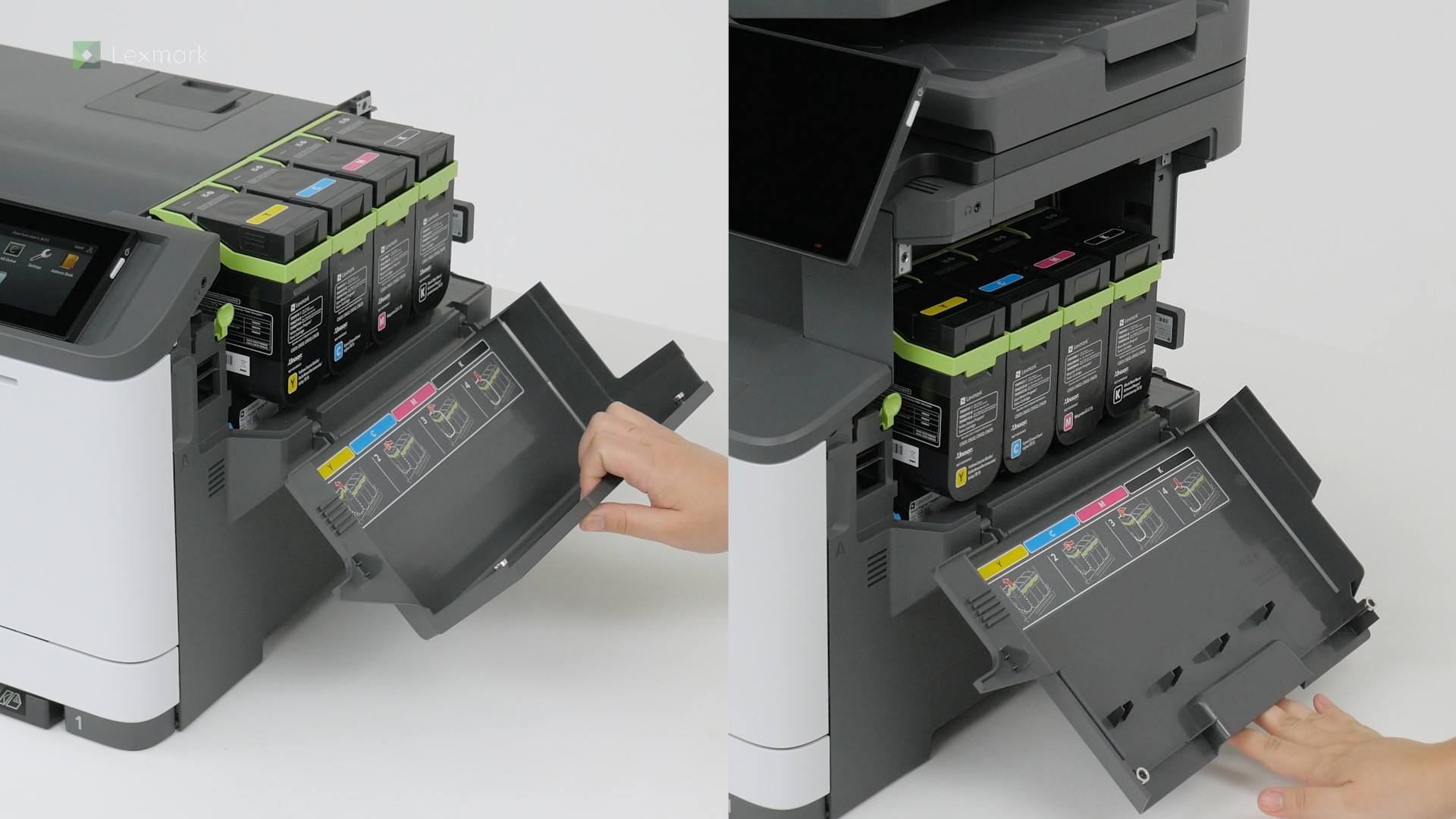
Install a new toner cartridge when you continue to see faded prints.
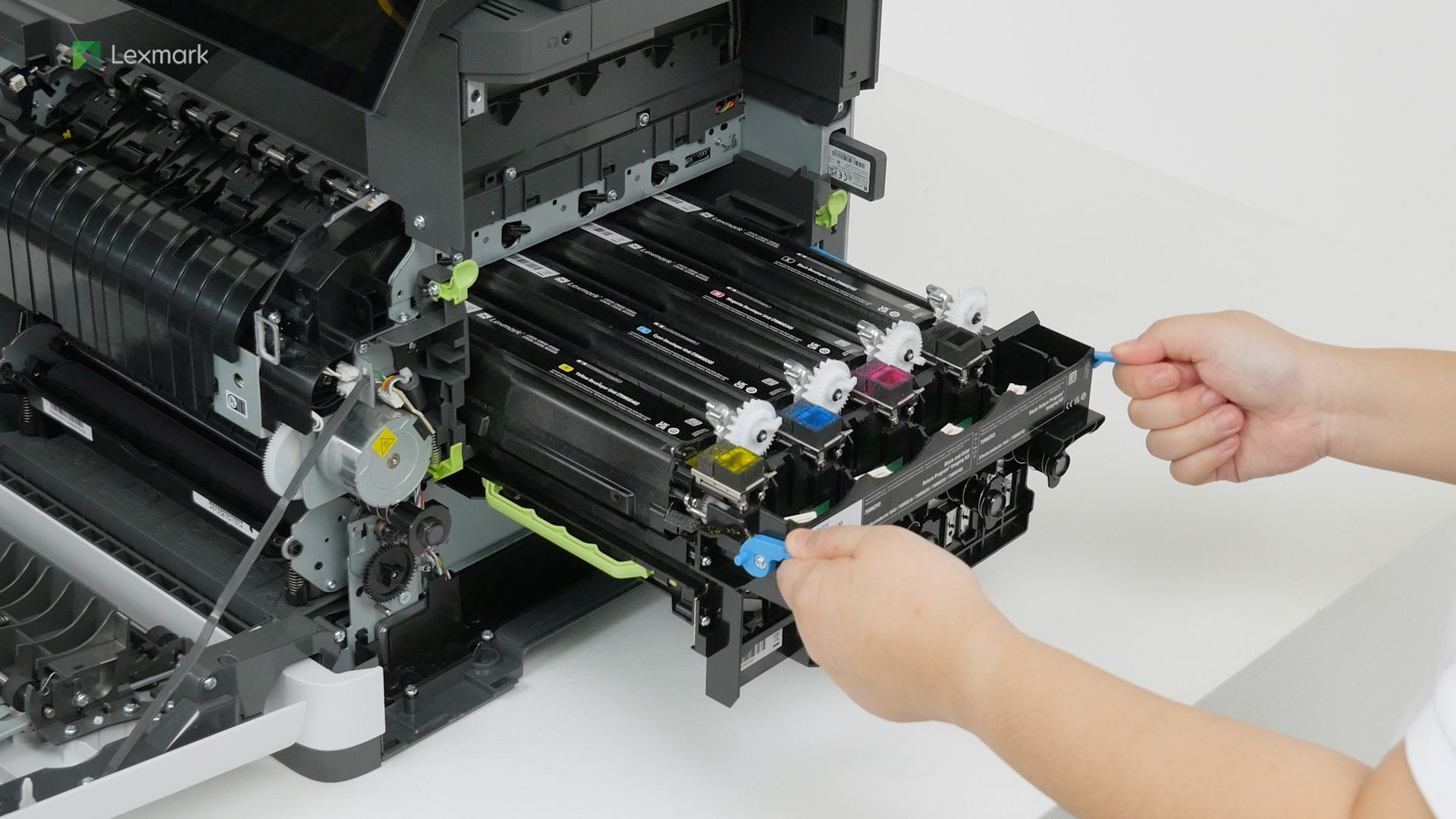
Learn how to replace the developer unit to continue getting good quality prints.
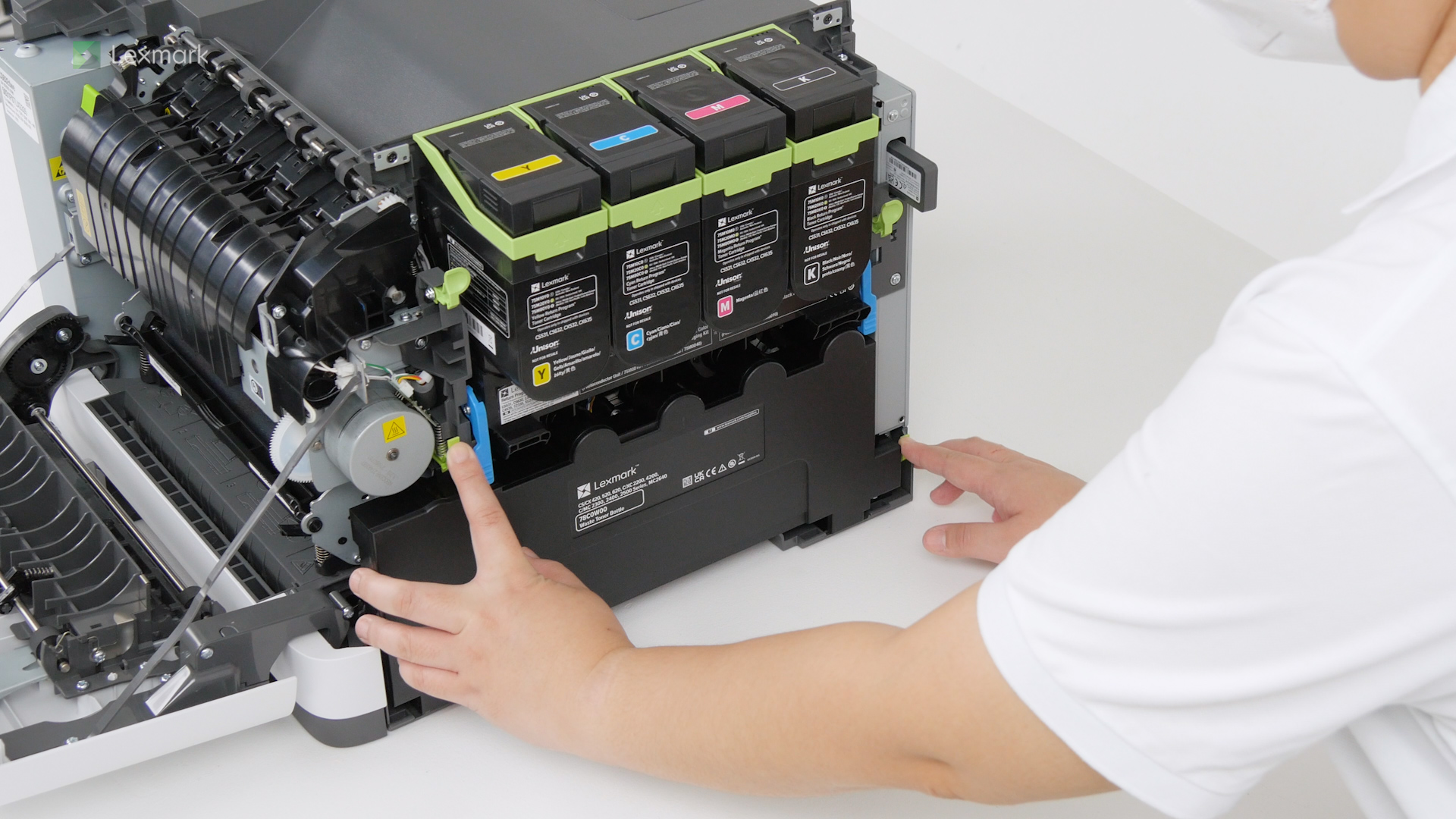
Prevent excess toner powder from falling freely into the printer. Change the waste toner bottle when it is full.
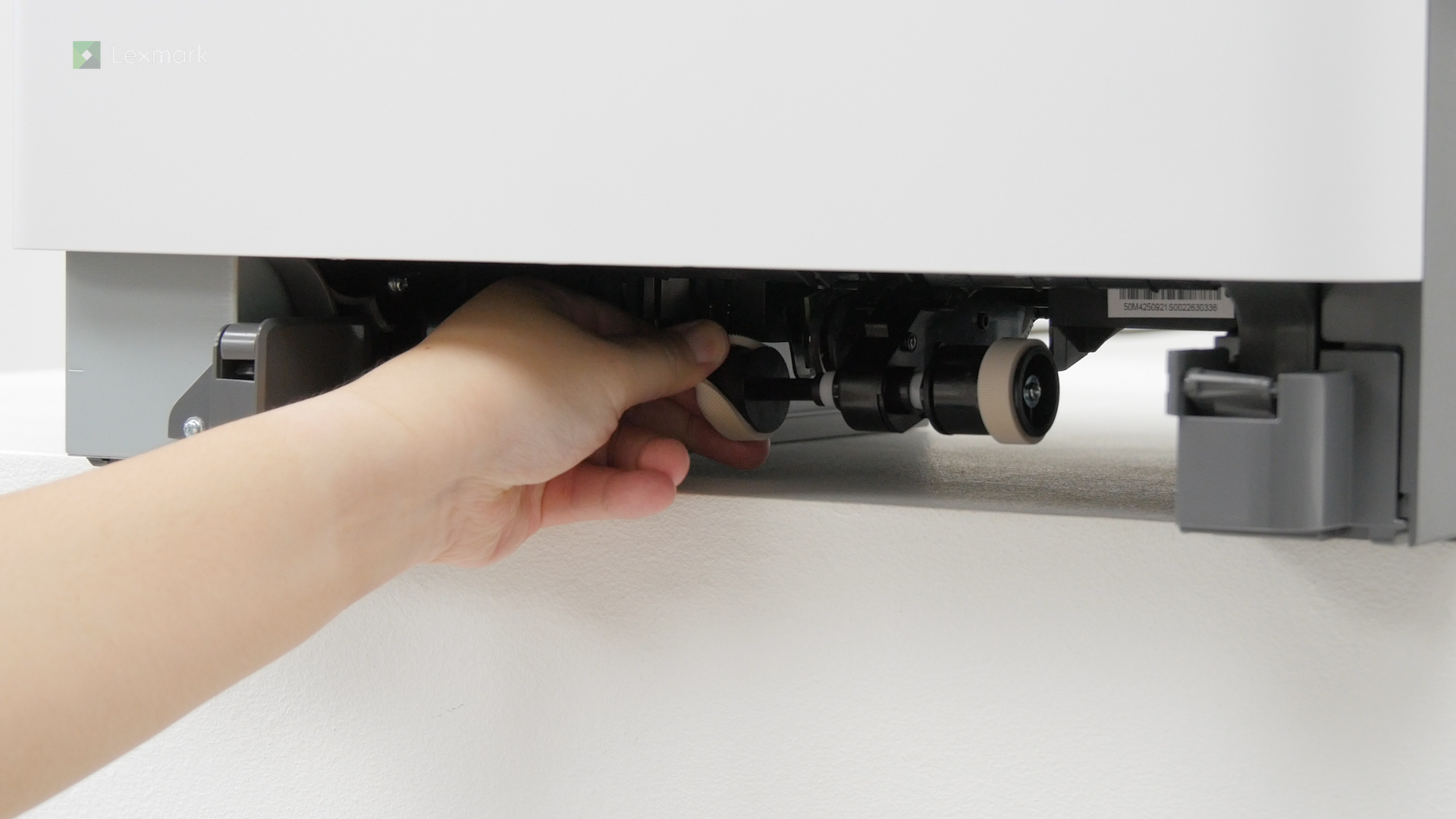
Learn how to replace the pick tires of your printer.
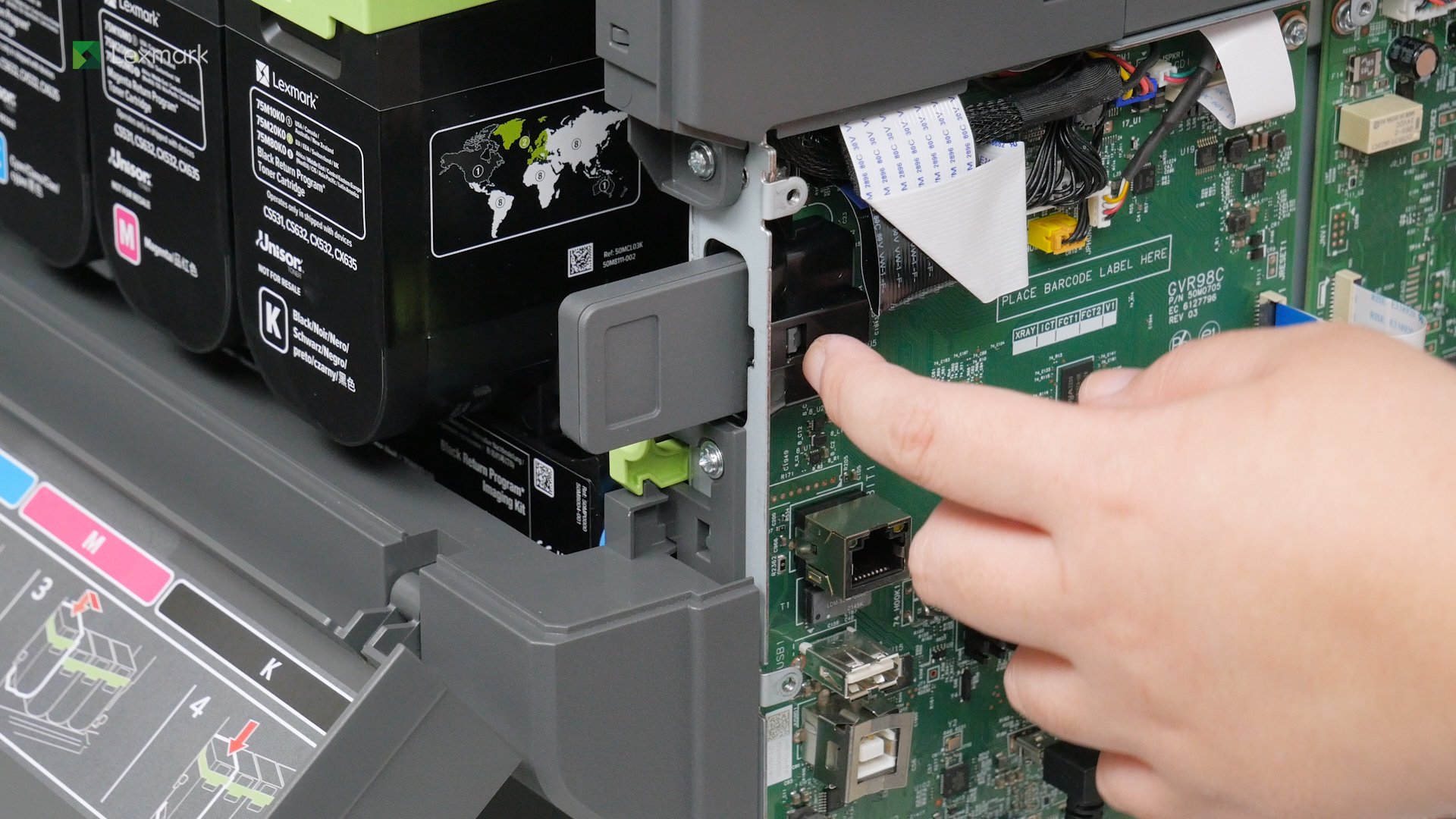
Learn how to remove and replace the MarkNet N8450 wireless print server.
Use an alcohol-based solution and water to clean the pick tires.
Remove the jammed paper in door A to continue printing.
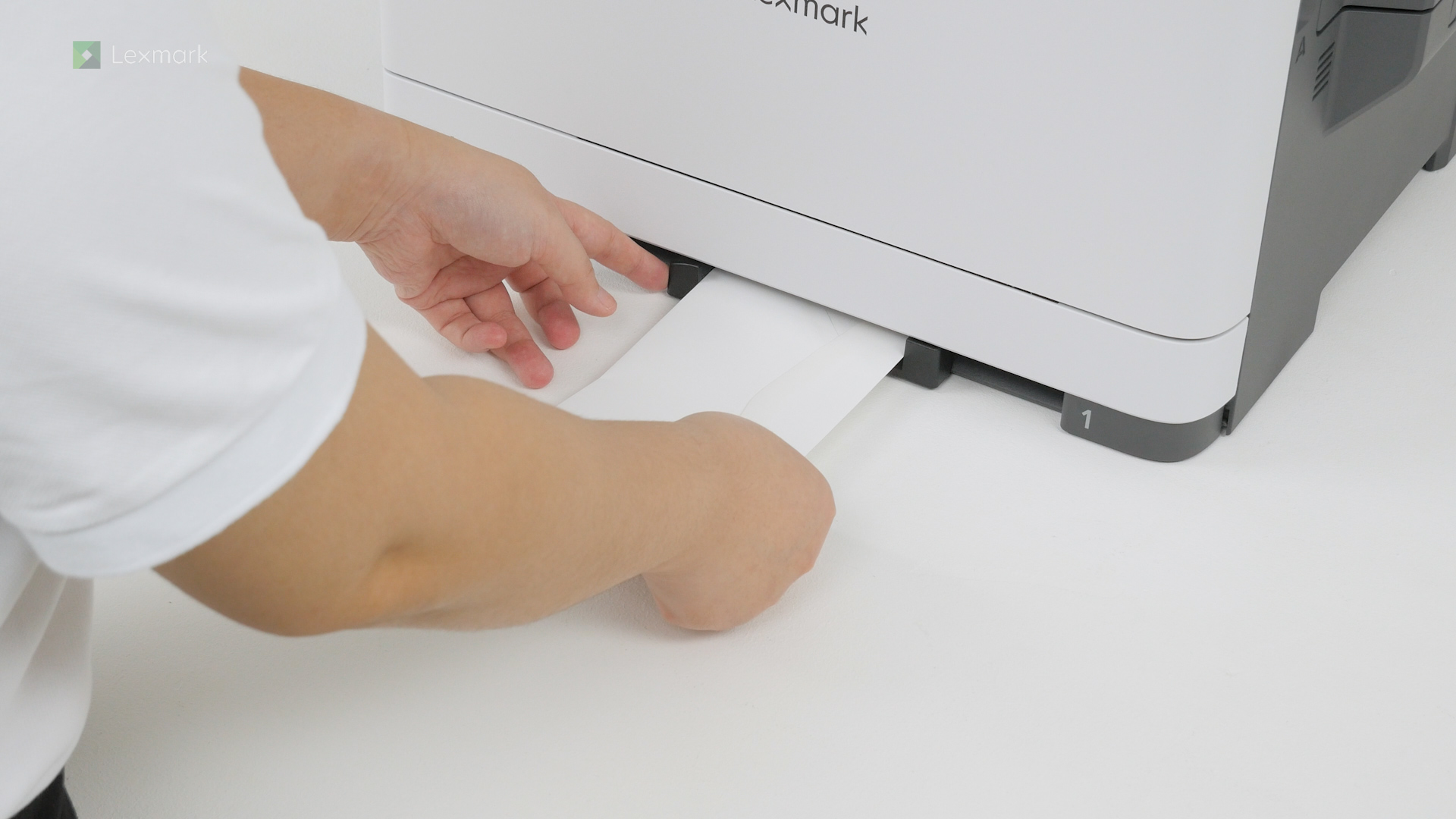
Remove the jammed paper in the tray to continue printing.
Remove the jammed paper in the multipurpose feeder to continue printing.