Installing the card reader
Expand the memory capacity of your printer to let it print complex jobs and collate large print jobs.
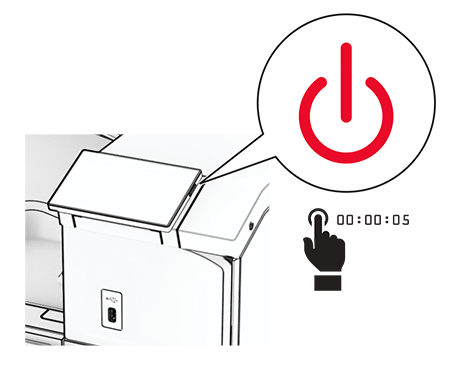
- Turn off the printer.
 Open door B.
 Open the front USB port cover.
 Remove the lower cover of the front USB port.If your printer does not have this part, then proceed to the next step.
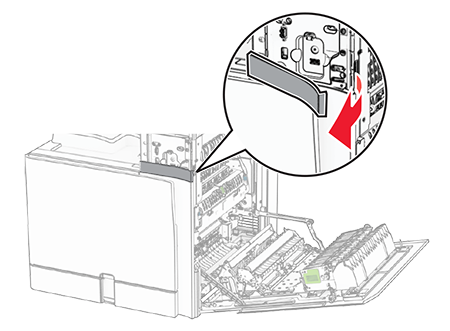 Remove the protective cover from the card reader.
 Insert the card reader.
 Attach the lower cover until itclicksinto place.
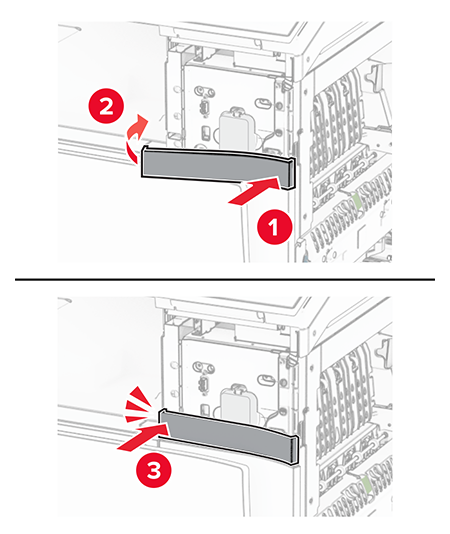 Attach the sticker guide to the front USB port cover.
 Attach the front USB port cover until itclicksinto place.
 Close door B until itclicksinto place.
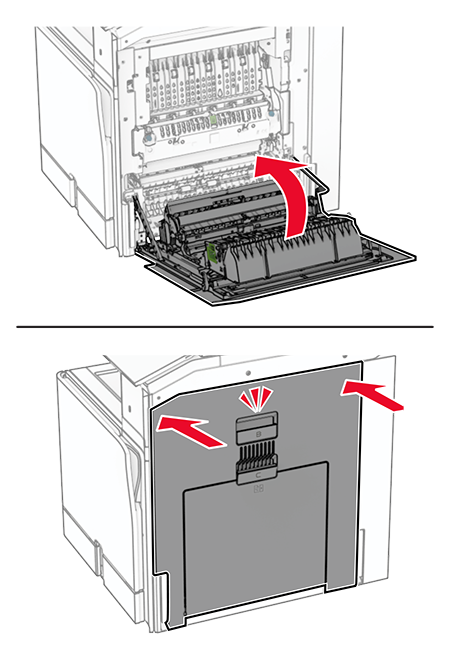 Turn on the printer.