Cleaning the scanner
Clean your scanner periodically to avoid getting blurry and faded scanned images or text.
- Open the scanner cover.
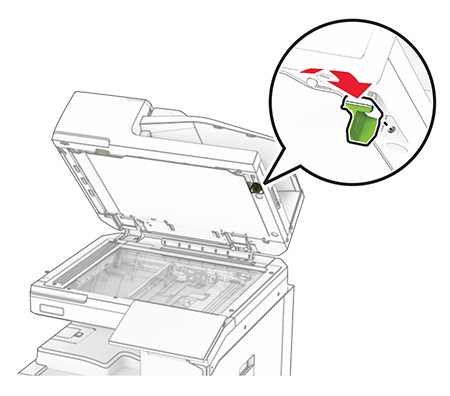
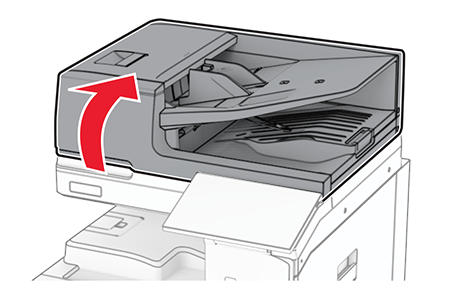 Remove the glass cleaner tool.
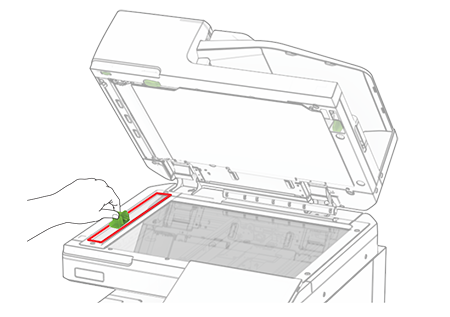
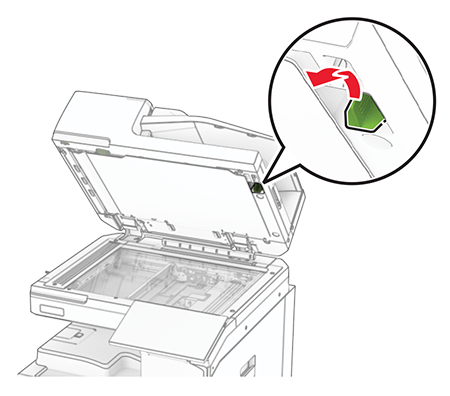 Open door A1.Using the glass cleaner tool, wipe the ADF glass.
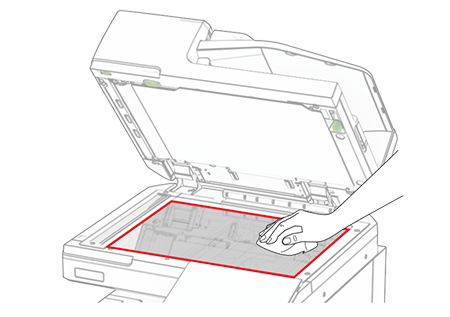
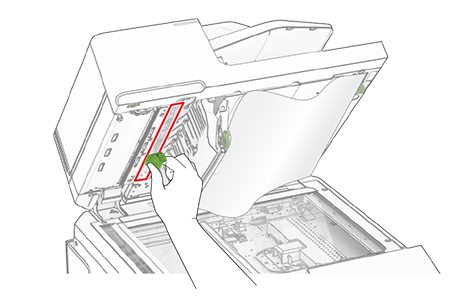 Close door A1.Using a damp, soft, lint-free cloth, wipe the following areas:
- ADF glass pad
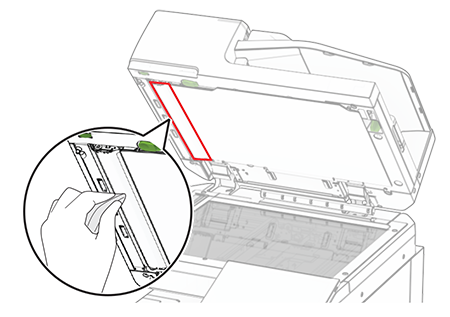 Scanner glass pad
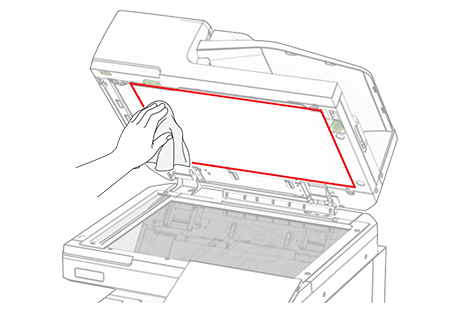 Scanner glass
 Using the glass cleaner tool, wipe the ADF glass.
 Return the glass cleaner tool to its place.
 Close the scanner cover.