Poor fuse grade when using plain, light, and smooth media settings
Poor Fuse Grade Issue when Using Plain/Light/Smooth Media Settings
Issue description
A "
poor fuse grade
" print quality defect occurs when the following paper settings are used to resolve a paper jam issue:- Type: Plain
- Weight: Light
- Texture: Smooth
A sample image is shown below. The issue is more prevalent when the printer is within a
cold
and ambient
environment.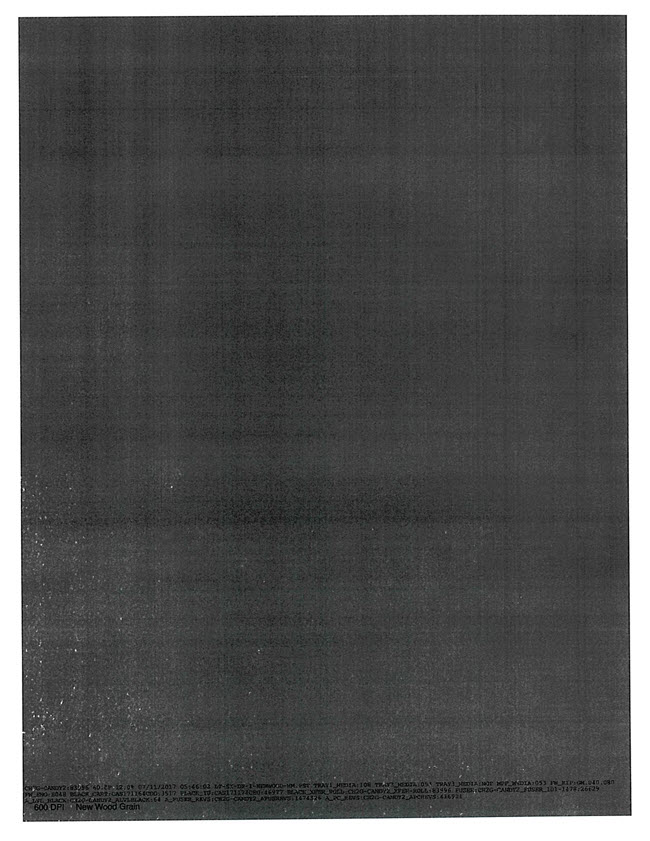
Solution
To resolve this issue, ensure that the appropriate paper settings for each tray are set to comply with the media being used.
Step | Action |
1 | Tap Settings on the control panel, then go to Paper > Tray Configuration . |
2 | Select the appropriate paper type currently loaded on the tray and tap Save . |
3 | Should the issue persist, tap Settings > Paper > Media Configuration > Media Types . |
4 | Adjust the media texture setting to Rough and the paper bail setting to Heavy . This setting also slightly increases the fusing temperature. For example, Plain - Texture (Rough ) and Weight (Heavy ) |
5 | Click Submit and perform a test print. |
If the issue persists, search for more information related to this issue or contact support for further assistance.
LEGACY ID:
SO8529