Replacing the staple refill
Learn how to replace the staple refill of the convenience stapler.
- Open the convenience stapler access door.
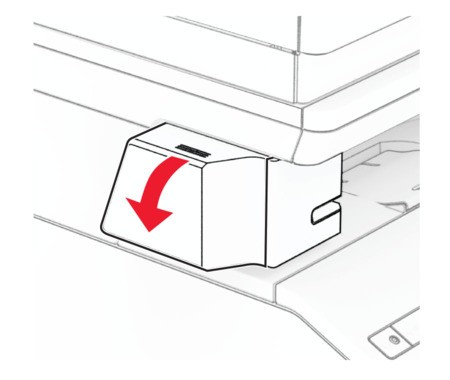 Remove the staple cartridge.
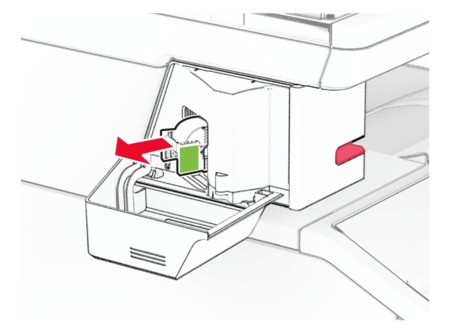 Remove the empty staple refill.
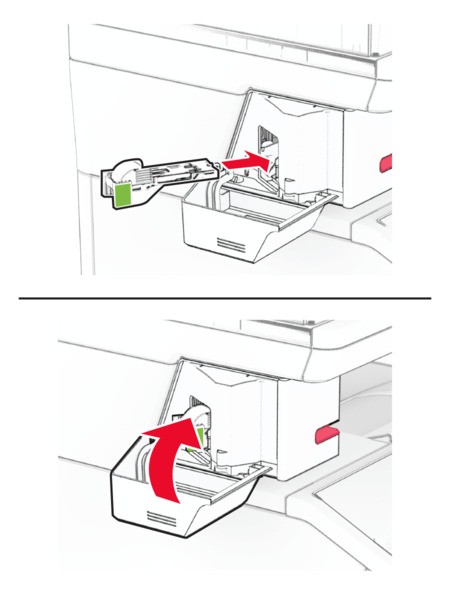
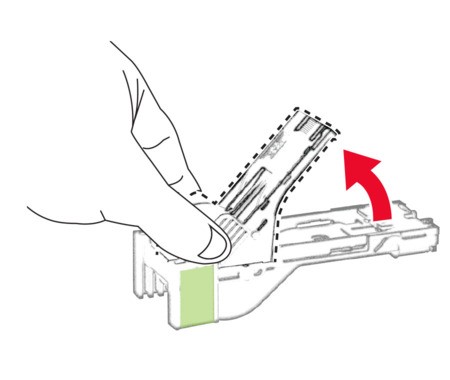 Insert the new staple refill until it clicks into place.
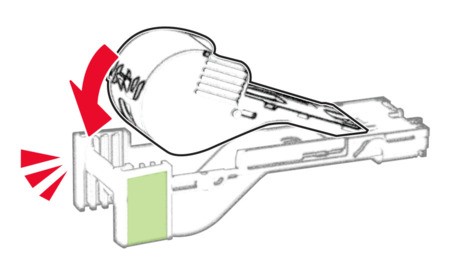 Insert the staple cartridge, and then close the convenience stapler access door.
 Check the LED indicator status. The convenience stapler is ready to use when the blue light comes on.