Updating the firmware using the control panel
Learn how to update the firmware in your printer to upgrade its performance.
Using Notification Center
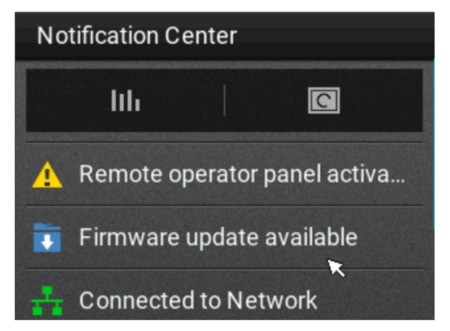
- From the home screen, tap the notification icon to go to the Notification Center screen.
- SelectFirmware update available.
- SelectInstall now.
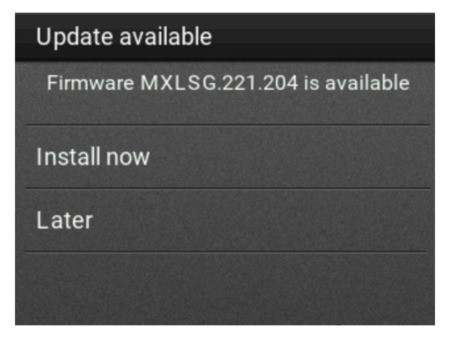
The printer restarts automatically after the update.
Using the Settings menu
Settings
menu- From the control panel, navigate to .
- Depending on your printer model, do either of the following:
- Select .
- Select .
- If an update is available, then selectInstall now.
The printer restarts automatically after the update.