Updating the firmware using the control panel
Learn how to update the firmware in your printer to upgrade its performance.
Using the Notifications center
These instructions apply only to some printer models.
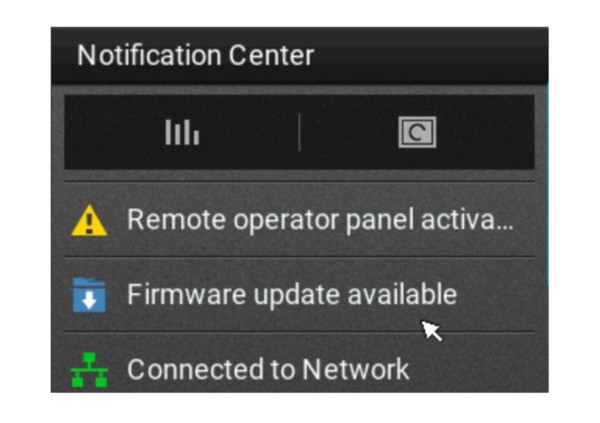
- From the home screen, tap the notification icon to go to the Notifications center.
- SelectFirmware update available.
- SelectInstall now.
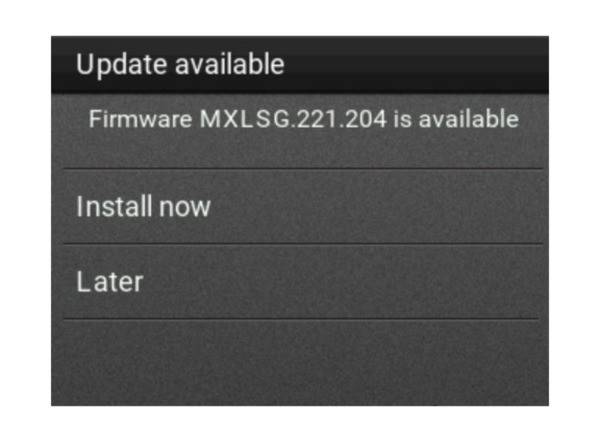
The printer restarts automatically after the update.
Using the Settings menu
Settings
menu- From the control panel, navigate to .
- Depending on your printer model, do either of the following:
- Select .
- Select .
- If an update is available, then selectInstall now.
The printer restarts automatically after the update.