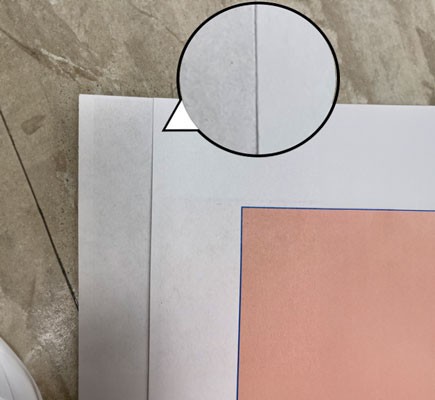
Colors on a copy output do not appear correctly
Colors on the copy output are not appearing as expected. How to troubleshoot copy quality issues.
Issue description
- The colors of the copied document do not match the output.
- Identifying whether the print quality issue is related to the printer or scanner is not easy.
- The print quality test pages are not very useful for detecting/judging scanner quality issues.
- The copy function removes colors or lightens them up due to copy settings like background removal and content type.
Solution
To start with the troubleshooting, print and copy/scan the set of Copy Quality Test Pages.
Copy Quality Test Pages | |
|---|---|
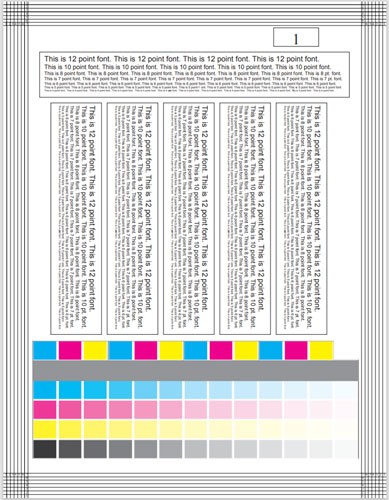 | 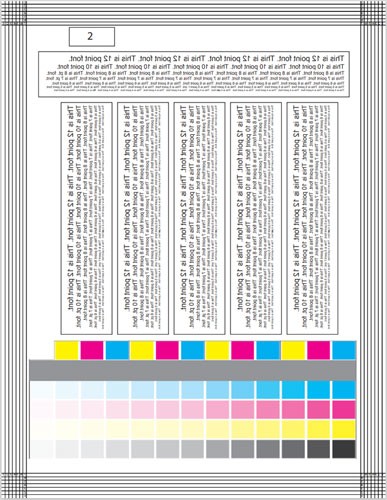 |
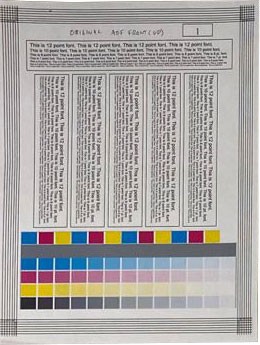
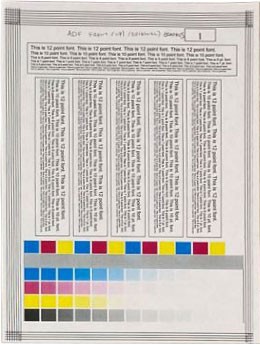
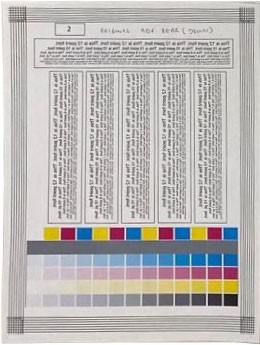
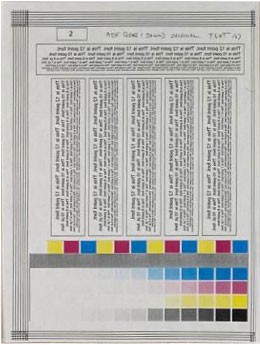
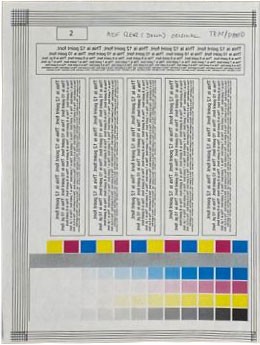
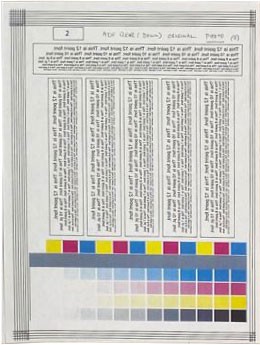
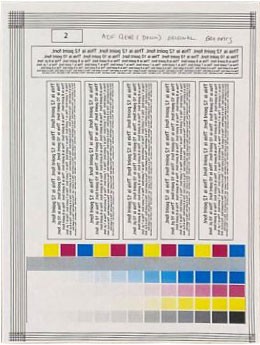
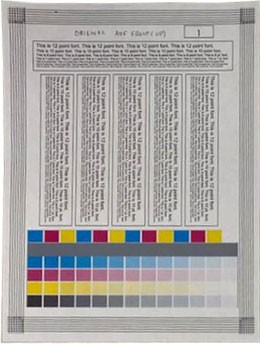
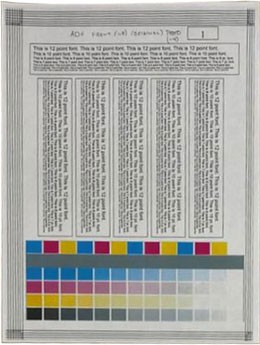
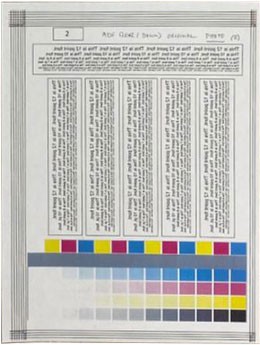
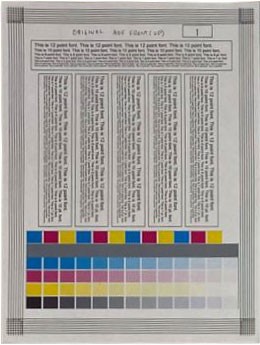
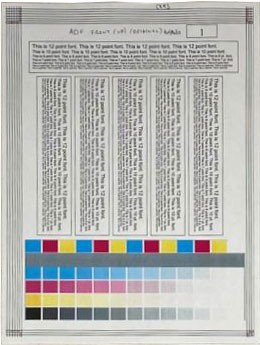
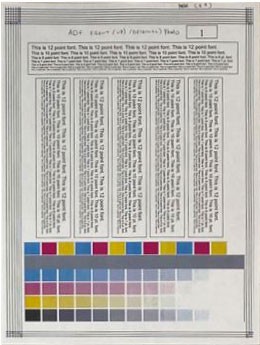
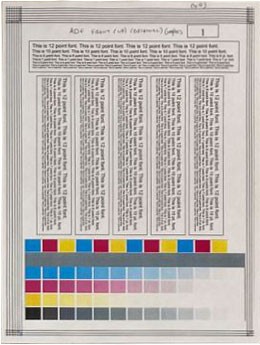
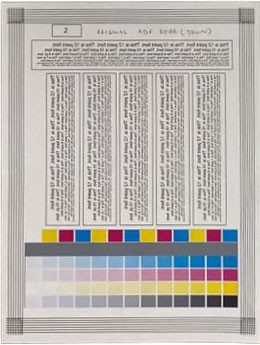
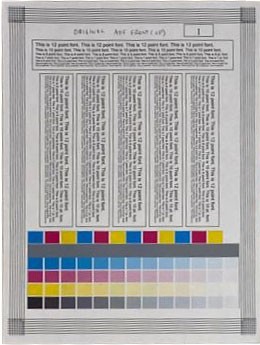
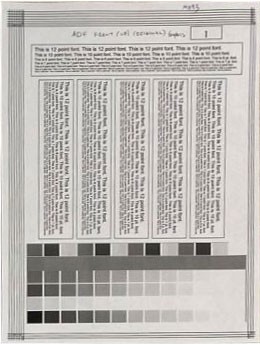
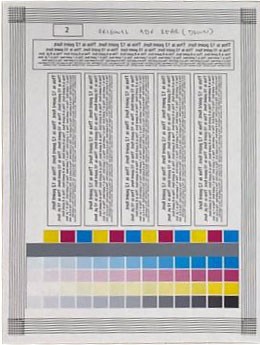
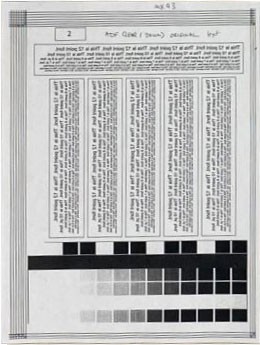
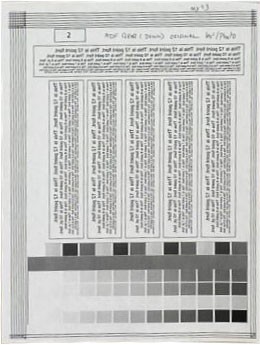
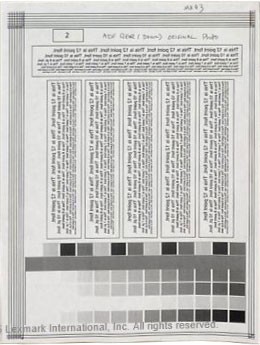
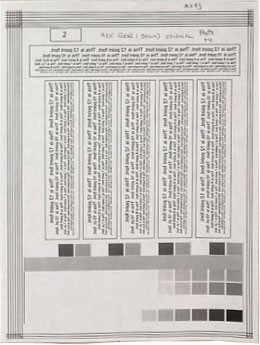
This duplex page was generated to help determine if the ADF or flatbed scanner is functioning properly to avoid any type of service.
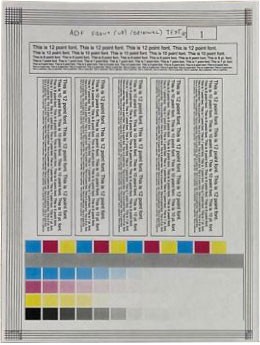
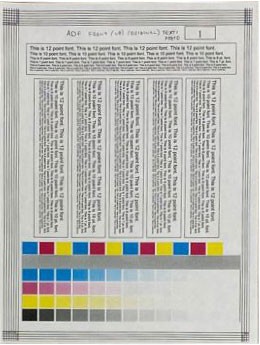
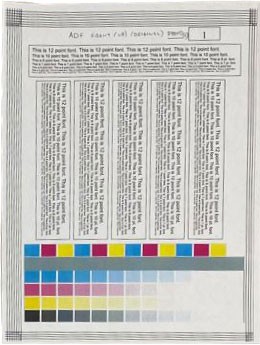
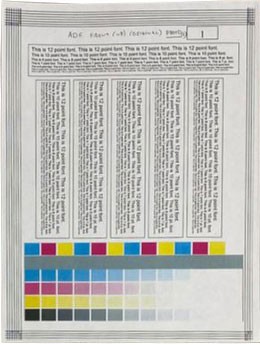
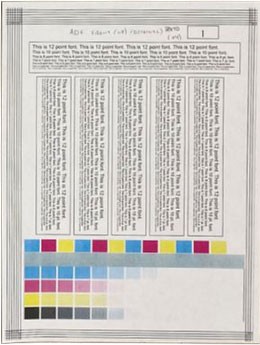
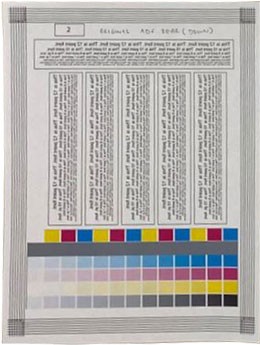
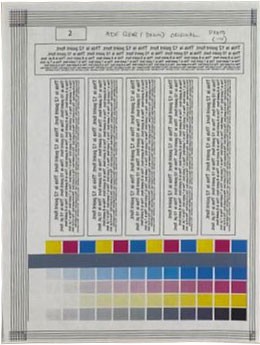
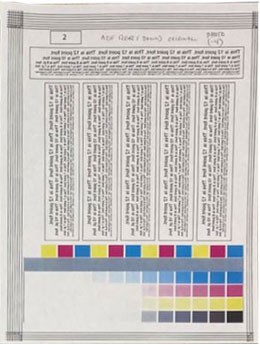
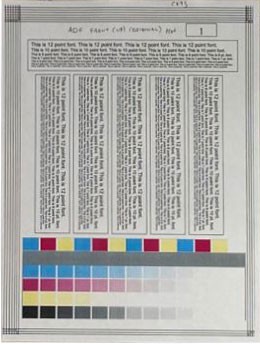
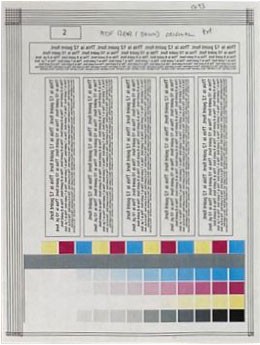
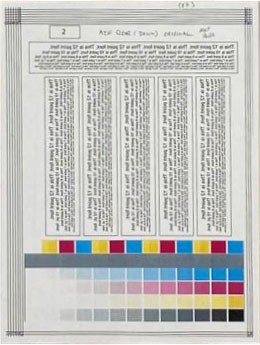
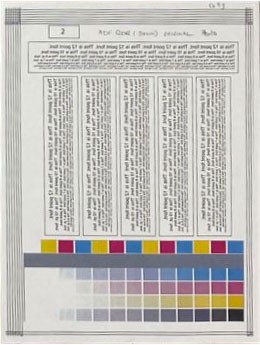
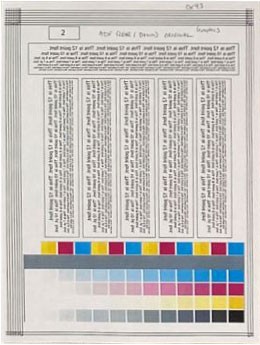
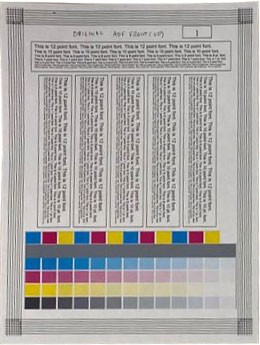
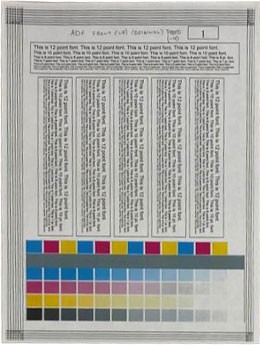
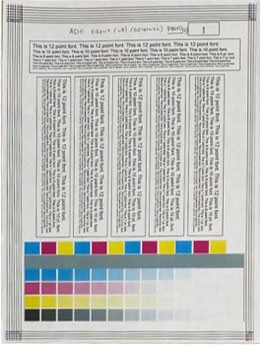
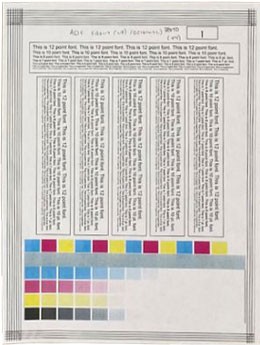
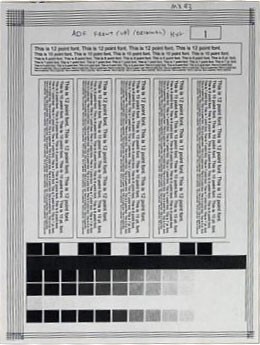
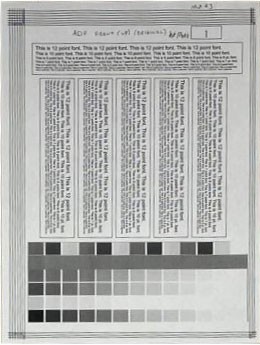
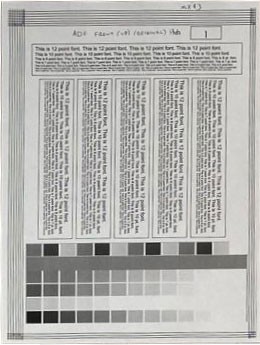
The 13 squares from the copy quality pages show different color gradients.
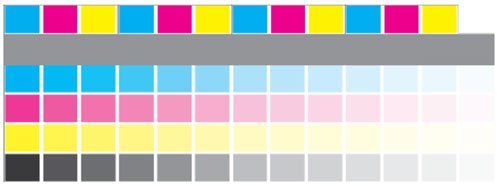
The lighter squares may not be successfully reproduced during copy jobs.
Some copy issues can be fixed by cleaning the glass on the ADF or flatbed scanner and changing the copy settings to improve the output. Refer to the
Copy quality output guide
for the settings used for each output.Copy quality output guide
CX94x
- Effects on the Color output based on the Selected Content Type
.Copy Quality Test Pages | Copy Menu
| Copy Menu
| Copy Menu
The best setting for reproducing most color squares. | Copy Menu
|
ADF Front | ||||
 |  |  |  |  |
ADF Rear | ||||
 |  |  |  |  |
CX94x
- Effects on the Color output based on the Background removal value
.Copy Quality Test Pages | Copy Menu
Best at reproducing most color squares. This setting could affect white areas and cause a grayish color. | Copy Menu
| Copy Menu
|
ADF Front | |||
 |  |  |  |
ADF Rear | |||
 |  |  |  |
CX93x
- Effects on the Color output based on the Selected Content Type
Copy Quality Test Pages | Copy Menu
| Copy Menu
| Copy Menu
The best setting for reproducing most color squares. | Copy Menu
|
ADF Front | ||||
 |  |  |  |  |
ADF Rear | ||||
 |  |  |  |  |
CX93x
- Effects on the Color output based on the Background removal value
Copy Quality Test Pages | Copy Menu
Best at reproducing most color squares. This setting could affect white areas and cause a grayish color. | Copy Menu
| Copy Menu
|
ADF Front | |||
 |  |  |  |
ADF Rear | |||
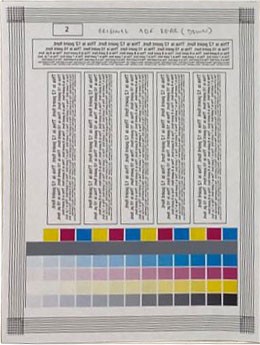 | 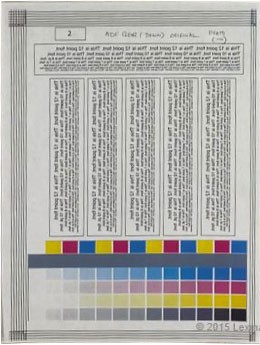 | 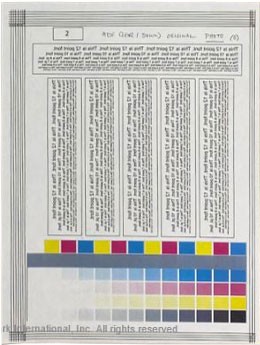 | 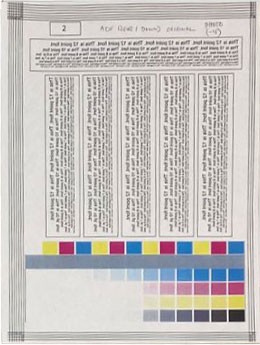 |
MX931
- Effects on the Color output based on the Selected Content Type
Copy Quality Test Pages | Copy Menu
| Copy Menu
| Copy Menu
The best setting for reproducing most color squares. | Copy Menu
|
ADF Front | ||||
 |  |  |  |  |
ADF Rear | ||||
 |  |  | 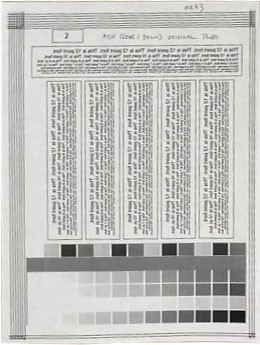 | 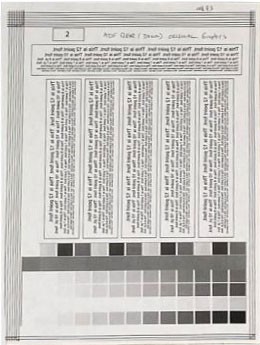 |
MX931
- Effects on the Color output based on the Background removal value
Copy Quality Test Pages | Copy Menu
Best at reproducing most color squares. This setting could affect white areas and cause a grayish color. | Copy Menu
| Copy Menu
|
ADF Front | |||
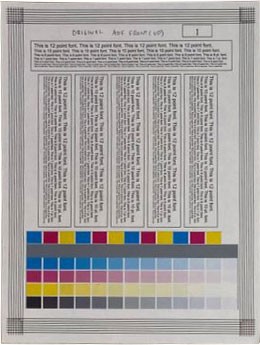 | 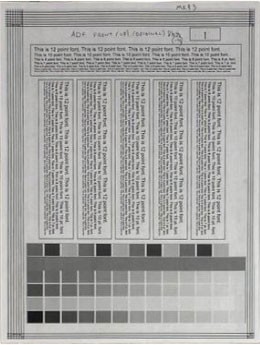 | 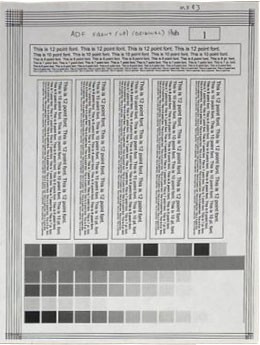 | 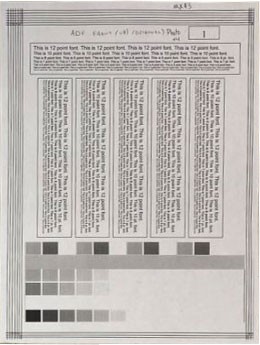 |
ADF Rear | |||
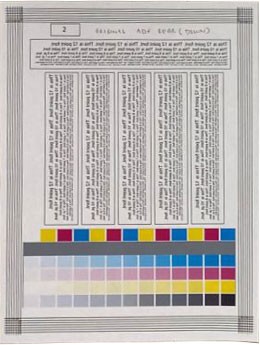 | 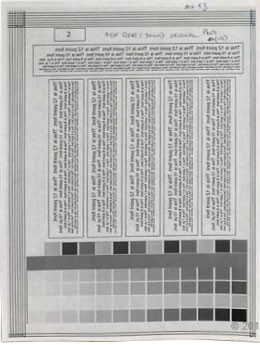 |  |  |
Additional information
Changing the Background removal (-4, -3, -2, -1, 0) settings may produce gray areas on the copied output.