Replacing the staple cartridge in the staple finisher
Replace the empty cartridge in the staple finisher to continue the automatic stapling of your documents.
- Open the finisher door.
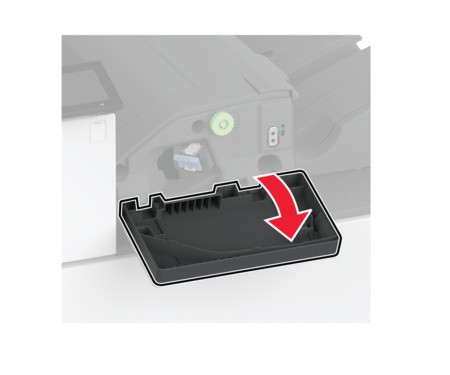 Remove the staple cartridge holder.
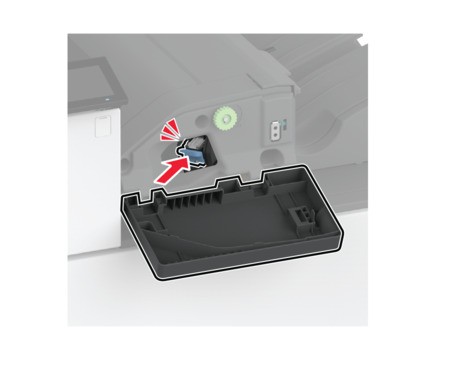
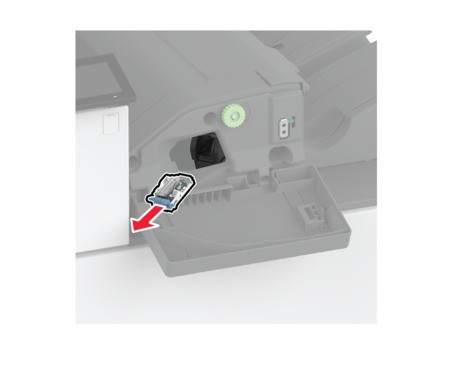 Remove the empty staple cartridge.
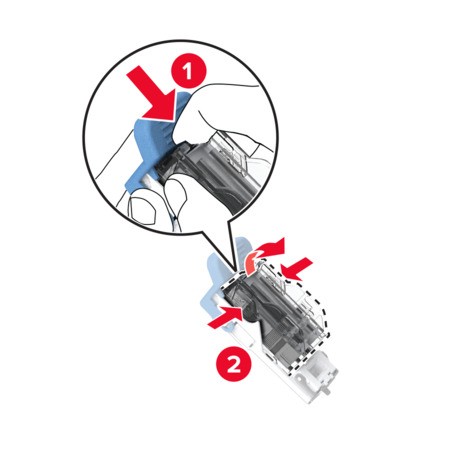 Unpack the new staple cartridge.Insert the new staple cartridge into the holder until itclicksinto place..
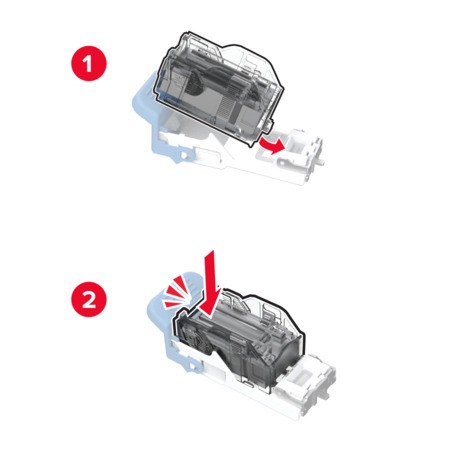 Insert the staple cartridge holder until itclicksinto place.
 Close the door.