Cleaning the printhead lenses
Learn how to clean the printhead lenses to avoid print quality issues.
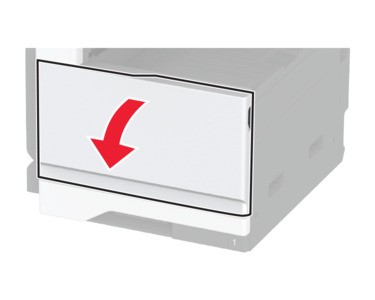
- Open the front door.
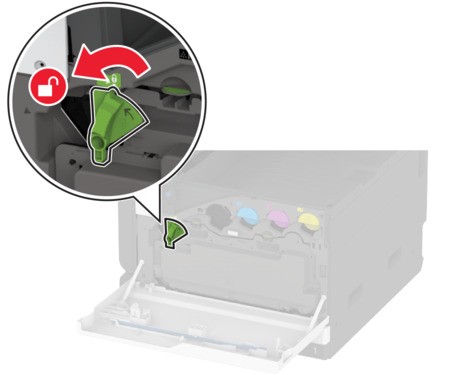
 Unlock the waste toner bottle.
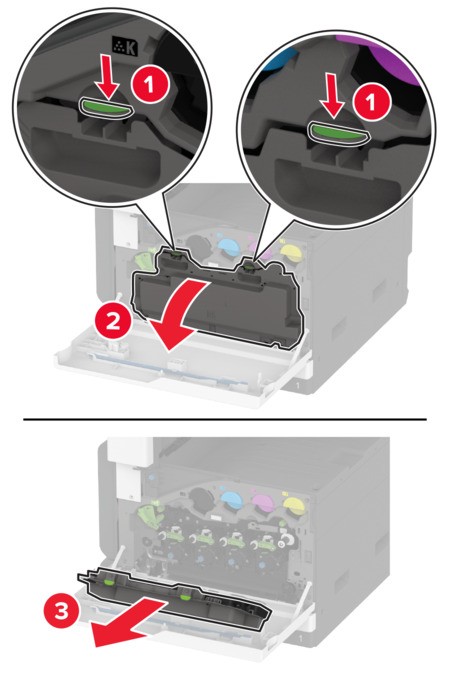
 Remove the waste toner bottle.
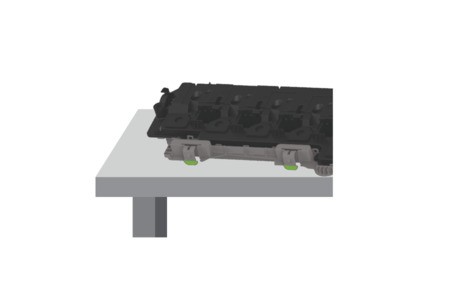
 To avoid spilling the toner, place the bottle in an upright position.
 Remove the printhead wiper, and then clean the printhead lenses.
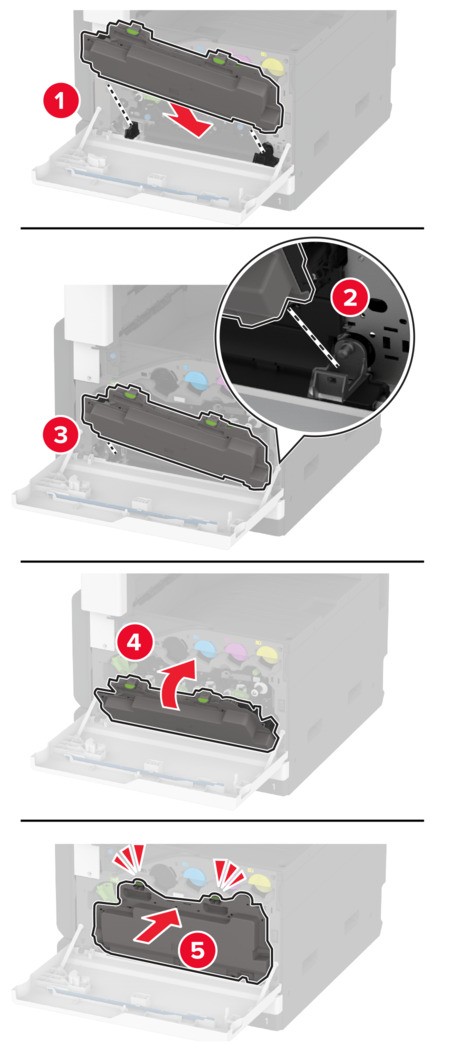
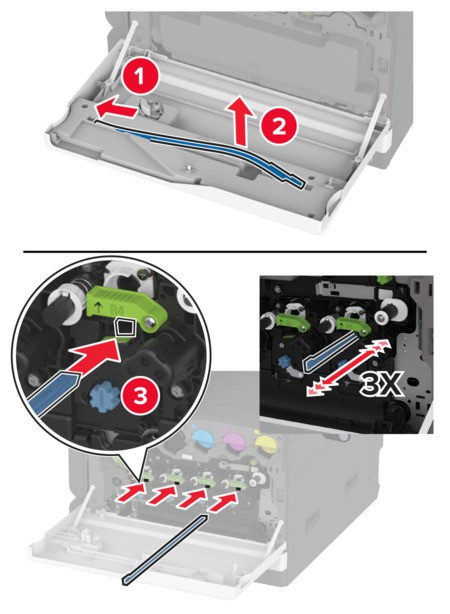 Insert the printhead wiper back into place.Insert the waste toner bottle until itclicksinto place.
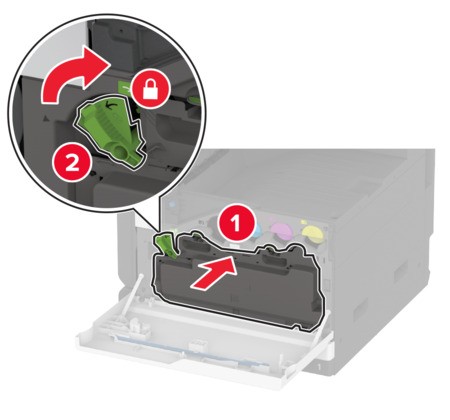
 Lock the waste toner bottle.
 Close the front door.