Paper jam in the rear door
Remove paper that is stuck in the rear door to continue printing.
- Open the rear door.The inside of the printer might be hot. To reduce the risk of injury from a hot component, allow the surface to cool before touching it.
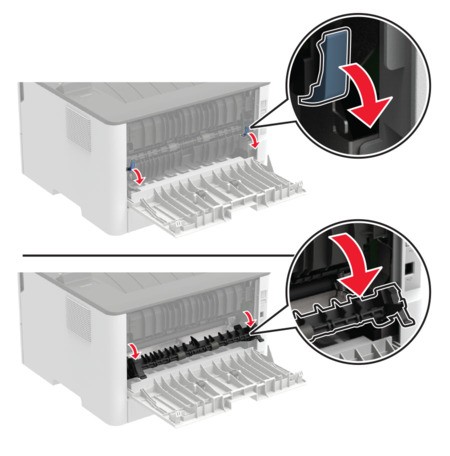
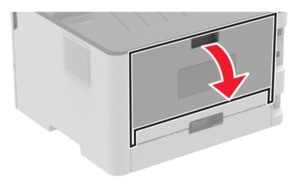 Open the fuser access door.
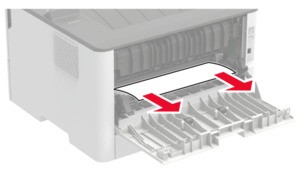
 Remove the jammed paper.Make sure that all paper fragments are removed.
 Close the fuser access door.Close the rear door.