Uneven print density
Stop seeing random dark or light areas on your prints. Here is a solution.
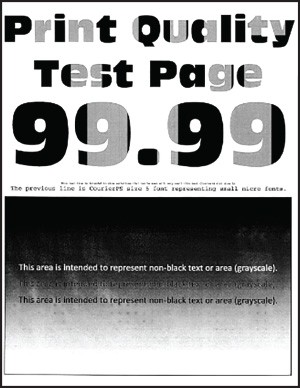
Before solving the problem, print the Print Quality Test Pages. From the control panel, navigate to  to navigate through the settings.
Settings
>
Troubleshooting
>
Print Quality Test Pages
. For non-touch-screen printer models, press to navigate through the settings.- Perform the following tests:
- Remove, and then insert the imaging kit.Do not expose the imaging kit to direct light. Extended exposure to light may cause print quality problems.Do not touch the photoconductor drum under the imaging kit. Doing so may affect the quality of future print jobs.Print the document.Is the print density uneven?
- Yes:Contact customer support.
- No:The problem is solved.