Replacing the toner cartridge
Install a new toner cartridge when you continue to see faded prints.
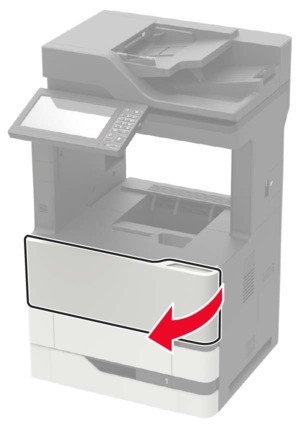
- Open door A.To prevent damage from electrostatic discharge, touch any exposed metal frame of the printer before accessing or touching interior areas of the printer.
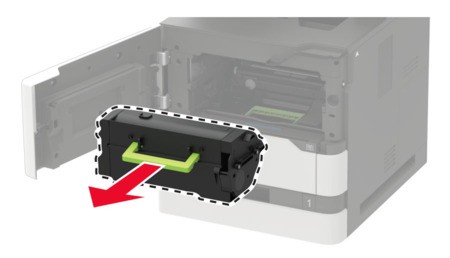
- Remove the used toner cartridge.
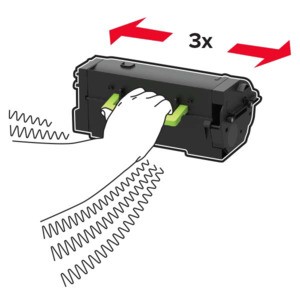
- Unpack the new toner cartridge, and then shake it to redistribute the toner.
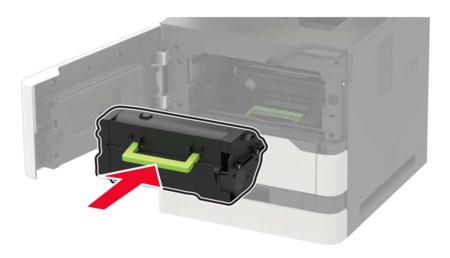
- Insert the new toner cartridge.
- Close the door.