Downloading the Local Agent
Learn how to download the Local Agent from the Fleet Management web portal.
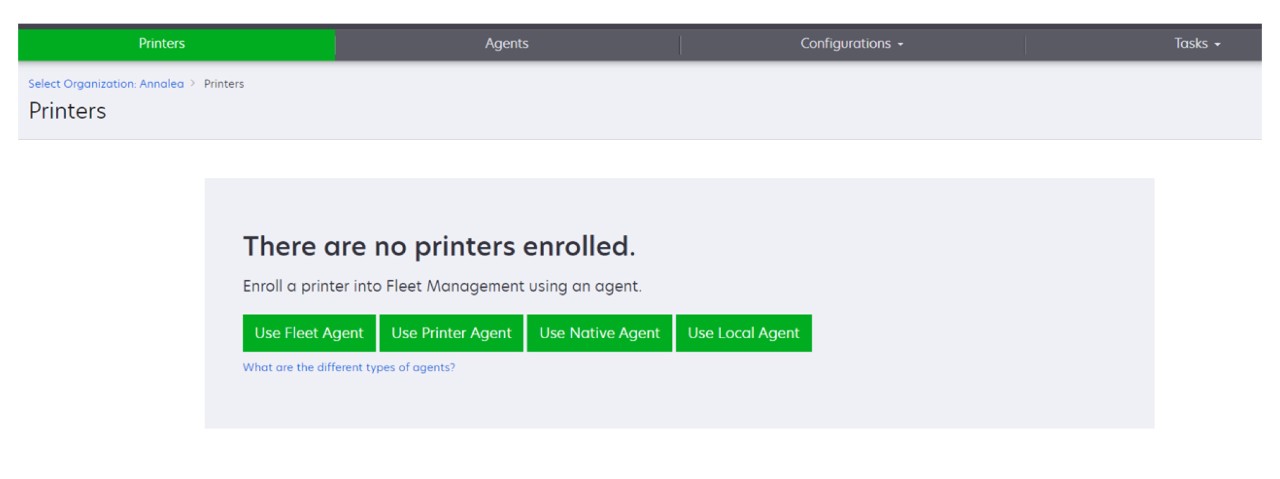
- From the Fleet Management web portal, do either of the following:
- ClickUse Local Agent.
- ClickAgents>Local Agents.
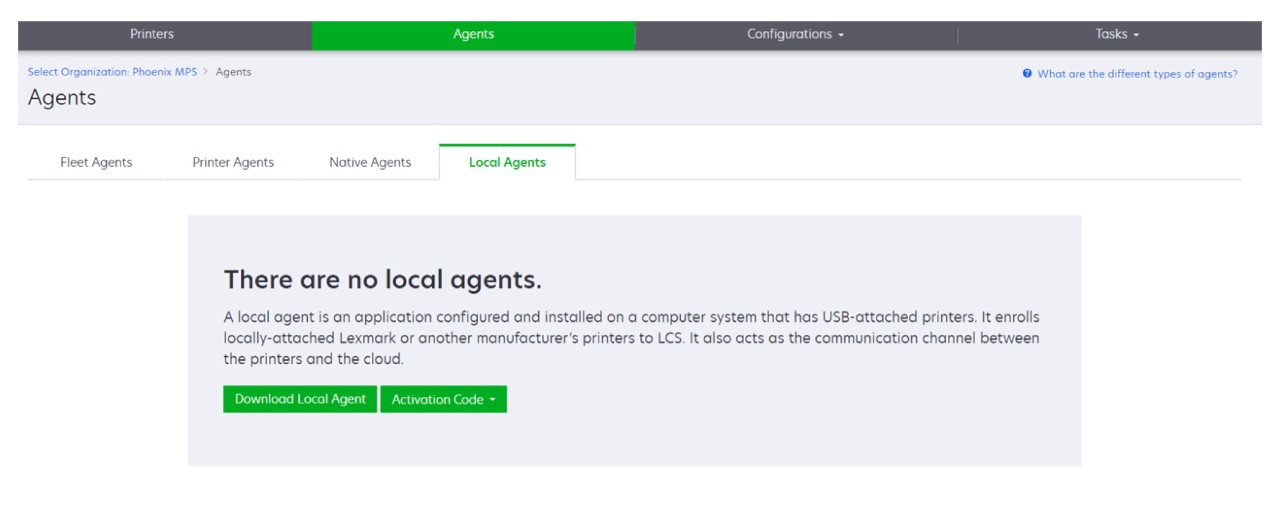
ClickDownload Agent.SelectGenerate activation code.- Take note of the activation code.
- You can set the number of agents to be activated by the code.
ClickDownload Agent.This downloads the Windows x64 installer package.To accept the End User License Agreement (EULA), clickAccept and Download.