Paper jam in the automatic document feeder
Remove the paper that is stuck in the automatic document feeder to continue scanning.
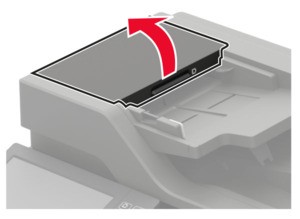
- Remove all original documents from the ADF tray.Open door D.To prevent damage from electrostatic discharge, touch any exposed metal frame of the printer before accessing or touching interior areas of the printer.
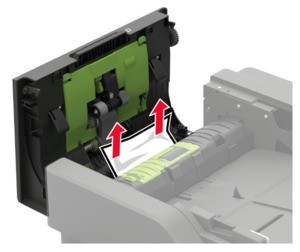
 Remove the jammed paper.Make sure that all paper fragments are removed.
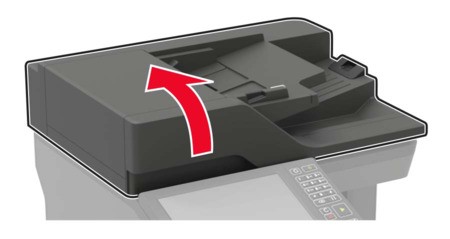
 Close door D.Open the scanner cover.
 Open door E.
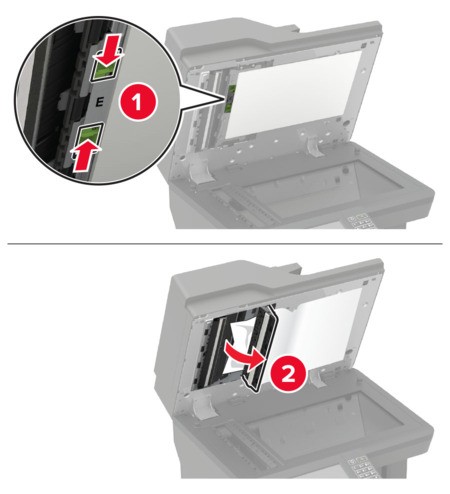 Remove the jammed paper.Make sure that all paper fragments are removed.
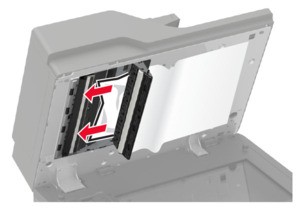 Close door E, and then close the scanner cover.