Memory full [38]
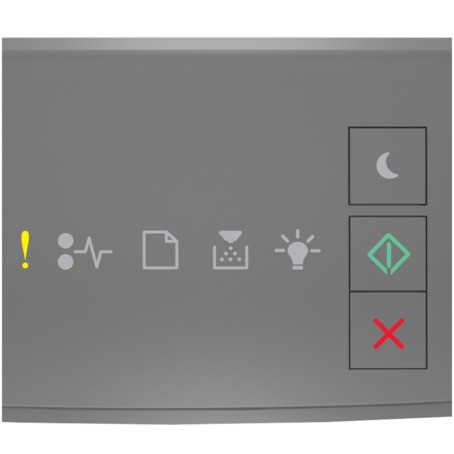
 ‑ On
‑ On ‑ On
‑ OnIf the printer control panel light sequence matches the light sequence in the preceding illustration, then press twice quickly to see the supplemental light sequence.
twice quickly to see the supplemental light sequence.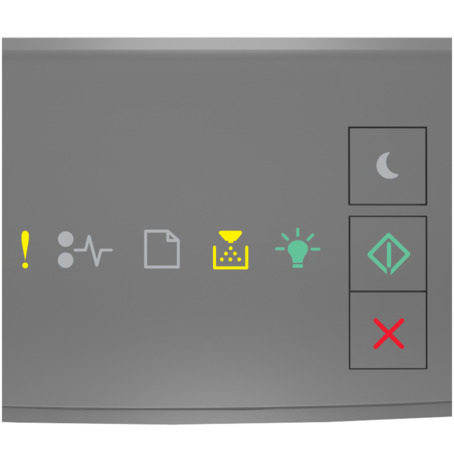 ‑ On
‑ On ‑ On
‑ On ‑ On ‑ On
If the supplemental light sequence matches the light sequence in the preceding illustration, then try one or more of the following:
- From the printer control panel, press to continue printing. A data loss will occur.
- From the printer control panel, press
 to cancel the print job.
 - Install additional printer memory.
- Decrease the resolution setting.