Replace unsupported imaging unit[32.xy]
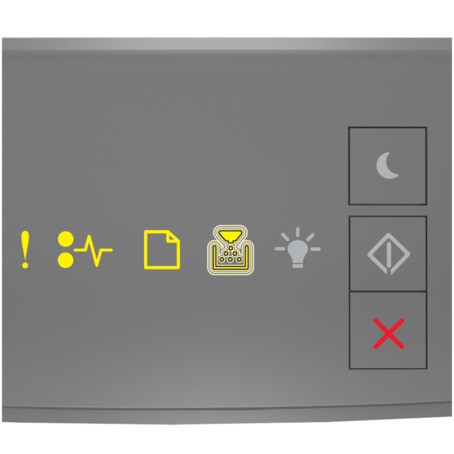
 ‑ On
‑ On ‑ On
‑ On ‑ On
‑ On ‑ Blinking
If the light sequence matches the preceding light sequence, then remove the imaging unit and install a supported one. For more information, see Using genuine Lexmark parts and supplies.
- This error can also be caused by installing a genuine Lexmark imaging unit, such as a MICR unit, that is not intended to be used in this product.
- If you do not have a replacement imaging unit, then see the “Ordering supplies” section of theUser’s Guideor go to www.lexmark.com.