Scanning to a flash drive
Save your scanned document to a flash drive to have a portable backup of these images.
- Load an original document into the ADF tray or on the scanner glass. For more information, see Using the automatic document feeder and scanner glass.
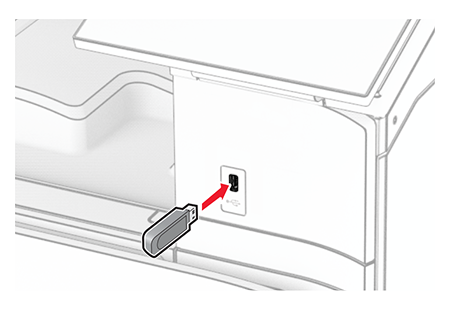
- Insert the flash drive.
- From the control panel, selectScan.
- Select a location to save the file, create a file name, and then selectNext.
- Configure the scan settings.
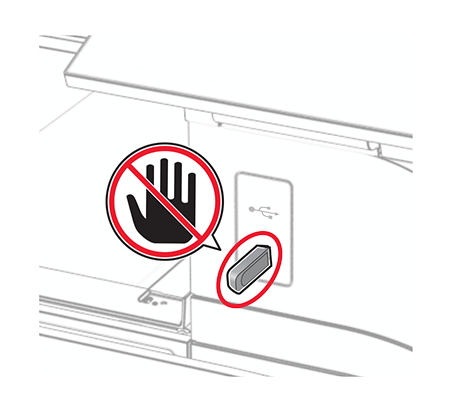
- Scan the document.To avoid loss of data or printer malfunction, do not touch the flash drive or the printer in the area shown while actively printing, reading, or writing from the memory device.