Support
United States (English)
Visit Lexmark.com
Support home
Printers
Solutions
Drivers & downloads
Warranty & service
Contact support
Visit Lexmark.com
guides
en
User's Guide
Maintain the printer
Replacing parts and supplies
Replacing the right cover
Replacing the right cover
Follow these quick steps on how to install the cover on the right side of your printer.
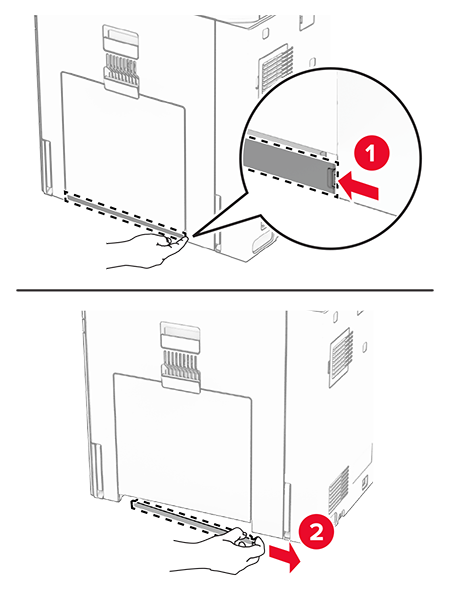
Remove the used right cover.
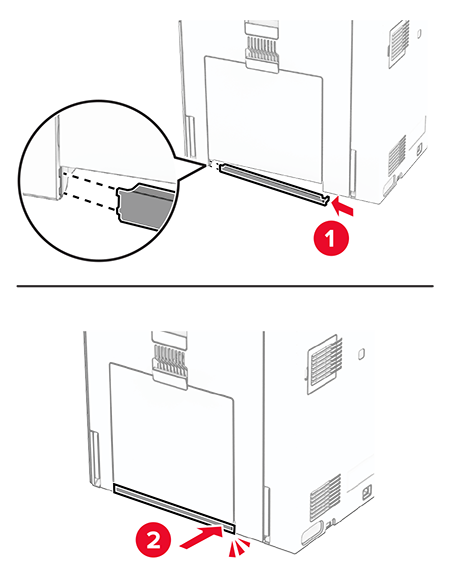
Unpack the new cover.
Insert the new cover until it
clicks
into place.
 Unpack the new cover.Insert the new cover until itclicksinto place.