Replacing a toner cartridge
Install a new toner cartridge when you continue to see faded prints.
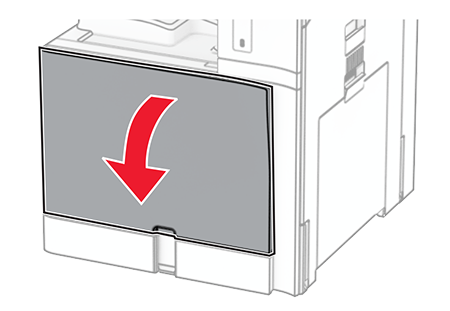
- Open the front door.
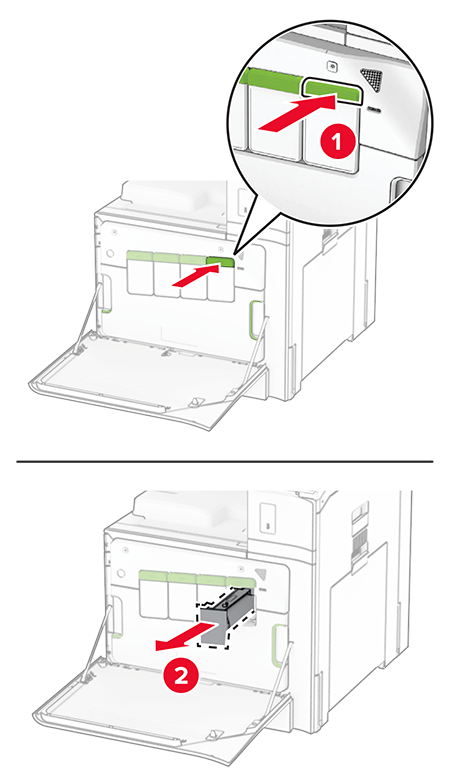
 Remove the used toner cartridge.
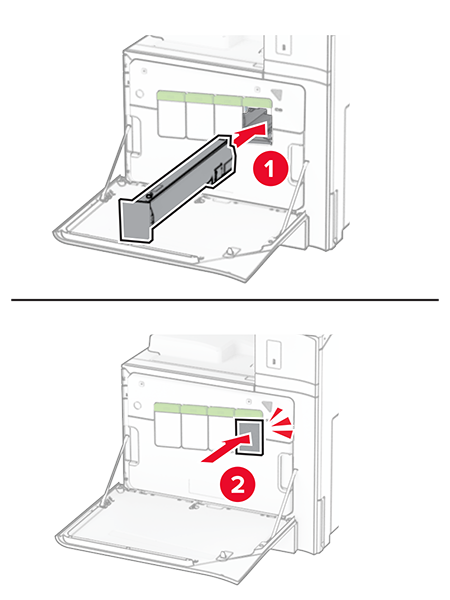
 Unpack the new toner cartridge.Insert the new toner cartridge until itclicksinto place.
 Close the door.