Identification and Installation of 2500 Forms Printer Ribbon Cartridges
Overview
This article provides instructions on:
- How to identify or differentiate the old and new dot matrix cartridge
- How to replace the ribbon on a dot matrix printer
Ribbon cartridge identification
The old and new cartridges are completely interchangeable.
Bottom view | Top view |
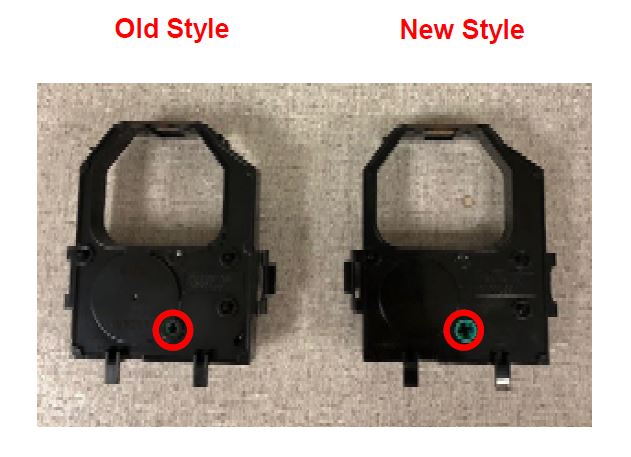 red in this image) | 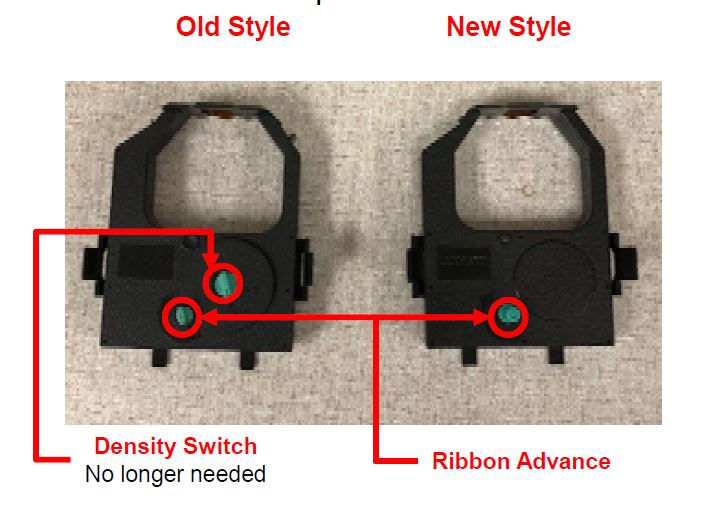 |
Ribbon cartridge replacement procedure
Step | Action | Image |
1 | Release the latches on the upper cover and move the cover to an open position. | 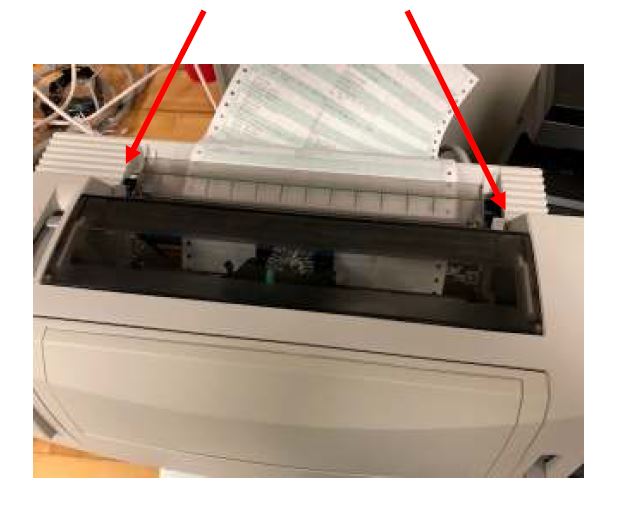 |
2 | Lift the cover straight up to remove it from the printer. | 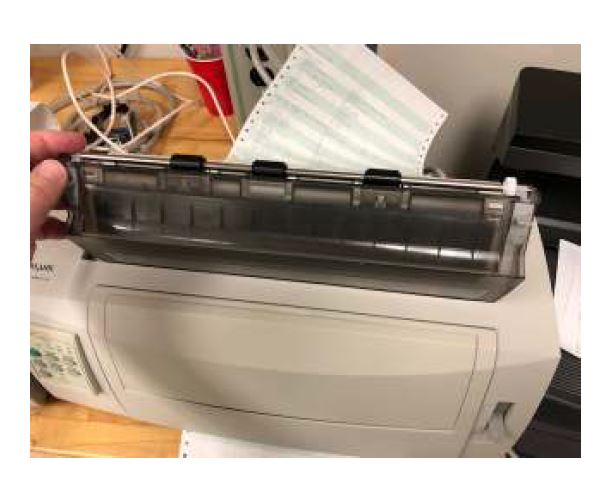 |
3 | Pinch the tabs inward to release the cartridge. | 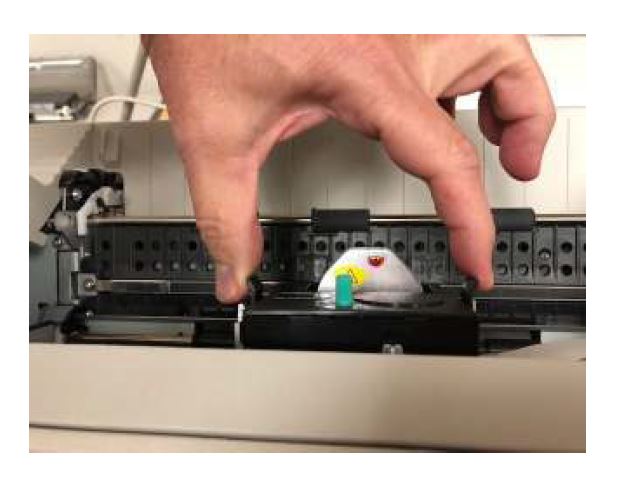 |
4 | Lift up the cartridge to remove it. | 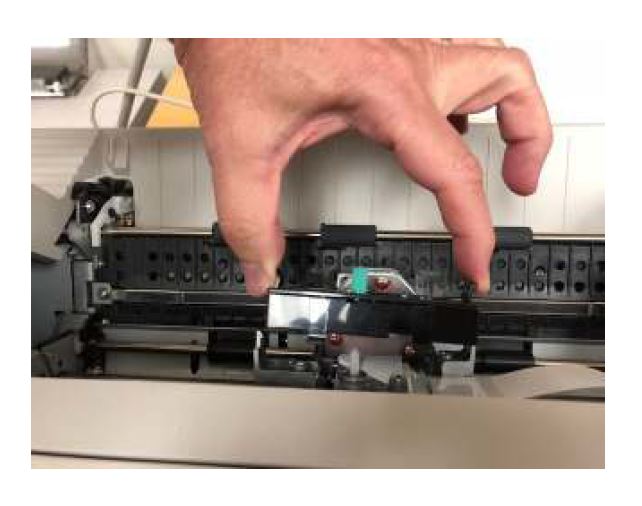 |
5 | Insert the new cartridge, with the print head side slightly ahead of the body. | 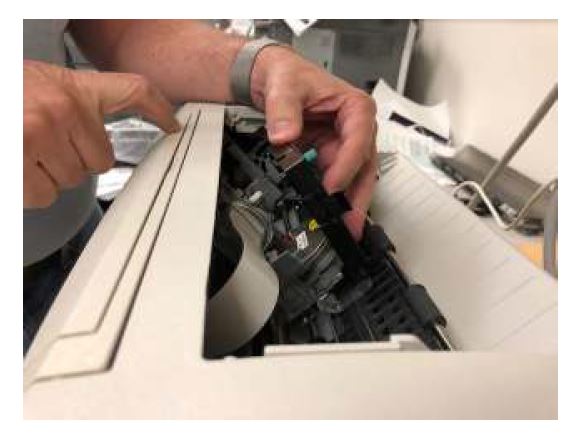 |
6 | Push the cartridge into position with two fingers. Do not press on the release tabs. | 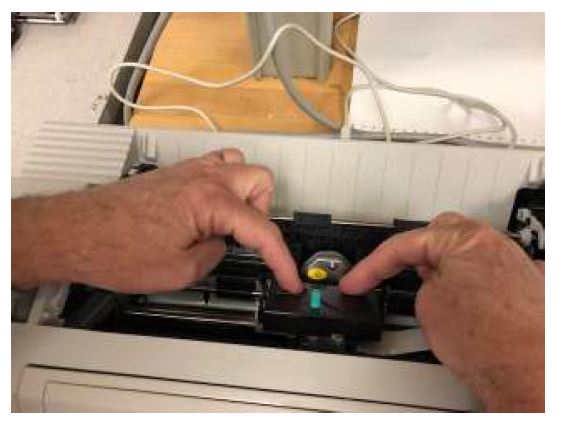 |
7 | If the cartridge does not lock into place, rotate position knob in the direction shown by arrow (shown on the image) slightly and re-try. | 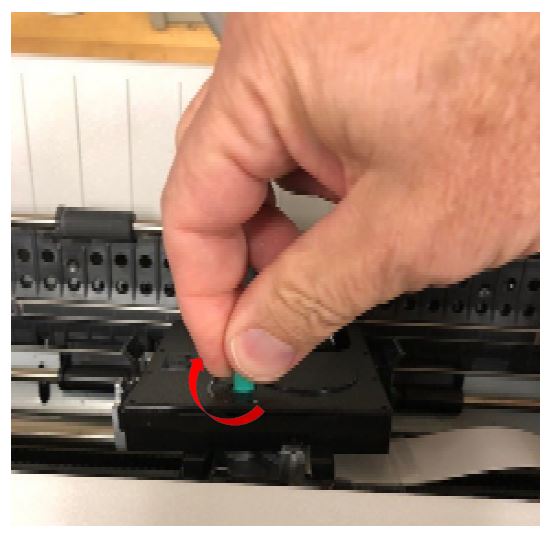 |
8 | Once the cartridge is in position, install the upper cover. | ... |
LEGACY ID:
FA1255