Ghosting or Repeating Images on the Printed Page
Overview
Repeated images or color bars that appear on sequential pages can be caused by a defective cleaning brush in the fuser.
Print Samples
Click Images to Enlarge
| ||
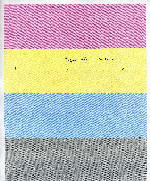 | 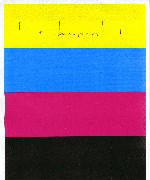 | 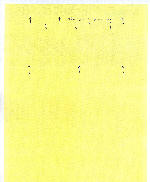 |
Magenta bar in the Yellow | Repeated image from the previous page |
Recommended solution
Compare your print sample to the preceding images. If your printer is exhibiting the same defects, please call
Lexmark Technical Support
to set up service for the printer.Contacting Lexmark
If you require additional assistance, please close this window and locate 
Get In Touch with Lexmark!
for contact information.
NOTE:
When calling for support, you will need your printer model
/machine type
and serial number
(SN
).Please be near the products described in this article to expedite the support process and reduce callbacks.
LEGACY ID:
SO5158
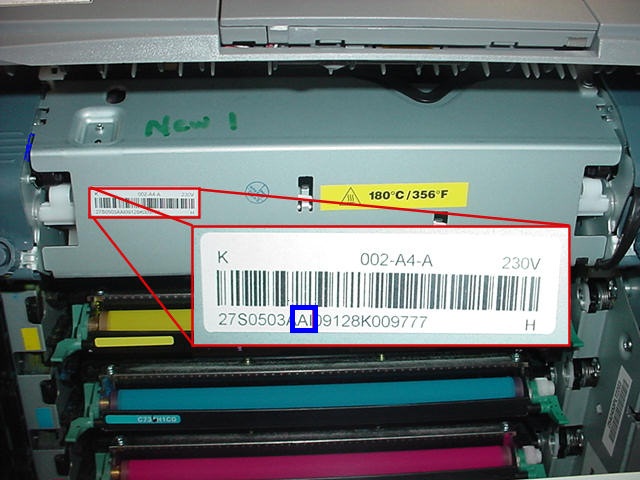 |
Click Image to Enlarge |