Support
United States (English)
Visit Lexmark.com
Support home
Printers
Solutions
Drivers & downloads
Warranty & service
Contact support
Visit Lexmark.com
guides
en
Knowledge base
Print quality issues
Print quality issues
Print quality issues
Print Quality Diagnostic Tool ‑ T65x and X65x
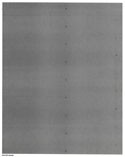
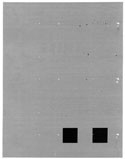
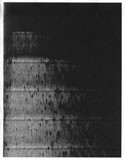
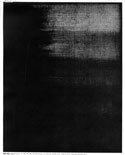
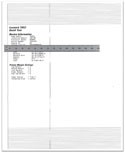
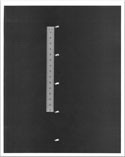
Find the image that resembles the print quality problem you are having, and then click the link below it to read problem-solving steps.
Index
Blank printout checkout
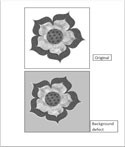
Gray background on images
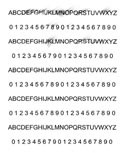
Toner smear or blurred print
Faint or light print
Ghost image
Partial area missing on image
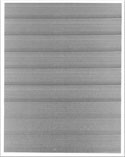
Horizontal lines, stripes, streaks, or bands
Random marks or spots
Random marks or spots
Partial area missing on image
Partial area missing on image
Vertical lines, streaks or bands
Vertical lines, streaks or bands
Vertical lines, streaks or bands
Vertical lines, streaks or bands
Partial or full black print
Partial or full black print
Repeating marks or spots
Skewed or crooked print
Paper damage or wrinkle