Unlocking the printer from a locked state
How to unlock the printer when it gets into the locked state
Issue Description
When the control panel lock is enabled, an
Unlock Device
message appears on the printer display.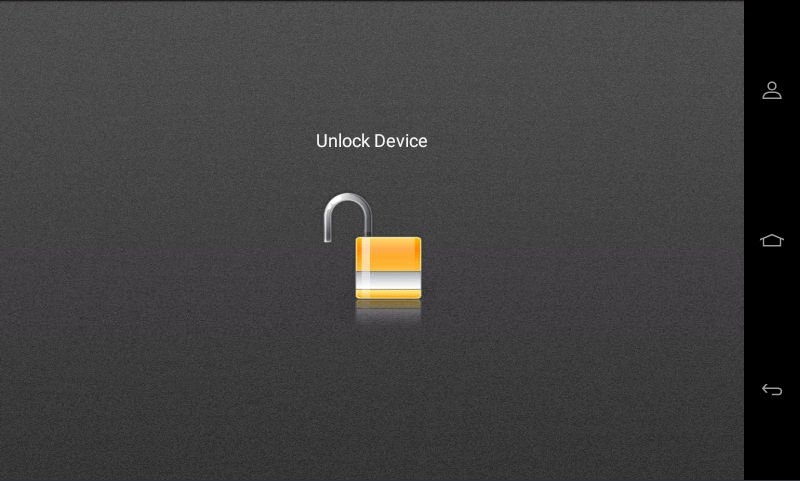
The method of unlocking the printer is different from the previous printer generations and depend on the firmware version. The control panel lock feature is
NOT
controlled by the printer security jumper. Therefore, it is not effective if that jumper is toggled.Solution
To unlock the printer, do the following steps:
- Printers on firmware 4 or greater
- Open a web browser, and then type the printer IP address in the address field.
- Click .
- Click the lock icon and log in with an account that hasOperator Panel Lockaccess.A security login access to Operator Panel Lock option exists to unlock the printer home screen. Admin accounts have this access by default, and all other accounts are given with this access level.

- The control panel is unlocked.

- If the security jumper has been tried and a "No Login Method Configured" message appears, go to the EWS (Embedded Web Server) to add an account.
- If the security jumper has not been switched, then try logging in with admin credentials or someone who has theOperator Panel Lockunselected.
Adding a security account in the Embedded Web Server
- Open a web browser, and then type the printer IP address in the address field.
- Log in as anAdministrator.
- Go to .
- UnderLocal Accounts, clickAdd User.
- Enter the username, password, and email or other details.
- Scroll down toPermissions Groupsand select an applicable group withOperator Panel Lockpermissions.
- Save the settings and confirm the changes.
Once a security account with
Operator Panel Lock
permission is added, then unlock the printer with the following steps:- Touch the lock icon on the printer control panel.
- Log in using an account that hasOperator Panel Lockpermissions.
- After logging in, you will briefly see a message at the bottom of the screen: “Logged in as [username]."
- Touch the lock icon again to unlock the device.
- The control panel is unlocked.
LEGACY ID:
HO4114