Toner Leaks or Rings at Photoconductor Drums on a Lexmark CS310, CS410, CS510, CX310, CX410, and CX510
Toner Leaks or Rings at Photoconductor Drums on a Lexmark CS310, CS410, CS510, CX310, CX410, and CX510
Overview
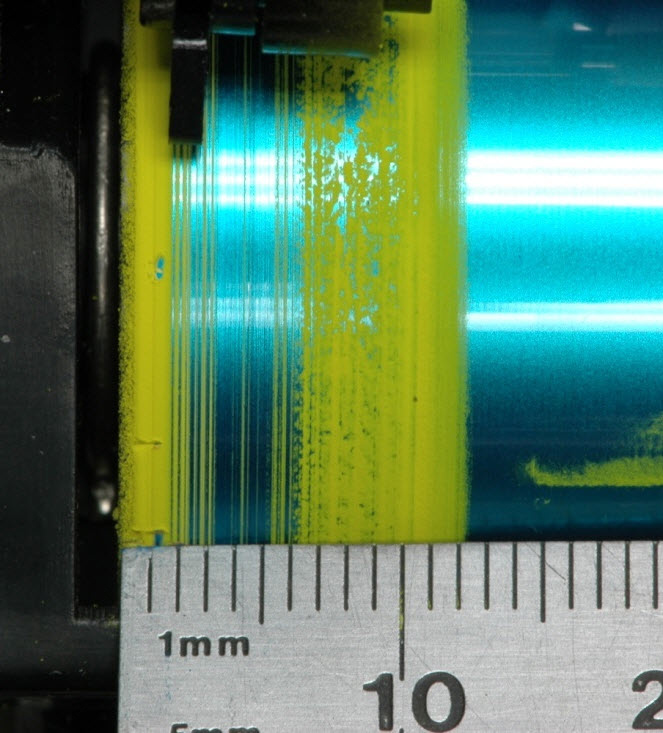
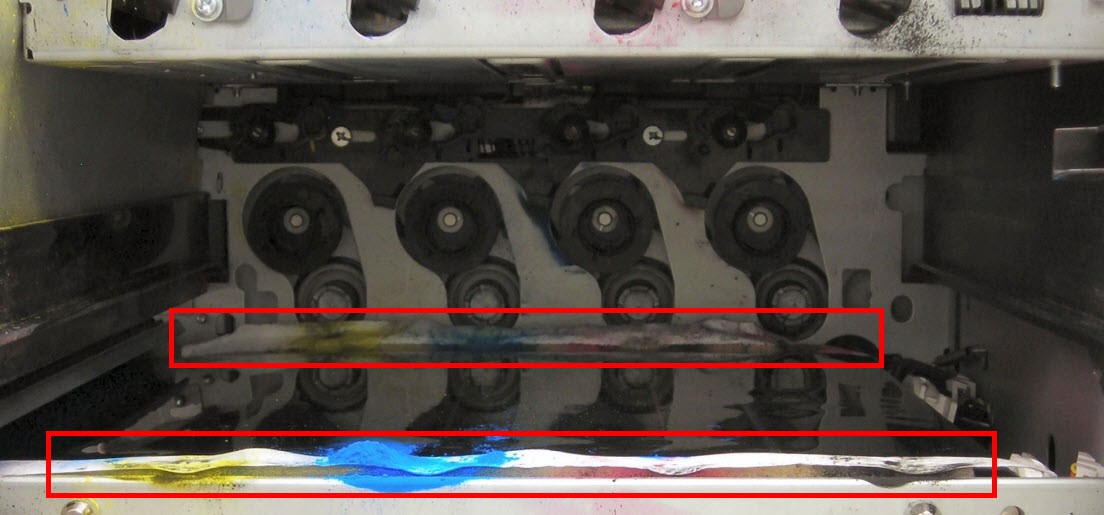
The toner spills inside the printer or toner rings appear at ends of the
Photoconductor Drums
. See sample images below.
 |  |
Click Image to Enlarge
| Click Image to Enlarge
|
Troubleshooting
Steps
| Actions
|
1
| It is normal to have small amounts of toner accumulate in these areas. Typically, this is a cosmetic issue only and will not affect the performance of the device. The toner can be wiped away with a tissue at the customer's discretion (
Note: Do not attempt to vacuum the toner). Continue using printer as normal. If the toner amount is excessive or is creating print quality issues, then go to Step 2 . |
2
| Replace the Developer unit of the corresponding color and the Photoconductor Unit (PCU ). |
3
| Check whether toner is dumping inside the printer; excessive toner dumping may require a service call.
Note: If a significant build-up of loose toner exists inside the printer, it may be necessary to clean it out. Do not use a common household vacuum for this process. Only a special toner vacuum can be used to vacuum toner. Please contact Lexmark Technical Support or a local authorized service provider to arrange a service call. |
Contacting Lexmark
Please contact
Lexmark Technical Support
if you need additional assistance.
NOTE:
When calling for support, you will be asked for your machine/model type
and serial number
(SN
). If you need help locating your printer's model type
and serial number
, how-to-locate-the-serial-number-tli-config-id-and-.html#how-to-locate-the-serial-number-tli-config-id-and-machine-type-on_HO3870.
Please call from near the printer in case the technician on the phone asks you to perform a task involving the printer.
LEGACY ID:
SO7365