Lexmark CS/X31x, CS/X41x, CSX51x: `202.05? Paper Jam Error Messages
Lexmark CS/X31x, CS/X41x, CSX51x: `202.05? Paper Jam Error Messages
Affected Products:
Single-Function: CS310, CS317, CS410, CS417, CS510, CS517
Multifunction: CX310, CX317, CX410, CX417, CX510
Issue Description:
When printing, the printer repeatedly jams paper. The error code number diplated is a 202.05 Paper Jam message. In some cases, a 202.05 Paper Jam is caused by broken or stuck Exit Flags located at the output bin.
NOTE:
You can select Show areas on the control panel to view images that will help youlocate where the jam is occurring. Once the paper path is completely cleared of all jammed paper, the printer should resume normal printing.
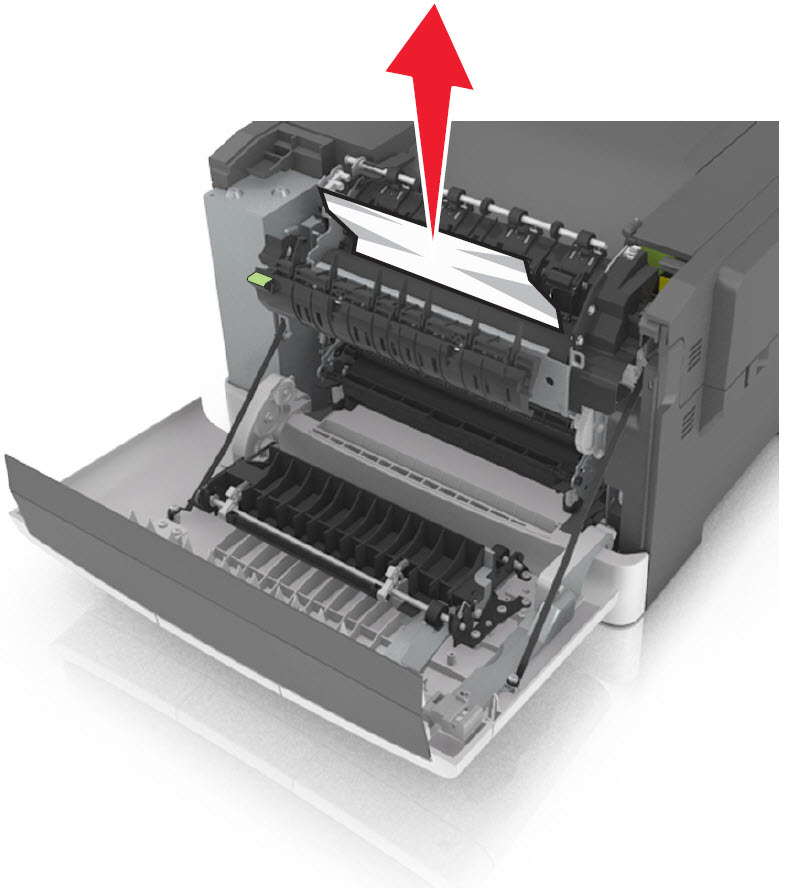
Paper Jam Locations
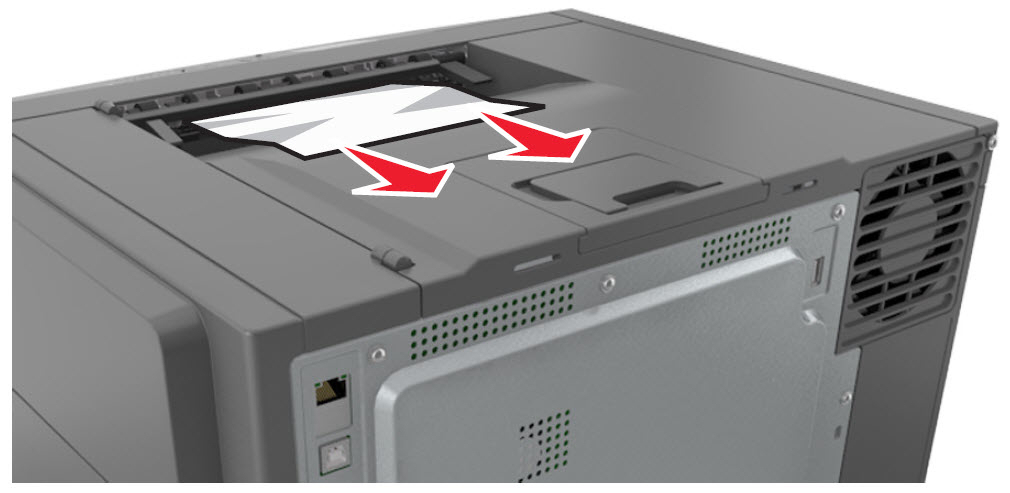 |  | ||
Standard Output Bin Jam
| Fuser Area Jam
|


Jam on the MFP in redrive
Solution:
- Be sure any previous jams have been completely removed, refer to this and naviagte to202.xx Paper Jam Removal.
- Remove any paper from the Exit Bin.
- Make sure that the affected paper tray (could be any input source) is loaded properly; please refer to these.
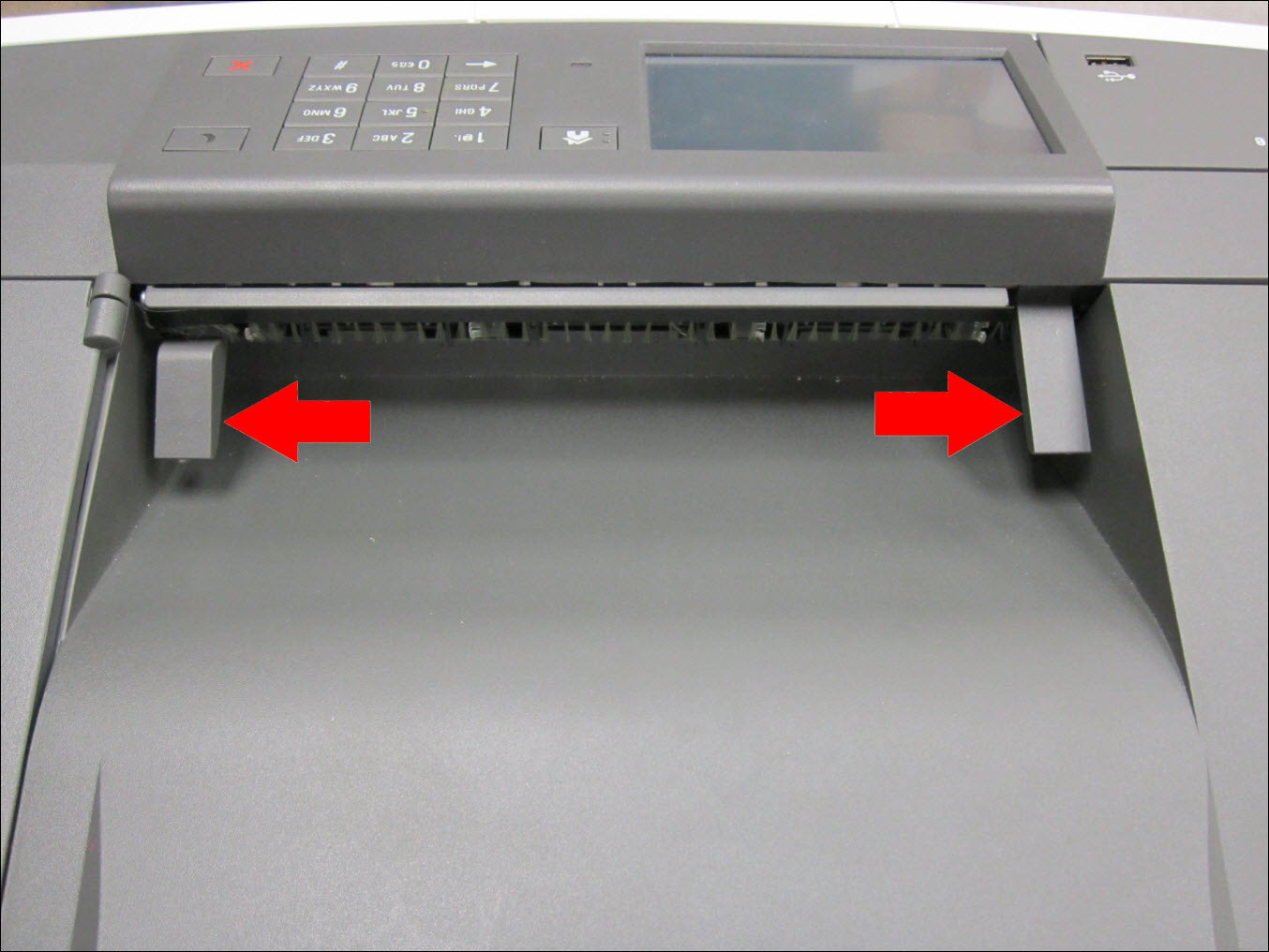
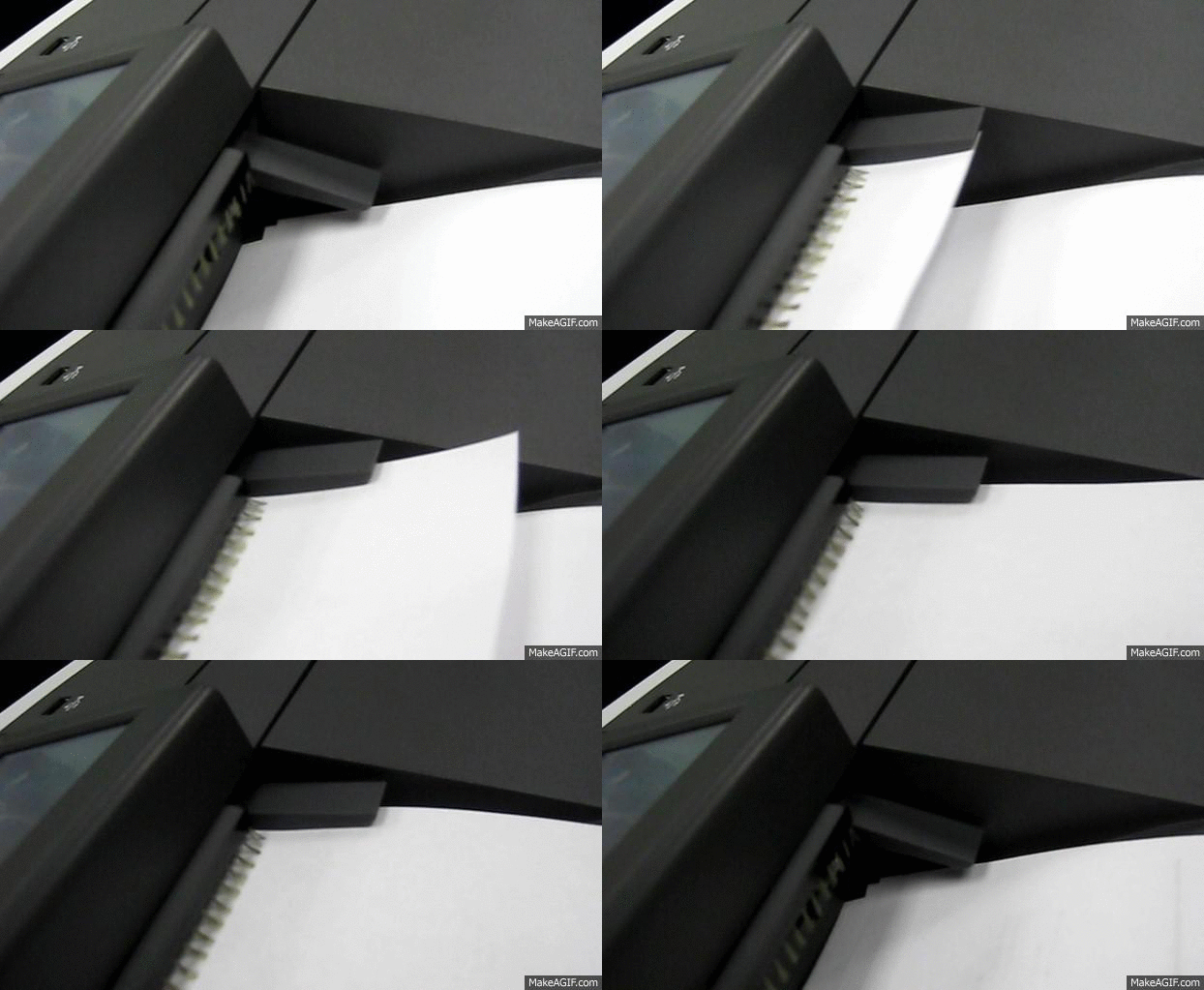
- On theSFP, ensure that the Exit Flags moves freely and showsnophysical damage. Refer to the images below:
- On theMFP, ensure that the entire paper path is clear, including under the scanner. Remove any fragments of paper that may be in the path.
Still Need Help?
Have the following available when calling Lexmark Technical Support;
- Printer model(s)
- Printer serial number
LEGACY ID:
SO7175