Partial print at one side of the page check
Lexmark MS/MX 31x, 41x, 51x, & 61x ? Half of the Page (Vertically) Is Not Printed or Blank
What you will see
Texts on the left side of the sheet may print correctly, but the right is blank, or vice versa.
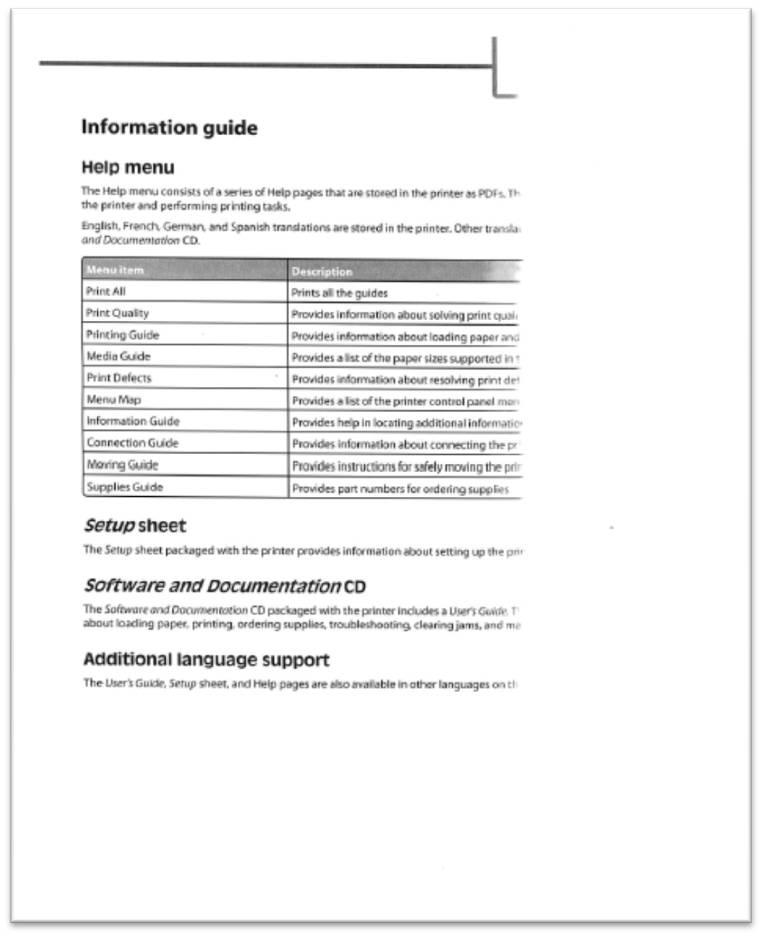 |
Sample printout
|
Possible cause
A portion of the red Charge Roll
Separator Strap
remains on the ends of the Imaging Unit Roller Shaft. There is a folding crimp in the connecting strap that can break and the separator cap can remain on the charge roll when the diaper cover is removed. See the location of the cap pointed to by the red arrow in the image below.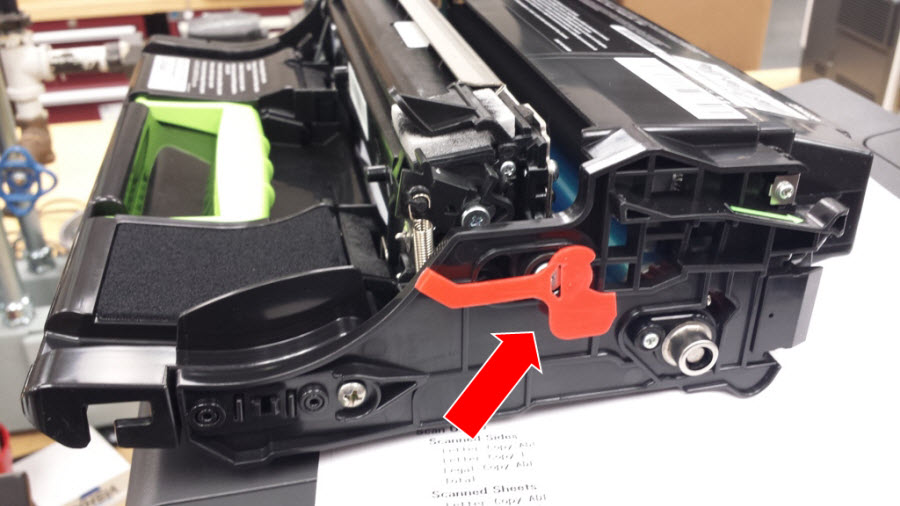 |
Click Image to Enlarge
|
Suggested Remedy
Make sure to remove the remaining piece of the separator strap that can be seen on the Imaging Unit before installation or re-installation. If the print quality defect persists, contact
Lexmark Technical Support
for additional troubleshooting suggestion.Contacting Lexmark
If you require additional assistance, please close this window and locate 
Get In Touch with Lexmark!
for contact information.
NOTE:
When calling for support, you will need your printer model
/machine type
and serial number
(SN
). If you need help locating these.Please be near the products described in this article to expedite the support process and reduce callbacks
LEGACY ID:
SO7564