Troubleshooting a 202.05 paper jam error code
The Printer Registers a 202.05 Paper Jam Error Code on the Lexmark MS/MXx1x, M/XMxxxx
Issue description
A
202.05 paper jam error
code appears on the printer. One of the possible causes of this issue is the Exit Sensor
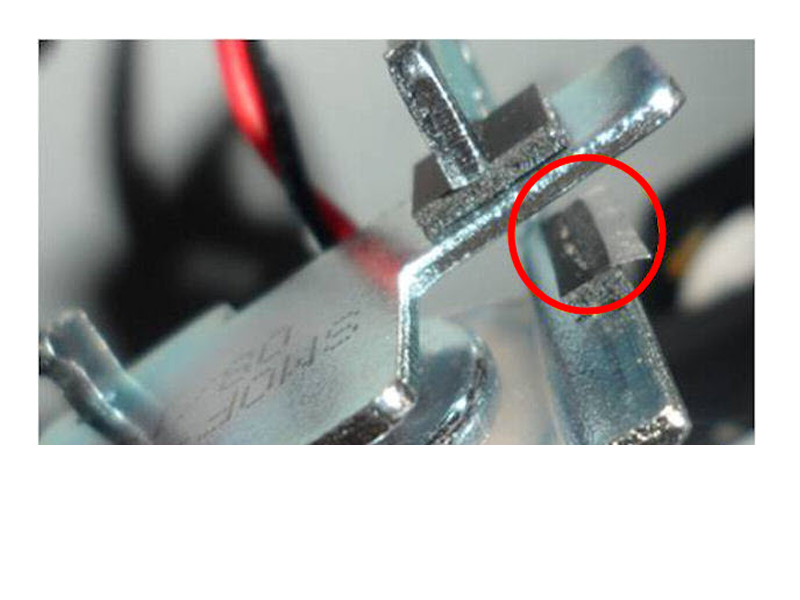
is blocked too long and was not able to clear the sheet. Another possible cause can be a loose back door, tape on reverse solenoid pad (as shown in the image below), or a worn/contaminated Fuser. If one of the jammed sheets is blank and the source is an option tray, it may have a loose pass-thru sensor.
Solution
To prevent this issue from occurring make sure to follow the following recommendations:
- Verify if the rear door is fully closed.
- Check the paper settings and make sure it matches the media on the tray
LEGACY ID:
SO7298