Faded or Light Print on Lexmark CS/CXx1x
Affected Products:
Single-Function: CS310, CS317, CS410, CS417, CS510, CS517
Multifunction: CX310, CX317, CX410, CX417, CX510, CX517
Issue Description:
Faded / light printout occurs when printing internal pages or printing a document. Copy quality is not affected.
Print Defect Sample
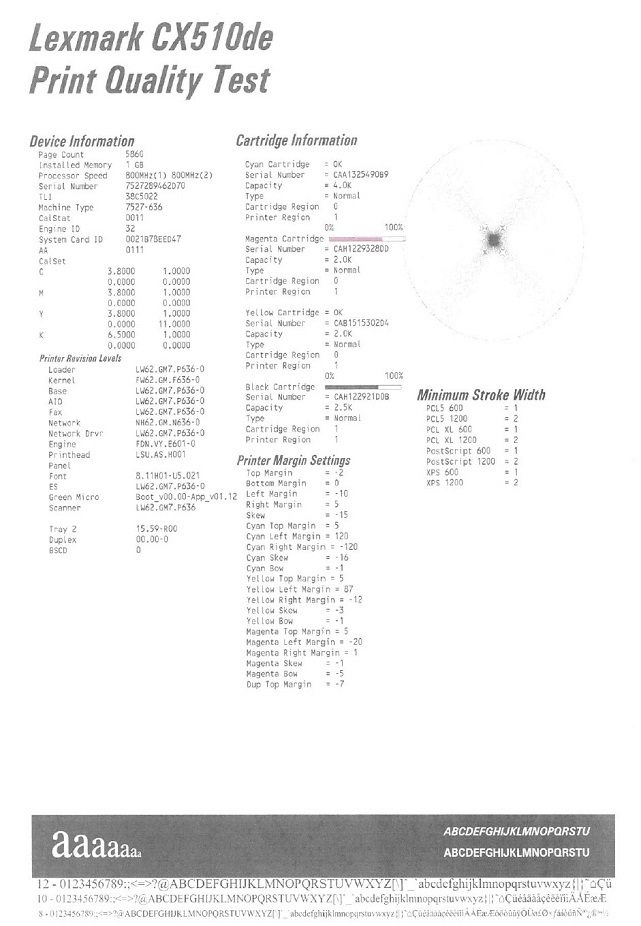 | 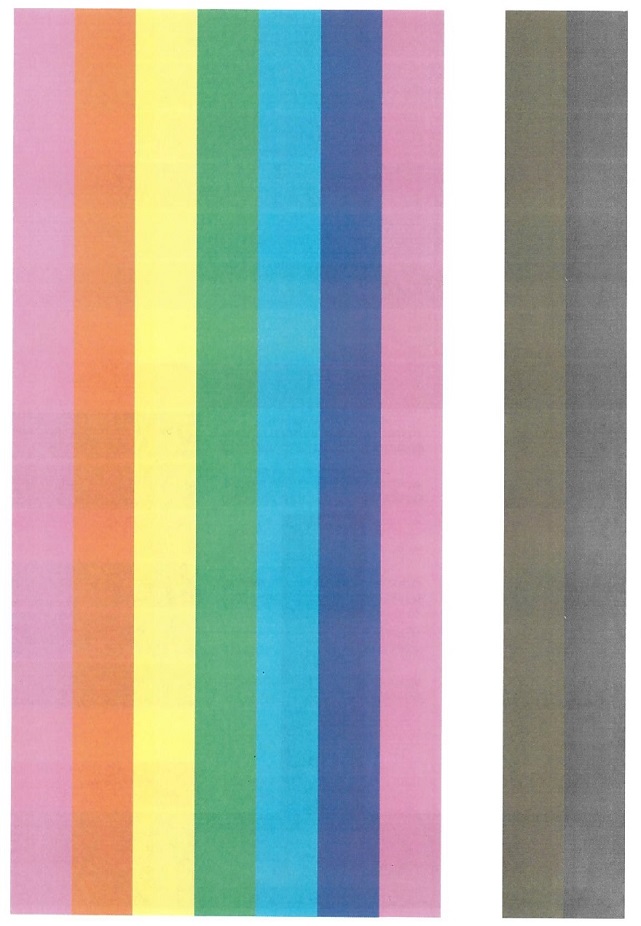 | 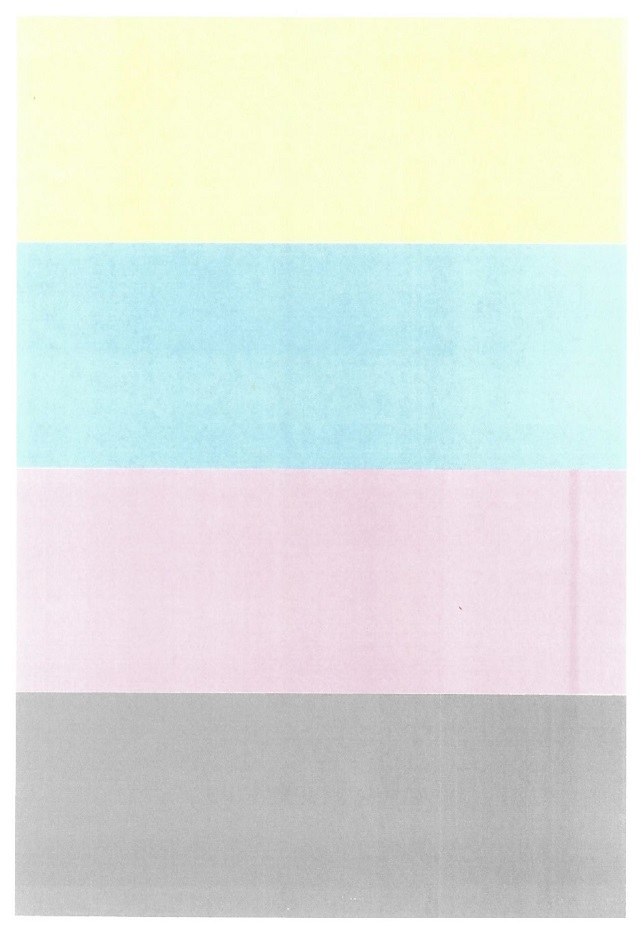 | 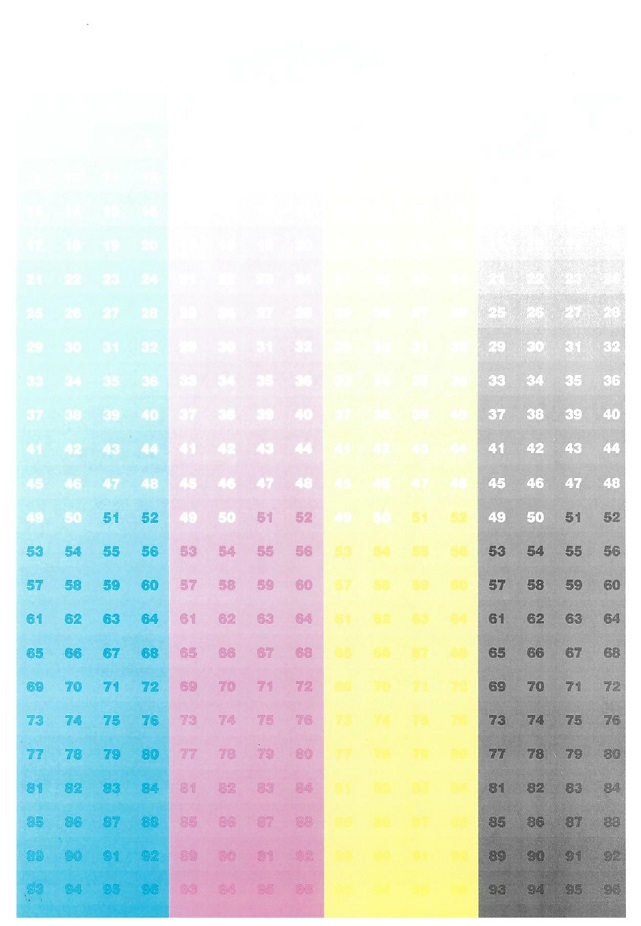 |
Solution:
- Make sure that the Color Saver is disabled / turned off. (On the printer panel, go toMenu>Settings>Print Settings>Quality Menu>Color Saver).
- Make sure the Toner Darkness is set to 4. (On the printer panel, go toMenu>Settings>Print Settings>Quality Menu>Toner Darkness).
Still Need Help?
Have the following available when calling Lexmark Technical Support;
- Printer model(s)
- Toner/imaging unit/waste toner bottle part number and serial number
LEGACY ID:
SO8469