Print quality issues
Lexmark MS and MX310, 410, 510, 610 Series Printers and MFPs ? Print Quality Diagnostic Tool
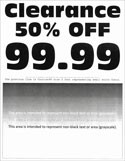
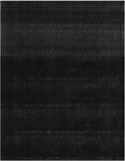
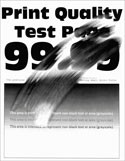
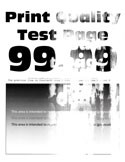
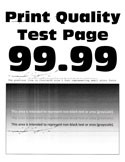
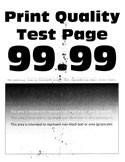
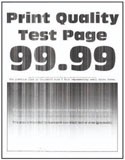
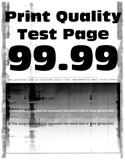
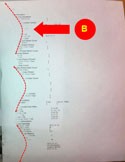
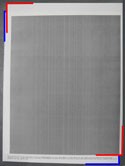
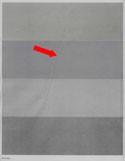
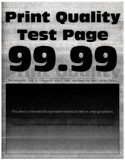
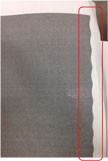
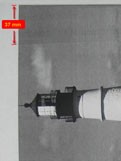
Find the image that resembles the print quality problem you are having, and then click the link below it to read problem-solving steps.
If the printer is a multi-function device with a scanner (
MX31x,
MX41x, MX51x, or MX61x
device), confirm that the print quality issue is not a scanner problem by printing from a computer, or by printing a menu demo page directly from the printer: Menu
> Reports
> Print Demo
. If the print quality issue only appears on scanned documents or copies, go to Cleaning tips for clearing lines, smudges or spots on scanner glass for diagnostic information.