Connecting to Smart Card Authentication Client causes an error when authenticating
A Connection to Print Management Client Failed Error Appears when User Authenticates via Smart Card Authentication Client
Issue description
When authenticating to an
X46x
, X65x
, X73x
, or X86x
MFP via Smart Card Authentication Client (SCAC
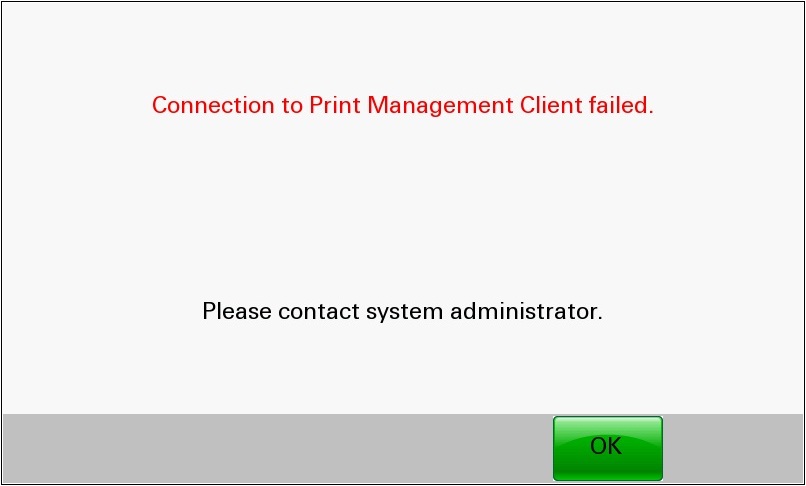
), you will encounter the error message Connection to Print Management Client failed.
.
Cause
This happens when the Card Authentication setting
Use Home Screen Logout
is checked
.This setting is found on the printer’s embedded web server (
EWS
) > Settings
> Embedded Solutions
> Card Authentication
> then select Configure
tab.Solution
If authenticating via… | Then… |
|---|---|
Card or Manual Login | Place a check on Use Home Screen Logout setting. |
Smart Card Authentication Client | Uncheck Use Home Screen Logout setting. |
LEGACY ID:
SO7575