Lexmark C9235, CS/X92x, and XC92xx: Print Quality Issue - Missing Plane Caused by Packaging Material
Lexmark C9235, CS/X92x, and XC92xx: Print Quality Issue - Missing Plane Caused by Packaging Material
Affected Products:
Single-Function: CS927, CS923, CS921, and C9235
Multifunction: CX920, CX921, CX922, CX923, CX927, XC9225, XC9235, XC9245, XC9255, and XC9265
Issue Description:
This is an Out of the Box (
OOB
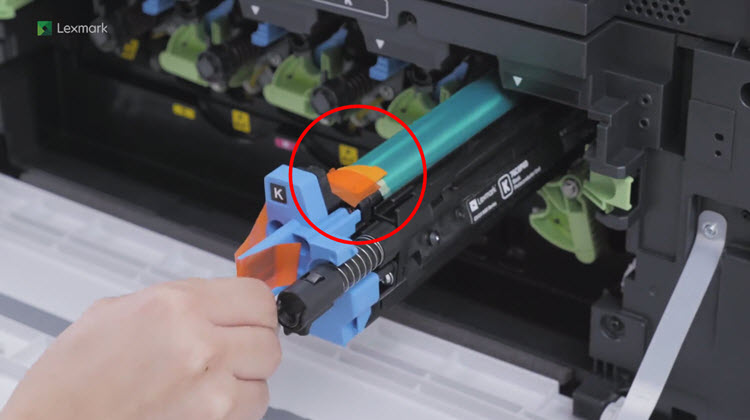
) issue since it is induced during the installation of the Lexmark device. This issue was induced by the incorrect installation of the device, most commonly due to the non-removal of
packaging material
from Black (K
) Photoconductor. Print Defect Sample
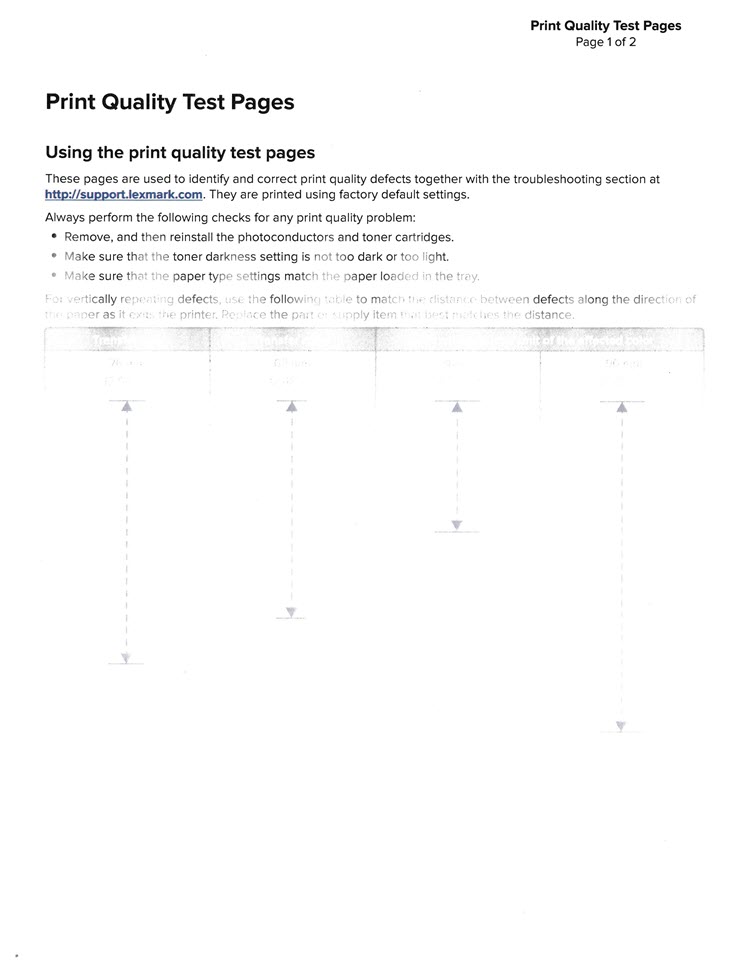
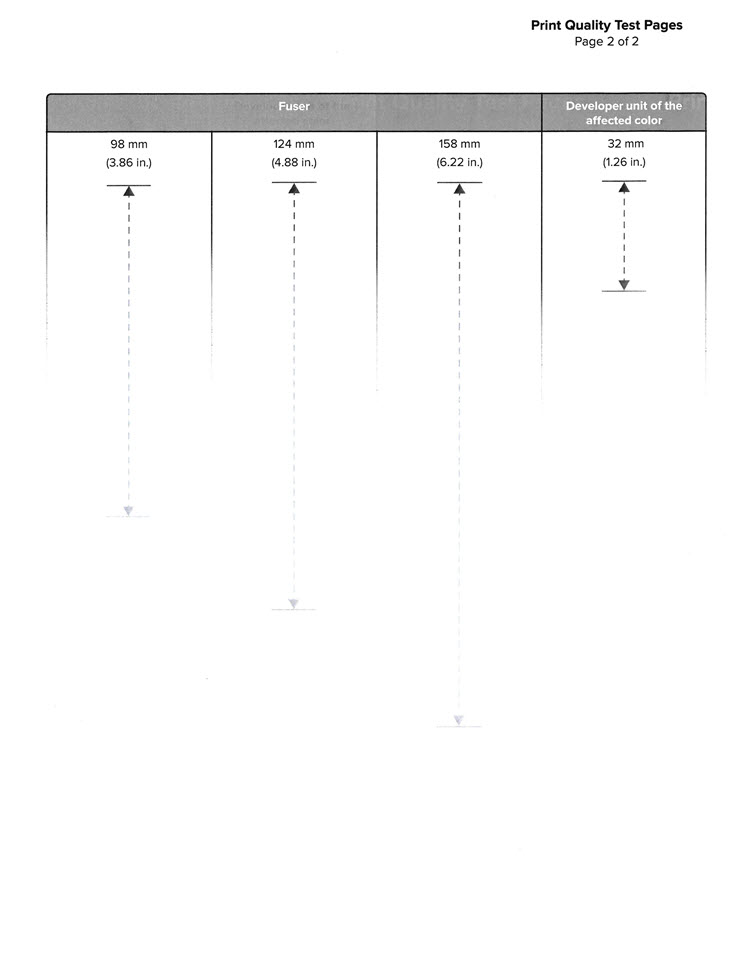
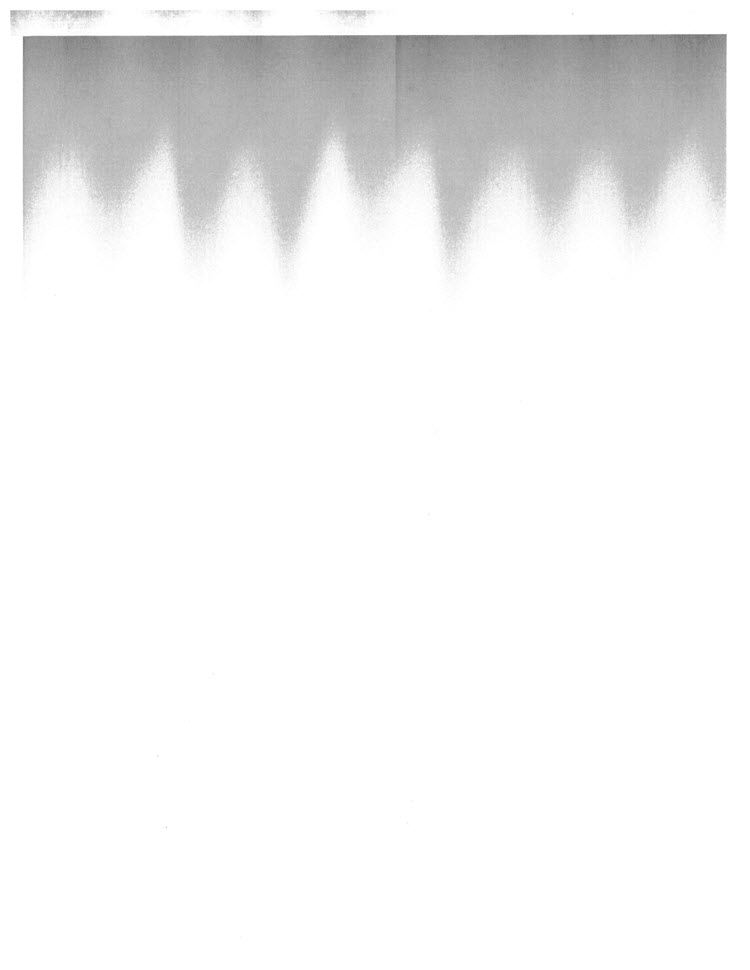
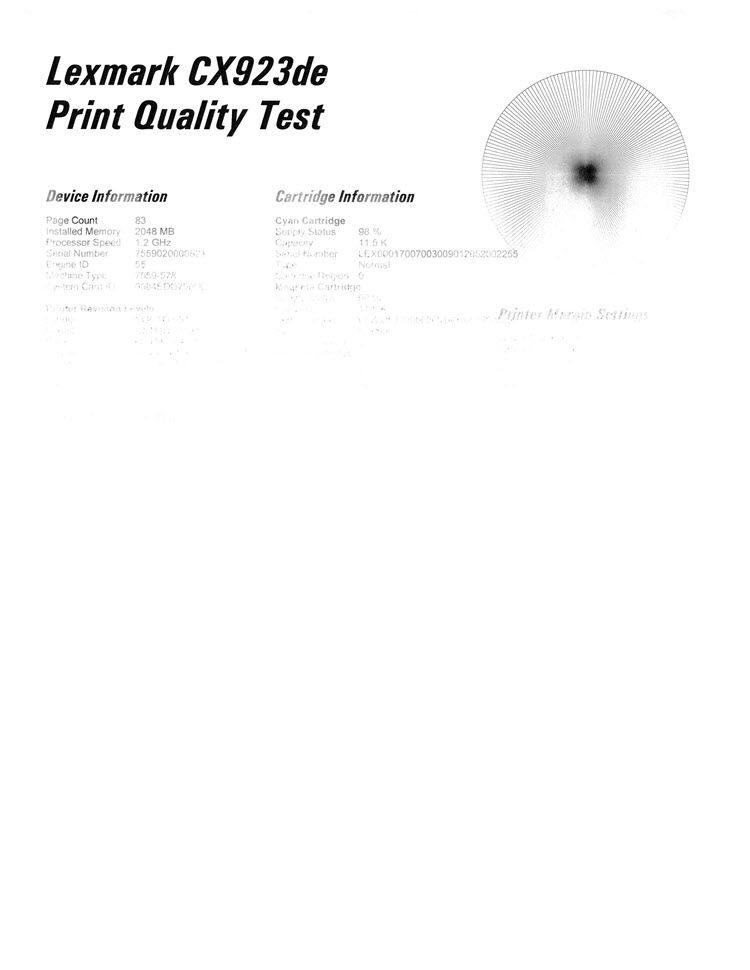
Solution:
- Check the Lexmark device for any packaging material that was missed.
- Remove the packaging materials from the Black (K) Photoconductor.
Additional Resources:
Please check the following resources for additional instructions and other commonly missed packaging material, when setting up the printer and removing the packaging materials:
How-to Videos
Setup Sheet
Still Need Help?
Have the following available when calling Lexmark Technical Support;
- Printer model(s)
- Printer serial number
LEGACY ID:
SO8675