Lexmark MB/B2236: Toner Background Issue During Printer Cold Start
Affected Products:
Single-Function: B2236
Multifunction: MB2236, MB2236i
Issue Description:
When printing a document in a Cold / Dry environment, toner background issue could occur at the cold start of the printer.
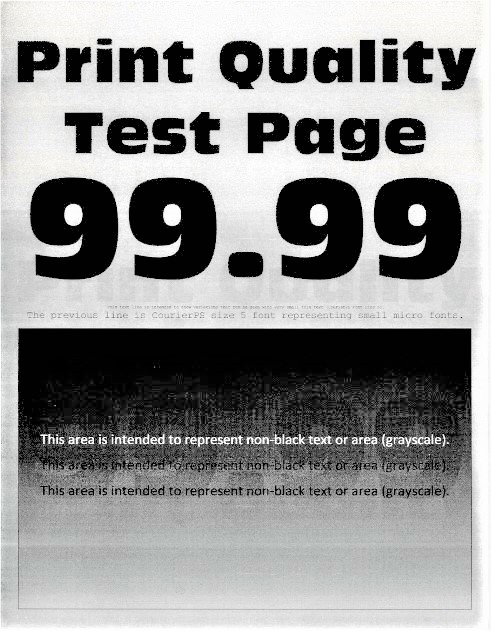
Solution:
- Print atleast 5-10 pagesuntil the print quality issue has been cleared.
- If the print quality issue continues to appear, perform apower-on-reset(POR) by powering the printer off and power it backON.
- Open the printerfront doorand remove the supplies.
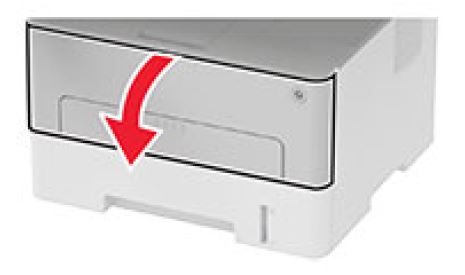
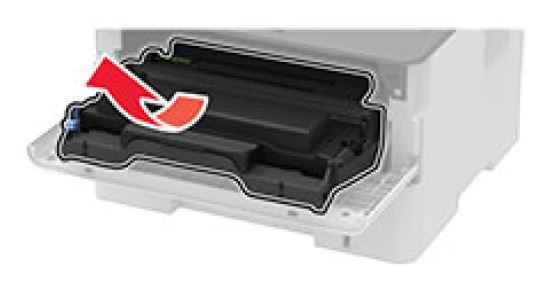
- Remove thetoner cartridgefrom theimaging unitto separate the two supplies.
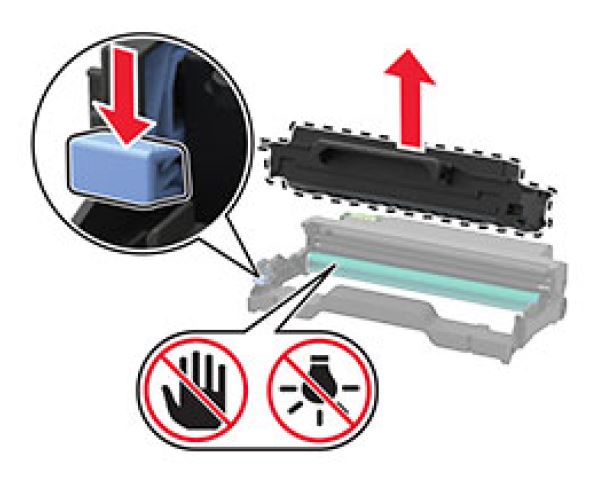
- Insert the toner cartridge back to the imaging unit, install back the supplies to the printer and close the front door.
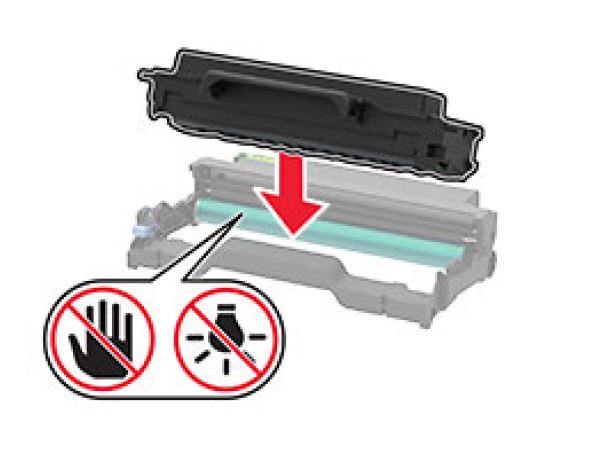
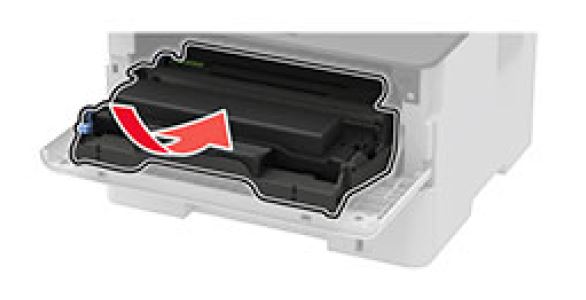
- Perform a test print and check if the print quality issue still appears.
- Should the issue persist, replace the black toner cartridge.


- Return Program toner cartridge -B221000
- High Yield Return Program toner cartridge -B221H00
- Extra high yield Return Program toner cartridge -B221X00
Still Need Help?
Have the following available when calling Lexmark Technical Support;
- Printer model(s)
- Printer serial number
- Toner/imaging unit/waste toner bottle part number and serial number
LEGACY ID:
SO8757