Printer freezing on boot up or when copying or scanning on the ADF
MFP Freezes on Boot Up or when Performing Copy / Scan on the ADF
Issue description
It has been reported that the MFP freezes or hangs when one of the following actions are performed:
- When booting or powering the printerON.
- Performing a scan/copy using the Automatic Document Feeder (ADF) and "" appears on the operator panel.scanning
These issues appear when the ADF cover is not completely closed. This is especially true if the door on the rear side of the ADF cover is not snapped into place.
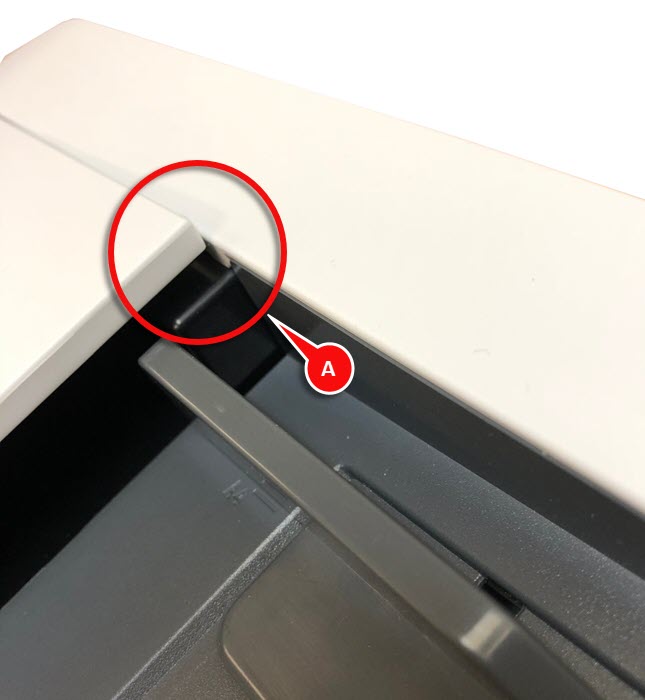
Solution
For this issue to be resolved, make sure to follow the recommendations provided below:
- Make sure to place your hand in the middle of the ADF cover when closing it and not in the front corner.
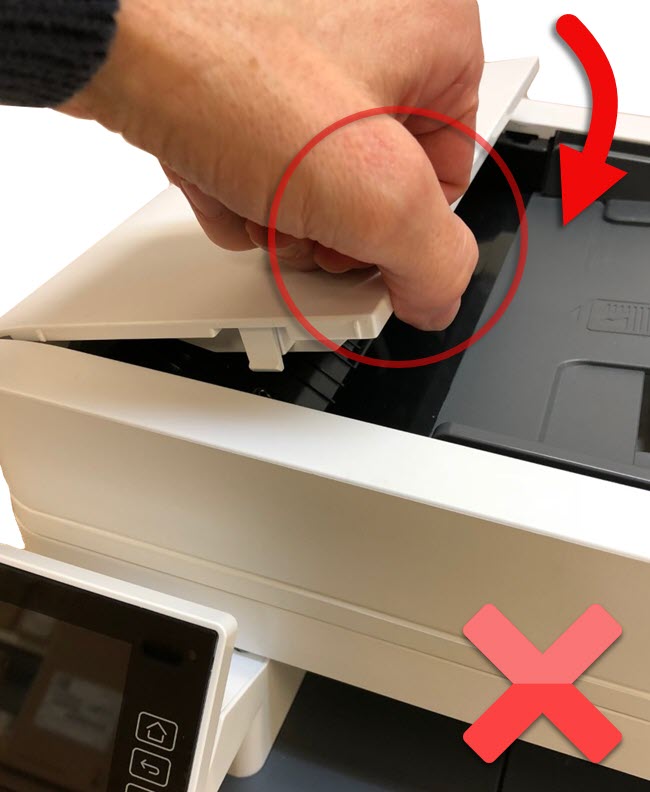
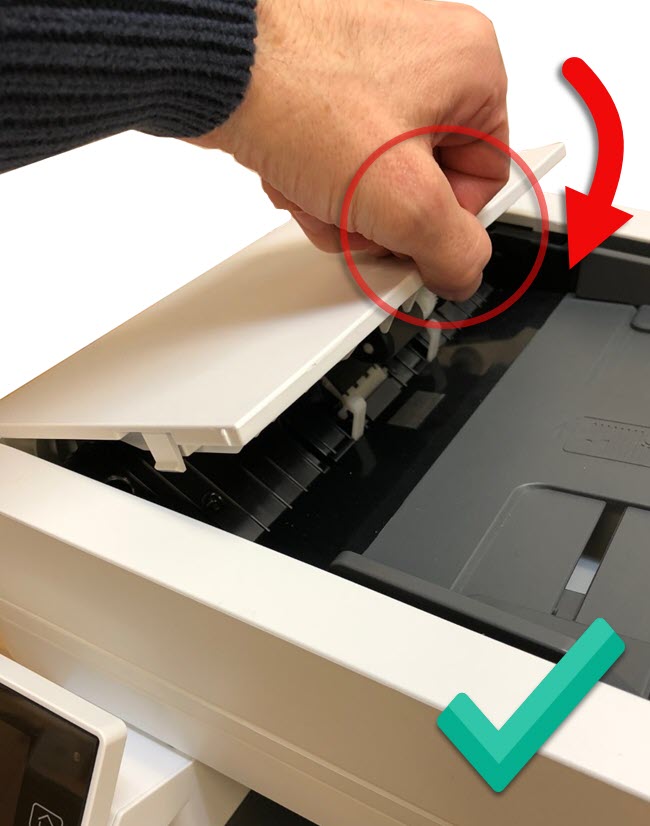 The incorrect way of closing the ADF DoorThe correct way of closing the ADF Door
 - Make sure that both the rear corner and front corner of the ADF cover are snapped down completely.
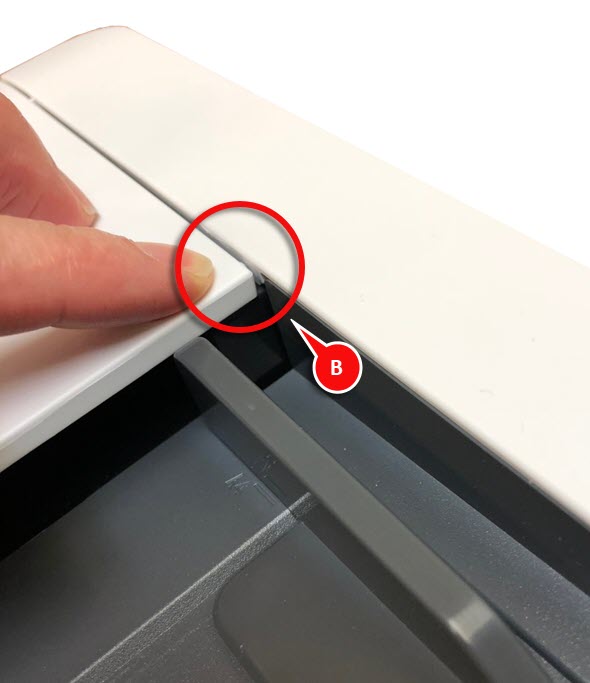
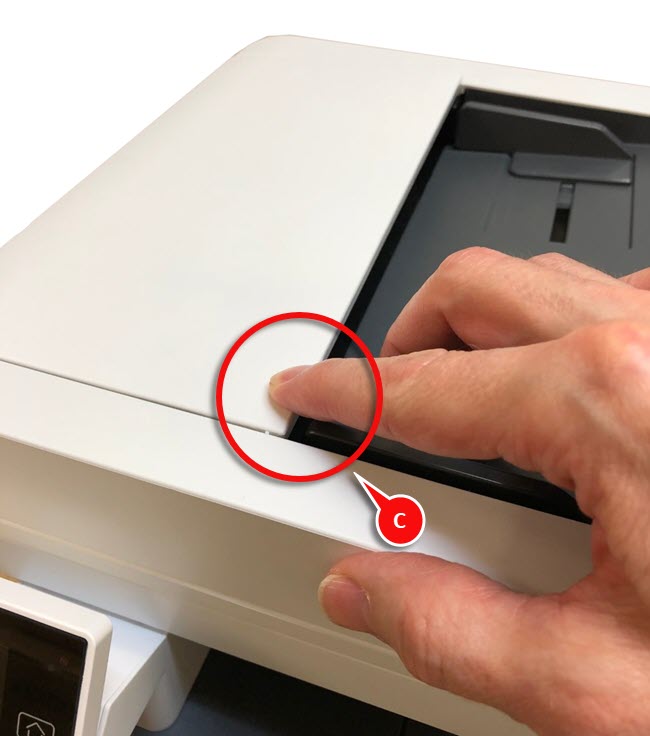 (B) ADF Rear Corner - Completely Closed(C) ADF Front Corner - Completely Closed
LEGACY ID:
TE917