Organization settings
Learn about organization settings.
The Organization menu provides quick access to various organizational settings and information.
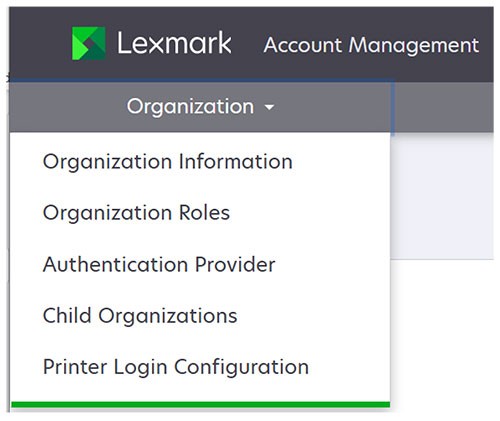
The Organization menu contains the following:
- Organization Information—A link to the Account Management dashboard, which provides links to the user and group management pagesFor channel partners, there is also a link to the child organizations management page.
- Organization Roles—Lets you select a set of roles that are automatically assigned to all users in the organization
- Authentication Provider—The setup for federated identity management
- Child Organizations—Lets you view child organizations defined under the partner organizationThis menu item appears only to channel partners.
- Printer Login Configuration—Defines the user authentication modes allowed at printersFor more information, see "Managing printer logins" group inLexmark Cloud Services Administrator's Guide.