Using a secure login code
Learn how to use a secure login code.
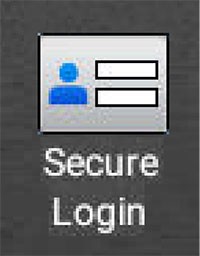
When secure login is enabled for an organization, the Secure Login icon will appear on the control panel.
- From the printer home screen, touchSecure Login.
- Touch theLogin Codeprompt.
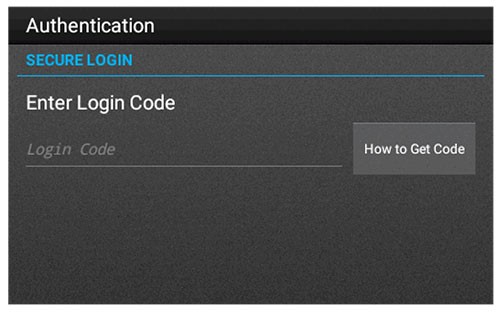
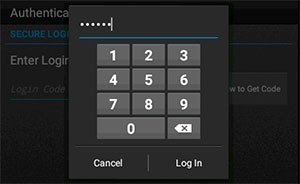
- Enter the secure login code, and then touchLog In.
For more information on obtaining secure login code, either touch 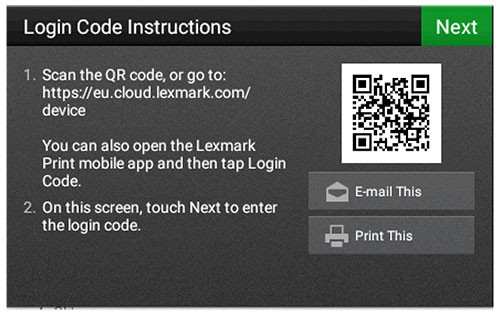
How to Get Code
on the control panel or see Obtaining a secure login code.