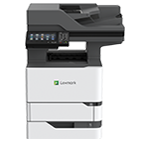
Printer features: Laser, multifunction, black & white
Lexmark MX725 Support
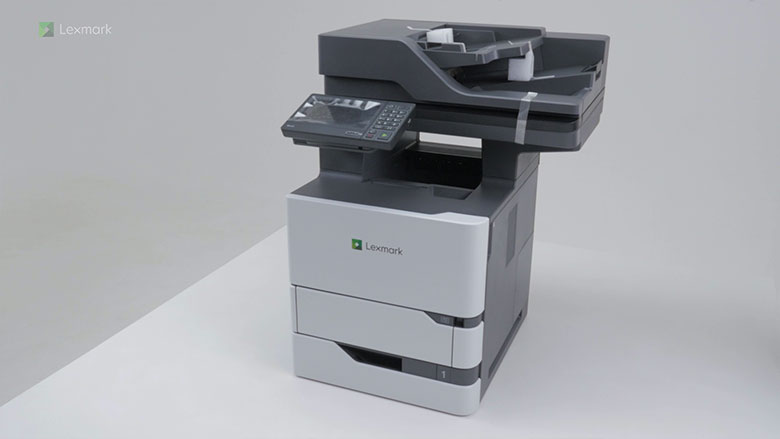
Learn how to set up your printer for the first time.
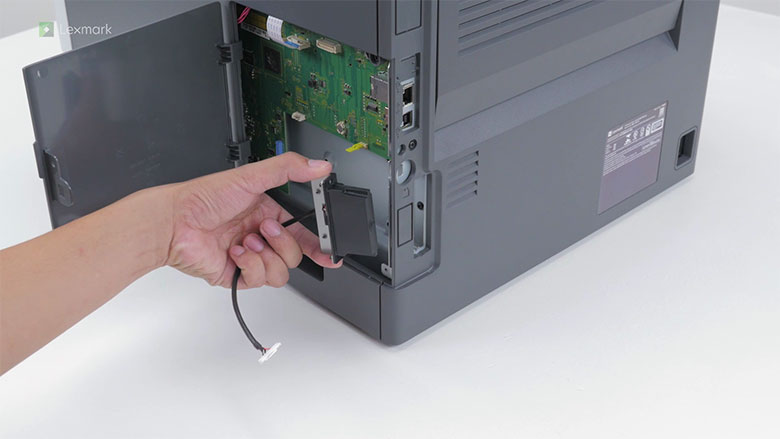
Learn how to install the internal wireless adapter to your printer.
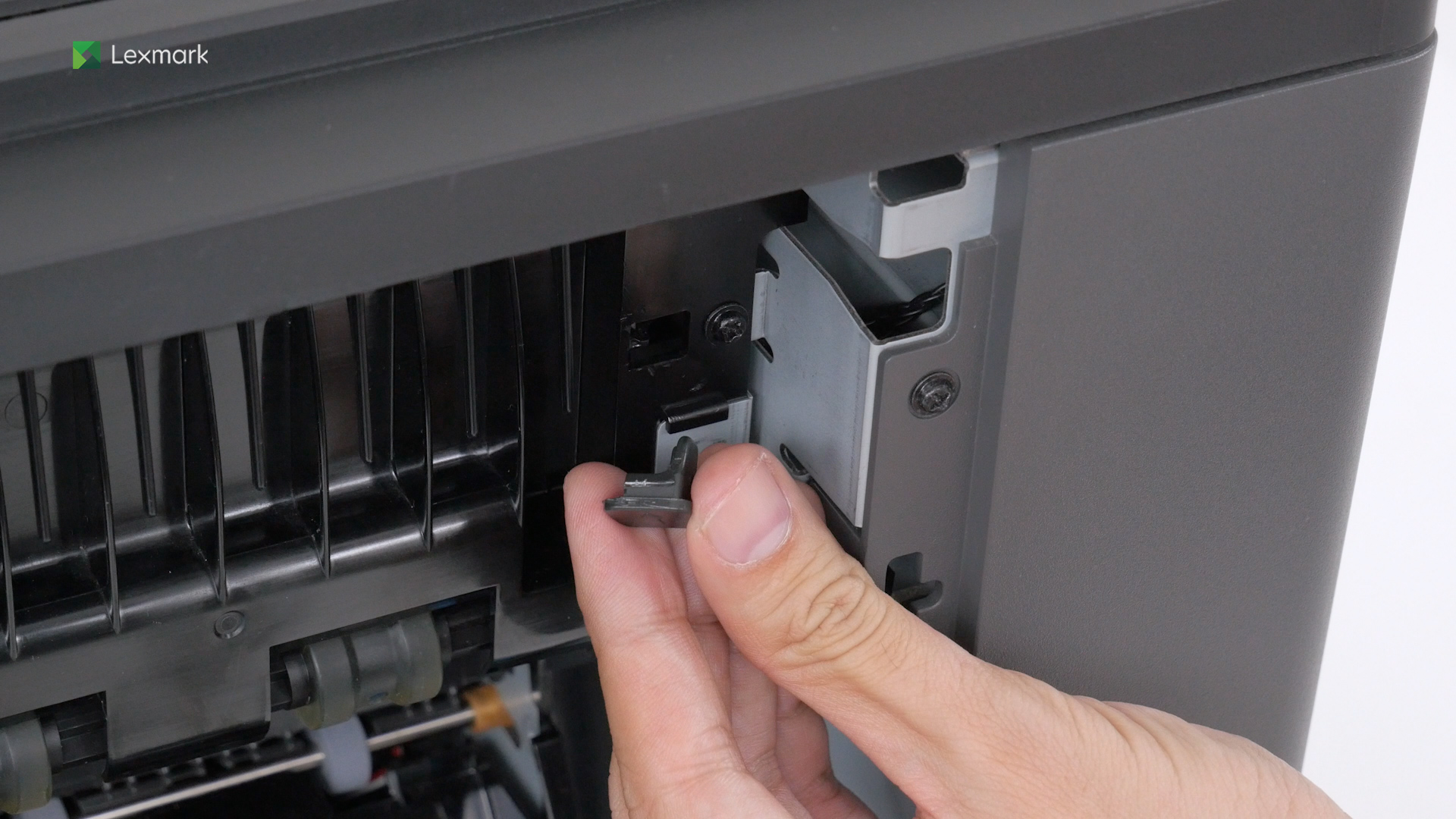
Learn how to install the spring retainer into your printer.
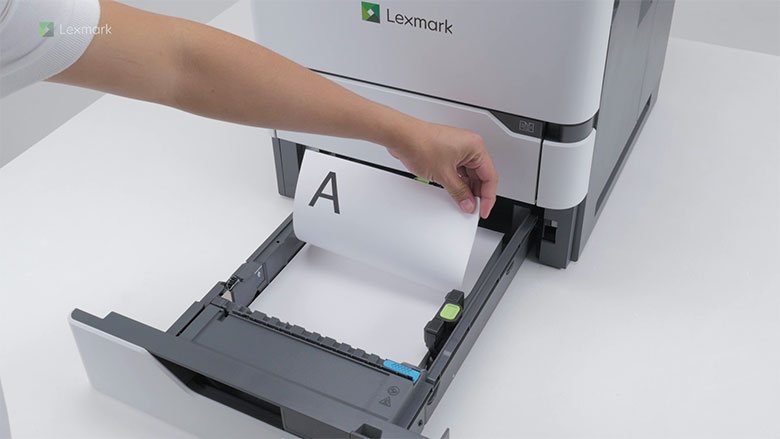
Learn how to load paper in the 250‑ or 550‑sheet tray.
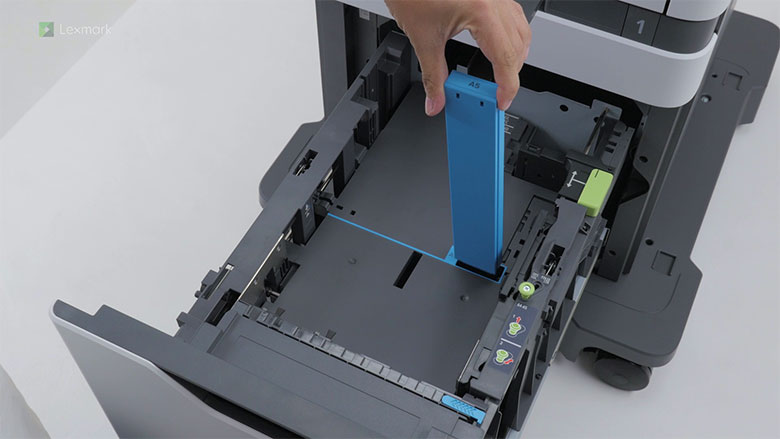
Learn how to load A5‑size paper in the 2100‑sheet tray.
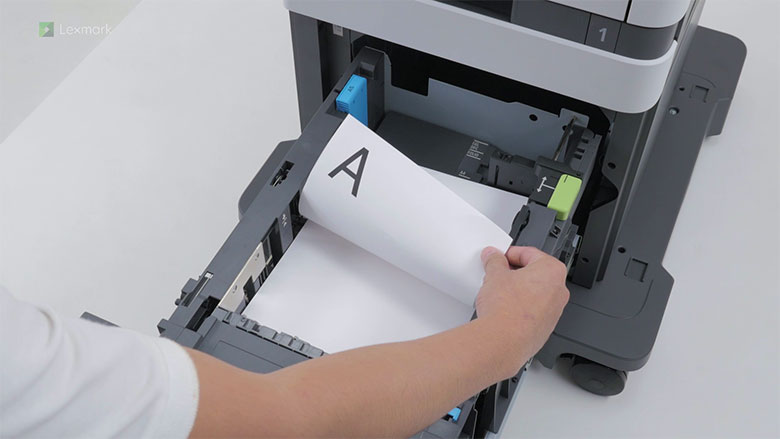
Learn how to load paper in the 2100‑sheet tray.
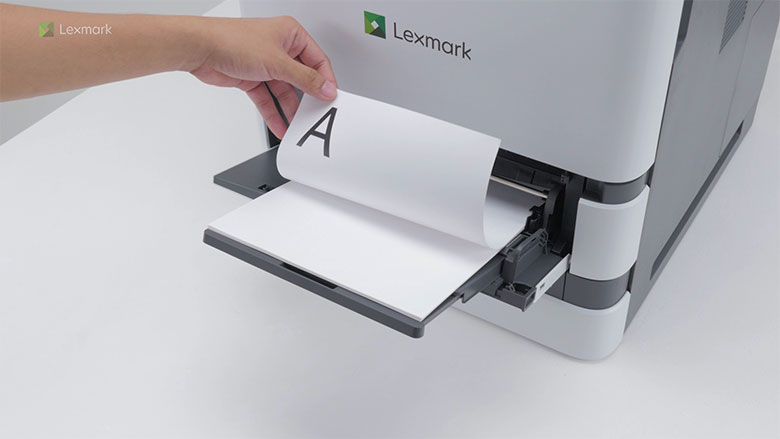
Learn how to load paper in the multipurpose feeder.
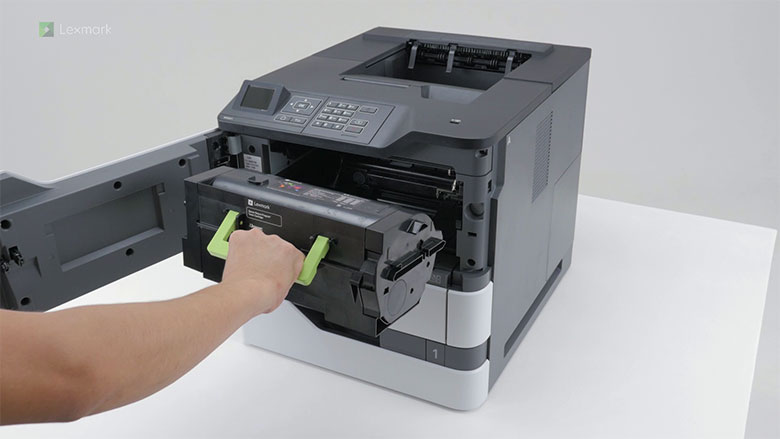
Learn how to replace the toner cartridge.
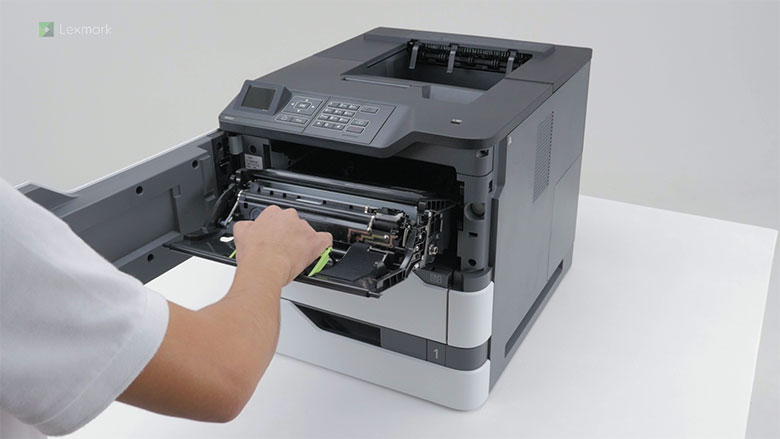
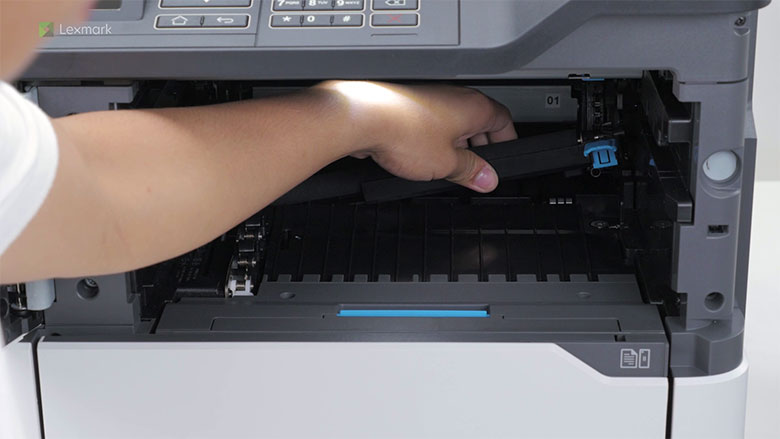
Learn how to replace the imaging unit.
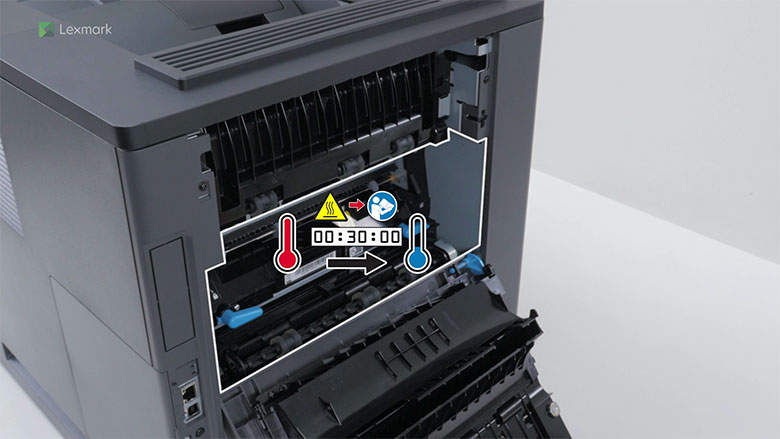
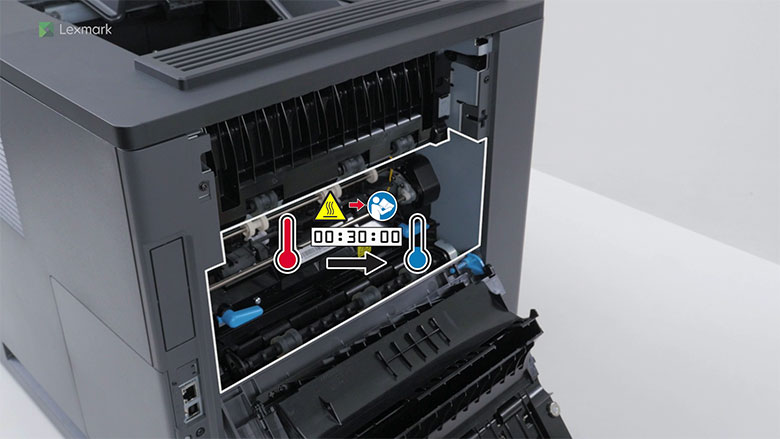
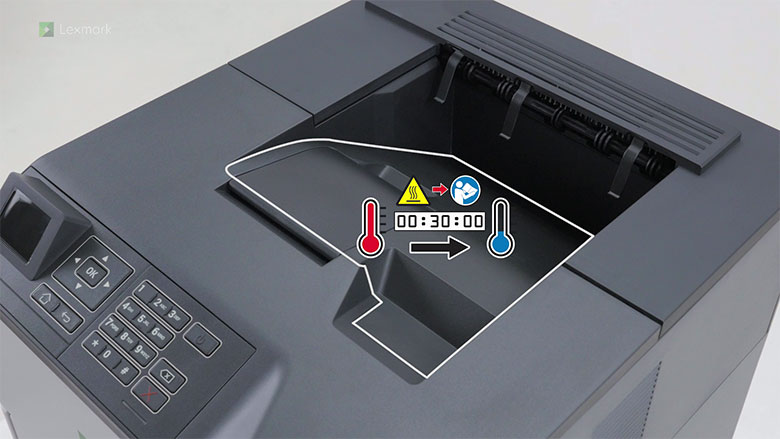
Learn how to replace the fuser. Change the fuser when the toner easily rubs off on your prints.
Learn how to replace the hot roll fuser. Change the hot roll fuser when the toner easily rubs off on your prints.
Learn how to replace the wiper of the hot roll fuser.
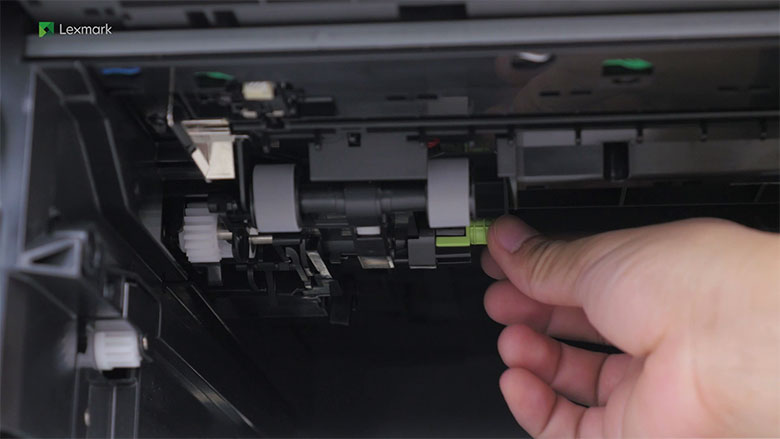
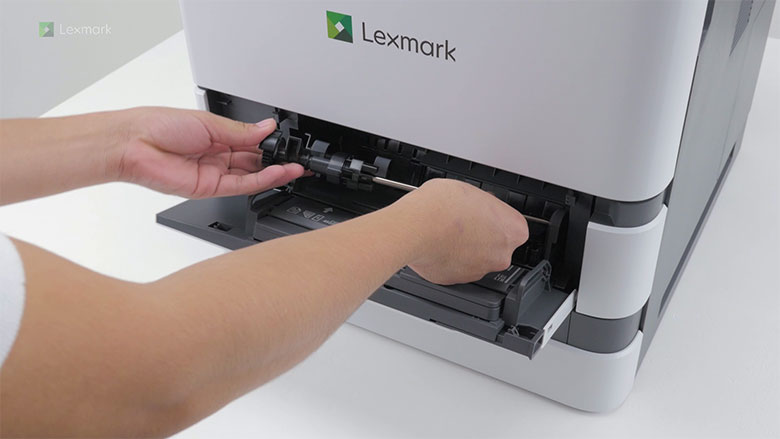
Learn how to replace the pick roller.
Learn how to replace the pick roller in the multipurpose feeder.
Learn how to replace the transfer roller.
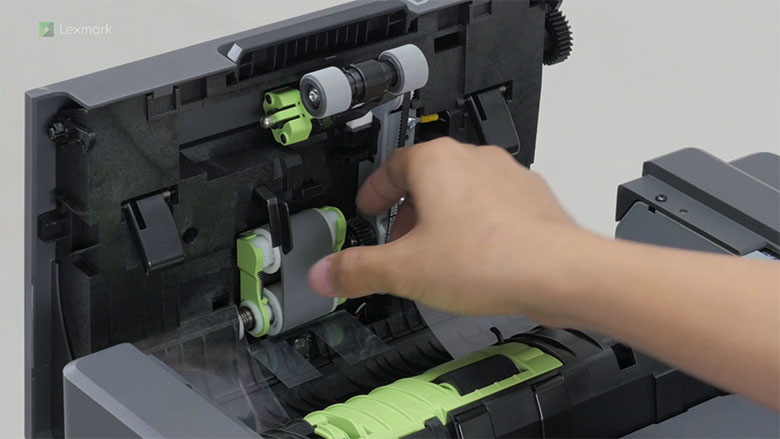
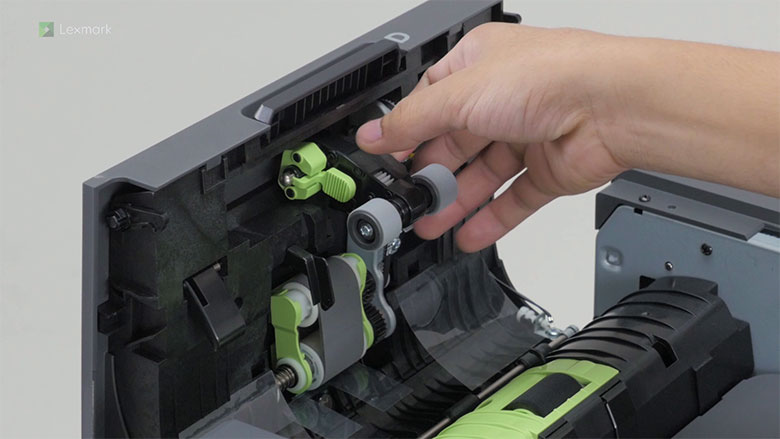
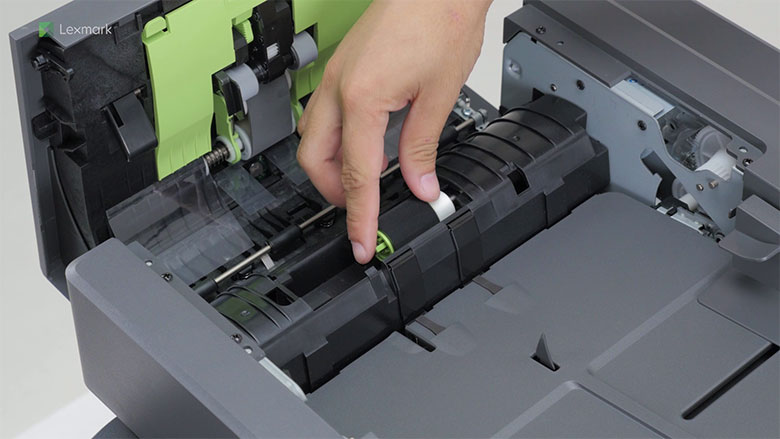
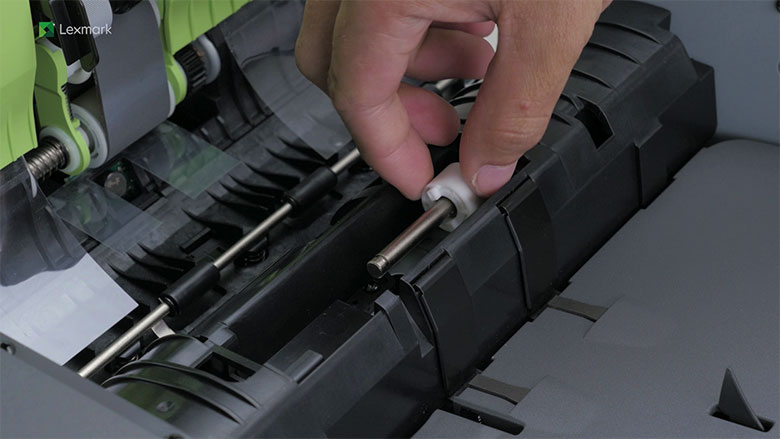
Learn how to replace the feed roller in the automatic document feeder.
Learn how to replace the pick roller in the automatic document feeder.
Learn how to replace the separator roller in the automatic document feeder.
Learn how to replace the torque limiter in the automatic document feeder.
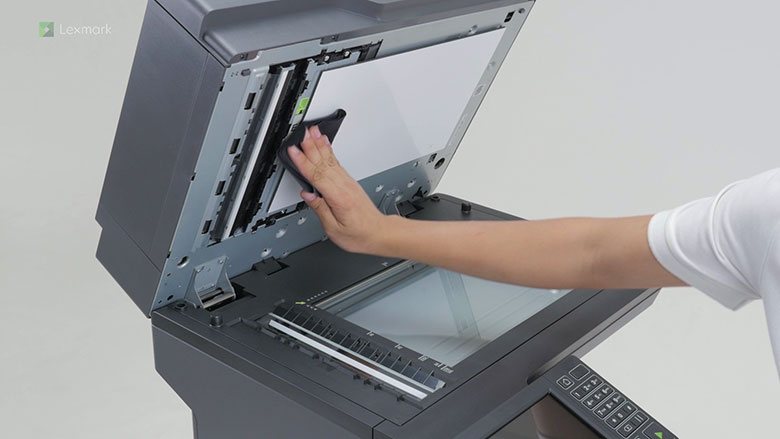
Learn how to avoid streaks in copy and scan outputs by cleaning the scanner.
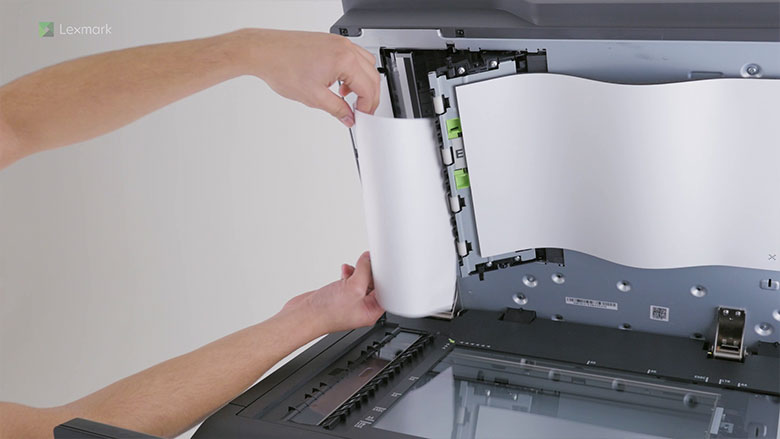
Watch this video for step-by-step instructions for removing paper that has jammed in the ADF.
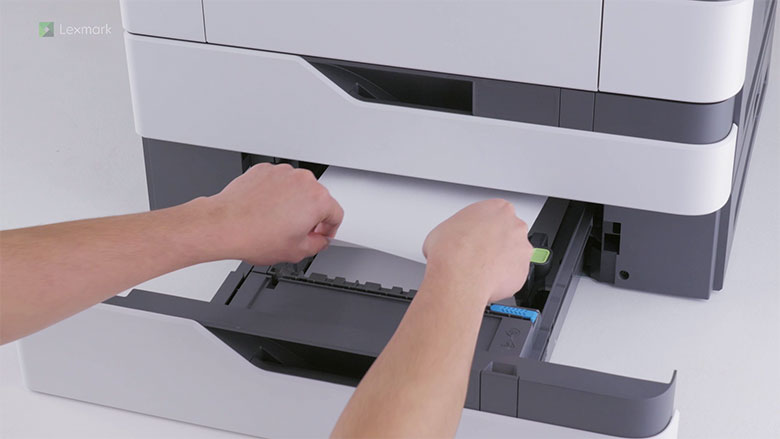
Learn how to remove the jammed paper in trays.
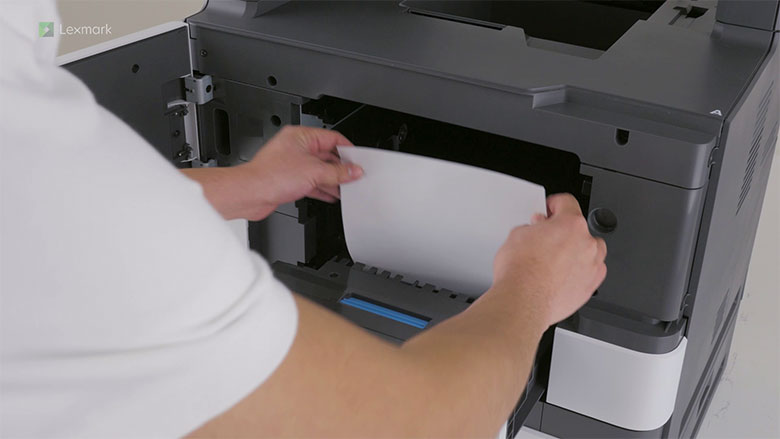
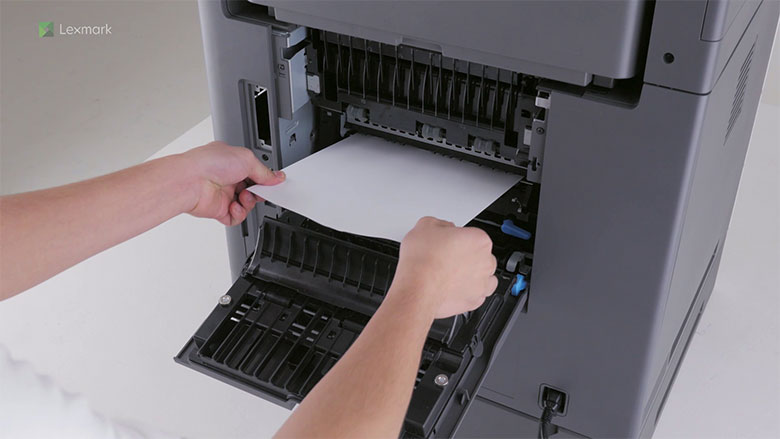
Watch this video for step-by-step instructions for removing paper that has jammed in door A.
Learn how to remove the jammed paper in door C.